Data entry software has become indispensable for businesses aiming to manage increasing volumes of information accurately and efficiently. The global data entry software market was valued at approximately USD 4.5 billion in 2024 and is projected to almost double by 2033, driven by automation and digitization across industries.
With rising demand for error-free data and faster processing, companies are turning to smart tools that reduce manual effort, enhance productivity, and support data-driven decisions.
Around 38% of organisations now automate data entry tasks, reflecting how technology is reshaping traditional administrative workflows. In this blog, we’ll explore the top 15 data entry software solutions that empower businesses to streamline operations, boost accuracy, and scale with growth.
What is Data Entry?
Data entry is the process of collecting, entering, and managing information in digital formats such as spreadsheets, databases, or software systems. It involves converting raw data from paper documents, audio files, or other sources into structured digital records that can be easily stored, accessed, and analysed.
Data entry tasks may include typing text, updating records, verifying information, and organising data accurately. This process plays a key role in maintaining clean and reliable business information. Accurate data entry helps organisations track performance, support decision-making, and ensure smooth day-to-day operations across departments.
Why is Data Entry Important for Businesses?
- Ensures Accurate Business Records: Data entry helps maintain correct and up-to-date records of customers, sales, inventory, and finances. Accurate data reduces errors and prevents costly mistakes in operations.
- Supports Better Decision-Making: When data is organised and reliable, businesses can analyse trends, measure performance, and make informed decisions. Good data entry forms the base of meaningful reports and insights.
- Improves Operational Efficiency: Well-maintained data allows teams to work faster and collaborate better. Employees spend less time searching for information and more time focusing on productive tasks.
- Enhances Customer Experience: Accurate customer data ensures timely communication, correct billing, and personalised service. This builds trust and improves long-term customer relationships.
- Helps Meet Compliance Requirements: Many businesses must maintain proper records for legal and regulatory reasons. Data entry ensures documentation is complete, consistent, and ready for audits or reviews.
What are the Major Forms of Data Entry?
- Online Data Entry: This means that they will be entering data through web-based systems, including online forms, CRM systems, or cloud databases. It is usually applied in surveys, registration, and customer records.
- Offline Data Entry: Offline data entry involves the use of a spreadsheet or software without the use of the internet. The information is then uploaded to central systems in case there is a connection.
- Image or Document Data Entry: Data is read and transferred out of scanned documents, PDF files, or images and turned into an editable digital format. This is commonly applied to invoices, forms, and records.
- Audio Data Entry: This is also referred to as “transcription,” and this type involves listening to audio files and converting the spoken words into written form.
- Database Data Entry: This aims at updating, maintaining, and structuring organized data in databases to be accessed and retrieved easily.
Advantages of Data Entry Tools for Your Business
- Improved Accuracy: Data entry tools minimize human error by performing validation checks, auto-fill options, and standardization. This will give uniform and dependable information.
- Time Efficiency: Smartness and automation enhance the speed of data entry and processing. Automation of tasks that require hours can be done within minutes when the right tools are used.
- Cost Savings: Cutting down on the manual work and data errors, businesses save labor costs and prevent losses in case of the wrong information or rework.
- Better Data Management: The data entry tools facilitate the organization of a large amount of data in a structured format. This simplifies storage, retrieval, and updates.
- Enhanced Security: Most tools provide access controls, encryption, and backups, which guarantee that sensitive business information is kept safe.
- Scalability: As business increases, data entry tools can process growing volumes of data with no impact on performance; thus, they are suitable for long-term use.
List of 15 Best Data Entry Software
1. Alteryx
- Website: https://www.alteryx.com
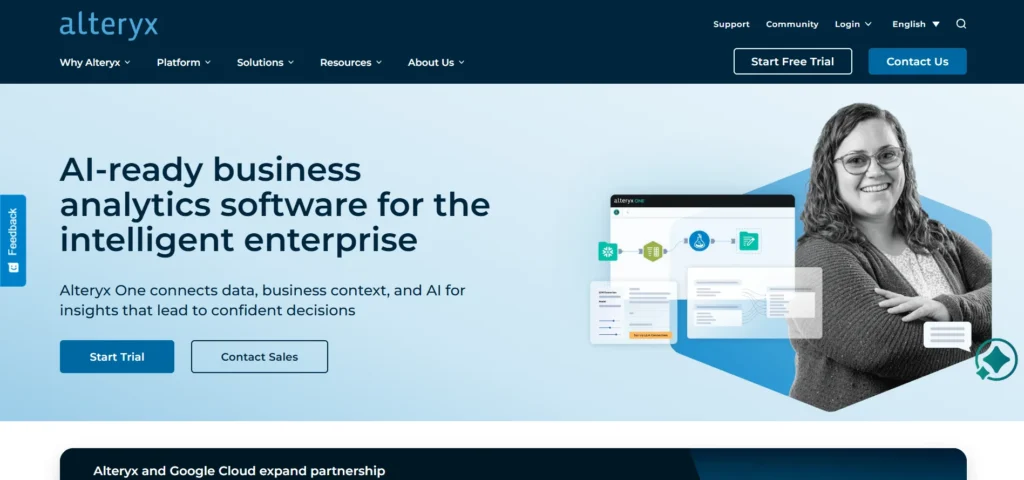
Alteryx is an effective data preparation, data blending, and automation tool. It assists analytics and operations units in working with massive data, cleansing information and developing automated processes. Workflow diagrams support integrating with spreadsheets, databases, and APIs without coding.
It is best suited to messy or complex data that is managed by teams and is time-efficient and accurate. Handles big data volumes, which is why it is ideal in businesses that require analytics to be performed effectively.
Key Features
- Drag-and-drop data workflows
- Data cleaning and preparation
- Connects to databases and APIs
- Automation for repetitive tasks
- Handles large datasets
- Advanced analytics support
Pros
- Very powerful for complex data
- Saves time with automation
- No heavy coding required
- Scales well for big data
- High accuracy
Cons
- Expensive for small teams
- Steep learning curve
- Desktop-focused tool
- Not beginner-friendly
Pricing:
- Starter Edition: $250 per user/month ($3,000 billed annually); includes basic cloud data prep and flat-file connectivity.
- Professional Edition: ~$4,950–$5,195 per user/year; adds AI insights and 100+ connectors like Snowflake and Databricks.
- Enterprise Edition: Custom pricing; features full automation, advanced governance, and unlimited viewer licenses.
2. Airtable
- Website: https://airtable.com/
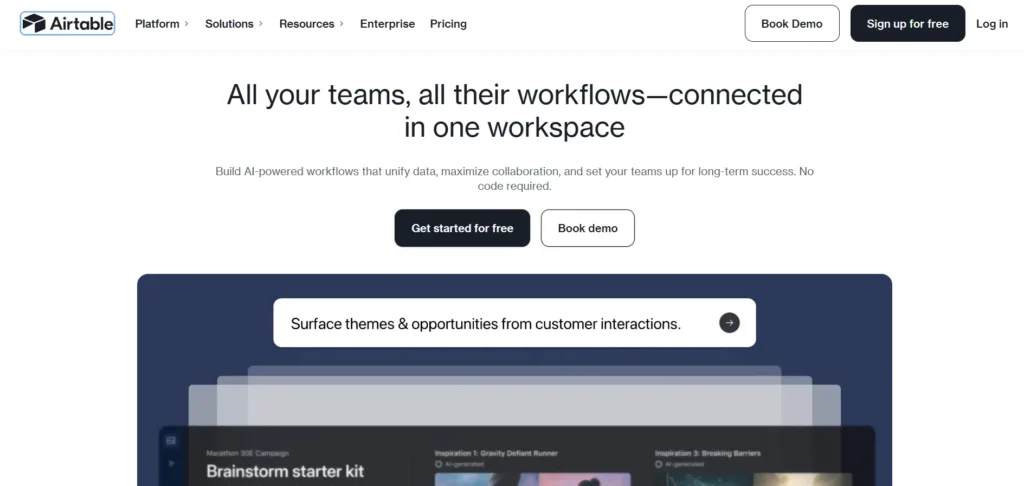
Airtable is a powerful data entry software that combines the simplicity of spreadsheets with the functionality of databases. This data entry software enables teams to organize, track, and manage structured information using customizable views such as grids, Kanban boards, and calendars. As a flexible data entry software solution, it supports real-time collaboration, workflow automation, ready-made templates, and seamless team coordination to help users get started quickly.
Airtable can be used in marketing, project management, and creative operations, as it allows centralizing the data and still being flexible and clear. Its automation and cooperation capabilities enable the management of structured data to be fast and simple.
Key Features
- Spreadsheet + database hybrid
- Custom views (Kanban, Calendar)
- Real-time collaboration
- Built-in automations
- Ready-made templates
Pros
- Easy to use
- Highly flexible
- Great for collaboration
- Visually clean interface
- Good integrations
Cons
- Limited advanced analytics
- Can get costly at scale
- Not ideal for heavy data
- Automation limits on lower plans
- Needs internet
Pricing:
- Free ($0): For individuals; 1,000 records/base, 100 automations/month, and up to 5 editors.
- Team ($20/user/month): For growing teams; 50,000 records/base, 25,000 automations, and Gantt/Timeline views.
- Business ($45/user/month): For scale; 125,000 records/base, 100,000 automations, admin controls, and SSO.
- Enterprise: Custom pricing; 500,000+ records, advanced security, and dedicated support.
3. Thunderbit
- Website: https://thunderbit.com/
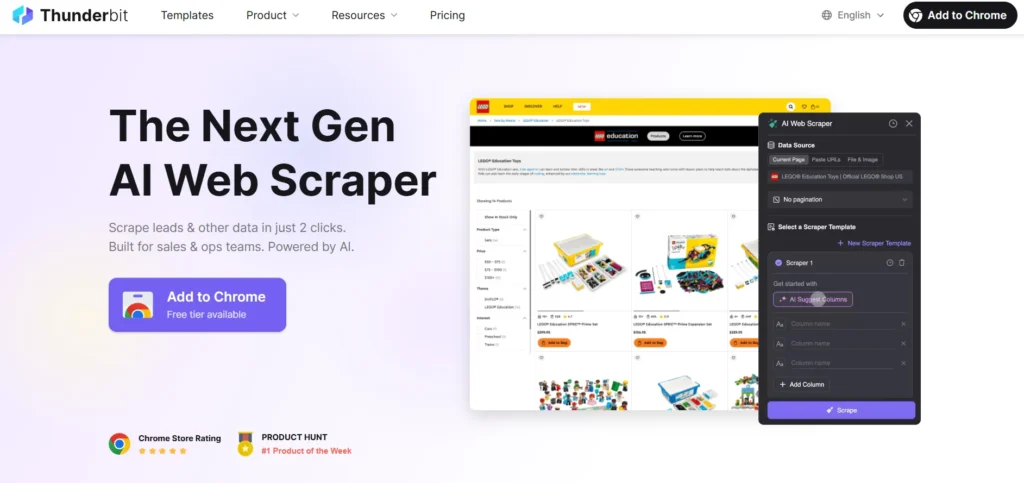
Thunderbit is an artificial intelligence web scraper that facilitates data entry on websites, PDFs, and images without difficulty. It can extract data in structured tables with only two clicks. It deals with pagination, subpages and recurrent scraping processes automatically.
It is integrated with Google Sheets, Excel, Airtable, and Notion. It best suits the sales, e-commerce, and real estate teams that require the information of unstructured sources.
Key Features
- AI web scraping
- Extracts data from PDFs, images
- Handles pagination automatically
- Two-click data extraction
- Exports to Sheets, Excel, Notion
- Scheduled scraping
Pros
- Extremely easy to use
- No coding needed
- Saves hours of manual work
- Great for unstructured data
- Free exports
Cons
- Chrome extension only
- Credit-based pricing
- Internet required
- Not a database tool
- Limited offline use
Pricing:
- Free ($0): 100 automation steps/month, 6 pages/month, and unlimited data exports to Sheets/Airtable/Notion.
- Starter ($9/mo billed annually): 5,000 credits/year, 5 scheduled scrapers, and subpage/bulk scraping capabilities.
- Pro ($16.50/mo billed annually): 30,000 credits/year, unlimited scrapers, 25 scheduled runs, and 5-minute monitoring frequency.
- Custom: Tailored credit limits and dedicated support for high-volume enterprise needs.
4. Google Sheets
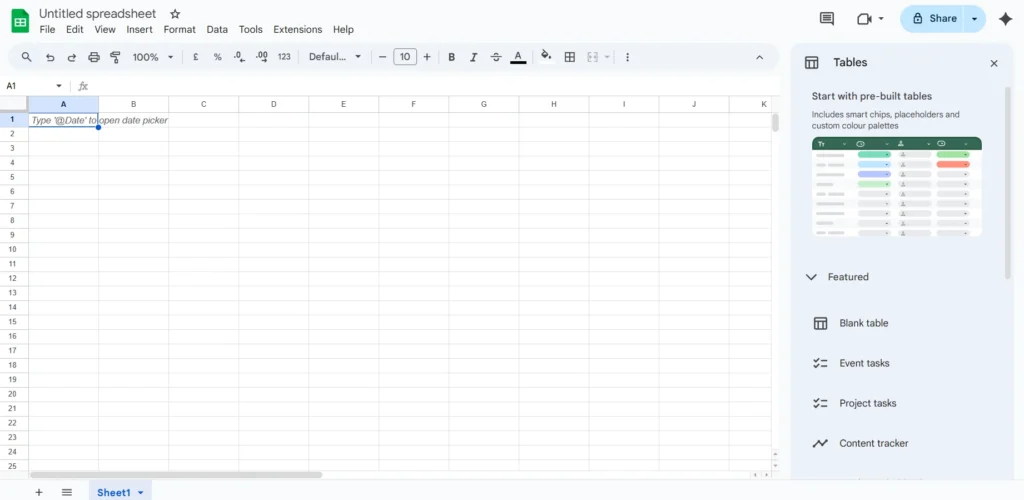
Google Sheets refers to a spreadsheet database, which is a cloud-based tool where one can collaborate in real time. Several users can edit and comment at the same time in any place. It can be linked to Google Forms, Zapier, and other applications with ease and has a version history to keep track of changes.
Google Sheets is not paid and is part of Google Workspace, which is paid for by companies. It is suitable for small and medium-sized teams, at-home workers and those who need to collaborate on data entry and easy automation with an easy, cloud-based solution.
Key Features
- Cloud-based spreadsheets
- Real-time collaboration
- Version history
- Google Forms integration
- Add-ons and scripts
Pros
- Free and accessible
- Easy collaboration
- Works on any device
- Simple automation
- Beginner-friendly
Cons
- Limited advanced features
- Slows with large data
Pricing: Free
5. Microsoft Excel
Website: https://www.microsoft.com/en-in/microsoft-365/p/excel/cfq7ttc0pbmf
Microsoft Excel is an ancient data entry software and analysis tool. It has gone ahead to provide spreadsheets, tables, formulas, and data validation. Excel is amenable to automation in macros and Power Query and is also deeply integrated with Microsoft 365. It is ideal when one has finance, operations, and teams already using Microsoft 365.
Although it is effective with structured data, Excel does not fit unstructured data and massive automation well unless it is used alongside other tools. It is based on pricing as a Microsoft 365 subscription or standalone licence.
Key Features
- Spreadsheets and tables
- Formulas and pivot tables
- Macros and Power Query
- Data validation
- Microsoft 365 integration
Pros
- Very flexible
- Powerful analysis tools
- Widely used
- Works offline
- Strong formula support
Cons
- Manual errors possible
- Not ideal for unstructured data
Pricing:
- Price: ₹13,199.00 (inclusive of GST)
- License Type: One-time purchase for 1 PC or Mac.
6. Zoho Forms
- Website: https://www.zoho.com/forms/
Zoho Forms is a business form builder online that is required to have custom business forms and workflow automation. It endorses offline data gathering, collaboration, and integration with more than 150 applications. Form generation is a fast drag-and-drop interface with responses being handled as a team.
Zoho Forms is best suited to SMBs and human resources, sales, and operations departments that need to streamline the data collection process.
Key Features
- Drag-and-drop form builder
- Workflow automation
- Offline data collection
- App integrations
- Team collaboration
Pros
- Easy to build forms
- Affordable pricing
- Good automation
- Works offline
- Strong Zoho integration
Cons
- Limited design flexibility
- Best inside the Zoho ecosystem
Pricing:
- Free ($0/month): Best for individuals needing a few forms with up to 500 submissions and basic reports.
- Basic ($10/month): Ideal for solo users wanting unlimited forms, custom branding, and 10,000 submissions.
- Standard ($25/month): Designed for teams of 10, adding 25,000 submissions and form approval workflows.
- Professional ($50/month): Suited for growing businesses with 25 users, 75,000 submissions, and 5 GB of storage.
- Premium ($90/month): The top-tier plan for 100 users, featuring 150,000 submissions and high-level HIPAA security.
7. JotForm
Website: https://www.jotform.com/
JotForm is an easy-to-use form generator that has more than 10,000 templates. It is connected with such tools as Google Sheets, HubSpot, and payment gateways. Forms are responsive to phones and are available on all devices. Users are able to tally analytics to view form submissions and performance.
It is ideal for use by marketing, customer services, and administrative teams that require complex and user-friendly forms to enter data.
Key Features
- 10,000+ templates
- Payment integrations
- Mobile-friendly forms
- Analytics dashboard
- App integrations
Pros
- Very user-friendly
- Fast form creation
- Great template library
- Good integrations
- Mobile responsive
Cons
- Expensive paid plans
- Limited customization logic
Pricing:
- FREE Plan ($0): Includes 5 forms, 100 monthly submissions, 1 user, and 100 MB of space.
- Bronze Plan ($34/month): Provides 25 forms, 1,000 monthly submissions, 1 user, and 1 GB of space.
- Silver Plan ($39/month): Offers 50 forms, 2,500 monthly submissions, 1 user, and 10 GB of space.
- Gold Plan ($99/month): Includes 100 forms, 10,000 monthly submissions, 1 user, and 100 GB of space.
8. Typeform

Website: https://www.typeform.com/
Typeforms are interactive and conversational to enhance engagement and completion rates, making them a powerful data entry software solution for modern businesses. It features an interface that shows one question at a time and uses custom logic to tailor forms according to user responses. It also integrates with more than 120 applications and offers analytics to understand how users interact with the forms.
It can be used in surveys, onboarding, and feedback. Typeform business forms tend to increase the response rate compared to the traditional forms, which are not very engaging.
Key Features
- Conversational forms
- Conditional logic
- App integrations
- Analytics and insights
- Custom branding
Pros
- High completion rates
- Clean design
- Great user experience
- Easy to personalize
- Strong analytics
Cons
- Higher pricing
- Limited forms on the free plan
- Not ideal for bulk data
Pricing:
- Basic ($28 USD/mo): Supports 1 user with 100 responses per month and unlimited forms/questions.
- Plus ($56 USD/mo): Supports 3 users with 1,000 responses per month and allows removal of Typeform branding.
- Business ($91 USD/mo): Supports 5 users with 10,000 responses per month and includes conversion tracking.
- Enterprise (Contact Sales): Provides tailored limits, VIP support, and HIPAA/GDPR compliance.
9. ProntoForms

- Website: https://truecontext.com/
ProntoForms (TrueContext) is used for field data collection. Offline data collection can be collected by teams on mobile devices and uploaded online when the team is connected. The platform automates processes, delivering data to the systems, such as Salesforce or ServiceNow.
Field activities are easily monitored in real time by means of real-time dashboards. ProntoForms would suit operations, logistics, field service teams, and manufacturing teams. Its automation is time-saving and guarantees efficient data entry for on-the-go teams that handle inspections, service calls, or any other field activities.
Key Features
- Mobile-first data collection
- Offline mode
- Workflow automation
- Enterprise integrations
- Real-time dashboards
Pros
- Perfect for field teams
- Works without internet
- Strong automation
- Enterprise-grade
- Accurate data capture
Cons
- Not for small teams
- Higher cost
Pricing:
- Essentials ($25/user/month): For basic field data collection with cloud storage (Google, Dropbox, etc.) and offline capability.
- Advanced ($45/user/month): For complex workflows. Adds conditional logic and integrations with systems like Salesforce and Zendesk.
- Enterprise (Custom): For large-scale operations. Includes AWS integrations, Single Sign-On (SSO), and unlimited forms.
10. Salesforce Data Loader
- Website: https://dataloader.io/pricing
Salesforce Data Loader is a bulk importation, exportation and updating tool used in Salesforce CRM. It takes care of millions of records and assists in scheduling recurring tasks. The software is well integrated with Salesforce processes, and it is ideal when managing complex customer data in the case of large enterprise teams.
Data Loader guarantees the integrity and effectiveness in the process of migrating or updating information in CRM. It comes with Salesforce subscriptions and is ideal for teams that require scalable and automated bulk data management in the Salesforce ecosystem.
Key Features
- Bulk data import/export
- Scheduling support
- Salesforce integration
- Handles millions of records
- Secure data handling
Pros
- Fast bulk operations
- Reliable for CRM data
- Free with Salesforce
- Enterprise-ready
- Accurate migrations
Cons
- Salesforce-only use
- Technical interface
Pricing: Connect with the team
11. Quickbase
- Website: https://www.quickbase.com/
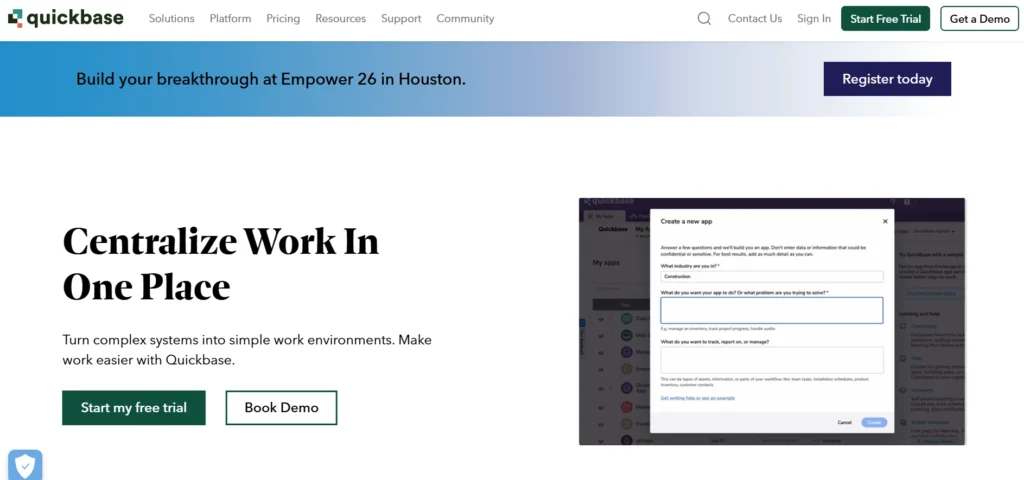
Quickbase is a low-code system that allows teams to create custom data entry software without the need to write code. It automates processes such as approvals, notifications and reporting. Quickbase is connected to hundreds of business applications, and it has real-time dashboards to monitor data.
It is optimal in the case of teams that have special processes or multi-team cooperation requirements. Quickbase is used to assist the business in centralising data, minimising manual workload and operating intricate business processes in an efficient manner, even by non-technical staff members.
Key Features
- Low-code app builder
- Workflow automation
- Custom dashboards
- App integrations
- Role-based access
Pros
- Customizable solutions
- No heavy coding
- Scales well
- Strong automation
- Centralized data
Cons
- Expensive pricing
- Setup time required
Pricing:
- Free Trial: $0 for 30 days with full access to business features and no commitment.
- Team Plan: Starts at $35/user/month (billed annually) with dashboards, automation, integrations, security controls, and audit logs.
- Business Plan: Starts at $55/user/month (billed annually) and includes SSO, advanced workflows, collaboration tools, Gantt charts, sandbox, and compliance support.
- Enterprise Plan: Custom pricing with advanced performance tools, strong encryption, custom integrations, and features built for large organizations.
12. HubSpot Forms
Website: https://www.hubspot.com/products/marketing/forms
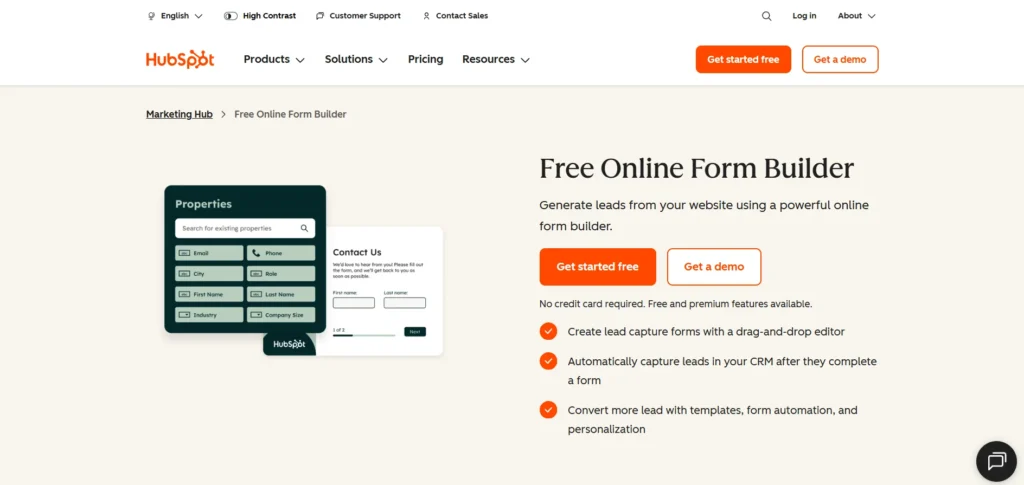
HubSpot Forms is a drag-and-drop form solution that allows capturing lead and customer data into HubSpot CRM. It initiates automated workflows, analytics and follow-ups. Close connections with the marketing and sales tools offered by HubSpot are why it best suits inbound-driven teams.
It comes at no cost with HubSpot CRM, whereas extra functionality is offered in paid versions. It works perfectly in sales and marketing departments that wish to make the lead capture process easier, data entry simpler, and have precise records of customers.
Key Features
- Drag-and-drop builder
- CRM integration
- Automated follow-ups
- Lead tracking
- Marketing analytics
Pros
- Free to use
- Easy setup
- Strong CRM connection
- Great for lead capture
- Automated workflows
Cons
- Limited design control
- Best inside HubSpot
- Advanced features cost more
Pricing: Connect with the team
13. Cognito Forms
- Website: https://www.cognitoforms.com/pricing
Cognito Forms also has sophisticated form logic and computing as well as conditional flows. Users are able to display or hide fields depending on responses and calculate quotes, invoices or any other business requirement. It can be used with Zapier, Microsoft Flow and so on in workflow automation.
The Cognito Forms would suit the needs of the finance, HR and operations teams that need advanced calculations and validation.
Key Features
- Conditional logic
- Calculations
- Secure data handling
- Workflow automation
- App integrations
Pros
- Advanced form logic
- Affordable pricing
- Good for calculations
- Secure data
- Flexible workflows
Cons
- UI not very modern
- Limited templates
- Learning curve
Pricing:
- Individual (Free): Free plan for one user with unlimited forms, 100 entries per month, payment acceptance, and 100 MB storage, but no guest access.
- Pro ($19/month): Designed for two users with unlimited forms, 2,000 entries per month, payment acceptance, no ads, and 1 GB storage.
- Team ($39/month): Supports five users and five guests, offers unlimited forms, 10,000 entries per month, payment acceptance, flexible workflows, and 10 GB storage.
- Enterprise ($129/month): Built for large teams with 20 users and guests, unlimited forms and entries, payment acceptance, advanced collaboration, and 100 GB storage.
14. Smartsheet
- Website: https://www.smartsheet.com/pricing
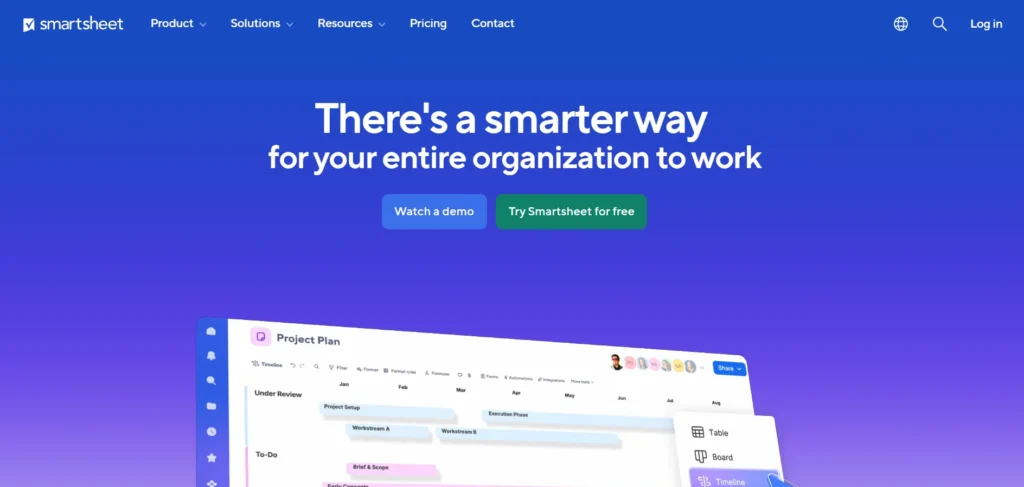
Smartsheet is for project management and data entry software. It provides templates, alerts, approval automation, and real-time dashboards. The teams will find it easy to work together and monitor the tasks and resources. Smartsheet can be used in operations, cross-functional groups, and PMOs that require managing data in a structured manner and providing project tracking.
Key Features
- Project templates
- Automation rules
- Dashboards
- Collaboration tools
- Resource tracking
Pros
- Strong project tracking
- Saves time
- Good automation
- Scales well
- Easy collaboration
Cons
- Not a pure data tool
- Learning curve
Pricing:
- Pro Plan: $9 per member/month, best for small teams.
- Business Plan: $19 per member/month, ideal for growing businesses.
- Enterprise Plan: Custom pricing for large organizations.
- Advanced Work Management: Custom plan for large-scale project portfolios.
15. Kissflow
- Website: https://kissflow.com/
Kissflow is a drag-and-drop business process and data entry workflow automation. Users are able to build their unique forms, automatise approvals and integrate with HR, finance tools and procurement tools. Kissflow is the product that is best suited to the team that needs to minimise the number of repetitions and make the operations efficient.
The platform assists companies in enhancing efficiency, properly collecting data, and automating processes across various departments without necessarily having technical knowledge.
Key Features
- Workflow automation
- Custom forms
- Approval management
- App integrations
- Process tracking
Pros
- Easy workflow setup
- No-code platform
- Good for automation
- Clean interface
- Multi-department use
Cons
- Limited reporting
- Customization limits
Pricing:
- Basic: Starts at $2,500/month with limited features and support.
- Enterprise: Custom pricing with advanced features, AI, unlimited apps, and full support.
Comparison Table Best Data Entry Software
| Tool Name | Price | Free Plan | Best Used For |
| Alteryx | Starts at $250/user/month | No | Advanced data analytics and automation |
| Airtable | From $20/user/month | Yes | Team collaboration and structured data |
| Thunderbit | From $9/month | Yes | AI web scraping and unstructured data |
| Google Sheets | Free | Yes | Simple data entry and collaboration |
| Microsoft Excel | ₹13,199 (one-time) | No | Offline data analysis and reporting |
| Zoho Forms | From $10/month | Yes | Online and offline form-based data entry |
| JotForm | From $34/month | Yes | Quick form creation and data collection |
| Typeform | From $28/month | No | Interactive surveys and feedback |
| ProntoForms | From $25/user/month | No | Field data collection with offline access |
| Salesforce Data Loader | Included with Salesforce | No | Bulk CRM data import and export |
| Quickbase | From $35/user/month | No (Trial available) | Custom business apps and workflows |
| HubSpot Forms | Free with CRM | Yes | Lead capture and marketing data |
| Cognito Forms | From $19/month | Yes | Forms with calculations and logic |
| Smartsheet | From $9/user/month | No | Project tracking and data management |
| Kissflow | From $2,500/month | No | Workflow automation across teams |
Top Tips to Choose the Best Data Entry Software for Your Business
- Know Your Business: Determine what sort of data your business deals with, how much and how complicated. Being aware of your needs would mean that you will only choose software that will really help streamline your workflow.
- Emphasise Accuracy and Reliability: Select programs that ensure accurate data processing. Trustworthy tools minimize mistakes, guard against expensive errors in your business, and boost trust in decision-making.
- Use Automation Capabilities: Search automation that deals with repeatable functions such as data entry, validation, and formatting. This saves time; it becomes efficient and leaves your team to do the strategic work.
- Make Integration Smooth: Your software must be compatible with other systems such as CRM, accounting and inventory systems. Effective integration will eliminate duplication and maintain efficiency in the workflow.
- Evaluate Cost vs. Value: Balance has pricing and ROI maximisation. The appropriate software will save time, minimise mistakes, and enhance the overall performance, which is a smart long-term investment.
Ending Note
Finding the appropriate data entry software may prove to be a breakthrough for any organisation or individual handling a high amount of data. These tools are not only fast but also accurate, automated, and efficient, eliminating manual errors and saving on precious strategic time.
Be it customer databases, financial records, or inventory logs, the correct software gives you confidence and accuracy in dealing with data. Switch to the modern world and witness the difference in productivity and efficacy in data management.
FAQs
1. What are the Characteristics of Efficient Data Entry Platform in Large Businesses?
Efficient software has automation, real-time validation, bulk import/export, customisable templates, and integration with other tools to provide smarter decision-making.
2. Why is Data Entry Tool Advantageous to Team Productivity?
It enables teams to spend time on strategic activities instead of data handling, as it automates repetitive tasks, minimizes errors, and simplifies workflows.
3. Will Data Entry Software Support Multiple Data Formats at the Same Time?
Yes, new solutions deal with multiple formats, such as CSV, Excel, PDF, and API data, which can be easily consolidated without using manual conversion.
4. What is the Security Degree of the Information in these Tools?
Higher-tier software is encrypted and authorised by roles and adheres to standards of data protection to prevent any breach or unauthorised access to sensitive business information.
5. What is ROI in Terms of Data Entry Software Selection?
Measure ROI through less manual work, fewer errors, better turnaround time, better accuracy, and long-term operational cost savings.