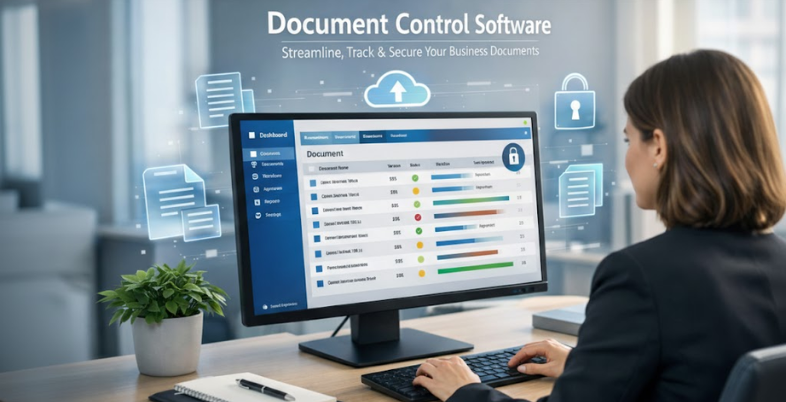
Managing business documents manually can quickly become overwhelming, especially as your organization grows. From contracts and policies to compliance records and project files, handling large volumes of data without a structured system increases the risk of errors, duplication, and security breaches. This is where Document Control Software plays a crucial role. It helps businesses organize, track, store, and manage documents efficiently while maintaining strict version control and access permissions.
With automated workflows, real-time collaboration, and detailed audit trails, document control systems ensure that the right people access the right information at the right time. These tools are especially valuable for industries that require regulatory compliance, such as manufacturing, healthcare, construction, and finance.
In this blog, we will explore the key features, benefits, and factors to consider when choosing the best Document Control platforms for your organization, helping you improve productivity, maintain compliance, and enhance overall document security.
What is Document Control Software?
Document control software is an electronic tool that is used to organize, manage, track and retain documents in all their life cycle in an organization. It can be used to make sure that the employees can only have the right and most up-to-date versions of documents and avoid unauthorized modifications and duplications, as well as old-fashioned use.
These systems usually contain version control, approval process, audit trail, permission to access as well as retention policies. Documents control tools are particularly important in the regulated industries, such as ISO, FDA, or GDPR standards to be observed.
Centralization of documentation helps businesses to enhance team work, minimize human error, high accountability and save time lost in the process of locating information. document control system, in general, enables compliance, consistency, and operational excellence in the current complicated digital workplaces.
How to Choose the Right Document Control Platform?
Organizations ought to take into consideration these main factors when coming up with the best solution:
- Compliance Standards: Establish the fact that it is compatible with ISO, FDA, GDPR, audit trails, and the industry-specific reporting standards.
- Version Control: Make sure that versioning, change tracking and rollback are provided automatically so that uncontrolled edits can be prevented, and duplication can be prevented.
- Access Security: Decision-makers should select the tools that have encryption, authentication, and role permissions functions in order to protect sensitive data.
- Workflow Automation: seek approval routing, alerts and automation of tasks which accelerates document lifecycle processes.
- Ease of Use: Choose intuitive software that would need little training in order to foster adoption without loss of productivity.
- Integration Capability: Checks the compatibility with the Microsoft tools, ERP, CRM, and email systems to have smooth workflows.
- Scalability & Flexibility: Select the software that can scale with users, documents and locations without problems.
- Vendor Support: Training, updates, quality of customer service, and long-term reliability of the vendors.
List of Top 15 Document Control Software
1. MasterControl
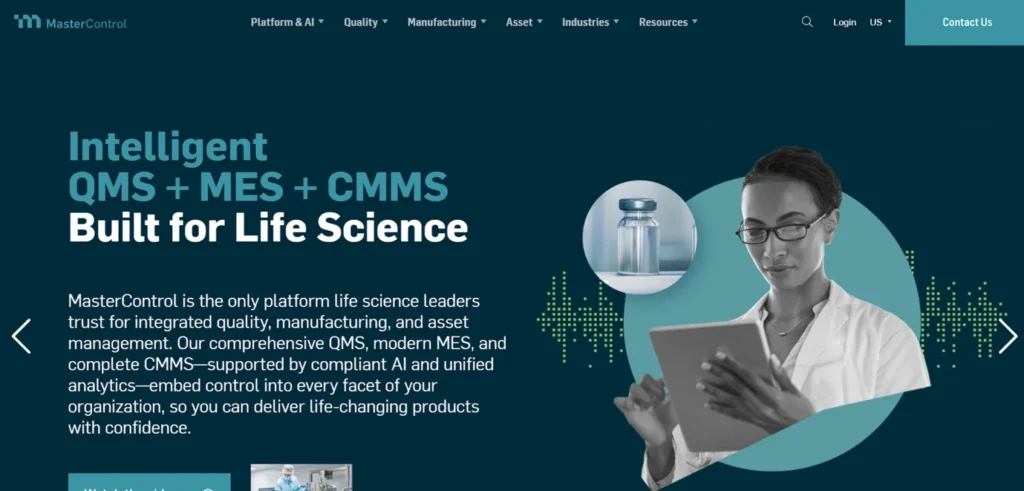
MasterControl is a document control platform, which is compliance-oriented and designed specifically to fit in highly regulated business sectors like life sciences, pharmaceuticals and manufacturing.
It offers full lifecycle management such as document approvals, change control and e-signatures, audit trail and in-built training management. MasterControl will guarantee the organizations attain FDA, ISO, and GxP by enforcing strict version control and safe permission setting.
Its centralized system gives it the confidence to carry out inspections, audits and quality management processes. MasterControl is built to support the business with complicated regulatory needs, enabling the reduction of compliance risk, enhancement of uniformity of quality, and audit readiness of the operations.
Website: https://www.mastercontrol.com/
Key Features:
- Audit-ready documentation
- Training integration
- Role-based access control
- Change control workflows
- Electronic signatures
- Support on regulatory compliance.
Pros:
- Perfect in FDA/ISO/GxP.
- Strong audit trail features
- Ensures strict compliance
- Scales well for enterprises
- Incorporates quality processes.
Cons:
- Too costly to smaller companies.
- Steep learning curve
- It might require time to implement.
Pricing:
- Request Pricing
2. Microsoft SharePoint
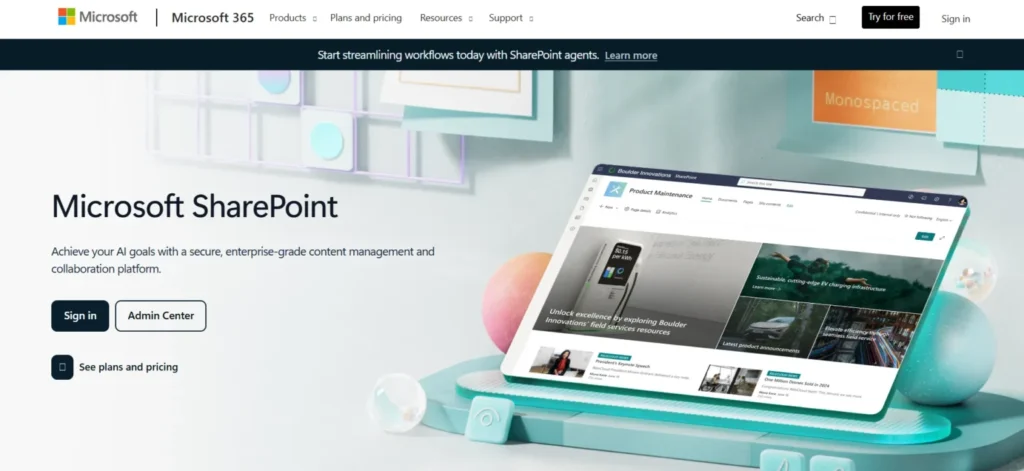
Microsoft SharePoint is a popular collaboration and document control software used in the Microsoft ecosystem of 365.
It provides a library of documents, versioning, real time co-authoring, permission control and automation of workflow. SharePoint allows cross-departmental collaboration through teams who are able to manage and share documents safely.
It is well integrated with Microsoft Teams, OneDrive, and Office applications, which makes it more productive and accessible. SharePoint can be deployed to businesses of any size, particularly those that are already based on Microsoft solutions, and offer scalability of document governance and collaboration that is compliant.
Website: https://www.microsoft.com/sharepoint
Key Features:
- Document libraries
- Permission controls on a granular basis.
- Real-time collaboration
- Microsoft 365 integration
- Workflow templates
- Version management
Pros:
- Strong support of the deep Microsoft ecosystem.
- Widely adopted globally
- Powerful teamwork characteristics.
- SMB through to enterprise scales.
- Large amount of resources at hand.
Cons:
- It may be complicated with beginners.
- Individualization might require experts.
- Demands Microsoft subscription plans.
Pricing:
- Business Standard: ₹770/user/month (yearly)
- Business Premium: ₹1,830/user/month (yearly)
3. Confluence
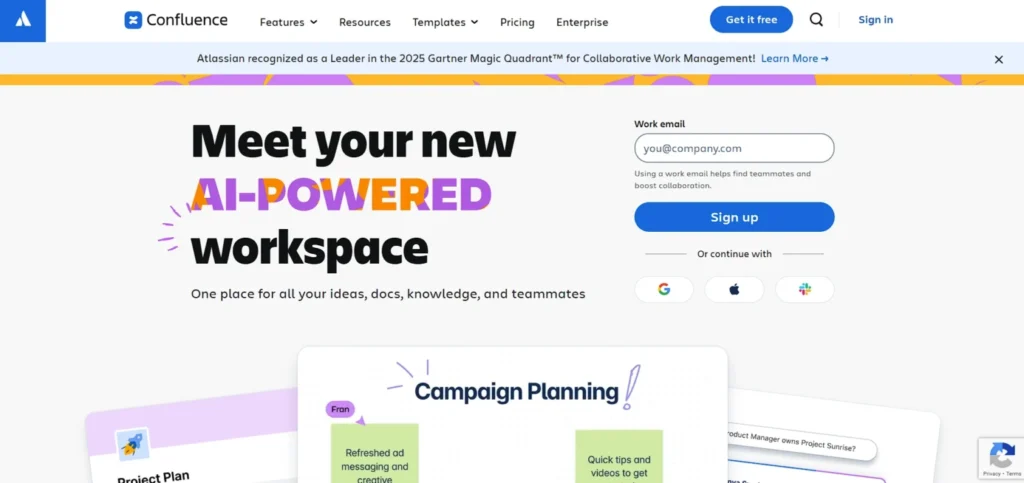
Confluence is a team or group knowledge sharing and documentation tool that sustains the development of organized content and cooperative team work.
It enables teams to organize pages, update and track any form of changes by the version history. Confluence is a popular internal documentation, policy, and project knowledge base tool used in combination with Jira and Atlassian tools.
Even though it is not a traditional document control system, it does offer basic versioning, access controls and searchable documentation. Confluence is most effective in those organizations that value teamwork and knowledge management over the control of regulatory compliance.
Website: https://www.atlassian.com/software/confluence
Key Features:
- Real-time collaboration
- Version history tracking
- Jira/Trello integrations
- Documentation templates.
- Mentions and commenting
- Searchable knowledge base
Pros:
- Good at documenting a team.
- Easy collaboration tools
- Strong Atlassian ecosystem
- Quickly generated content using templates.
- Highly searchable platform
Cons:
- Not a comprehensive document control system.
- Poor compliance processes.
- The Atlassian suite has the best use.
Pricing:
- Standard: $5.42/user/month
- Premium: $10.44/user/month
4. OpenText Documentum
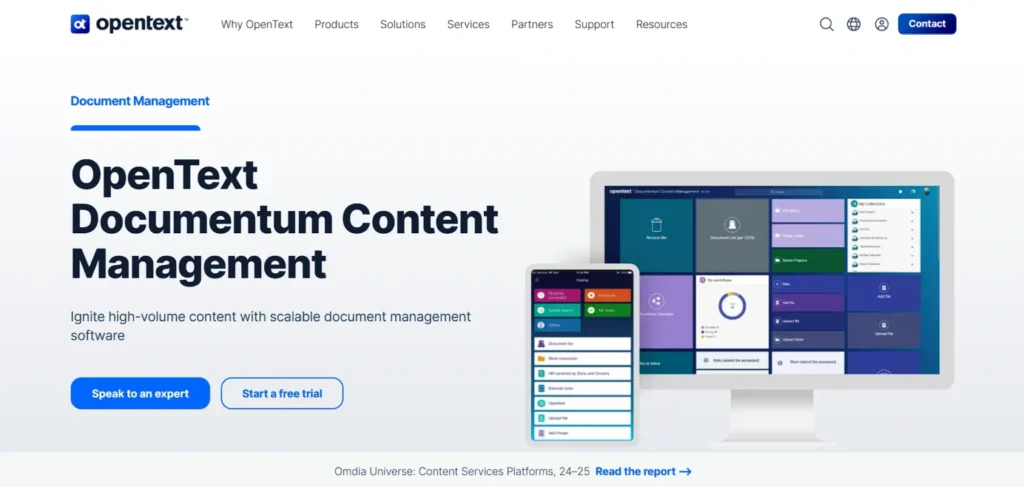
OpenText Documentum is a content and document control software that is enterprise-level and is used to operate on large-scale settings that have complicated governance requirements.
It provides sophisticated life-cycle management, access-control, compliance management and permanent archiving. Documentum is popular with those who have to deal with huge amounts of vital material in departments, geographies, and regulatory systems.
It has high integration capabilities and strong governance features, which makes it suitable to the industry with a high level of security and strict compliance. OpenText Documentum assists companies to provide traceability, consistency and control and to aid long-term information governance and digital transformation strategies.
Website: https://www.opentext.com/products/documentum-content-management
Key Features:
- Life cycle management of content.
- Extensive permission regulations.
- Archival governance
- Compliance tools
- Enterprise scalability
- Legacy system integrations
Pros:
- Enterprise-level security
- Well developed governance structure.
- Architecture of high scalability.
- Superior compliance services.
- Perfect in complicated IT settings.
Cons:
- Very high cost
- Difficult configuration procedure.
- Not suitable for SMBs
Pricing:
- Request Pricing
5. Zoho WorkDrive
Zoho WorkDrive is a group-oriented document management tool that was created to address the requirements of those teams requiring order in their files.
It provides history of version, activity tracking, team folder, and access permissions. WorkDrive is a part of the Zoho ecosystem and helps to use the tools of real-time editors, document sharing, and team collaboration.
It is best suited to small and medium-sized businesses that need to have inexpensive document management with powerful collaboration capabilities. Zoho WorkDrive enhances visibility, responsibility and organization maintaining the daily work procedure with the help of easy and convenient interface.
Website: https://www.zoho.com/workdrive/
Key Features:
- Team folders
- Activity tracking
- Version history
- Collaboration tools
- Granular permissions
- Zoho app integrations
Pros:
- Affordable pricing for SMBs
- Effective team work.
- Native integration with Zoho applications.
- Simple and clean UI
- Useful activity logs
Cons:
- Few third party integrations.
- Semi-developed workflow automation.
- UI can be rudimentary to businesses.
Pricing:
- Starter: ₹170/user/month
- Team: ₹340/user/month
- Business: ₹680/user/month
Suggested Read: Risk Management Software
6. Revver
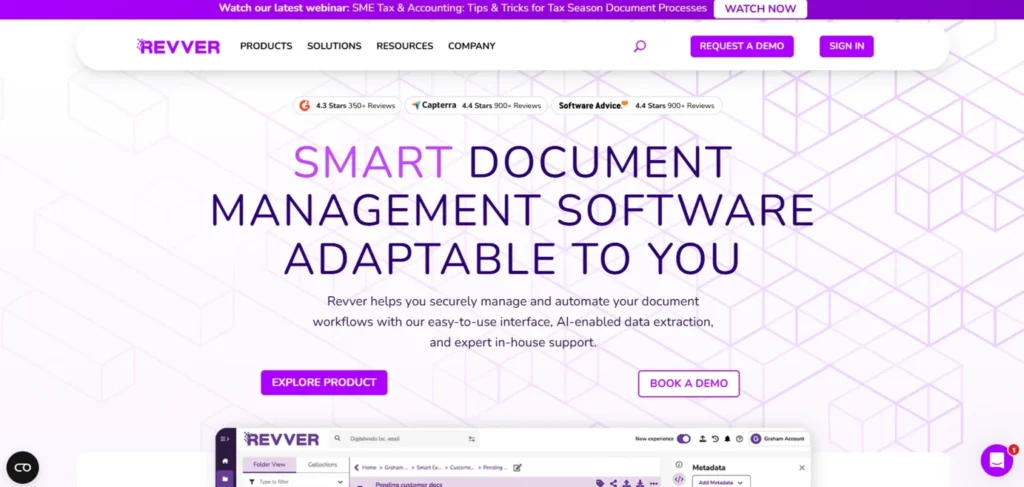
Revver is a document control software that aims at supporting small and medium sized businesses with a need to have an organized document structure without requiring the complexity of an enterprise.
It offers a centralized storage facility, version tracking, access control and simplified workflow support. Revver is concerned with the ease of use, and a team can easily work on documents without the need to train or install technical solutions.
Document accuracy and accountability is guaranteed by its indexing and search facilities, as well as compliance reporting. Revver is ideal in those organizations that are interested in a simple but solid document control framework without losing security, history tracking, and operational transparency.
Website: https://www.revverdocs.com/
Key Features:
- File management by drag and drop.
- Automatic version control
- Role-based permissions
- Workflow support
- Compliance reporting
- Search and indexing tools
Pros:
- Very easy to use
- Affordable for SMBs
- Strong version history
- Assistance on compliance monitoring.
- Makes the organization of documents easier.
Cons:
- Poor developed automation.
- Web-only access in some plans
- Lack of a large integration ecosystem.
Pricing:
- Contact Sales
7. Laserfiche
Laserfiche is an effective system of content management and document control that integrates workflow, records management, and document capture.
It aids OCR scanning, indexing, retention plans and compliance systems and is very popular in government, healthcare and education sectors where regulatory requirements and volumes of documents are very high.
Laserfiche workflow applications simplify approvals, audits and secure routing and have high access control. Laserfiche can help organizations to become more efficient, compliant, and to scale automation in documents, across departments, by lessening manual processing and improving document governance.
Website: https://www.laserfiche.com/
Key Features:
- Document capture with OCR
- Workflow automation
- Records management
- Analytics dashboards
- Secure access permissions
- Compliance frameworks
Pros:
- Potent automation functions.
- Superior to controlled industries.
- Effective retention management.
- Scalable options of deployment.
- Search capability enhanced.
Cons:
- Initial setup complexity
- Higher pricing tiers
- May overwhelm small teams
Pricing:
- Contact Sales
8. Dropbox Business
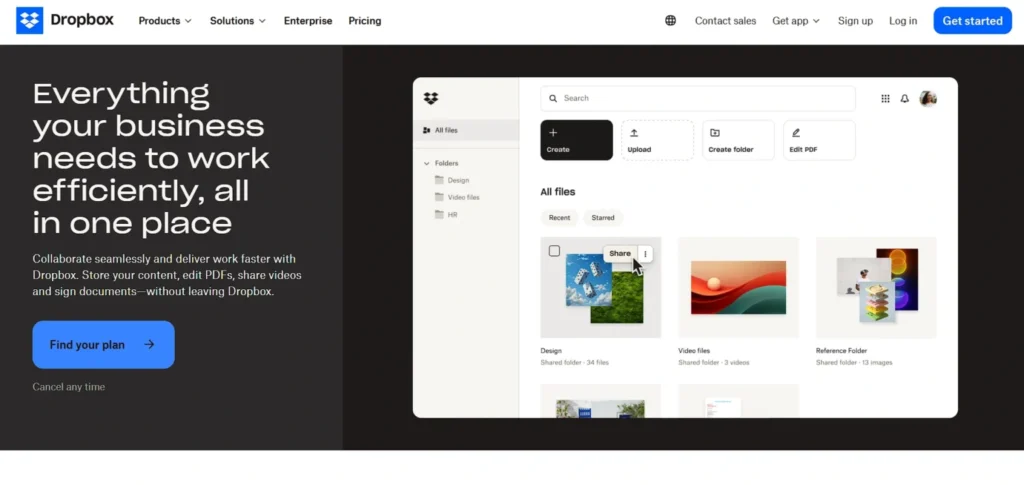
Dropbox business is a document control system that allows storage, version history, file recovery, and access controls through cloud storage services.
It makes working in teams easier with the help of trustful synchronization between devices and administration functions to control permissions. There are numerous business applications that are also integrated with Dropbox and are useful to share documents flexibly.
Although not providing high-profile compliance processes, Dropbox Business is suited to the needs of teams that require straightforward and easy to use document management supporting version control. It facilitates the work environment that is friendly to remote work with the provision of accessibility, security, and file recovery.
Website: https://www.dropbox.com/business
Key Features:
- Smart Sync
- File recovery
- Version history
- Permission controls
- Admin console
- eSignature support
Pros:
- Extremely easy to use
- Good performance when it comes to syncing.
- Excellent mobile and desktop applications.
- Very good in terms of cloud collaboration.
- Useful recovery tools
Cons:
- Poor automation of workflow.
- Inapplicable in compliance requirements.
- Storage pricing increasing
Pricing:
- Professional: $19.99/month
- Standard: $18/user/month
- Advanced: $30/user/month
9. DocuSign CLM
DocuSign Contract Lifecycle Management is a document control software that is specifically created to facilitate contract establishment, approval, execution, and archiving.
It automates work processes, logs document status, implements policies and provides secure audit trails. Combined with DocuSign eSignature, it makes contracts executed in accordance and within the law.
Intended to be used by procurement, sales, and legal departments, DocuSign CLM enhances the visibility, minimizes risk and shortens the time to contract. It assists organizations to have absolute control of contractual documents besides efficiency and accountability during the lifecycle.
Website: https://www.docusign.com/products/clm
Key Features:
- Automatic contract processes.
- Secure document storage
- Status tracing and monitoring.
- Integrated e-signatures
- Deadline management
- Policy enforcement
Pros:
- CLM platform that leads in the industry.
- Strong audit trail support
- Superb legal contracts.
- Enhances compliance activities.
- Cloud-native solution
Cons:
- Pricing can be high
- Complex reasoning involves being a learner.
- Mainly concentrated on contracts alone.
Pricing:
- Contact Sales
10. LogicalDOC
LogicalDOC is document control and management software that provides centralized management, access, version management and approval.
It also supports the cloud and on-premise deployment with flexibility where an organization needs various infrastructure requirements. LogicalDOC has search and indexing feature, audit trail and compliance support features.
Developed as a small or middle-sized business oriented system, it has a middle ground approach between pricing and organized governance. LogicalDOC assists teams in ensuring document accuracy, security and traceability, in addition to facilitating easy work without complicating teams to use heavy enterprise systems.
Website: https://www.logicaldoc.com/
Key Features:
- Documents repository that is centrally located.
- Advanced version control
- Workflow and approvals
- The indexing of full-text search.
- Role- based access control.
- Audit report and adherence monitoring.
Pros:
- Easy-to-use web interface
- Enterprise tools are more expensive than this.
- Good search capabilities and indexing.
- Nimble Cloud/On-prem deployment.
- Customizable options
Cons:
- Limited advanced analytics
- The interface is somewhat old-fashioned.
- Fewer built-in integrations
Pricing:
- Request Pricing
11. Templafy
Templafy is a document governance system, which separates document creation and guarantees brand and compliance uniformity.
It is an all-in-one platform that synchronizes approved templates and assets as well as content but it can be used directly with Microsoft Office and Google Workspace. Templafy makes the documents adhere to organizational branding and policy rules automatically.
Even though it is not a full document management system, it is an essential part of document control avoiding the unauthorized use of templates. Templafy is the most suitable one in companies, when the focus is made on document consistency, compliance, and effective team-based content creation.
Website: https://www.templafy.com/
Key Features:
- Template management
- Compliance support
- Office/Workspace integration
- Brand governance
- Asset libraries
- Content analytics
Pros:
- Assures compliance of brand and policy.
- Deep editor integrations
- Enhances consistency of documents.
- Useful analytics insights
- Enterprise-ready platform
Cons:
- Not a full DMS solution
- Support response may be slow
- Excessive capital overkill in small business.
Pricing:
- Request Pricing
12. Axero
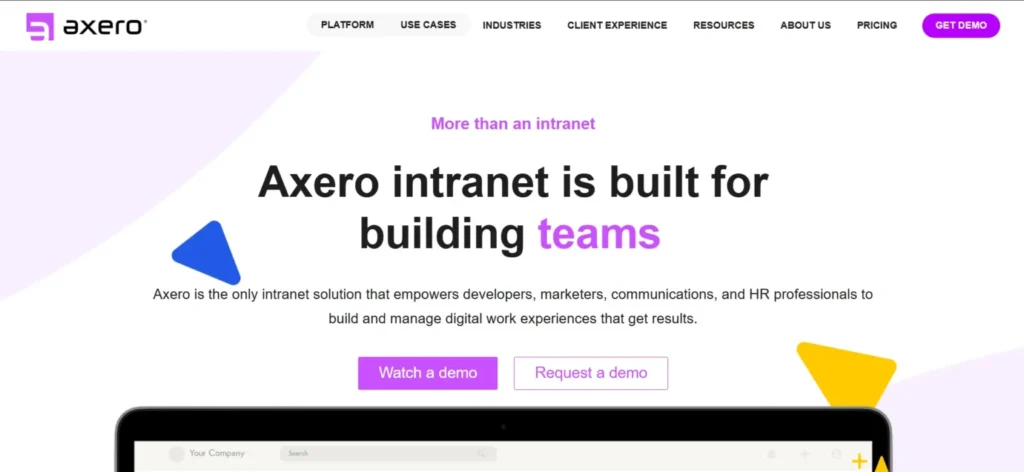
Axero is a contemporary document control system, which integrates intranet collaboration and document governance into one. It helps organizations to store files in the central place, control the updating of versions, automate the processes of approvals, and control the access permissions by using custom-made portals.
Following real-time accountability and consistency, as well as compliance support features, Axero assists teams in being audit-ready with tracking functionality. It is particularly helpful to those enterprises that require internal communication as well as document control within a single environment, which is the purpose of an intranet-first approach.
Safe storing, documents workflows, and configurability enable companies to optimize document lifecycles and enhance the interactions and visibility of operations in different departments.
Website: https://axerosolutions.com/
Key Features:
- Centralized document hub
- Version control
- Workflow automation
- Access permissions
- Audit trails
- Dynamically configured intranet portal.
Pros:
- Integrates teamwork with management.
- Simple version tracking
- Strong permission controls
- Personalized user interface.
- Assists in adhering to working procedures.
Cons:
- Too sophisticated to work on small teams.
- Poor third-party connections.
- Privately unavailable pricing.
Pricing:
- Request Pricing
Benefits of Document Control Software
Below are the key benefits:
1. Eliminates Documenting Errors and Duplication.
It also eliminates cases of duplicated files and errors because teams will always be working on the current approved version of a document.
2. Enhances Interteam Cooperation.
This centralized access enables the employees to share, read and update documents with ease even in many departments or places.
3. Guarantees Regulatory Compliance ( ISO, FDA, GDPR).
Inbuilt audit trails, approvals and retention policies assist organizations to comply with the hard and fast rules and regulations in the industry.
4. Rapidly Processes Approvals using Automated Processes.
Automated routing, notifications and approval processes save on manual effort and increase document processing speed.
5. Beefs up Complete Audit Trails on Inspections.
The system records all the changes, approvals, and updates which makes the audit and inspection process more efficient and accurate.
How to Successfully Implement Document Control Software
Choosing the most appropriate tool is not the only step but a right implementation is the guarantee of the success and adherence in the long term.
1. Plan Compliance Requirements First.
The first step is to determine regulatory standards (ISO, FDA, GDPR) that your system of document needs to support.
2. Elaborate Roles and Approval Workflows.
Delegate document owners, reviewers and approvers to have a controlled and structured process.
3. Make Employees a Smoothly Adopted Process.
Training sessions should be given to enable the staff to get acquainted with using the system in their operations.
4. Migration of Documents in Bits.
Transfer important and urgent documents slowly to prevent disturbance and loss of information.
5. Get Access Permissions Strauss.
Assign role-based levels of security to ensure sensitive documents are not accessed by unauthorized persons.
6. Audit Logs and System Updates.
Periodically check the activity of documents and software updates to ensure their compliance and accuracy.
7. Select a Vendor that has Good Support.
Choose a vendor with effective onboarding and training tools and continuous customer support.
Conclusion
Document Control Software has become an essential tool for modern organizations that manage large volumes of critical information. It not only centralizes documents but also ensures version accuracy, secure access, regulatory compliance, and streamlined workflows. By reducing manual errors, preventing duplication, and automating approvals, businesses can significantly improve productivity and accountability.
Whether you are a small business seeking better organization or a large enterprise operating in a highly regulated industry, choosing the right platform can transform how your team handles documentation. The key lies in evaluating compliance requirements, security standards, scalability, integration capabilities, and vendor support before making a decision.
Ultimately, investing in the right document control system strengthens governance, enhances collaboration, and prepares your organization for audits, inspections, and long-term growth in an increasingly digital business environment.
FAQs
Why Would You Use Document Control Software?
It assists organizations to manage, store, track and control documents and to ensure appropriate versions, approvals as well as secure access.
Who Will Be The Most Beneficiary Of The Document Control System?
Controlled industries, companies and fast developing organizations dealing with extensive amounts of documentation are the greatest beneficiaries.
What Is The Compliance Of The Document Control Platform?
It offers audit trails, approvals workflow, versioning and access controls that are necessary to ISO, FDA, GDPR, etc.
Does Document Control Software Interface With Other Tools?
The majority of the current solutions are connected with Microsoft 365, ERP, CRM, and other business applications.