With over 4.7 billion email users globally in 2026, email remains the core foundation of communication and digital identity. However, finding the right platform can be challenging, as the ideal choice depends entirely on your specific needs, budget, and workflow.
To help you make an informed decision, we have thoroughly researched and analyzed the best email service providers on the market. This guide breaks down the top options across all major categories, including free accounts for everyday use, premium paid services, privacy-focused personal inboxes, and scalable platforms built for business.
Let’s find the best one for your needs.
What Is an Email Service Provider (ESP)?
An Email Service Provider (ESP) is the service or platform that allows you to send, receive, and manage email messages. At its core, an ESP acts like a digital post office, routing your messages across the internet and securing them in an inbox. For general users, these providers offer the basic infrastructure needed for daily communication, while for businesses, they serve as powerful engines to handle large volumes of messages, track delivery rates, and manage customer contacts.
To understand how ESPs work, it helps to distinguish between webmail and email clients. Webmail services, like Gmail or Yahoo and AOL, operate entirely in your web browser, storing all your messages securely in the cloud so you can access them from any connected device.
Email clients, such as Microsoft Outlook or Mozilla Thunderbird, are software programs installed directly on your specific device that download emails from a server onto your local storage. For businesses, providers generally split into two types: marketing ESPs, which are built to design and send mass newsletters or promotional campaigns, and transactional ESPs, which automatically trigger individual, time-sensitive emails like order confirmations or password resets.
Best Email Service Providers at a Glance (Quick Comparison Table)
To help you quickly compare your options, we have distilled the core details of each top provider into a scannable reference guide. Whether your main priority is zero-cost data storage, airtight privacy, or scaling an automated marketing campaign solutions, this summary highlights where each platform excels.
Here is a quick look at how the market’s best email service providers stack up side-by-side:
| Provider | Best For | Free Storage | Starting Price | Key Feature | Rating |
| Gmail | Best Overall | 15 GB | $7.00/mo | Google Ecosystem Workspace Integration | 4.8 / 5 |
| Outlook | Corporate Productivity | 15 GB | $6.00/mo | Advanced Calendar & Task Organization | 4.7 / 5 |
| ProtonMail | Maximum Security & Privacy | 1 GB | $4.99/mo | Swiss Zero-Access End-to-End Encryption | 4.6 / 5 |
| Yahoo Mail | Massive Free Storage | 1 TB | $1.99/mo | Built-in Coupon & Subscription Managers | 4.2 / 5 |
| Zoho Mail | Budget-Conscious Small Business | 5 GB | $1.00/mo | Free Corporate Custom Domain Hosting | 4.5 / 5 |
| Apple iCloud | Apple Ecosystem Syncing | 5 GB | $0.99/mo | Privacy-first “Hide My Email” Burners | 4.3 / 5 |
| Tuta | Open-Source Security | 1 GB | ~ $3.30/mo | Complete Metadata and Subject Line Encryption | 4.5 / 5 |
| AOL Mail | Casual Web Portal Users | High Cap | Free | Classic News Feed & Lifestyle Interface Hub | 3.8 / 5 |
| GMX Mail | Sending Exceptionally Large Files | 65 GB | Free | Massive 50MB Direct Message Attachment Cap | 4.0 / 5 |
| Fastmail | Ad-Free Speed & Efficiency | None | $3.00/mo | Lightning-Fast Archive Search & 1Password Sync | 4.6 / 5 |
| Mailchimp | Automated Small Business Marketing | Limited | $13.00/mo | Visual Visual Customer Journey Campaign Builders | 4.5 / 5 |
| HubSpot | Enterprise Inbound & Sales CRM | Limited | $15.00/mo | Hyper-Personalized Dynamic CRM Data Syncing | 4.7 / 5 |
| Constant Contact | Local Businesses & Event Organizers | None | $12.00/mo | Native RSVP Event and Ticket Management Tools | 4.3 / 5 |
| Brevo | High-Volume Senders on a Budget | Unlimited Contacts | $9.00/mo | Dual Marketing/Transactional Engine & Flat Pricing | 4.6 / 5 |
| MailerLite | Solo Creators and Authors | 1,000 Subs | $10.00/mo | Stripe Integration for Paid Newsletter Monetization | 4.7 / 5 |
How We Evaluated the Best Email Service Providers
Selecting the right email provider requires looking beyond just a clean interface. To ensure our recommendations are practical and reliable, we evaluated each platform against a strict set of technical and usability standards. We tested these services from both an everyday user’s perspective and a business operational standpoint to see how they perform under real-world conditions.
Here is the criteria we used to grade and select the best options:
- Deliverability: We analyzed whether messages consistently land in the primary inbox or get filtered into the spam folder.
- Storage Limits: We compared the amount of storage provided in free tiers versus the cost of upgrading for heavy users.
- Security & Privacy: We checked for essential protocols like SPF, DKIM, and DMARC, alongside end-to-end encryption standards.
- Ease of Use: We assessed the user interface to ensure it is intuitive for beginners while remaining efficient for power users.
- Pricing & Value: We weighed the features offered in free versions against the long-term cost of premium monthly plans.
- Integrations: We looked at how seamlessly each provider connects with essential productivity tools, cloud storage, and corporate CRMs.
- Customer Support: We tested the availability and responsiveness of help channels, including live chat, email ticketing, and 24/7 technical assistance.
15 Best Email Service Providers in 2026 – Detailed Reviews
1. Gmail – Best Overall Email Service Provider
Website: https://mail.google.com
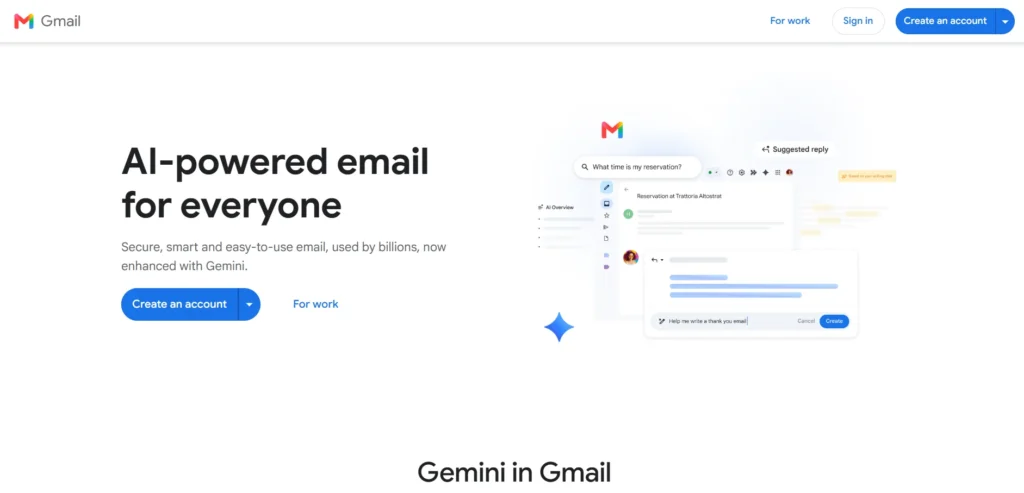
Gmail remains the undisputed titan of the email world, commanding roughly 30% of the global market share with over 1.8 billion active users. Its success stems from a near-perfect balance of simplicity and advanced functionality. The platform offers exceptional spam filtering, lightning-fast search capabilities, and a layout that sets the standard for modern webmail interfaces.
Key Features:
- 15GB Shared Free Storage: Covers your emails, Google Drive files, and Google Photos.
- Smart Compose & Reply: Predictive text suggestions that speed up draft writing.
- Priority Inbox: Automatically categorizes your incoming mail into Primary, Social, and Promotions tabs.
- Google Ecosystem Integration: One-click native access to Google Drive, Meet, Calendar, and Docs directly from the sidebar.
Best For: Personal users looking for a reliable everyday inbox, and businesses of all sizes wanting a unified collaboration suite via Google Workspace.
Pros:
- Industry-leading security and automated spam filtering.
- Massive marketplace of third-party browser extensions and add-ons.
- Highly responsive, top-tier mobile apps for iOS and Android.
Cons:
- The 15GB free storage limit can fill up quickly if you store heavy photo files or large attachments in Drive.
- The interface serves targeted advertisements to free users (labeled as promotions).
Pricing: Free | Google Workspace paid plans start at $7 per user/month (billed annually).
2. Outlook – Best for Corporate Productivity and Power Users
Website: https://outlook.live.com
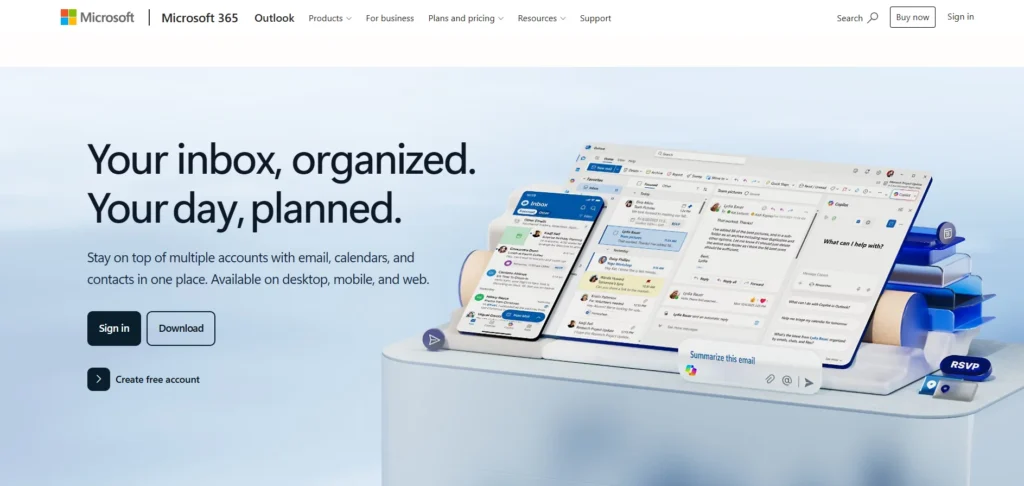
Microsoft Outlook is the definitive standard for corporate communication and power users who need deep task organization. While its web version offers a clean, competitive cloud interface, its true strength lies in its ecosystem. It transforms email from a simple messaging tool into a command center for managing schedules, complex folder structures, and enterprise-level workflows.
Key Features:
- Focused Inbox: Separates your most critical emails from lower-priority automated messages.
- Built-in Task Management: Deeply tied to Microsoft To Do, allowing you to drag emails directly into your daily task list.
- Advanced Calendar Sharing: Enterprise-grade scheduling that simplifies booking across teams and time zones.
- Microsoft 365 Integration: Seamless connectivity with web or desktop versions of Word, Excel, PowerPoint, and Teams.
Best For: Professionals, enterprise teams, and anyone heavily reliant on the Microsoft Office software ecosystem.
Pros:
- Generous 15GB of dedicated email storage plus an additional 5GB of free OneDrive cloud storage.
- Unrivaled folder organization, advanced filtering rules, and sorting systems.
- Robust keyboard shortcuts and productivity macros.
Cons:
- The desktop client application can feel cluttered and overwhelming for casual, non-business users.
- The web version features aggressive banner advertisements unless you pay for a subscription.
Pricing: Free | Microsoft 365 personal plans start at $6.99/month, and business subscriptions start at $6/user/month.
3. ProtonMail – Best for Maximum Privacy and Security
Website: https://proton.me/mail
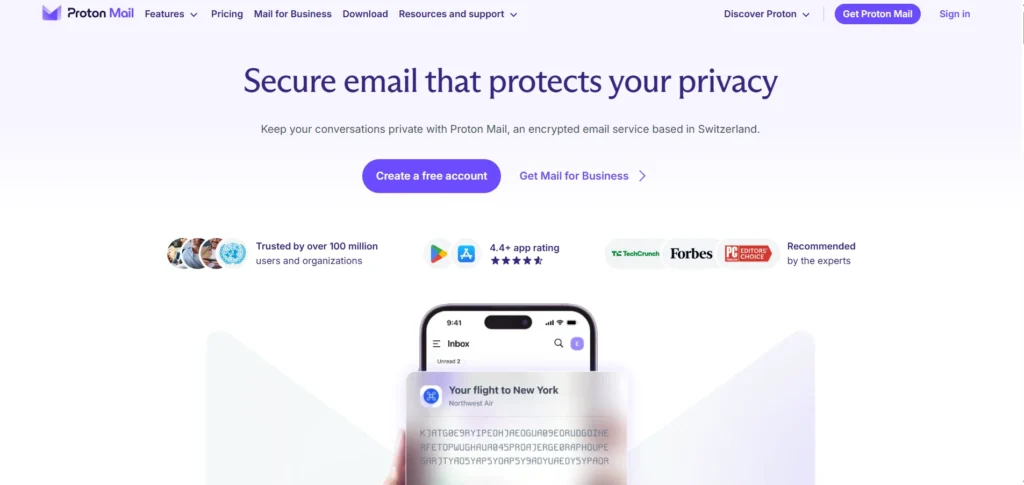
Based in Switzerland and governed by strict Swiss privacy laws, ProtonMail was built from the ground up to protect user data from surveillance and data breaches. Recognized among the best email service providers, Proton cannot read your messages because everything is scrambled using mathematical encryption before it even hits their servers. It provides an absolute sanctuary for privacy advocates.
Key Features:
- End-to-End Encryption: Messages are fully encrypted before transmission, ensuring that only the sender and recipient can read them.
- Zero-Access Architecture: Proton staff have no technical way to decrypt, read, or hand over your email contents to third parties.
- No Personal Data Required: You can sign up completely anonymously without linking a phone number or revealing tracking details.
- Self-Destructing Messages: Allows you to set a specific expiration timer on outgoing messages, deleting them automatically after delivery.
Best For: Journalists, legal professionals, whistleblowers, or any individuals seeking strict data privacy and security.
Pros:
- Open-source cryptography that undergoes regular third-party security audits.
- Sleek, modern web and mobile apps that make high-level encryption incredibly simple to use.
- Fully compliant with Swiss privacy regulations and GDPR.
Cons:
- The free tier is quite restrictive, offering only 1GB of total storage space.
- Because the data is completely encrypted, you cannot use external desktop email applications without installing a special local bridge app.
Pricing: Free | Premium personal plans start at $3.99/month.
4. Yahoo Mail – Best for Media Consumers and Massive Free Storage
Website: https://mail.yahoo.com
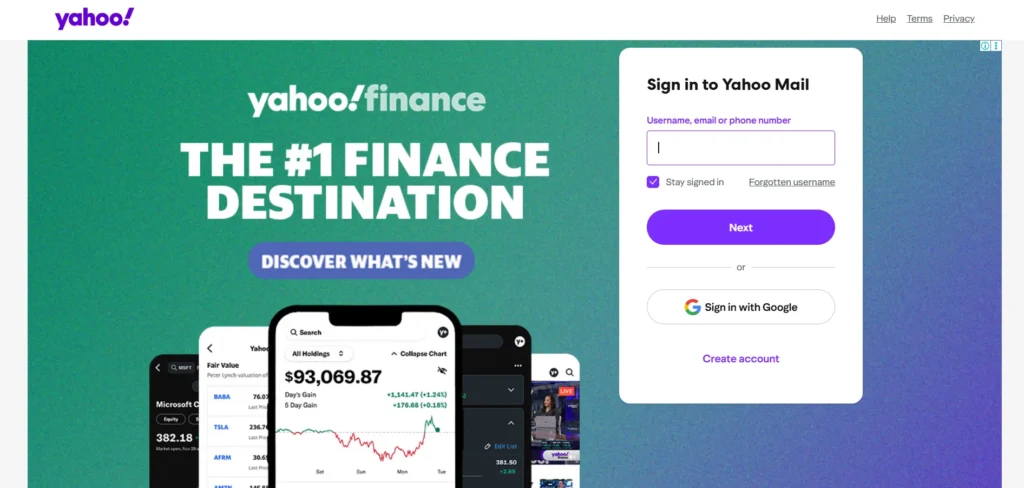
While it may be one of the internet’s oldest email networks, Yahoo Mail remains highly popular by offering one key advantage that no other major free provider can match: a massive storage allocation. Yahoo targets casual web users who don’t want to worry about deleting old messages or emptying their trash folder, packing the interface with lifestyle, news, and retail-tracking tools.
Key Features:
- 1TB Free Storage space: An enormous storage limit that practically guarantees you will never run out of room for regular text and document attachments.
- Built-in Subscription Manager: A dedicated dashboard that allows you to view, sort, and unsubscribe from newsletters with a single click.
- Retail/Coupon Views: Automatically extracts and highlights discount codes, shopping receipts, and package shipping updates.
- Customizable Views: Lets you filter your entire inbox layout to view only attachments, photos, or documents at a glance.
Best For: Everyday personal users, shoppers who sign up for numerous retail loyalty programs, and heavy media downloaders.
Pros:
- Unmatched free storage tier that eliminates inbox maintenance stress.
- Excellent attachment search filters for isolating documents across years of old mail.
- Fun, highly customizable interface themes and layout adjustments.
Cons:
- The free web interface contains heavy display and video advertising that can slow down older web browsers.
- Lacks the advanced business productivity and collaborative app suites found in Google or Microsoft.
Pricing: Free | Yahoo Mail Plus (ad-free version with extra features) is available for $1.99/month.
5. Zoho Mail – Best for Small Businesses and Solopreneurs on a Budget
Website: https://www.zoho.com/mail
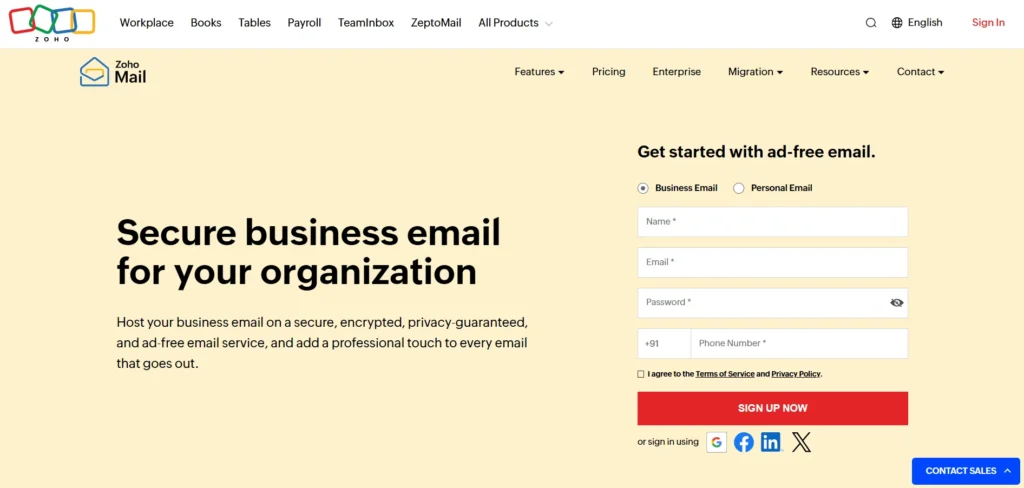
Zoho Mail is a clean, ad-free email experience specifically tailored for business environments. Recognized as one of the best email service providers, it is unique because it offers a genuinely free custom domain email service for small teams, making it the perfect stepping stone for startup founders who want a professional @yourcompany.com handle without paying hefty corporate subscription rates from day one.
Key Features:
- Free Custom Domain Hosting: Allows up to five users to create professional corporate email addresses entirely for free.
- Streams (Collaboration Tool): A social-media-style comment thread system that lets team members discuss emails without constantly forwarding them.
- Integrated Business Widgets: Quick access to tasks, calendars, notes, contact lists, and bookmarks directly inside the mailbox dashboard.
- Ad-Free Privacy Policy: Zoho guarantees that it never scans your email text or shows ads, even to users on their free tiers.
Best For: Startups, freelancers, small business owners, and budget-conscious teams who need a professional domain setup.
Pros:
- Incredibly affordable upgrade paths compared to mainstream corporate tech giants.
- Clean, minimalist user interface that avoids distraction and clutter.
- Strong administrative control panel for managing user access and security settings.
Cons:
- The free tier does not support IMAP/POP access, meaning you must use Zoho’s specific web interface or official app.
- The overall ecosystem can feel unfamiliar to users who are strictly accustomed to Google or Microsoft tools.
Pricing: Free (up to 5 users) | Paid business plans start at a highly affordable $1/user/month.
6. Apple iCloud Mail – Best Seamless Option for Apple Ecosystem Users
Website: https://www.icloud.com
Apple iCloud Mail comes automatically baked into every Mac, iPhone, iPad, and Apple Watch. It is designed to be a quiet, minimalist utility that handles personal communications reliably without demanding constant configuration. While it lacks the dense, hyper-analytical tools found in enterprise suites, its strength is its clean, zero-ad environment that coordinates effortlessly with iOS and macOS background operations.
Key Features:
- Hide My Email: Generates unique, random burner email addresses that forward to your main inbox, keeping your real address private when signing up for websites.
- Custom Email Domains: Allows users on paid tiers to use their own personal or business web domain for an upgraded touch.
- Mail Drop: Automatically converts massive file attachments (up to 5GB) into cloud links, ensuring messages bypass standard recipient inbox limits.
- Total Ecosystem Syncing: Instantaneous background synchronization across all native Apple Mail apps.
Best For: Individuals fully immersed in the Apple device ecosystem who prioritize clean interfaces and absolute device harmony.
Pros:
- Completely ad-free experience, even on standard free accounts.
- Industry-leading privacy features like tracking-pixel blocking and IP masking.
- Lightweight app design that uses very little system battery or memory.
Cons:
- The 5GB free storage limit is shared across your entire Apple backup ecosystem (Photos, device backups, files), causing it to fill up very quickly.
- The web interface is basic and lacks advanced filtering, automation, or categorization options.
Pricing: Free | iCloud+ premium plans (including privacy upgrades) start at $0.99/month for 50GB.
7. Tuta (Formerly Tutanota) – Best Open-Source, Eco-Friendly Secure Mail
Website: https://tuta.com
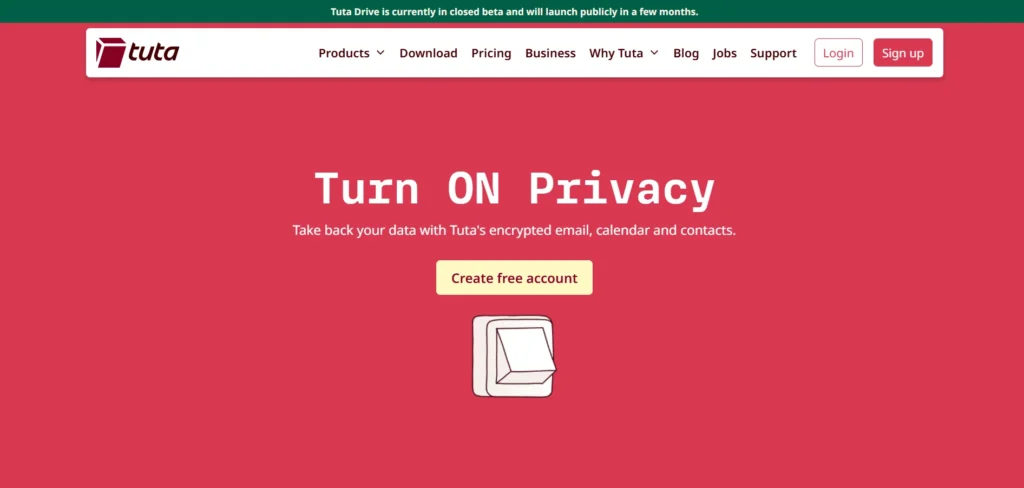
Operating out of Germany under stringent European privacy directives, Tuta is a fierce competitor in the secure email space. What sets Tuta apart is its commitment to entirely open-source code and its strict environmental ethos—running all of its secure data centers on 100% renewable energy. It encrypts not just the message body, but also the subject lines and calendar event details.
Key Features:
- Full Metadata Encryption: Encrypts subject lines, sender names, and entire calendar profiles, not just the body text.
- Secure Contact Forms: Includes “Secure Connect,” a feature allowing external website visitors to send you encrypted messages without needing an account.
- 100% Green Hosting: All infrastructure runs on sustainable, eco-friendly renewable energy grids.
- Zero Logs Architecture: No tracking, no analytical profiling, and no IP address tracking on your log-ins.
Best For: Privacy purists, developers who trust open-source protocols, and environmentally conscious consumers.
Pros:
- Affordable premium packages compared to other encrypted email rivals.
- Custom-built mobile and desktop apps that completely bypass Google/Apple push notification trackers.
- Extremely straightforward end-to-end encryption process for external recipients.
Cons:
- The free tier offers a modest 1GB of storage.
- Does not support standard IMAP/POP, restricting your usage entirely to Tuta’s dedicated applications.
Pricing: Free | Premium personal packages start at around €3/month (approximately $3.30).
8. AOL Mail – Best Nostalgic Option for Casual, Organized Web Surfers
Website: https://mail.aol.com
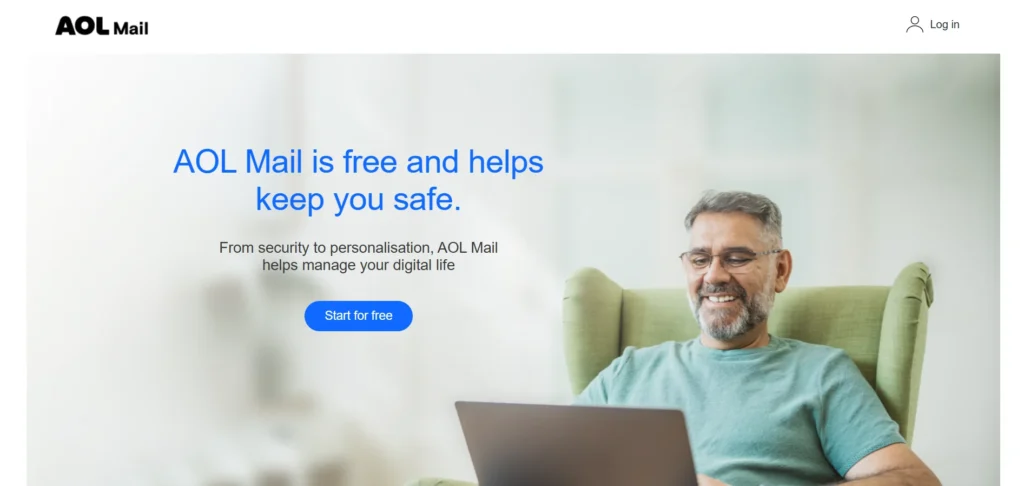
AOL Mail is a resilient legacy brand that continues to serve millions of active users worldwide. Now owned by Yahoo’s parent entity, AOL offers an incredibly familiar, portal-style interface that combines a daily news feed, weather updates, and basic email management into one place. It is designed for casual users who prefer a classic internet layout rather than a stark, hyper-focused corporate productivity matrix, making it one of the best email service providers for users who value simplicity and familiarity.
Key Features:
- Massive Storage Capacity: Provides generous cloud space that keeps casual users from having to worry about hitting regular inbox ceilings.
- Customizable Panel Layouts: Simple adjustments that allow you to read previews, split views, or stack messages dynamically.
- Integrated Check-Ins: Quick access to global news headers, horoscopes, and local weather changes inside your standard email navigation hub.
- Robust Block Lists: Aggressive, easily managed manual domain blocks to keep stubborn junk senders away.
Best For: Casual web users who like a content-rich home screen and prefer a traditional, unchanged webmail experience.
Pros:
- High storage ceiling that rarely forces you to clean out old archive folders.
- Familiar, highly accessible interface for individuals who dislike complex system upgrades.
- Good manual custom folder layout options.
Cons:
- The free webmail view is heavily cluttered with display ads, promotional video boxes, and news tickers.
- Lacks modern office software additions or collaborative cloud workspaces.
Pricing: Free | AOL Desktop Gold subscription available for ad-free usage and dedicated technical help.
9. GMX Mail – Best for Sending Exceptionally Large File Attachments
Website: https://www.gmx.com
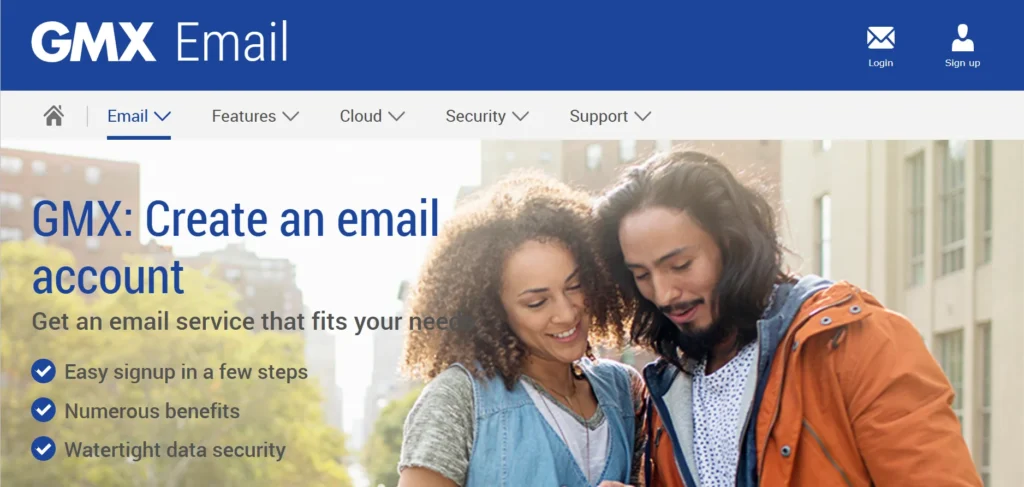
GMX (Global Mail eXchange) is a major European provider that has built a solid global footprint by offering utility features that mainstream platforms charge for. Its standout feature is its massive attachment file limit, resolving a major point of frustration for users who routinely struggle with file-size restrictions on platforms like Gmail or Outlook.
Key Features:
- Huge Attachment Limit: Allows you to attach files up to 50MB directly to a single email, double the standard capacity of most major competitors.
- Multiple Alias Addresses: Create up to 10 distinct email addresses under one single master account to manage different parts of your lifestyle.
- Mail Collector Tool: Pulls in messages automatically from your other providers (like Yahoo or Outlook) to organize everything in one dashboard.
- 65GB Storage Space: A dedicated, generous storage platform strictly reserved for email management.
Best For: Creatives, photographers, and professionals who frequently send large digital files, documents, or high-res media.
Pros:
- One of the absolute highest attachment file limits on the free market.
- Generous 65GB structural storage tier that handles years of active use.
- Flexible alias options to segment spam or public sign-ups away from your primary address.
Cons:
- The webmail dashboard features prominent advertising blocks that can make the workspace look crowded.
- The mobile app layout is less polished and responsive compared to its major American counterparts.
Pricing: Free | Optional premium upgrades for ad removal and extra storage space.
10. Fastmail – Best Premium, Speed-Focused Productivity Inbox
Website: https://www.fastmail.com
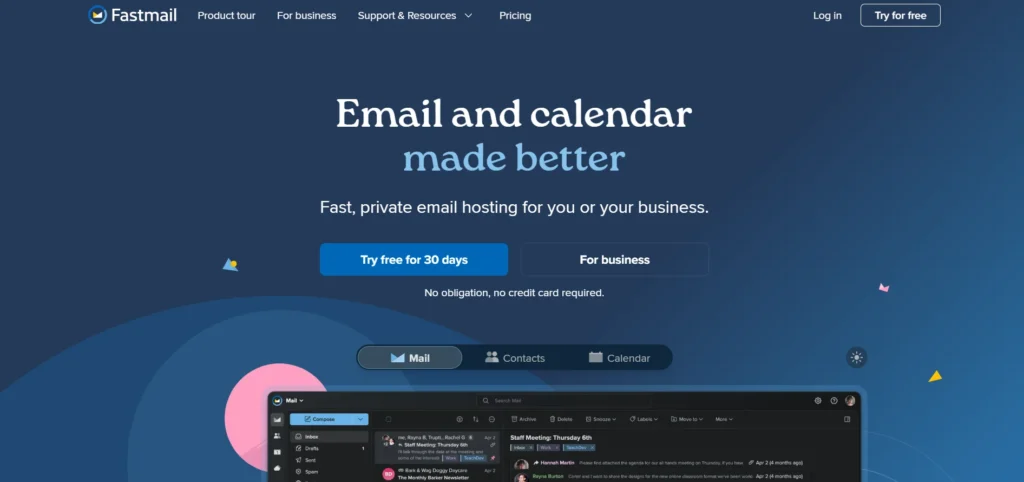
Fastmail is a paid-only provider designed for people who view email as their primary workplace tool and are willing to pay for speed, efficiency, and zero advertising tracking. Living up to its name, Fastmail offers a blazing-fast, stripped-down interface built around keyboard shortcuts and lightning-quick searches. Because they do not have a free tier, their entire business model relies on subscription revenue—meaning they never track or analyze your data.
Key Features:
- Blazing-Fast Search Engines: Pulls up complex keyword results across decades of stored archives in fractions of a second.
- Masked Email Integration: Partners with 1Password to create unique, random emails on the fly for secure account creation.
- Custom Domain Support: Highly flexible routing rules that let you run multiple custom web domains from a single unified workspace.
- Advanced Snoozing & Scheduling: Precise tools to handle incoming flows and prioritize your workday tasks.
Best For: Professionals, remote workers, and power users who demand high performance and want to keep their inbox entirely free of corporate tracking algorithms.
Pros:
- Entirely free of advertisements and background data tracking.
- One of the fastest, most fluid web and mobile user experiences available today.
- Top-tier customer support staff with rapid turnaround times.
Cons:
- There is no permanent free tier available; you must pay to use the service beyond a basic trial.
- Does not include native document editing apps, focusing strictly on communication and calendar organization.
Pricing: Standard plans start at $5 per user/month, with basic tiers available at $3 per user/month.
11. Mailchimp – Best for Growing Small Businesses and Automated Campaigns
Website: https://mailchimp.com
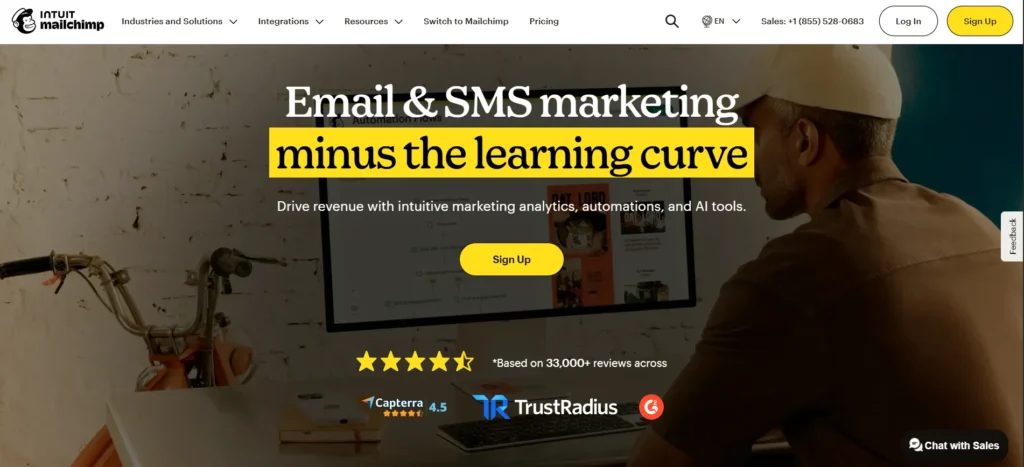
Mailchimp is one of the most recognizable names in email marketing solutions, famous for turning complex digital marketing into an accessible process for small business owners. Beyond a standard inbox, Mailchimp acts as an outbound campaign engine. It is built to help users collect subscriber sign-ups, design beautiful visual newsletters without coding, and analyze detailed audience data to see who is opening links and buying products.
Key Features:
- Drag-and-Drop Campaign Builder: An intuitive, highly visual design canvas packed with pre-designed templates for newsletters, product launches, and announcements.
- Customer Journey Builder: An automated sequence mapper that sends specific emails automatically when a user signs up, leaves an abandoned shopping cart, or makes a purchase.
- Predictive Analytics & Smart Segments: Uses internal data trends to optimize email send times and group subscribers by their likelihood to buy.
- Comprehensive Form Integration: Easy-to-build pop-up forms and landing pages designed to turn standard website traffic into email subscribers.
Best For: E-commerce stores, content creators, and scaling retail businesses that want to build, manage, and monetize an email marketing list.
Pros:
- Hundreds of seamless integrations with platforms like Shopify, WordPress, and WooCommerce.
- Deep analytical reporting on revenue generation, click-through rates, and audience engagement solutions.
- Clean, user-friendly interface that simplifies complex digital marketing tasks.
Cons:
- The free tier has become heavily restricted over the years, capping contact capacity and daily send limits significantly.
- Pricing scales up quickly based on total contact volume, meaning a growing list can rapidly increase your monthly operating costs.
Pricing: Free (highly limited) | Paid marketing plans scale by contact volume, starting at $13/month.
12. HubSpot Marketing Hub – Best for Enterprise Inbound Marketing and Advanced CRM Syncing
Website: https://www.hubspot.com/products/marketing
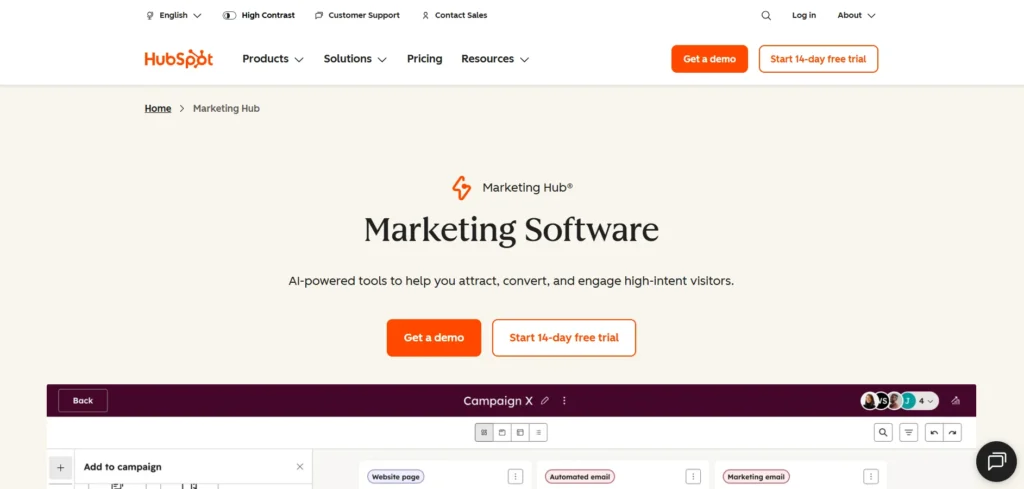
HubSpot treats email not as an isolated communication tool, but as a core component of a massive sales and marketing machine. Recognized among the best email service providers, its email utility is built directly on top of its world-class Customer Relationship Management (CRM) database. This allows sales teams and enterprise marketers to send highly tailored, hyper-personalized emails based on a recipient’s exact history such as which pages they visited on your website, or which sales rep they spoke with last week.
Key Features:
- Deep CRM Personalization: Pulls any custom data point from your contact records to dynamically alter text blocks, greetings, and call-to-action buttons for each recipient.
- Omnichannel Marketing Pipelines: Connects your email campaigns directly to your social media ads, landing pages, blog analytics, and live chat widgets.
- A/B Testing & Attribution Reports: Robust testing tools that show exactly which subject lines convert, alongside multi-touch reports revealing which emails generated real revenue.
- AI Content Assistant: Built-in tools to help brainstorm subject lines, draft email copy, and refine messaging tone on the fly.
Best For: B2B organizations, sales teams, and mid-to-large enterprises that require deep synchronization between marketing campaigns and sales operations.
Pros:
- Unrivaled contact data tracking that logs a customer’s entire lifetime journey in one profile.
- Highly reliable email deliverability rates backed by robust technical infrastructure.
- Excellent free entry-level tools for startups beginning to scale their contact capture.
Cons:
- The price jump between basic tiers and advanced automation packages is steep, making it a major financial commitment.
- Features can be overly complex, requiring dedicated onboarding or technical management to fully utilize.
Pricing: Free tools available | Starter plans begin at $15/month, while advanced Professional tiers with full workflow automation start at $890/month.
13. Constant Contact – Best for Event Organizers and Local Small Businesses
Website: https://www.constantcontact.com
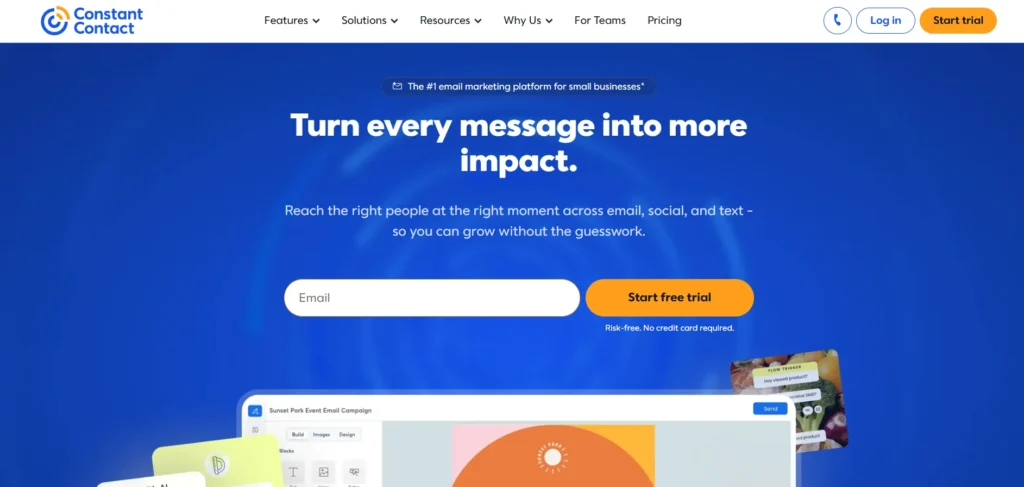
Constant Contact specializes in supporting real-world operations, community organizations, and local brick-and-mortar retail stores. While it features a highly reliable drag-and-drop newsletter system, its defining advantage is its integrated suite for real-world engagement—such as tracking event ticket sales, managing donation drives, or handling local coupon distributions directly within your email dashboard.
Key Features:
- Native Event Management: Built-in toolsets to design invitations, process event registrations, track RSVPs, and sell tickets directly inside your email layout.
- Integrated Social Media Dashboard: Create, schedule, and monitor promotional posts for Facebook, Instagram, and LinkedIn alongside your active email schedule.
- SMS Marketing Extensions: Send text messages alongside email campaigns from a single dashboard to reach customers across multiple channels.
- Automatic Non-Opener Resends: Automatically changes the subject line and resends campaigns to subscribers who missed the initial email.
Best For: Nonprofits, community organizations, local retail shops, and companies that regularly host live events or workshops.
Pros:
- Excellent phone, chat, and community support channels tailored for beginners.
- Unique focus on real-world event marketing that eliminates the need for separate ticketing software.
- High-quality deliverability rates with clean, mobile-responsive layout templates.
Cons:
- No permanent free tier is available, offering only a temporary exploratory trial period.
- The customization interface can feel slightly rigid for designers looking for complete creative control.
Pricing: No free tier | Paid plans scale by feature requirements and list size, starting at $12/month for the Lite plan.
14. Brevo (Formerly Sendinblue) – Best for Budget-Friendly Transactional and Marketing Emails
Website: https://www.brevo.com
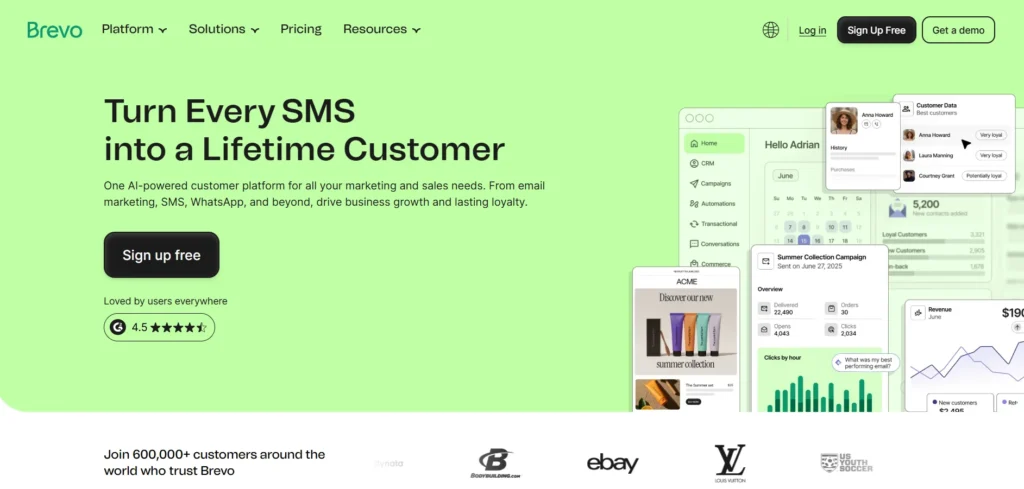
Brevo shook up the enterprise and marketing ESP landscape by upending the traditional pricing model. While competitors charge you based on how many contacts you store in your database, Brevo lets you save an unlimited number of contacts completely free, charging you strictly for the total volume of emails you actually send. This structure makes it an incredibly cost-effective option for businesses with massive customer bases who only send occasional updates.
Key Features:
- Unified Contact Pricing: Store an unlimited number of subscribers across all plans without facing price penalties for a growing database.
- Dual Marketing & Transactional Engine: Easily run corporate marketing newsletters alongside high-speed API transactional emails (like invoice receipts or password resets) under one roof.
- Built-in WhatsApp & SMS Campaigns: Direct modules to send instant mobile text alerts and chat messages to your customer base.
- Shared Team Inbox: Centralized support dashboard that allows your team to manage incoming customer emails, WhatsApp chats, and site messages from one view.
Best For: High-volume senders, expanding startups, e-commerce stores, and developers who need affordable, reliable transactional mail infrastructure.
Pros:
- The most cost-effective scaling pricing system for businesses with massive subscriber counts.
- The free tier allows for unlimited contact storage and up to 300 daily email sends.
- Excellent API developer tools and straightforward webhook setups.
Cons:
- The templates library is somewhat basic compared to design-centric platforms like Mailchimp.
- Setting up advanced automated tracking logic requires a bit more technical effort during initial configuration.
Pricing: Free (unlimited contacts, 300 sends/day) | Paid marketing plans start at $9/month.
15. MailerLite – Best Modern, High-Efficiency Email Platform for Solo Creators
Website: https://www.mailerlite.com
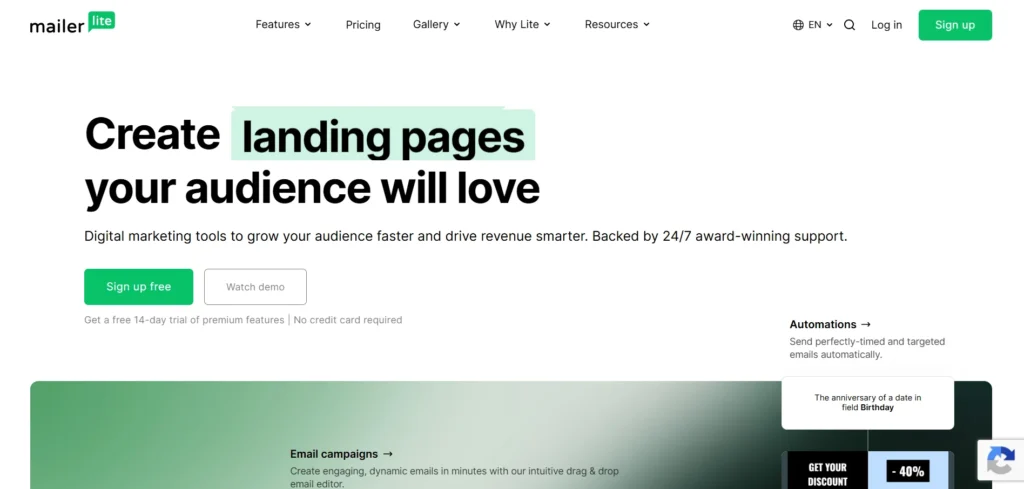
MailerLite has built a strong reputation by rejecting the visual clutter and complex jargon that bogs down many modern marketing platforms. It focuses on providing a clean, exceptionally fast, and highly intuitive workspace, making it one of the best email service providers for businesses and creators seeking simplicity and efficiency. Despite its lightweight feel, it packs premium capabilities like multi-step automations, newsletter paid-subscription integrations, and landing page builders into an interface that beginners can easily navigate within minutes.
Key Features:
- Intuitive Visual Automation Editor: A highly clean, flowchart-style interface that makes setting up welcome sequences and subscriber tagging enjoyable.
- Monetization Tools: Direct integrations with Stripe to help creators sell premium digital products or run paid email subscription newsletters.
- Interactive Email Elements: Embed live countdown timers, product carousels, and quick feedback surveys directly inside newsletter layouts.
- Advanced Website & Landing Page Builder: A full-featured builder with customizable blocks, allowing you to create standalone lead capture websites without external web hosting.
Best For: Independent creators, authors, bloggers, boutique digital agencies, and small businesses that want premium marketing tools without an over-complicated workspace.
Pros:
- One of the cleanest, fastest, and most intuitive user interfaces on the market.
- Highly generous free tier that includes access to advanced automation workflows for up to 1,000 subscribers.
- Extremely transparent pricing brackets that remain affordable as your business grows.
Cons:
- The platform has a strict account approval process to maintain high deliverability standards, which can occasionally slow down initial sign-up access.
- Lacks the heavy corporate CRM and multi-channel pipeline integrations found in enterprise-grade software.
Pricing: Free (up to 1,000 subscribers and 12,000 monthly sends) | Paid premium packages start at $10/month.
Best Email Service Providers by Category
If you want to skip the deep research and jump straight to the top option for your specific setup, here is a quick breakdown of the standout providers categorized by their primary strengths:
- Best Free Email Provider: Gmail
Offers the most reliable, well-rounded free inbox on the market, backed by industry-standard spam filters and 15GB of shared cloud space. - Best for Business & Corporate Teams: Google Workspace / Microsoft 365
The definitive enterprise standards. Choose Google if you thrive on real-time browser collaboration, or Microsoft if your workflow relies on heavy desktop application power and intricate calendar management. - Best for Privacy & Data Protection: ProtonMail / Tuta
Airtight options for absolute confidentiality. Both feature zero-access, end-to-end encryption that prevents anyone—including the providers themselves—from scanning your inbox contents. - Best for Small Businesses & Solopreneurs: Zoho Mail
The smartest stepping stone for new companies, offering an exceptionally affordable path to host custom professional @yourcompany.com email handles without high overhead costs. - Best for Email Marketing & Automation: Brevo / Mailchimp
Top choices for audience growth. Mailchimp excels at visual, ready-to-go customer journeys, while Brevo offers flat-rate volume pricing that lets you store unlimited contacts for free. - Best for Apple Users: iCloud Mail
A zero-advertisement, highly secure utility built natively into the background of all iOS and macOS devices, complete with helpful burner email generation tools. - Best for Large Storage Needs: Yahoo Mail
The clear winner for heavy media consumers, providing a massive 1TB of free storage space so you rarely have to delete older attachments or clear out your archives.
How to Choose the Best Email Service Provider for Your Needs
Selecting the right email provider ultimately comes down to matching their technical strengths with your daily routine or business workflow. To narrow down your choices, consider these critical decision factors:
- Define Your Primary Use Case (Personal vs. Business): If you just need to handle utility bills and chat with friends, a clean, free webmail service like Gmail or iCloud Mail is perfect. However, if you are building a brand, skip the personal accounts and prioritize a provider like Zoho Mail or Google Workspace that lets you look professional by hosting an email using your own custom web domain.
- Evaluate Storage and Attachment Demands: Look closely at how much data you accumulate. Heavy media users, photographers, or people who hate deleting archives should look toward Yahoo Mail for its massive 1TB free tier, or GMX Mail for its unique 50MB direct attachment limit. If you choose a shared ecosystem like Google, remember that your emails, drive documents, and high-res photos all pull from that same basic space.
- Assess Privacy and Regulatory Requirements: If you handle sensitive client documents, legal records, or simply object to corporate data tracking, look past mainstream options. Opt instead for privacy-focused platforms like ProtonMail or Tuta, which use end-to-end encryption and operate under strict Swiss or European privacy laws that prevent them from scanning your text for advertising data.
- Review Integration Options and Existing Workflows: Your email shouldn’t operate on an island. If your business already relies heavily on spreadsheets, team chats, and cloud storage, choose an ESP that complements those tools seamlessly. Go with Outlook if your company lives inside the Microsoft ecosystem, or choose a CRM-linked platform like HubSpot if your sales and marketing teams need to track customer communication histories in one unified profile.
- Analyze the True Long-Term Cost to Scale: Don’t get trapped by an attractive free tier. If you are choosing an outbound marketing provider to grow a business newsletter, look at what happens when your subscriber count doubles or triples. Services like Mailchimp scale prices up rapidly based on total contact lists, whereas options like Brevo charge purely by message volume, making them much easier on a growing startup’s budget.
Email Deliverability – Why It Matters in 2026
Even the most beautifully designed email is completely useless if it never actually reaches your recipient’s eyes. Recent industry data from Validity reveals a sobering truth about modern communication: only about 79.6% of permission-based emails successfully land in the primary inbox.
The remaining messages are either diverted straight into junk folders or blocked entirely by aggressive incoming spam filters. Because major inbox providers have significantly tightened their security algorithms to combat automated spam and phishing attempts, choosing a provider that prioritizes and actively maintains a flawless server reputation is absolutely non-negotiable for business operations and marketing campaigns.
To survive these strict filters, modern email service providers rely on three core authentication protocols, which function like digital security badges for your identity. In plain English, SPF (Sender Policy Framework) is an authorized guest list that states exactly which servers are allowed to send mail on your domain’s behalf. DKIM (DomainKeys Identified Mail) acts as an unforgeable digital signature attached to your message, proving the content wasn’t altered or tampered with mid-transit.
Finally, DMARC (Domain-based Message Authentication, Reporting, and Conformance) gives receiving servers clear instructions on what to do if an email fails the first two checks—such as instantly quarantine or reject it. When evaluating an ESP, look for platforms that make configuring these settings straightforward, as proper authentication is the single biggest factor in keeping your messages out of the spam folder.
Free vs Paid Email Service Providers – Which Is Right for You?
Choosing between a free and a paid email service provider ultimately comes down to accountability, professionalism, and scale. Free email providers are excellent for casual, everyday use where basic messaging is all that is required. However, they come with invisible trade-offs, such as persistent banner advertisements, limited customer support, and the inability to use a professional web domain.
Paid email services, on the other hand, transform your inbox into a reliable business asset. Upgrading to a premium tier eliminates distracting ads, provides advanced security protocols, and unlocks significantly larger storage ceilings. Most importantly, paid plans allow you to drop generic addresses like @gmail.com or @yahoo.com in favor of a custom brand address (e.g., @yourcompany.com), which instantly builds trust with clients and partners.
To help you decide which model fits your current situation, here is how free and paid tiers compare across five core areas:
| Feature/Criteria | Free Email Providers | Paid Email Providers |
| Email Address Branding | Generic domains only (e.g., @gmail.com) | Professional custom domains (e.g., @yourcompany.com) |
| Data Storage Limits | Basic cap (typically 1GB to 15GB shared space) | Massive or unlimited expandable cloud storage allocations |
| Advertisements | Web interfaces often display targeted ads | Entirely ad-free user experience |
| Customer Assistance | Self-serve help articles and community forums | Direct, priority tech support via 24/7 live chat or email |
| Advanced Security | Standard spam and malware filtering | Enhanced encryption, custom routing, and deep audit logs |
Final Verdict – What’s the Best Email Service Provider in 2026?
In conclusion, there is no single “perfect” email service provider, but the best choice depends entirely on your specific goals. Among the best email service providers, Gmail remains the undisputed king of the free market for users who need a reliable, feature-rich inbox with unmatched usability and seamless app integration. For corporate environments and power users who thrive on task organization, Microsoft Outlook is the definitive choice, while privacy advocates looking for absolute data security will find a safe haven in ProtonMail.
For businesses looking to grow and engage an audience, your choice should match your operational scale. Zoho Mail provides the most affordable and straightforward entry point for startups needing professional custom domain hosting on a budget. Meanwhile, creators and high-volume senders looking for advanced outbound automation will find the best balance of price and performance in Brevo or MailerLite. Review your storage needs, privacy priorities, and budget, and pick the tool that integrates naturally into your daily routine.
Read More:
FAQs
What is the best free email provider in 2026?
In 2026, Gmail will remain one of the best free email providers due to its reliable spam protection, 15GB free storage, and Google integration.
Which email provider should I choose for my emails to be completely private and safe?
Email providers that provide users with maximum privacy and security include ProtonMail and Tuta because they have end-to-end encryption and don’t track any data about their customers.
What is the difference between free and paid email providers?
The main differences between free and paid email services are storage, ads, custom domains, and more storage space, while free email services have smaller storage and less customer support.
What is the best email host for small businesses?
One of the most suitable options is Zoho Mail as an email service for small businesses due to its ad-free emails and custom domains.
Which email platform will help me set up a complex email marketing campaign?
The two best platforms for email marketing are Mailchimp and Brevo.