
In this modern competitive business environment, client relationships are an important element in ensuring the sustainable growth of a business organization. Client Management Apps are becoming a necessity, which assists companies in the organization, monitoring, and cultivation of their customer relationships. These are robust programs that can facilitate quick communication, send auto-reminders, and offer an important insight into the client’s behavior and taste.
Client Management Apps are the heart of any customer activity and allow businesses to engage in personal approaches to their customers, all the time facilitating increased efficiency in their operations.
The implementation of the appropriate client management system can literally make a big difference in terms of your bottom line, regardless of whether you are a fledgling startup or have already established your company and want to boost those numbers by making customers more satisfied, retaining them, and generating additional revenues.
This article will shed light on the features of the top 10 Client Management Apps. But before discussing further, let’s discuss what are client management apps.
What Are Client Management Apps?
Client Management Apps represent a kind of specific software application that is created to assist companies in sorting out, following up, and managing their relationships with their present and prospective customers. The applications are hubs that enable the companies to store their clients’ profiles, track the histories of communication, make follow-ups, and perform customer metrics in order to formulate business decisions.
Client Management Apps are essential in every modern business since they help to get rid of the confusion triggered by the presence of disorganized information regarding customers in emails, spreadsheets, and sticky notes. Rather than having to work off memory or using disorganized filing systems, these tools have a structured CRM approach to dealing with customers and growing with your company.
The advantages of utilizing the most superior Client Management Apps go much further than just saving contacts. These systems have the benefit of allowing follow-ups to be executed automatically, where no lead is lost, allowing superior communication as both messaging and email tools are integrated, and offering extensive tracking of the data, which contains important information pertaining to the behavior and preferences of customers.
The apps used in client tracking also help in team collaboration since they make the information on customers available to all the concerned sections of the team, which will always ensure uniform service delivery regardless of which team member is interacting with the client.
Also Read: Top Affirm Alternatives
Key Features of a Good Client Management App
The following are the main characteristics of a powerful app used in managing clients:
1. Comprehensive contact and lead management
Keep accounts of extensive client profiles, monitor the history of interaction, and group customers so all team members can access any accurate customer information at any time.
2. Scheduling and reminders
Stay organized based on integration with a calendar and automatic notifications about meetings follow-ups, and deadlines, which can help to keep up with consistent and on-time communication.
3. CRM integration
Make sure your data flows smoothly to your current CRM system to get rid of redundant entries and have only one single picture of client-related information in each department.
4. Analytics and reporting
Understand client behavior and sales trends as well as performance metrics to be able to identify the most valuable customers, trace the conversions, and make better decisions.
5. Mobile accessibility
Give teams the ability to interpret and modify client records, interact with customers, and log activities remotely with maximally optimized mobile access.
Support effectively by implementing support mechanisms directly within the solution, such as ticketing systems, knowledge base, and in-built channels of communication to improve customer satisfaction.
Benefits of Using Client Management Apps
One of the main benefits of adopting client management software is creating efficiency in communication. The systems enable all customer communications to be gathered in a central place so that emails, phone calls, and notes of meetings are all found in a single and easily reachable place. This centralization cuts down the confusion and makes sure that every team member can carry on the work where others have abandoned it, giving a smooth customer experience.
Better customer retention will be possible in situations where businesses will be able to monitor customer preferences, customer history, and communication habits. Among the advantages of client management software is the fact that one can determine at-risk customers before it is too late and in advance apply strategies to retain customers before losing such precious ones.
Broadened teamwork will be automatic because every team will possess the same information about the customers. Support tickets are made visible to sales teams and marketing teams can track the sources of the leads. Customer service representatives can also see the history of purchases, resulting in an overall strategy for customer care.
Automated workflows, lead scoring, and pipeline management functionality also enable sales teams to work on the most promising opportunities to become more efficient. These apps remove manual work and give one a clear picture of the sales process.
The cost saving arises due to decreasing administrative costs, savings on the cost of customer acquisition due to improved retention, and enhanced productivity in all departments that deal with customers. These improved operations normally offset the cost of the first-time investment into client management software.
Top 10 Best Client Management Apps in 2025
1. HubSpot CRM
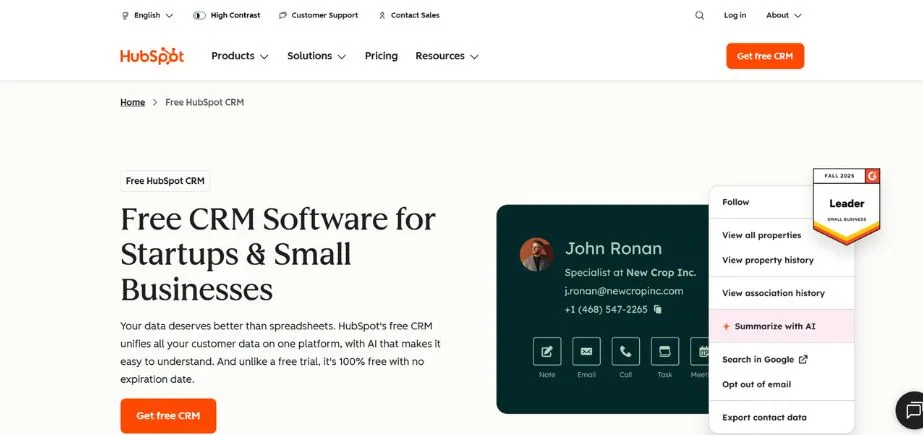
HubSpot CRM is one of the best and most prominent client-managing sites nowadays. It is a web-based CRM with a free version that comes with the key CRM functionality and is therefore available to companies of any scale. HubSpot has been the leader in inbound marketing integration, being known to effectively offer a similar combination of customer relationship management and marketing campaigns.
Its simplicity of operating and automatically performing a wide range of actions in particular makes the platform attractive to small and medium-sized enterprises that would like to scale their customer management operations. HubSpot CRM has powerful reporting capabilities and a marketplace of third-party apps to support a range of business requirements without complicating its version that can frequently support daily users.
Key Features:
- Free CRM with unlimited users and contacts
- Automated lead capture and assignment
- Comprehensive marketing automation tools
Pros:
- Generous free tier with no time limit
- Excellent user interface and ease of use
- Strong integration ecosystem with popular business tools
Cons:
- Advanced features require paid plans
- Limited customization options in free version
- Reporting capabilities are restricted in lower tiers
Pricing:
Free plan available; paid plans start at $45/month per user
Website:
hubspot.com
2. Zoho CRM
The Zoho CRM is an end-to-end client management service that offers value at a reasonable price and high functionality. Being a component of the bigger Zoho community, this platform integrates with more than 40 other Zoho services and applications, giving a unified business management ecosystem. The structure is highly superior in terms of flexibility of customizations, and companies can configure workflows, as well as fields and procedures, to meet their individual needs.
The artificial intelligence aspects of Zoho CRM such as predictive analytics and sales forecast enable businesses to make data-based decisions. The platform also embraces several languages and currencies hence it suits businesses or international companies with a wide customer base.
Key Features:
- Advanced customization and workflow automation
- AI-powered sales predictions and insights
- Multi-channel communication management
Pros:
- Highly customizable interface and workflows
- Affordable pricing with comprehensive features
- Strong integration with Zoho’s business suite
Cons:
- Steep learning curve for advanced features
- Mobile app functionality is limited
- Customer support response times can be slow
Pricing:
Plans start at $14/month per user
Website:
zoho.com/crm
3. Salesforce Essentials

Salesforce Essentials will enable small and mid-size companies to have the power of enterprise-level CRM in a simplified form. Developed on the best CRM platform in the world, Salesforce Essentials is based on the same reliability and scale of the Salesforce brand but built in a way that will be simple to use even by small teams. It comes with in-built email integration, custom dashboards, and mobile access that connects and makes teams productive.
Salesforce Essentials allows companies to develop a 360 view of a customer due to its emphasis on sales automation and customer service development. Trailhead learning resources of the platform are broad teaching tools that users can use to get the best out of their investment.
Key Features:
- Enterprise-grade security and reliability
- Built-in email and calendar integration
- Customizable sales processes and pipelines
Pros:
- Backed by Salesforce’s proven technology
- Excellent mobile application functionality
- Comprehensive training resources available
Cons:
- Higher pricing compared to some alternatives
- Limited customization in the Essentials package
- Requires additional costs for advanced features
Pricing:
$25/month per user
Website:
salesforce.com/products/essentials
4. Freshworks CRM
Freshwork CRM previously named Freshsales is a simplified trendy user-friendly management of customer relations. The platform stretches upon the visual rather than text periodic control of a sales pipeline and offers in-built phone and email in place of additional communications tools. The advantage of Freshworks CRM is that it helps companies automate routine duties with a human approach to customer relations.
Its system has sophisticated lead scoring, territory management as well as forecasting capabilities that make the sales teams work more effectively. Since Freshworks CRM has usability in mind and a wide range of features, it may target those companies that never want to pay a lot of money on constant expansion but still demand versatility.
Key Features:
- Built-in phone and email communication
- Visual pipeline management with drag-and-drop functionality
- Advanced lead scoring and qualification tools
Pros:
- Intuitive and modern user interface
- Comprehensive communication tools included
- Excellent customer support and onboarding
Cons:
- Limited third-party integrations compared to competitors
- Reporting features need improvement
- Higher pricing for advanced automation features
Pricing:
Free plan available; paid plans start at $15/month per user
Website:
freshworks.com/crm
5. Keap
Keap (formerly Infusionsoft) is all about integrating CRM features and the marketing automation potential so it is quite appealing to small companies engaged in expanding. The platform features the best level of lead nurturing by using the automated email flow and offers a full e-commerce setup to businesses that sell goods or services online. Keap is also strong in that it handles the whole lifecycle of a customer such as initial calls, repeat sales, and others.
The entire system features the appointment booking system, the system of payment processing, and complex mapping of the customer journey. Since it focuses on automation and the demands of small businesses, Keap assists entrepreneurs in managing customer relationships without in-depth knowledge of the technical side of the system.
Key Features:
- Comprehensive marketing automation workflows
- Integrated e-commerce and payment processing
- Advanced customer lifecycle management
Pros:
- Powerful automation capabilities for small businesses
- Integrated payment processing and invoicing
- Strong e-commerce platform integration
Cons:
- Pricing can be expensive for growing businesses
- Steep learning curve for complex automations
- Limited customization options in lower tiers
Pricing:
Plans start at $79/month
Website:
keap.com
Also Read: Tailor Brands vs Design.com
6. Insightly
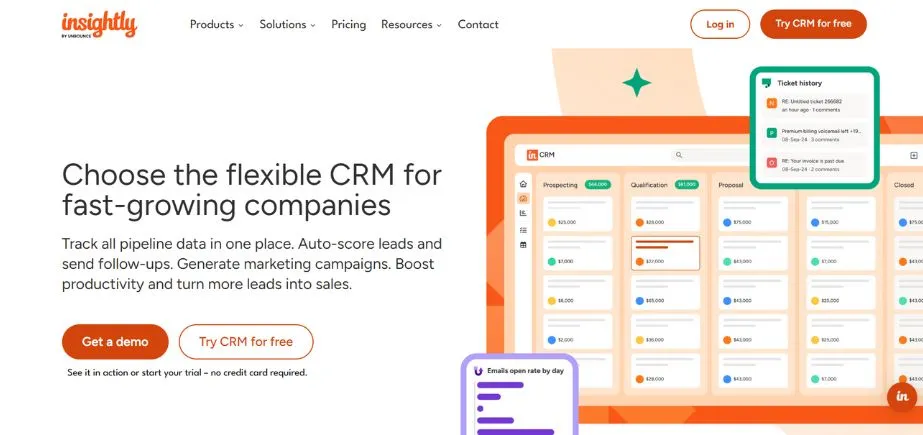
Insightly is the only cloud-based client management service that also has project management. This twofold system enables businesses to handle customer relations and at the same time keep track of the projects and tasks dealing with each customer. It is especially useful to be able to see customer interactions, as well as the progress of a project, which is why the platform is irreplaceable in service-based business, agency, and consultancy.
The workflow automation features of Insightly are useful in the smooth flow of business tasks whereas its reporting capabilities offer the details of the sales efficiency and project profitability. The capability of the system to connect the customer records and project deliverables will produce an overview of client relations and business activities.
Key Features:
- Integrated project management and CRM functionality
- Workflow automation and business process management
- Comprehensive reporting on sales and project metrics
Pros:
- Unique combination of CRM and project management
- Strong workflow automation capabilities
- Good value for money with comprehensive features
Cons:
- Interface can feel cluttered with dual functionality
- Limited customization options
- Mobile app functionality is basic
Pricing:
Plans start at $29/month per user
Website:
insightly.com
7. Monday.com CRM

Monday.com CRM applies the visual model of project management the company Monday.com to customer relationship management to produce a very visual, easily customized CRM experience. The advantage is that the platform is not restricted due to any flexibility and appearance; it uses the technique of colorful boards and user-friendly layouts to ensure the ease of interpretation of data on the customers.
Monday.com CRM is good at team collaboration as it can involve several members of a team and collaborate on customer accounts with real-time information and notifications. Automation features of the system will save many hours of manual work and keep its visual transparency as Monday.com knows it.
Key Features:
- Highly visual and customizable interface
- Strong team collaboration and communication tools
- Flexible automation and workflow management
Pros:
- Intuitive visual interface that’s easy to use
- Excellent team collaboration features
- Highly customizable to fit different business processes
Cons:
- Can be overwhelming for simple CRM needs
- Pricing increases quickly with advanced features
- Learning curve for maximizing customization options
Pricing:
Plans start at $12/month per user
Website:
monday.com
8. Nimble
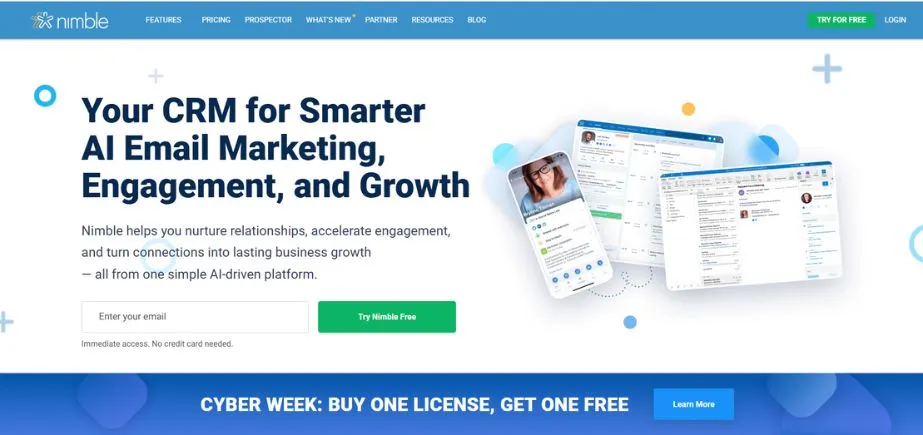
Nimble specializes in social CRM features, and automatically collects customer data based on profiles and interactions on social media, generating in-depth customer profiles. The platform is very good at social listening and interaction where companies can learn how customers behave online and what they prefer. The benefit of
Nimble is that it is capable of integrating existing customer data by bringing together disparate data points such as email, social media sources, and conventional contact information and gives a 360-degree picture of customers. The system provides powerful capabilities of contact management and it is easily integrated with well-used email systems and social networks. Nimble is especially relevant to enterprises that are more focused on social intelligence and relationship development.
Key Features:
- Social media integration and social listening capabilities
- Automatic contact information gathering from social profiles
- Unified inbox for managing communications across channels
Pros:
- Excellent social media integration and monitoring
- Automatic contact enrichment from social sources
- Strong email integration and management
Cons:
- Limited sales pipeline management features
- Fewer automation options compared to competitors
- Reporting capabilities are basic
Pricing:
Plans start at $19/month per user
Website:
nimble.com
9. Pipedrive
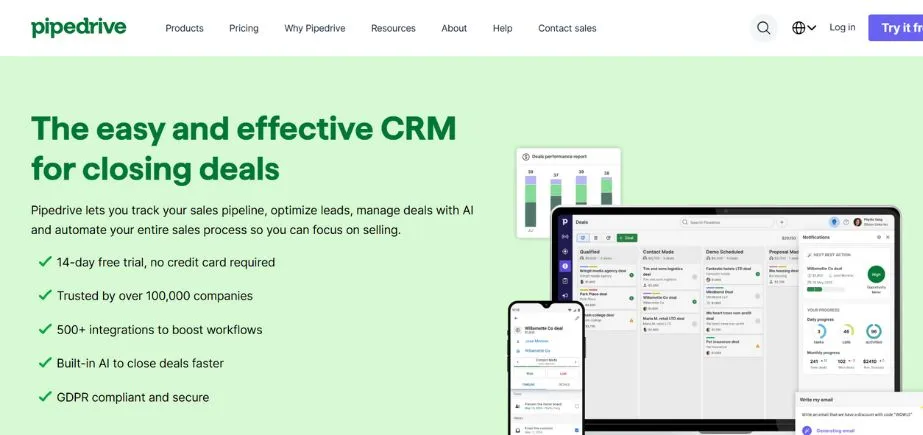
Pipedrive specializes in the sales pipeline managing area and provides a clean and easy interface to make the job of managers and salespeople in tracking deals and keeping their sales acts in line. Pipedrive is the most effective solution to automate the sales process and track all the activities of each salesperson to help them remain organized and focused on revenue-generating activities.
It also has inbuilt calling capabilities, email features, and mobile responsive access allowing the sales department to remain active both in the sales office and in the field. Having a laser focus on sales effectiveness, Pipedrive will be attractive to businesses that are focused on sales process optimization.
Key Features:
- Visual sales pipeline management
- Built-in calling and email integration
- Comprehensive sales activity tracking and reporting
Pros:
- Intuitive and focused sales pipeline interface
- Strong mobile application for on-the-go access
- Excellent sales process automation features
Cons:
- Limited marketing automation capabilities
- Fewer customization options than some competitors
- Advanced reporting requires higher-tier plans
Pricing:
Plans start at $14.90/month per user
Website:
pipedrive.com
10. Copper
Copper, which was previously called ProsperWorks, is specifically aimed at Google Workspace and it is connected with Gmail, Google Calendar along other Google applications with ease. The platform automatically logs customer interactions on Gmail and creates customer records without data entry. The strengths of Copper are due to the fact that it works within the Google ecosystem and at the same time offers complete CRM features.
The system has visual pipeline management, automated workflow utilizing facts about sales of businesses, and a detailed reporting system which aids businesses to monitor their sales. Copper also has a very strong Google integration with the companies that use this productivity suite extensively and need their CRM to be simple yet fit into their workflow.
Key Features:
- Deep integration with Google Workspace applications
- Automatic data capture from Gmail and Google Calendar
- Visual pipeline management with drag-and-drop functionality
Pros:
- Seamless integration with Google Workspace
- Automatic data capture reduces manual entry
- Clean and intuitive user interface
Cons:
- Limited functionality outside the Google ecosystem
- Fewer third-party integrations available
- Customization options are somewhat limited
Pricing:
Plans start at $25/month per user
Website:
copper.com
Common Mistakes to Avoid When Using Client Management Apps
The following are some of the mistakes made when implementing a client management app:
Over-complicating the setup process
Attempting to set up all the features simultaneously may overwhelm the users and make adoption difficult. Begin with fundamental functions and then add more elaborate versions to them as your working force becomes more comfortable with the system.
Inadequate team training
Without training, the team members are likely to underutilize or rather misuse the platform. Carry out a rigorous onboarding process, draw strong usage guidelines, and make frequent refresher forms to enable proper use.
Ignoring data quality and maintenance
Poor data can undermine the value of your CRM. Establish data entry processes, create clean-up schedules, and deal with duplicates to flag down the reliability and accuracy of the system.
Lack of standardized workflows
Inconsistent usage reduces efficiency. Establish a process of data entry, lead qualification, follow-ups, and the process of communication with clients to have consistency and responsibility within your team.
Rushing implementation without planning
Technological life preservers The temptation with any new technology is to jump in head first and start using with insufficient strategy. Before configuring the system, map out the needs, goals, and internal workflows of the team.
Also Read: Small Business Marketing Challenges
Conclusion
By the year 2025, it will be impossible to conduct business without client management apps because they are a way of securing and sustaining good relations with customers who are also the key to growth. The suitable platform will also revamp the nature of your engagement with customers, simplify your business sales affairs, and give you important insights that help enhance your business. So no matter which of the three options you take to completely redesign your CRM or maybe get a tool like Pipedrive only or even choose a social-oriented platform like Nimble, the main difference is to choose a system that fits your business and fits your team.
The key to the successful usage of client management apps is not only a correct selection of the platform but also the usage of it, training of the team, and constant support. By avoiding the obvious pitfalls and trying to focus on the slow-paced adoption process, with a clear procedure, your business will be able to take full advantage of modern technology for managing your clients. The financial cost of acquiring a suitable client management application will be worth the returns in the form of customer satisfaction, better efficiency of sales, and ultimate sustainability of the business.
FAQs
1. What is a client management app?
Client management app refers to an application program that is developed in order to enable companies to organize, track, and manage the pursuits of their existing and potential customers. Such apps act like central stores of information about customers, history of communication activities, and functions as goods sellers.
2. How do client management apps help small businesses?
Client management apps are beneficial to small businesses as they automate follow-ups, organize customer data, better communication, and bring customer behaviour. They remove the labor accountability issue and manual monitoring to enable small teams to offer professional customer care even as they concentrate on expansion.
3. Are client management apps expensive?
Client management apps include free apps such as HubSpot CRM and enterprise products with hundreds of dollars per user per month prices. Most of the platforms enable businesses to have a pricing tier so that they can begin with basic requirements and expand with their advancement. The expenditure is usually compensated with the rising efficiency and the security of customer retention.
4. What is the best client management app for startups?
HubSpot CRM can be the winner of startups based on their free tier and full feature option of unlimited contacts and users. Zoho CRM and Freshworks CRM make great CRM systems for start-ups as well because they are not very expensive and can be expanded according to the growing business.
5. Is it possible to connect my client management application with others?
The majority of the current client management applications have a similar capacity to integrate well with their most common business applications such as email providers and accounting software, automated marketing systems, and productivity apps. Integrations are also available depending on the platform you choose, so you should make sure the tools of importance to you are available before committing to a decision.