Cloud storage in 2026 is no longer just about saving files — it has become the backbone of modern business operations, remote collaboration, cybersecurity, and digital productivity. As companies increasingly adopt hybrid work models, demand for secure, scalable, and AI-powered cloud platforms is growing rapidly. Reports estimate the global cloud storage market could surpass $250 billion within the next few years, driven by businesses prioritizing data accessibility, compliance, and operational efficiency.
While Dropbox remains a recognized name, many businesses and professionals are now switching to smarter alternatives offering better pricing, stronger encryption, larger free storage, advanced collaboration tools, and deeper ecosystem integrations. Platforms like Google Drive, Microsoft OneDrive, Sync.com, pCloud, and Tresorit are reshaping how organizations manage files, teams, and workflows securely.
In this blog, we explore the best free and paid Dropbox alternatives in 2026 to help entrepreneurs, startups, freelancers, and enterprises choose a cloud storage solution that improves productivity, protects business data, and supports long-term growth.
Why People Are Leaving Dropbox in 2026
As cloud storage competition intensifies in 2026, many users and businesses are moving away from Dropbox in search of faster collaboration, larger free storage, stronger AI tools, and better pricing. While Dropbox remains popular, changing workplace needs and the rise of modern alternatives are influencing customer decisions across startups, enterprises, and freelancers.
- Expensive Pricing Plans: Many users feel Dropbox plans have become costly compared to competitors offering larger storage, advanced AI features, and better collaboration tools affordably.
- Limited Free Storage: Dropbox provides limited free storage space, pushing budget-conscious users toward platforms offering generous free tiers and flexible cloud storage options.
- Stronger AI Features Elsewhere: Modern cloud platforms now include smarter AI search, summaries, automation, and productivity integrations, making Dropbox appear less innovative to businesses.
- Better Collaboration Tools Available: Teams increasingly prefer platforms with real-time editing, integrated communication, and project management features beyond Dropbox’s traditional file-sharing capabilities.
- Increased Competition From Google Workspace: Integrated ecosystems like Google Workspace attract businesses seeking seamless email, documents, meetings, and cloud storage within one subscription package.
- Syncing and Performance Complaints: Some users report slow syncing speeds, storage indexing issues, and performance problems when handling large files or multiple shared folders.
- Security and Privacy Concerns: Businesses handling sensitive data increasingly prioritize advanced encryption, zero-knowledge security, and stronger compliance controls offered by competing platforms.
- Shift Toward All-in-One Productivity Platforms: Companies now prefer unified productivity ecosystems combining storage, communication, collaboration, and workflow management instead of standalone cloud storage services.
Quick Comparison Table: Best Dropbox Alternatives at a Glance
| Tool Name | Free Storage | Starting Price | Best For | Security Type | Platform Availability |
| Google Drive | 15 GB | $1.99/month | Collaboration & productivity | Standard encryption | Web, Windows, macOS, Android, iOS |
| Microsoft OneDrive | 5 GB | $1.99/month | Windows & Microsoft 365 users | AES 256-bit encryption | Web, Windows, macOS, Android, iOS |
| Box | 10 GB | $7/month | Enterprises & business teams | Enterprise-grade encryption | Web, Windows, macOS, Android, iOS |
| Sync.com | 5 GB | $8/month | Privacy-focused users | Zero-knowledge encryption | Web, Windows, macOS, Android, iOS |
| pCloud | 10 GB | $4.99/month | Creators & media storage | Client-side encryption optional | Web, Windows, macOS, Linux, Android, iOS |
| MEGA | 20 GB | $5.45/month | Maximum free storage | End-to-end encryption | Web, Windows, macOS, Linux, Android, iOS |
| Tresorit | Limited trial | $11.99/month | High-security business use | Zero-knowledge encryption | Web, Windows, macOS, Linux, Android, iOS |
| Internxt | 10 GB | $4.99/month | Budget privacy users | Zero-knowledge encryption | Web, Windows, macOS, Linux, Android, iOS |
10 Best Dropbox Alternatives in 2026
1. Google Drive
Website: https://workspace.google.com/intl/en_in/products/drive/
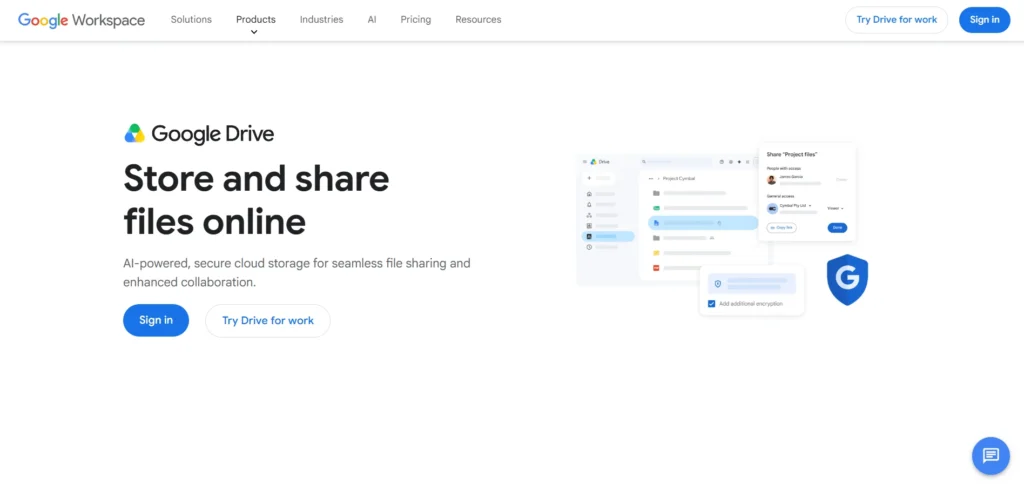
Google Drive remains one of the strongest free Dropbox alternatives in 2026 because of its generous 15GB free storage, excellent collaboration tools, and seamless integration with Gmail, Docs, Sheets, and Android devices.
It is widely used by students, businesses, freelancers, and remote teams for storing, sharing, and editing files in real time. Google’s AI-powered search and smart organization features improve productivity significantly. The platform works smoothly across web, desktop, and mobile devices, making file access extremely convenient.
Users seeking collaboration, accessibility, and ecosystem integration often prefer Google Drive over Dropbox for everyday personal and professional cloud storage needs.
Key Features:
- 15GB free storage
- Real-time collaboration
- AI-powered search
- Google Workspace integration
- File version history
- Offline document editing
- Cross-platform syncing
- Secure file sharing
Pros:
- Excellent collaboration tools
- Large free storage
- Strong mobile experience
- Fast file syncing
- Easy sharing system
Cons:
- Privacy concerns for some users
- Shared storage across Google services
- No default end-to-end encryption
Best For: Teams, students, and Google ecosystem users
2. Microsoft OneDrive

Website: https://www.microsoft.com/en-in/microsoft-365/onedrive/online-cloud-storage
Microsoft OneDrive is a leading Dropbox alternative for Windows and Microsoft 365 users in 2026. It offers smooth integration with Word, Excel, PowerPoint, and Teams, making collaboration and document management highly efficient.
The platform provides 5GB free storage alongside strong synchronization and backup capabilities. OneDrive is especially valuable for professionals already using Windows laptops and Office applications daily. Its Personal Vault feature adds additional security for sensitive files.
Cross-device accessibility and reliable performance help businesses and remote workers maintain productivity. Compared to Dropbox, OneDrive delivers stronger productivity integration and better value within the Microsoft ecosystem for professional workflows.
Key Features:
- 5GB free storage
- Microsoft 365 integration
- Personal Vault security
- Automatic photo backup
- File versioning
- Offline file access
- Cross-device synchronization
- Secure sharing permissions
Pros:
- Excellent Windows integration
- Great for Office users
- Reliable syncing performance
- Strong business tools
- Secure cloud backup
Cons:
- Limited free storage
- Best experience inside Microsoft ecosystem
- Interface can feel cluttered
Best For: Windows users and Office professionals
3. MEGA
Website: https://mega.io/
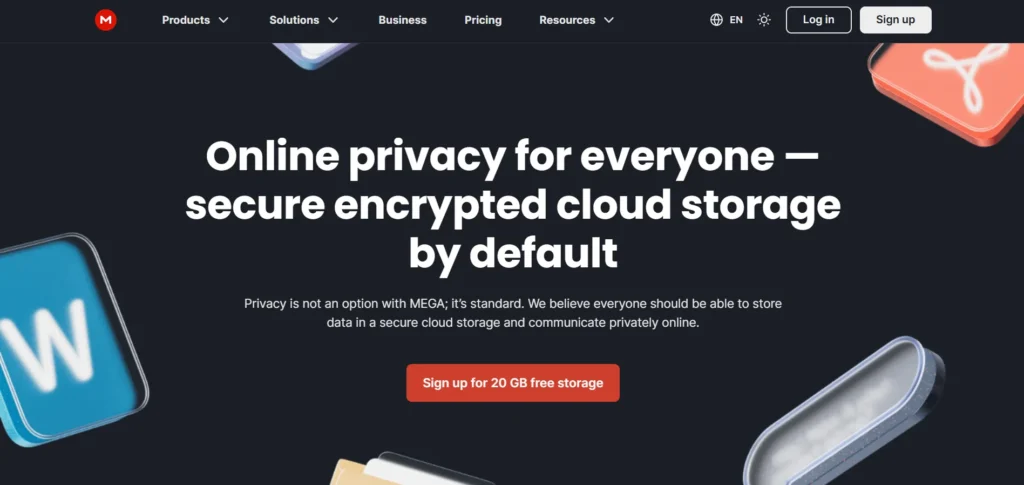
MEGA is among the most popular free Dropbox alternatives in 2026 because it offers generous free storage and built-in end-to-end encryption. Privacy-focused users prefer MEGA for secure file storage, encrypted sharing, and cross-platform accessibility.
Its free plan includes far more storage than Dropbox, making it attractive for students, creators, and users managing large files. The platform supports desktop syncing, browser access, and mobile applications across major operating systems.
MEGA also includes secure chat and password-protected links for safer collaboration. Users seeking strong privacy protections alongside generous storage capacity frequently switch from Dropbox to MEGA for better long-term value.
Key Features:
- 20GB free storage
- End-to-end encryption
- Secure file sharing
- Mobile and desktop apps
- Password-protected links
- Browser-based access
- Automatic syncing
- Secure team messaging
Pros:
- Large free storage plan
- Strong privacy protection
- Secure encrypted sharing
- Multi-platform compatibility
- User-friendly interface
Cons:
- Transfer limits on free plan
- Slower syncing sometimes
- Fewer collaboration tools
Best For: Privacy-focused users and large file storage
4. Sync.com
Website: https://www.sync.com/
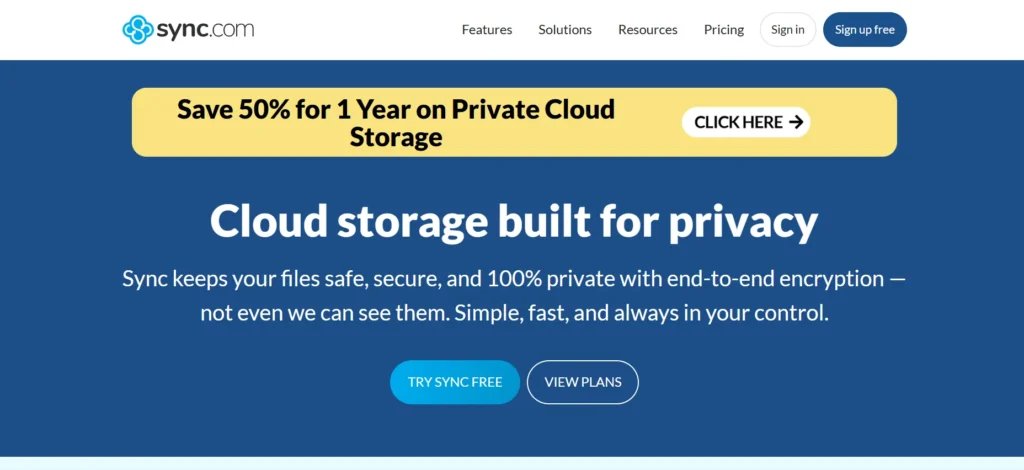
Sync.com has become a highly trusted Dropbox alternative in 2026 because of its strong zero-knowledge encryption and affordable storage plans. It focuses heavily on privacy and secure collaboration while still supporting document sharing and Microsoft Office integration.
Users can securely store sensitive files without worrying about provider-side access. The interface remains simple and clean across desktop and mobile platforms. Sync.com also supports secure file recovery, remote wipe, and detailed sharing permissions.
Businesses, freelancers, and privacy-conscious individuals often choose Sync.com over Dropbox for better encryption and lower costs while maintaining reliable synchronization and professional collaboration capabilities across multiple devices and operating systems.
Key Features:
- 5GB free storage
- Zero-knowledge encryption
- Secure file sharing
- Microsoft Office integration
- Remote device wipe
- File recovery options
- Multi-device sync
- Password-protected sharing
Pros:
- Strong privacy protection
- Affordable pricing
- Secure collaboration tools
- Easy-to-use interface
- Excellent encryption standards
Cons:
- Slower upload speeds
- Limited third-party integrations
- Smaller free storage tier
Best For: Privacy-conscious professionals and secure collaboration
5. pCloud

Website: https://www.pcloud.com/
pCloud is a versatile Dropbox alternative in 2026 known for media-friendly cloud storage, lifetime plans, and reliable performance. The platform provides secure synchronization, file sharing, and optional client-side encryption through pCloud Crypto.
Creative professionals and freelancers appreciate its smooth handling of large media files, including videos and RAW images. Users can stream media directly from cloud storage without downloading files locally. pCloud supports Windows, macOS, Linux, Android, and iOS devices, ensuring broad accessibility.
Compared to Dropbox, it delivers better long-term affordability and stronger media management tools. Its flexible pricing and secure storage options make it highly appealing to creators and businesses alike.
Key Features:
- 10GB free storage
- Media streaming support
- Optional client-side encryption
- Lifetime subscription plans
- Automatic file syncing
- File version history
- Cross-platform compatibility
- Large file sharing
Pros:
- Great for media storage
- Lifetime plans available
- Fast syncing performance
- Broad device support
- Affordable long-term value
Cons:
- Encryption costs extra
- Limited collaboration tools
- Customer support inconsistencies
Best For: Creators, photographers, and media professionals
6. Box
Website: https://www.box.com/en-in/home
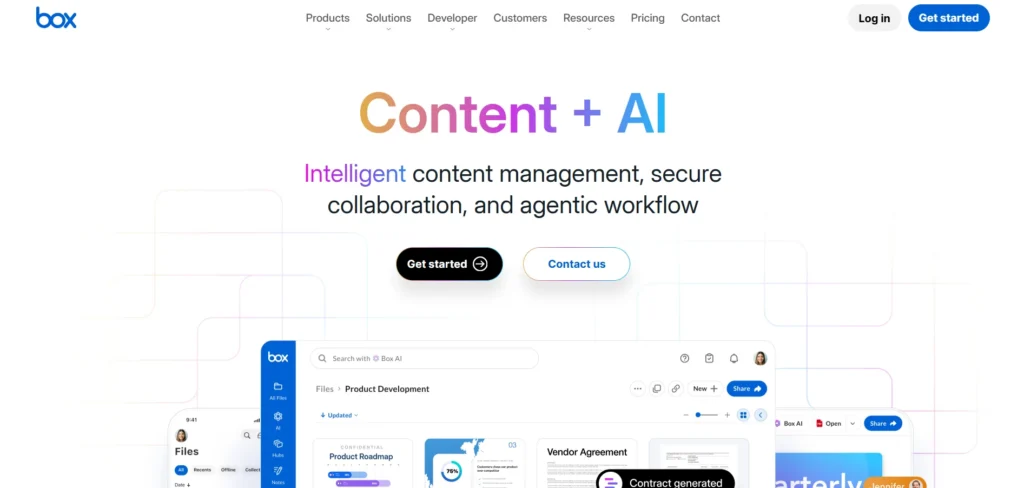
Box is a business-focused Dropbox alternative that excels in enterprise collaboration, workflow management, and secure document sharing. Among the leading Dropbox Alternatives in 2026, organizations increasingly choose Box for its advanced compliance controls, integrations, and team collaboration features.
It supports secure access management, detailed permissions, and integrations with productivity tools including Microsoft 365 and Google Workspace. Box is especially valuable for industries handling sensitive documents such as healthcare, finance, and legal services. The platform prioritizes workflow automation and enterprise-level security over personal storage convenience.
Businesses looking for scalable collaboration and secure file management solutions often find Box more suitable than Dropbox for structured organizational environments and large teams.
Key Features:
- 10GB free storage
- Enterprise-grade security
- Workflow automation
- Team collaboration tools
- Advanced file permissions
- Compliance certifications
- Third-party integrations
- Version control system
Pros:
- Strong enterprise security
- Excellent collaboration features
- Advanced admin controls
- Wide business integrations
- Reliable file management
Cons:
- Complex interface for beginners
- Limited free upload size
- Expensive advanced plans
Best For: Enterprises and corporate teams
7. Internxt

Website: https://internxt.com/
Internxt is a rapidly growing Dropbox alternative focused on privacy, encryption, and modern cloud security solutions. In 2026, it attracts users seeking zero-knowledge storage and open-source transparency.
The platform offers encrypted file synchronization across web, desktop, and mobile devices while maintaining a clean, user-friendly interface. Internxt emphasizes GDPR compliance and advanced privacy standards, making it attractive for security-conscious users worldwide. The company also provides affordable paid plans and lifetime subscriptions for long-term savings.
Compared to Dropbox, Internxt focuses far more heavily on user privacy and encrypted infrastructure. Individuals and small businesses wanting secure cloud storage without sacrificing simplicity increasingly choose Internxt over mainstream competitors.
Key Features:
- 10GB free storage
- Zero-knowledge encryption
- Open-source infrastructure
- GDPR compliance
- File synchronization
- Cross-platform apps
- Secure sharing links
- Modern clean interface
Pros:
- Strong privacy protection
- Open-source transparency
- Affordable plans
- User-friendly interface
- Secure encrypted storage
Cons:
- Fewer collaboration features
- Smaller ecosystem
- Developing third-party integrations
Best For: Privacy-first individuals and small businesses
8. Proton Drive

Website: https://proton.me/drive
Proton Drive has emerged as a trusted Dropbox alternative in 2026 for users prioritizing security and digital privacy. Developed by the makers of Proton Mail, the platform uses end-to-end encryption to ensure files remain inaccessible to third parties.
Users benefit from secure cloud storage, encrypted sharing, and integration with the broader Proton ecosystem. Proton Drive works across web and mobile devices while steadily expanding desktop support and collaboration tools.
Many users leaving Dropbox choose Proton Drive because of increasing concerns about data privacy and surveillance. Its privacy-first infrastructure makes it especially popular among journalists, activists, researchers, and professionals handling confidential information daily.
Key Features:
- End-to-end encryption
- Secure file sharing
- Proton ecosystem integration
- Cross-device accessibility
- Privacy-first architecture
- File synchronization
- Secure document storage
- Encrypted collaboration
Pros:
- Excellent privacy protection
- Trusted security reputation
- Clean interface
- Secure encrypted sharing
- Strong ecosystem integration
Cons:
- Limited collaboration tools
- Smaller free storage
- Fewer advanced business features
Best For: Privacy-focused professionals and secure communication users
9. Tresorit
Website: https://tresorit.com/
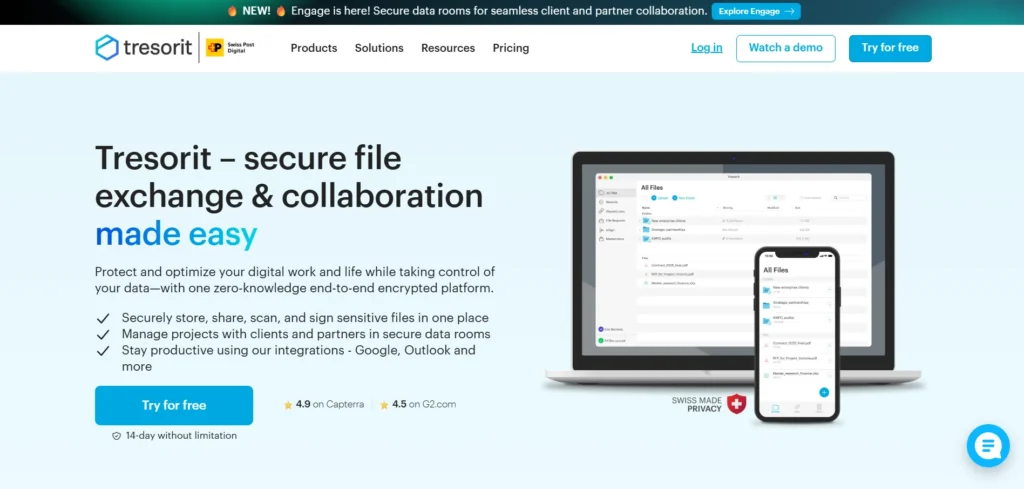
Tresorit is a premium Dropbox alternative focused heavily on security, privacy, and encrypted collaboration. In 2026, businesses handling sensitive data increasingly choose Tresorit because of its zero-knowledge encryption and strict compliance standards.
The platform supports secure sharing, encrypted collaboration, and remote access without compromising file privacy. Industries such as finance, healthcare, and legal services rely on Tresorit for secure document workflows. Its applications function across Windows, macOS, Linux, Android, and iOS platforms.
Although more expensive than many competitors, users value its enterprise-grade security infrastructure. Professionals prioritizing confidentiality and regulatory compliance frequently select Tresorit over Dropbox for safer long-term cloud storage and collaboration needs.
Key Features:
- Zero-knowledge encryption
- Secure collaboration tools
- Regulatory compliance support
- Cross-platform apps
- Remote device wipe
- Encrypted file sharing
- Admin access controls
- Activity monitoring
Pros:
- Outstanding security protection
- Strong compliance standards
- Reliable enterprise features
- Secure collaboration system
- Excellent privacy focus
Cons:
- Expensive pricing
- Limited free options
- Smaller ecosystem integrations
Best For: Enterprises handling sensitive data
Pricing:
- Personal Essential- $13.99/ month
- Personal Lite- $5.99/ month
- Personal Pro- $33.99/ month
10. IDrive
Website: https://www.idrive.com/
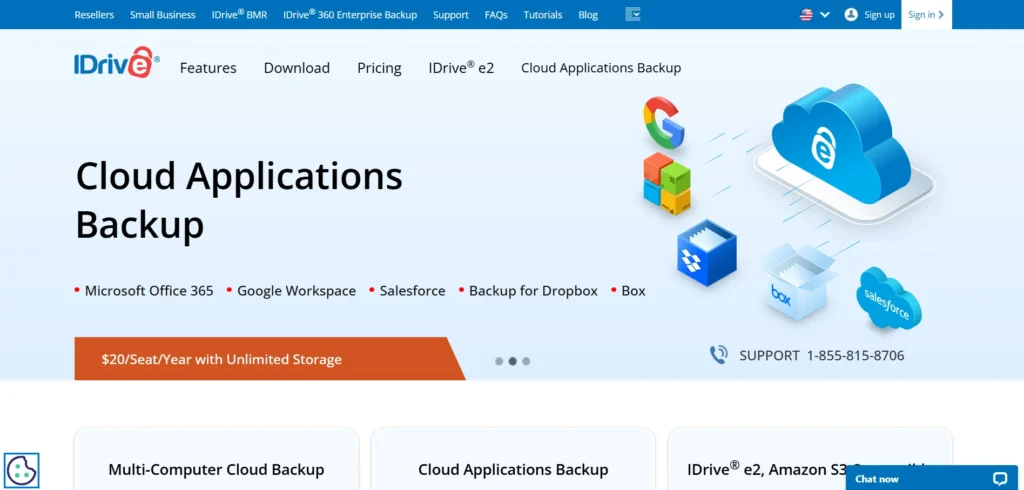
IDrive is a powerful Dropbox alternative in 2026 designed for cloud backup solutions, secure storage, and multi-device protection. Unlike Dropbox’s collaboration-focused approach, IDrive emphasizes backup reliability, version history, and disaster recovery.
Users can protect multiple devices under a single account, including PCs, servers, smartphones, and external drives. The platform supports continuous backup, file synchronization, and strong encryption standards for data protection. Businesses and individuals managing large backup requirements often prefer IDrive because of its generous storage offerings and affordable plans.
Compared to Dropbox, IDrive provides stronger backup-focused capabilities and better value for users prioritizing long-term data protection and secure multi-device cloud storage management.
Key Features:
- Multi-device backup
- Continuous file backup
- Strong encryption
- File versioning
- Disaster recovery tools
- Cross-platform support
- External drive backup
- Cloud synchronization
Pros:
- Excellent backup capabilities
- Affordable large storage plans
- Supports multiple devices
- Reliable recovery tools
- Strong data protection
Cons:
- Interface feels outdated
- Collaboration tools limited
- Initial setup complexity
Best For: Backup-focused users and businesses seeking large storage solutions
Pricing:
- IDrive Personal- $11.99/month
- IDrive Team- $11.99/month
- IDrive Business- $59.99/month
How to Choose the Right Dropbox Alternatives for You
Choosing the right Dropbox alternative depends on your storage needs, collaboration style, security expectations, and budget. Some platforms focus on privacy and encryption, while others prioritize teamwork, AI tools, or affordable large-scale storage. Evaluating your workflow carefully helps you select a cloud storage solution that improves productivity without overspending.
- Check Your Storage Requirements: Choose a platform offering enough free or paid storage space for documents, media files, backups, and long-term business scalability needs.
- Prioritize Security and Privacy: Select services with end-to-end encryption, zero-knowledge architecture, compliance certifications, and secure sharing controls for sensitive business or personal data.
- Compare Collaboration Features: Businesses and teams should prioritize real-time editing, commenting, shared workspaces, and productivity integrations for smoother remote collaboration workflows daily.
- Review Platform Compatibility: Ensure the cloud storage service supports Windows, macOS, Linux, Android, iOS, and web access across all your regularly used devices.
- Analyze Pricing and Hidden Costs: Compare monthly pricing, storage upgrades, transfer limits, encryption add-ons, and renewal costs before selecting long-term cloud storage subscriptions carefully.
- Evaluate Backup and Recovery Tools: Choose platforms with file versioning, automatic backups, recycle bins, and disaster recovery features to prevent accidental file loss permanently.
- Test Syncing Speed and Performance: Reliable synchronization speed is essential for businesses handling large files, remote collaboration, media projects, or constant multi-device file updates regularly.
- Consider Ecosystem and Integrations: Pick solutions integrating smoothly with tools like Microsoft 365, Google Workspace, Slack, Zoom, or project management platforms your team already uses.
Final Verdict
In 2026, the best Dropbox Alternatives ultimately depend on your business priorities, workflow style, and security expectations. For collaboration-driven teams, Google Drive and OneDrive dominate with seamless productivity integrations and real-time teamwork features.
Privacy-focused businesses increasingly prefer Sync.com, Tresorit, and Proton Drive because of stronger encryption and zero-knowledge security. Creative professionals handling massive media files often choose pCloud for affordability and flexible storage options. Meanwhile, enterprises requiring compliance, automation, and structured document management continue shifting toward Box.
The cloud storage industry is no longer just about storing files — it is about productivity, security, scalability, and smarter digital workflows. Businesses that choose the right platform today can reduce operational friction, improve collaboration, strengthen data protection, and build a more efficient remote-ready infrastructure for future growth and competitiveness.