Suppose your next masterpiece did not involve costly equipment or a supply-stocked studio? What would you do with just your imagination and the free software at the right?
In the modern digital era, there is no need to draw on paper with a pencil. Professional illustrators, students, and amateur artists – everybody is creating digital art, and the great news is, you can get started with no down.
The most advantageous free drawing software has strong functionality, editable brushes, and artistic liberty comparable to the costly software. But when there are so many choices, which one really looks and plays to your style and ability? This blog goes into the best free drawing Tools that allow you to create, experiment, and develop as an artist without restrictions.
Why Choose Free Drawing Software for Digital Art?
Free drawing software is an excellent choice for anyone who wants to explore digital art without spending money on expensive tools or subscriptions. It removes the financial barrier for beginners, students, and hobbyists, allowing them to focus entirely on learning and creativity. With no upfront cost, artists can freely experiment, practice regularly, and improve their skills without pressure.
Many free drawing tools offer powerful features such as customizable brushes, layers, pressure sensitivity, and high-quality export options. These features are often comparable to paid software, making free tools suitable not only for practice but also for professional-level work. Another advantage is accessibility most free drawing software supports multiple platforms like Windows, macOS, Linux, tablets, and mobile devices.
Free drawing programs are also beginner-friendly, with simple interfaces, tutorials, and strong community support. Artists can learn at their own pace, access free resources, and gain confidence before upgrading. Overall, free drawing software provides a flexible, risk-free, and creative starting point for digital artists.
List of 10 Best Free Drawing Software
1. Krita

Krita is an open-source and free drawing software created specifically to support digital artists. It is user-friendly since it has powerful tools, and it is free. Krita is also equipped with numerous brushes and layers, and simple colour options that make you create an intricate work of art.
The interface is customisable, and only the tools are available. Large numbers of free tutorials and brushes could also be found online, which is why one could easily learn and perfect his or her digital drawing abilities one step at a time.
Top Features
- Free and open-source software
- Advanced and customizable brush engine
- Full layer management with masks
- Pressure sensitivity support for tablets
- Animation and frame-by-frame tools
- Customizable workspace and shortcuts
2. Clip Studio Paint
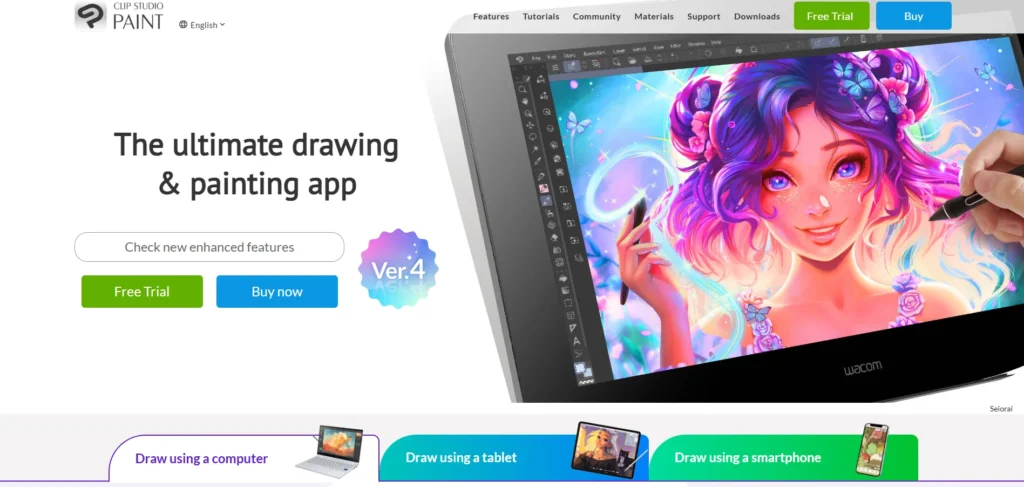
Clip Studio Paint is well-received by comic and manga artists. It is simple to operate, yet it has advanced features as you develop. It is popular among beginners since it includes ready-made tools that can be used to draw comics, panels, and smooth line art.
There are also informative guides and tutorials in the software. And you can begin with simple drawings and gradually get acquainted with more features without getting lost, so it is a long-term option to learn digital art.
Top Features
- Specialized tools for comics and manga
- Smooth line stabilization for clean strokes
- Vector layers for scalable line art
- 3D models for pose and reference
- Built-in comic panel layouts
- Large brush and asset library
3. Procreate
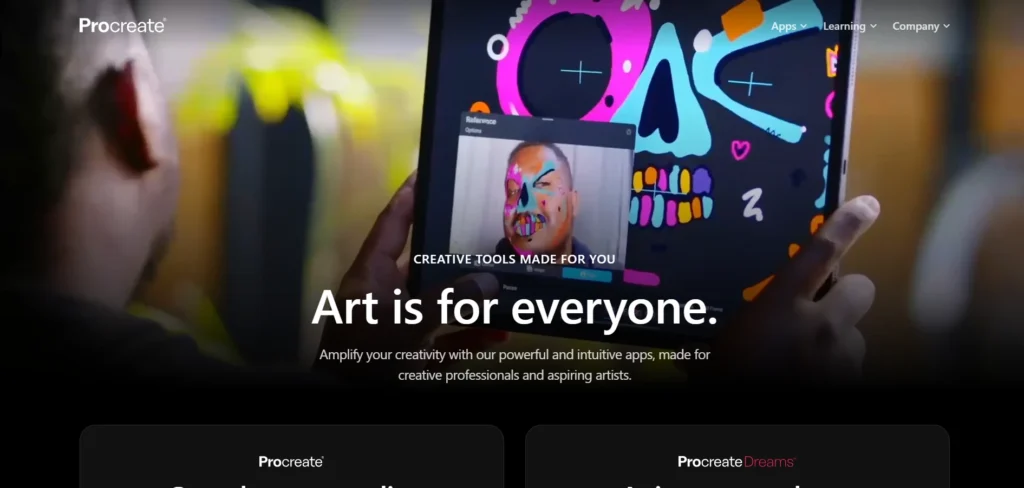
Procreate is an iPad-exclusive drawing program that is characterised by seamless and natural drawing. It is ideal for a beginner who prefers to draw on the go. The application also has basic touch gestures, and it is easy to zoom, undo, and even switch tools.
Procreate has numerous brushes of good quality, and it is very smooth and does not lag. Its uncluttered design also makes it easy to draw instead of mastering the complicated tools or environments that other applications can be confusing to new users.
Top Features
- Optimized for iPad performance
- Intuitive gesture-based controls
- High-quality brush library
- Custom brush creation
- Time-lapse recording of artwork
- Fast and smooth drawing experience
4. Autodesk SketchBook
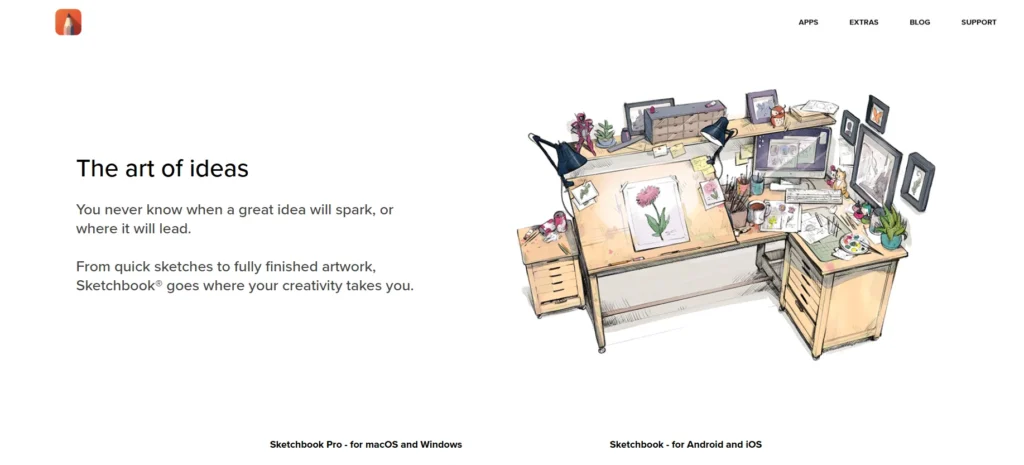
Autodesk SketchBook is a perfect software to use when making quick or simple drawings. It has a bare and simple interface that is not intimidating to startups. The software revolves around sleek brushes and quick performance, with the drawing being natural and enjoyable.
It is free and can be used on a computer and tablet. SketchBook can be used to practise, brainstorm, or learn the fundamentals of digital drawing without having to struggle with the advanced features.
Top Features
- Clean and minimal interface
- Natural-feeling brushes
- Symmetry and perspective tools
- Layer support with blending modes
- Lightweight and fast performance
- Free version available
5. Adobe Fresco
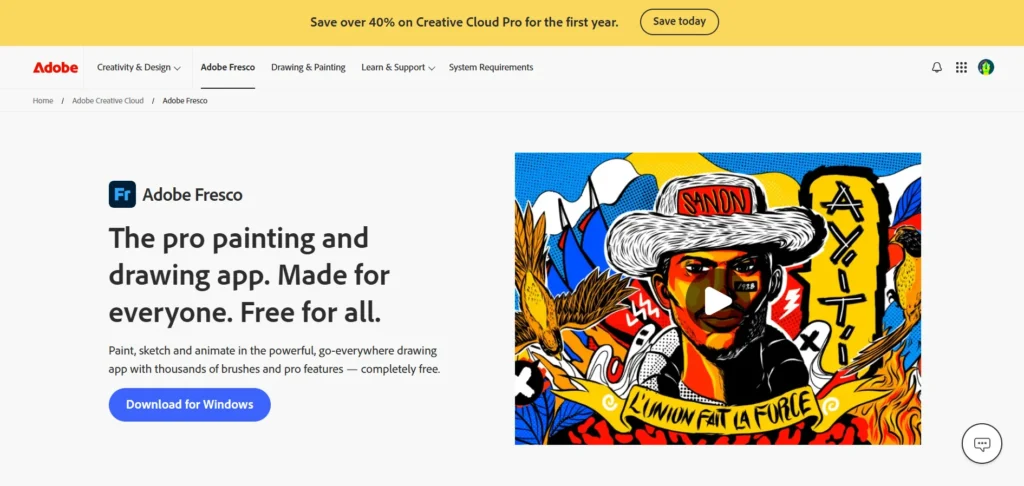
Adobe Fresco is a drawing application that combines the digital and traditional aspects of art. It is user-friendly, and it has brushes that mimic the behaviour of actual watercolour and oil paint. The interface is not complex but is powerful enough to expand with your capabilities. Fresco is also compatible with other Adobe programs, such as Photoshop and Illustrator. This contributes to the fact that it is a good choice for beginners who are willing to experiment in digital painting but remain close to the conventional technique of art.
Top Features
- Live brushes with real paint effects
- Vector and raster drawing tools
- Seamless integration with Adobe apps
- Pressure and tilt sensitivity support
- Cloud syncing with Adobe Creative Cloud
- Simple yet powerful interface
6. PaintTool SAI
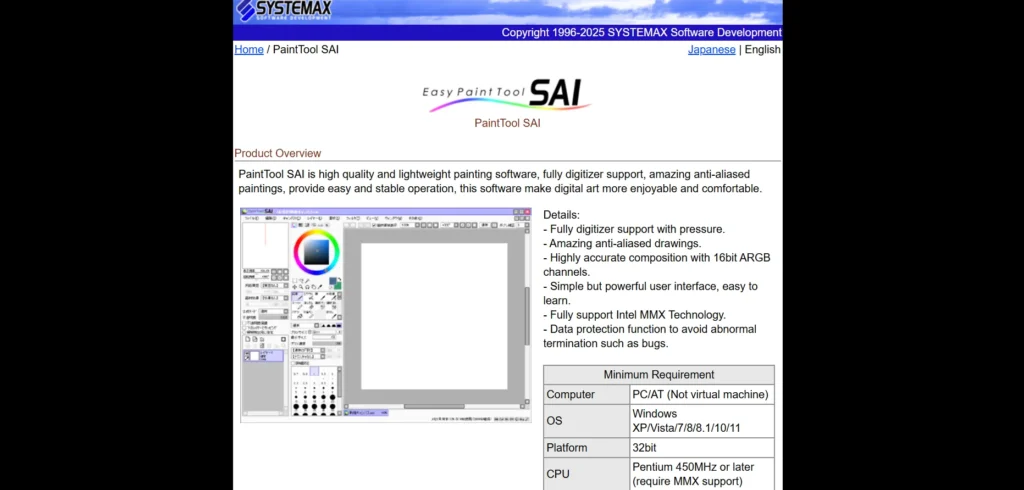
PaintTool SAI is a small drawing application that anime and manga artists adore. It is simple to acquire due to its simple and clean design.
Their brushes are also smooth, and they are compatible with drawing tablets, which will help beginners in drawing neat lines. It is also fast and suitable for old computers, which is excellent for students. PaintTool SAI is built on drawing; thus, you are not bothered with irrelevant tools.
Top Features
- Lightweight and fast software
- Smooth, pressure-sensitive brushes
- Simple and clean user interface
- Excellent line art tools
- Low system requirements
- Stable performance on older PCs
7. Medibang Paint

Medibang Paint is free digital painting software designed to be used in the painting and drawing of comics. It is compatible with numerous gadgets such as computers, tablets, and phones. Novices take delight in its prepared comic panels, screen tones, and brushes.
Cloud saving and numerous free resources are also provided in the software. Medibang Paint is very user-friendly and allows any beginner artist to create illustrations and comics using simple tools and helpful guides.
Top Features
- Free and cross-platform support
- Comic and manga creation tools
- Pre-made panels and screentones
- Cloud storage for projects
- Large library of brushes and fonts
- Beginner-friendly interface
Suggested Read: AI Video Editing Tools
8. Corel Painter Essentials
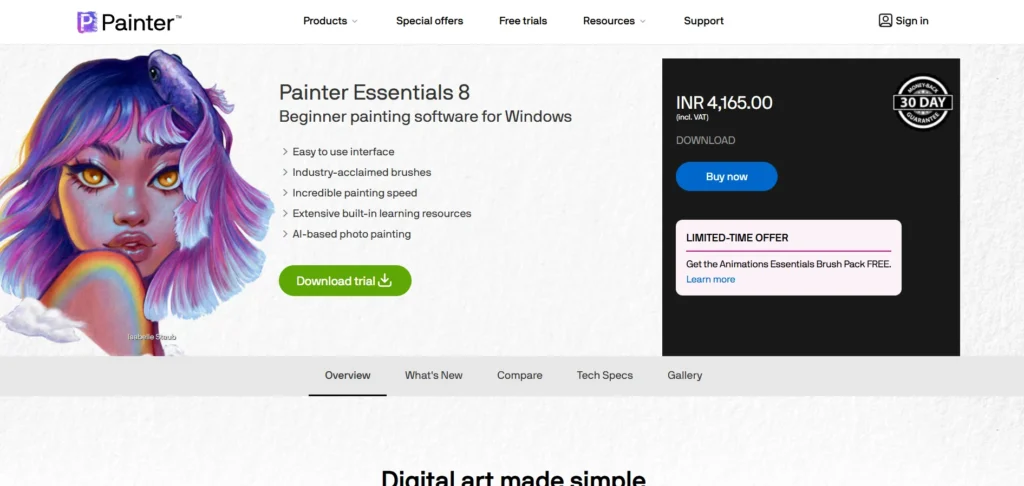
Corel Painter Essentials is an introductory edition of Corel Painter that is targeted at simple digital painting. It dwells on realistic brushes that appear and feel like the real paint, pencil, and pastel. The interface is clear and simple, and it is user-friendly for first-time users.
It also has fun tools such as the auto-painting features, enabling the beginner to experiment. This software is suitable for a person who transitions to digital art.
Top Features
- Realistic natural media brushes
- Simplified version of Corel Painter
- Easy-to-use workspace
- AI-powered auto-painting tools
- Tablet and stylus support
- Designed for traditional artists
9. Rebelle
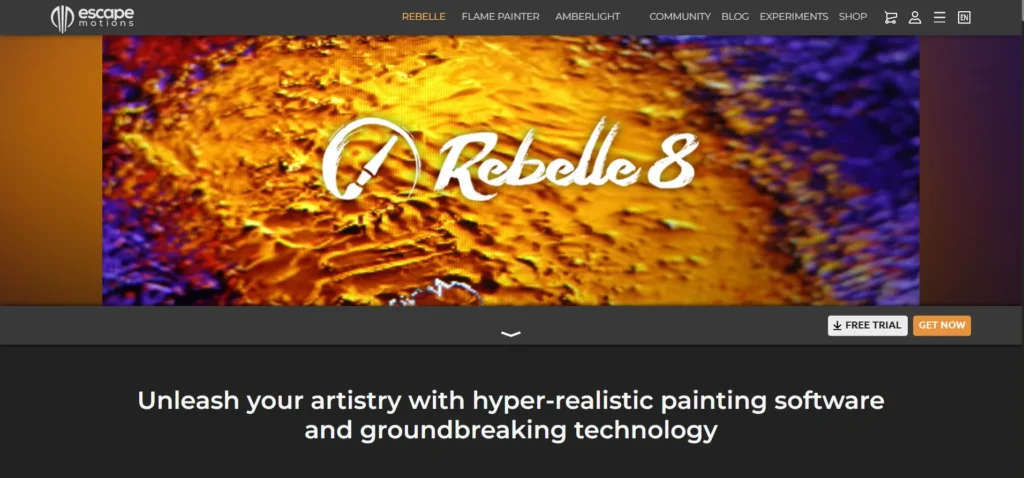
Rebelle is characterised by highly realistic effects of watercolour and paint. It is ideal for people who are new and prefer the conventional style of painting. The software demonstrates the spreading and drying of the paint, as it would happen with real watercolours.
The interface is also easy to use and simple to navigate because new users do not get lost. Rebelle is compatible with tablets and stylus pens and provides an artist with a natural painting feel, digitally.
Top Features
- Ultra-realistic watercolor simulation
- Natural paint drying and flow effects
- Touch and pen-optimized tools
- Simple and clean interface
- High-quality natural media brushes
- Ideal for tablet users
10. ArtRage
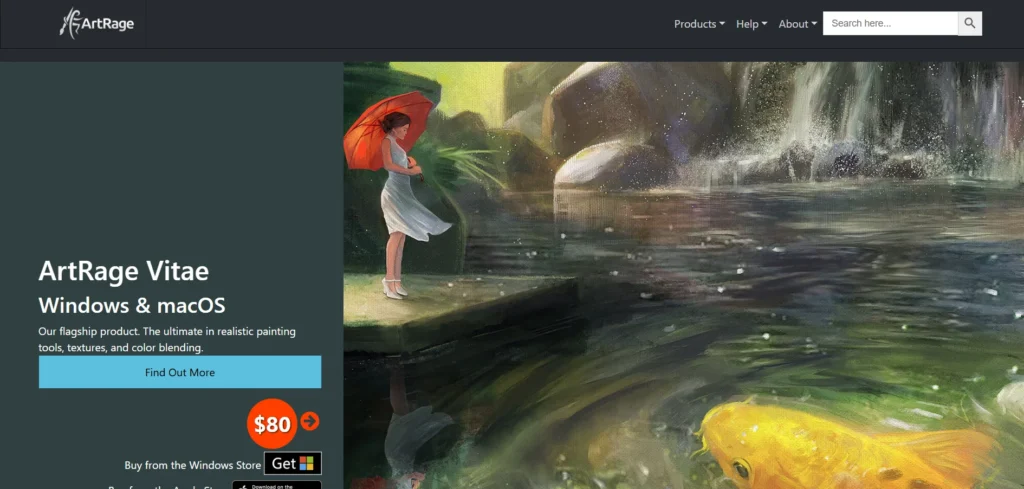
ArtRage is a painting program that has the feel of a real canvas. It has brushes that perform like oil paint, watercolour, and pencils. Amateurs prefer ArtRage due to its user-friendly interface and lifelike tools.
It assists the artists in knowing the way the traditional works of art would be when they are working with the digital tools. ArtRage is also inexpensive and a good option to start with for beginners who desire a natural experience in painting.
Top Features
- Realistic oil and watercolor brushes
- Canvas texture and paint mixing
- Intuitive and beginner-friendly UI
- Natural media-focused tools
- Cross-platform availability
- Budget-friendly digital painting option
What to Look for in Drawing Tools?
The appropriate drawing software can result in an enormous change in the degree of comfort and creativity you are likely to experience when creating art. There are so many options, free and paid, so it is good to know what features are important to you to make a decision about the tool that fits you and your level of skills.
Ease of Use & Interface
It should have a simple and clean interface, which is particularly significant to novices. The software ought to be user-friendly, and you should not spend a lot of time struggling with the complex menus and features.
Brushes & Customisation
The good drawing software must have diverse brush styles like pencils, inks, and paint styles. Brushes can be customised, allowing you to adjust size, texture, opacity, and pressure sensitivity to art to get more expressive.
Layer Management
Layers are beneficial in terms of efficiency, as you can divide sketches, line art, colours, and effects. Find software that enables you to easily create layers, group, lock, and blend.
Tablet & Pressure Support
Pressure sensitivity is a necessity in case you are using a drawing tablet. It permits natural lines and more command over lines and tints.
Export & File Compatibility
The software must accept the popular image formats such as PNG, JPG, PSD, or SVG, and it is easy to share, print, or resume working in other applications.
Community and Learning Resources
Well-developed community support, tutorials, and free resources may significantly accelerate your learning process and enhance your skills.
Ending Note
The features are not the only factors to consider when selecting the best free drawing software, but rather which one you can feel comfortable with and that generates ideas. You can either have fun sketching, create illustrations, or learn digital art step-by-step; either way, the experience can be enjoyable and stress-free with the proper software.
The current free tools have been smarter, faster, and more user-friendly for the artist than ever before. They will enable you to rehearse, sharpen, and share your ideas without financial strain.
Do your research, experiment, and follow your creative instinct. It does not take costly software to create great art, but a sense of curiosity, persistence, and the boldness to do something new.
FAQs
1. Is Free Drawing Software Helpful to New Users?
Yes, free drawing tools are user-friendly, with very easy-to-use features and instructions, and it is free of charge to begin and learn how to create digital art.
2. Is it Possible to Use Free Drawing tools Professionally?
Several practitioners apply the use of free applications like Krita and Inkscape in illustrations, idea art, comics, and even client work.
3. Will I Require a Drawing Tablet to Use Drawing Software?
No, you can begin with a mouse; however, a drawing tablet is better for control, comfort, and quality for pressure-sensitive drawing.
4. What is the Best Free Drawing Application Used in Comics and Manga?
Medibang Paint and Krita are other good options for comics with the provision of panels and screentone, as well as smooth line art.
5. Will Free Software help me Export my Artwork in High Quality?
Yes, the majority of free drawing programs can export in high quality, such as PNG, JPG, PSD, and SVG.