As businesses face relentless pressure to move faster, waiting on traditional software development is no longer a viable option. The modern workplace runs on immediacy, a demand that has fueled an unprecedented surge in visual development tools and No-Code Automation Platforms: the global low-code and no-code market is projected to skyrocket to $264.40 billion by 2032, compounding at a remarkable annual growth rate of 32.2%.
Whether you are a solopreneur looking to link your tech stack, a non-technical department head aiming to eliminate data silos, or an enterprise leader optimizing massive operations, this guide is built for you. We break down the top 15 no-code platforms that can transform your daily workflows from manual bottlenecks into hands-off, efficient engines. Moving into mid-2026, the real shift is the arrival of AI-native automation moving past basic “if-this-then-that” rules to platforms that actively understand context, interpret unstructured data, and build complex logic on the fly.
What Is No-Code Automation?
No-Code automation is the practice of creating self-running workflows, connecting software systems, and handling data tasks without writing a single line of programming code. Instead of manually building custom scripts or relying heavily on IT departments, users leverage visual drag-and-drop interfaces, pre-built integrations, and logical flowcharts to link their business apps. By replacing complex syntax with intuitive design elements, these platforms essentially democratize software development. They allow anyone to map out a business process like instantly saving email attachments to cloud storage or syncing lead data from social media to a CRM—and let workplace automation tools execute it automatically in the background.
The core value of this shift is a massive leap in agility and cost efficiency for modern teams. Because the technical complexities of APIs and servers are hidden behind user-friendly dashboards, non-technical personnel can build, test, and deploy custom automations in a matter of hours rather than weeks. This drastically reduces the burden on engineering resources and eliminates manual data-entry bottlenecks across departments. Furthermore, as we move through 2026, no-code automation has evolved far beyond basic “if-this-then-that” rules; it now seamlessly incorporates artificial intelligence, allowing workflows to read complex documents, understand text sentiment, and make smart, context-aware decisions on their own.
No-Code vs Low-Code vs AI-Native Automation: What Is the Difference?
While these three approaches all aim to speed up business processes, they differ fundamentally in who uses them, the level of technical skill required, and how the automation logic is actually constructed. Choosing the right approach depends entirely on your team’s technical background and the complexity of the tasks you need to handle.
| Feature | No-Code Automation | Low-Code Automation | AI-Native Automation |
| Primary User | Business users, marketers, solopreneurs | Developers, IT professionals, tech-savvy analysts | Anyone (via natural language prompts) |
| Technical Skill Required | Zero programming knowledge | Basic scripting (JavaScript, Python) & SQL | None; relies on plain-English instructions |
| Core Core Mechanics | Drag-and-drop visual builders & static recipes | Visual blocks extended with custom code fragments | Large Language Models (LLMs) interpreting context on the fly |
| Best For | Routine data syncing and simple linear workflows | Complex enterprise integrations and custom app logic | Unstructured data processing, decision-making, and dynamic tasks |
| Handling Unexpected Data | Fails or stops unless manual error routing is built | Requires a developer to write exception-handling code | Adapts automatically by understanding intent and context |
How We Selected and Evaluated These Platforms
To cut through the marketing noise, we rigorously tested and analyzed dozens of tools to find the ones that deliver genuine value in real-world business scenarios. Our evaluation focused on practical usability, scalability, and how well these tools handle the demands of the modern, connected workplace.
- Ease of Use and Visual Interface: We evaluated how intuitive the drag-and-drop builders are for non-technical users, ensuring that setting up a workflow requires zero coding knowledge.
- Integration Ecosystem: We looked at the depth and breadth of native connections available, prioritizing platforms that seamlessly link with major CRMs, communication tools, and databases.
- AI Capabilities and Future-Proofing: We assessed how deeply the platform integrates artificial intelligence and business AI solutions, looking for features like natural-language workflow generation and intelligent handling of unstructured data.
- Reliability and Error Handling: We tested how the platforms manage failures specifically looking for clear error alerts, auto-retry features, and easy troubleshooting dashboards.
- Scalability and Pricing Structure: We analyzed how well each tool handles high volume as a business grows, ensuring that the pricing plans remain predictable and don’t penalize user adoption.
What to Look for in a No-Code Automation Platform
Choosing the right software requires looking past shiny interfaces to focus on the core capabilities that keep your business running smoothly. The ideal platform must match your team’s current technical comfort level while offering the underlying infrastructure needed to handle complex data and scaling operations.
- Native App Integrations and API Flexibility: Ensure the platform directly supports the software your team already uses daily, while also offering flexible webhook or HTTP request options for tools that lack a dedicated, pre-built connector.
- Conditional Logic and Multi-Step Routing: Look for the ability to build sophisticated paths—such as filters, “if/then” branches, and parallel loops—so you can model intricate, multi-department business processes, including accounts payable automation solutions, rather than just simple, linear tasks.
- Data Transformation and Formatting Tools: The platform should include built-in features to easily manipulate text, parse dates, format numbers, and map data fields between disparate applications without requiring custom code scripts.
- Governance, Security, and Compliance: Prioritize platforms that provide robust administrative controls, including role-based access permissions, detailed audit logs, and compliance certifications like SOC 2 or GDPR to protect sensitive company data.
- Execution Speed and Trigger Real-Time Responsiveness: Check whether the platform relies on delayed polling intervals (checking for data every 5 to 15 minutes) or supports instant, webhook-based triggers that execute the moment an event occurs.
Quick Comparison Table: Best No-Code Automation Platforms at a Glance
To give you a quick, birds-eye view of how these platforms stack up against each other, we have compiled their key details into a side-by-side matrix. This breakdown contrasts their core strengths, integration capabilities, and AI integrations alongside their baseline costs to help you spot the perfect match for your workflow.
| Tool Name | Best For | Integration Type | AI Features | Number of Integrations | Starting Price |
| Latenode | Budget-Friendly AI and API Automation | Multi-way Trigger & Scripting | Yes (400+ built-in native AI models) | Growing ecosystem + custom APIs | Free / Paid from $5/mo |
| Zapier | Beginners and Broadest Ecosystem | Multi-step Trigger | Yes (Zapier Copilot workflow builder) | 8,000+ | Free / Paid from $19.99/mo |
| Make | Visual Multi-Path Workflow Mapping | Multi-step Trigger & Iterators | Yes (AI assistants & custom LLM steps) | 1,000+ | Free / Paid from $9/mo |
| n8n | Technical Teams Seeking Privacy | Multi-way Trigger & Agentic | Yes (Native LangChain & vector nodes) | 400+ + custom code nodes | Free (Self-hosted) / €20/mo (Cloud) |
| Workato | Enterprise IT Governance | Multi-way Enterprise Orchestration | Yes (Enterprise AI orchestration & recipes) | 1,000+ (Enterprise grade) | Available on request |
| Relay.app | Human-in-the-Loop Collaboration | Multi-step Trigger + Human Steps | Yes (Direct GPT, Claude, Gemini schemas) | Mid-sized (Growing) | Free / Paid from $19/mo |
| Pipedream | Developer Integration & Serverless | Code-Driven Trigger & Webhooks | Yes (AI code generation assistant) | 1,000+ + native NPM/PyPI | Free / Paid from $29/mo |
| Activepieces | Open-Source AI Native Automation | Agentic & Multi-step Trigger | Yes (AI Adoption Stack & MCP support) | Modular ecosystem | Free (Self-hosted) / $5 per active flow |
| Microsoft Power Automate | Enterprise Teams in Windows | Trigger & Desktop RPA | Yes (Copilot AI step builder) | Deep Microsoft 365 + Legacy RPA | Paid from $15/user/month |
| HubSpot Operations Hub | Sales Teams & CRM Data Cleansing | Real-time Two-Way Sync | Yes (AI data formatting & cleaning) | Deep CRM focus + standard integrations | Free / Paid from $6.11/mo/seat |
| Tray.io | Mid-Market & Embedded SaaS | Multi-way Trigger & Embedded | Yes (Merlin AI operations agents) | Universal API Connector | Available on request |
| Celigo | NetSuite ERP & E-Commerce | Complex Bidirectional Sync | Yes (AI data validation error handlers) | Deep ERP, Warehouse & Retail focus | Free tier / Annual contracts |
| IFTTT | Smart Home & Mobile Device Automation | Simple One-Way / Low-step Trigger | Yes (AI Applet social/summary tools) | 900+ hardware & apps | Free / Paid from $2.99/mo |
| Tonkean | Legal, Procurement, & Operations | Intake & Multi-app Orchestration | Yes (AI-first legal/procurement intake) | Enterprise app ecosystem | Available on request |
| Bardeen | Local Browser Scraping & Desktop Tasks | Local Browser Trigger & Scraper | Yes (Natural language visual scraper builder) | Browser-native + major cloud apps | Free / Paid from $10/mo |
Top 15 Best No Code Automation Platforms
1. Latenode – Best for Budget-Friendly AI and API Automation
Website: https://latenode.com
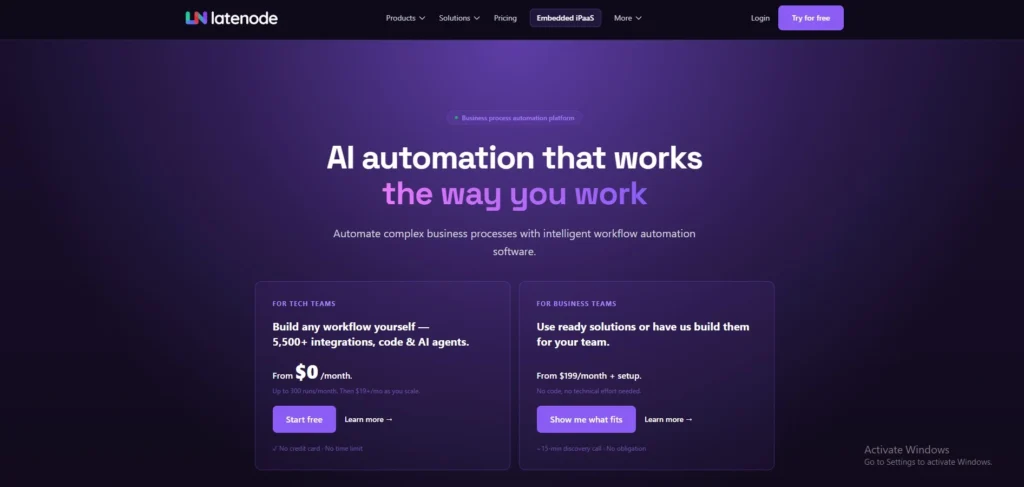
Latenode is a modern low-code/no-code hybrid platform that completely breaks away from traditional “per-task” pricing. It allows users to build highly complex, multi-step workflows using an intuitive visual canvas while offering full, native JavaScript support via NPM packages. As one of the emerging no-code automation platforms, its major standout feature is the built-in access to over 400 AI models without requiring external API keys. This makes it an incredibly powerful engine for teams that want to execute high-volume data operations, analytics software solutions, and AI-driven workflows without facing skyrocketing monthly software bills.
Key features
- Visual canvas builder with drag-and-drop mechanics for simple script deployment.
- Full JavaScript integration with instant NPM package installation right inside any workflow node.
- Native headless browser automation via Puppeteer to scrape or control websites lacking public APIs.
- Built-in NoSQL data storage to persist and update operational info across separate runs.
Pros
- Dispatches from per-task restrictions by billing strictly on execution time, saving users up to 90% at scale.
- Combines AI nodes natively so you can use premium models without managing independent API tokens.
Cons
- The native app ecosystem is still growing compared to older legacy platforms.
- Non-technical users might face a slight learning curve if a workflow requires custom JavaScript snippets.
Pricing
| Free | Mini | Start | Team |
| $0 | $5/mo | $19/mo | $59/mo |
2. Zapier – Best for Absolute Beginners and Broadest App Ecosystem
Website: https://zapier.com
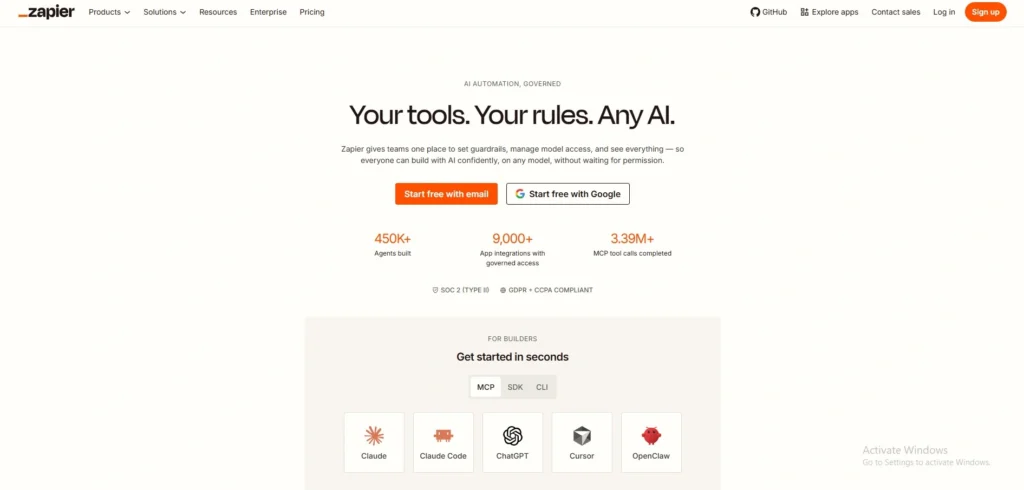
Zapier remains the household name in cloud automation, acting as the primary entry point for non-technical teams worldwide. Its strength lies in an unrivaled catalog of integrations, making it almost impossible to find a business application it cannot connect to. The platform uses a clear, vertical step-by-step assistant that guides users effortlessly through mapping out automated tasks. In recent updates, it has wrapped its interfaces, simple database tables, and AI Copilot into unified subscription packages to keep individual operators building fast.
Key features
- Massive native ecosystem housing over 8,000 distinct business applications.
- Unified access to Zapier Tables and Zapier Interfaces for creating custom forms or tracking data.
- Zapier Copilot AI assistant that generates complete automation drafts using basic text instructions.
- Multi-path conditional branching to handle distinct, alternative outcomes in a single setup.
Pros
- Unmatched ease of use makes it simple for non-developers to build working automations in minutes.
- Native connections are incredibly reliable and rarely require manual API maintenance.
Cons
- Extremely expensive at high volumes due to a strict task-based billing structure where every single step costs money.
- Complex branching can quickly become visually cluttered inside its linear, vertical editor interface.
Pricing
| Free | Professional | Team | Enterprise |
| $0/mo | $19.99/mo | $69/mo | Available on request |
3. Make – Best for Visual Multi-Path Workflow Mapping
Website: https://make.com
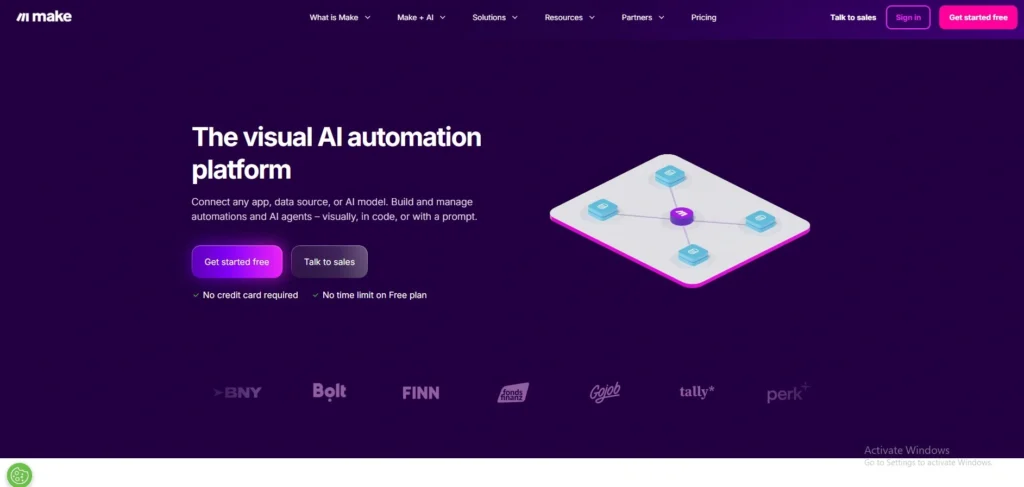
Formerly known as Integromat, Make is a highly interactive, visual automation platform loved by agency builders and operations teams. Among the most popular no-code automation platforms, it trades linear menus for a fluid, infinite drag-and-drop canvas where automations look like literal network nodes. Make excels at intricate data transformations, bulk loops, and complex conditional routing without needing a developer. Because it charges based on operations rather than flat workflows, it provides a much more budget-friendly middle ground between the absolute simplicity of Zapier and code-heavy infrastructure.
Key features
- Infinite circular node canvas that visualizes data flows in real-time as they run.
- Comprehensive data parsing tools including advanced iterators, aggregators, and JSON tools.
- Advanced error-handling modules that can instruct workflows to ignore, retry, or pause on mistakes.
- Integrated Data Stores for saving internal variables and operational history seamlessly.
Pros
- Exceptional visual mapping makes it incredibly easy to debug complex, heavily branched workflows.
- Highly competitive core pricing that offers significantly more data actions per dollar than legacy competitors.
Cons
- The visual map can feel overwhelming to absolute beginners who just want to link two apps quickly.
- Webhook updates on lower tiers occasionally experience minor processing delays.
Pricing
| Free | Make Plan | Custom |
| $0 | Starts from $9/mo | Custom |
4. n8n – Best for Technical Teams Seeking Open-Source Privacy
Website: https://n8n.io
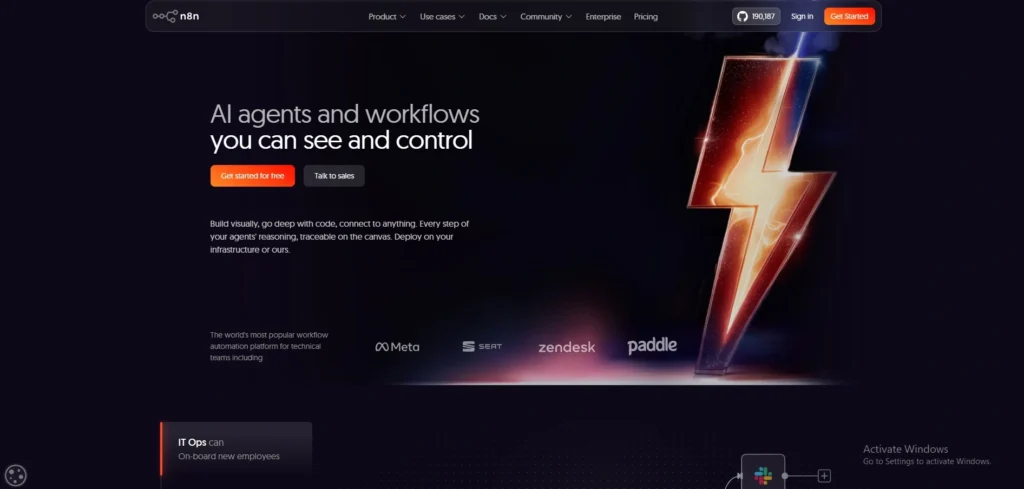
n8n takes a distinct approach by positioning itself as a fair-code, highly flexible automation engine designed for developer-adjacent teams and privacy-focused operations. It can be run directly on your own infrastructure for free, giving you unlimited execution volume with zero cloud subscription costs. Its node canvas is highly technical, allowing users to effortlessly write code or drag-and-drop standard apps side by side. It is perfect for enterprises dealing with strict regulatory demands that cannot pass customer records through third-party servers.
Key features
- Dual availability as a managed cloud service or an entirely self-hosted community installation.
- Native Code Node supports advanced JavaScript and Python structures for ultimate data control.
- Built-in LangChain nodes for engineering complex AI agents and vector memory connections directly.
- Multi-environment control for safely testing builds across dev, staging, and production areas.
Pros
- Running the platform locally or on private clouds eliminates usage caps and ensures total data sovereignty.
- Billing on the cloud version counts entire executions rather than individual steps, preventing price spikes.
Cons
- Self-hosting demands real engineering oversight for server updates, backups, and security management.
- Advanced management features like SSO and Git integration are locked behind premium enterprise tiers.
Pricing
The self-hosted Community Edition is entirely free. The official Cloud version starts with the Starter tier at €20/month (2,500 executions), steps up to the Pro tier at €50/month (10,000 executions), and reaches Enterprise tiers at €667/month.
5. Workato – Best for Enterprise IT Governance and Operations
Website: https://workato.com
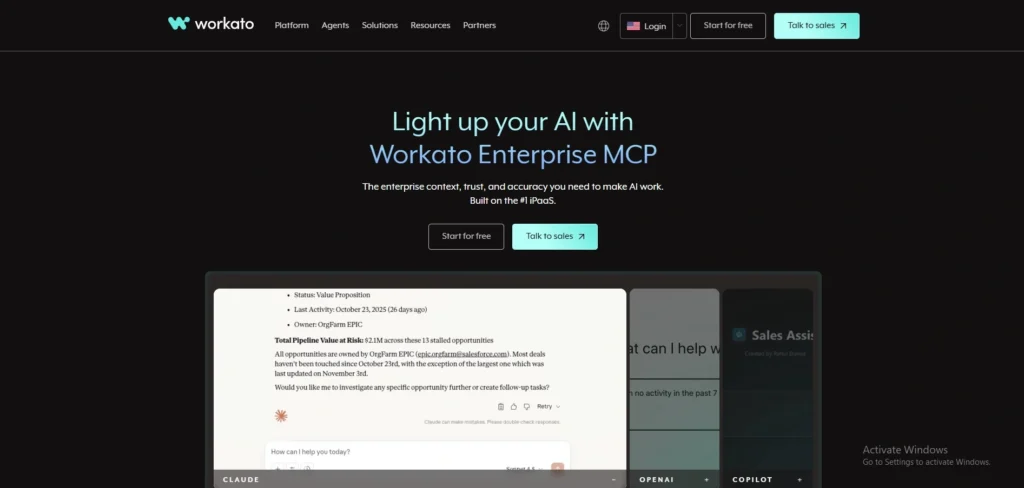
Workato is a heavyweight automation platform built from the ground up for massive corporations and enterprise IT departments. As one of the leading no-code automation platforms for enterprise environments, it focuses heavily on security, compliance, and multi-department governance, allowing large companies to scale automations without risking data breaches. The tool uses a low-code “recipe” framework that blends visual automation with deep enterprise data capabilities. Workato safely connects legacy on-premise infrastructure with modern cloud software, ensuring that business groups can build workflows while central IT retains full tracking and access control.
Key features
- Enterprise-grade governance engine featuring detailed audit logs and role-based access security.
- On-premise agent software to securely bridge local servers with web-based cloud environments.
- Smart data masking to auto-detect and shield sensitive employee or customer information during transfers.
- Collaborative workspace modules allowing separate corporate teams to build inside isolated sandboxes.
Pros
- Offers unparalleled security controls that easily satisfy stringent corporate IT risk assessments.
- Exceptional processing capacity that smoothly handles millions of records without performance dips.
Cons
- Price points are entirely opaque and usually out of reach for small businesses or solo founders.
- The system emphasizes corporate structures, making it far too complex for simple, quick business automations.
Pricing
Workato does not provide public standardized pricing. Subscriptions are customized based on workspace requirements and overall recipe usage, typically starting at several thousand dollars annually.
6. Relay.app – Best for Human-in-the-Loop Automation and Team Collaboration
Website: https://relay.app
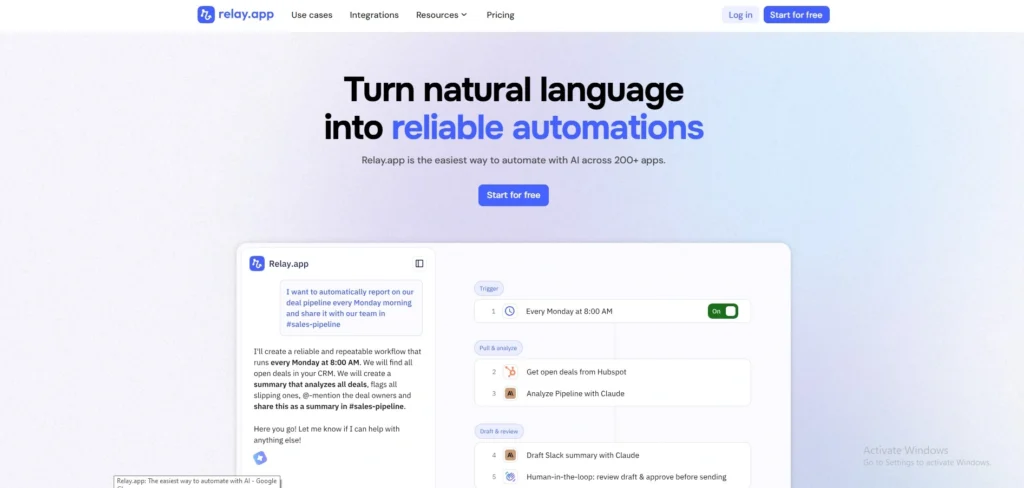
Relay.app is a breath of fresh air in the automation space, specifically built to handle workflows that shouldn’t be 100% automated. While older platforms break down when a human needs to double-check a step, Relay.app natively builds approval stops directly into your flows. Moving into 2026, it stands out for its exceptional structural design that combines deep AI support (GPT, Claude, Gemini) with shared team connections. It completely eliminates the frustration of automations breaking when an individual employee leaves the company or changes their personal account password.
Key features
- Natively integrated Human-in-the-Loop steps to pause workflows for manual approvals or data entries.
- Multi-user shared connections that decouple automation pathways from single employee accounts.
- Built-in direct access to major LLM providers with robust, structured data output schemas.
- Parallel step mapping allows teams to trigger and run multiple actions simultaneously without complex paths.
Pros
- Incredibly clean interface that handles collaborative human input without complicated workarounds.
- Free automation testing runs ensure you do not burn through your paid step counts while debugging.
Cons
- The library of native app connectors is smaller than legacy industry giants.
- It lacks deeply advanced scripting nodes for power developers who want to write heavy code.
Pricing
| Free | Professional | Team | Enterprise |
| $0 | $19/mo | $59/mo | Custom |
7. Pipedream – Best for Developer-Centric Integration and Serverless Compute
Website: https://pipedream.com
Pipedream is a powerhouse built explicitly for developers who want the speed of no-code but refuse to give up the control of custom code. It operates as a serverless integration platform where you can easily drag together pre-built application steps, or inject custom Node.js, Python, or Go code at any point in the chain. Among modern no-code automation platforms, Pipedream stands out by doing away with restrictive step billing entirely. Instead, it relies on actual compute execution time, providing an incredibly affordable, highly scalable engine for high-data production workloads and complex internal tools.
Key features
- Native code execution nodes directly supporting NPM, PyPI, and custom package dependencies.
- Comprehensive built-in state, key-value data storage, and integrated webhook queues.
- Advanced integrated AI assistant that generates custom code logic based on plain English requests.
- Complete environment management alongside built-in version logs and secure secrets managers.
Pros
- Compute-based credit billing means massive multi-step data transformations cost pennies compared to Zapier.
- Exceptional flexibility for managing custom OAuth authentications and non-standard API endpoints.
Cons
- Entirely too technical for standard business users with zero programming or scripting literacy.
- The documentation and interface are heavily tailored toward engineering architectures.
Pricing
| Free | Basic | Advanced | Connect |
| $0 | $29/mo | $49/mo | $99/mo |
8. Activepieces – Best Open-Source AI Native Automation Stack
Website: https://activepieces.com
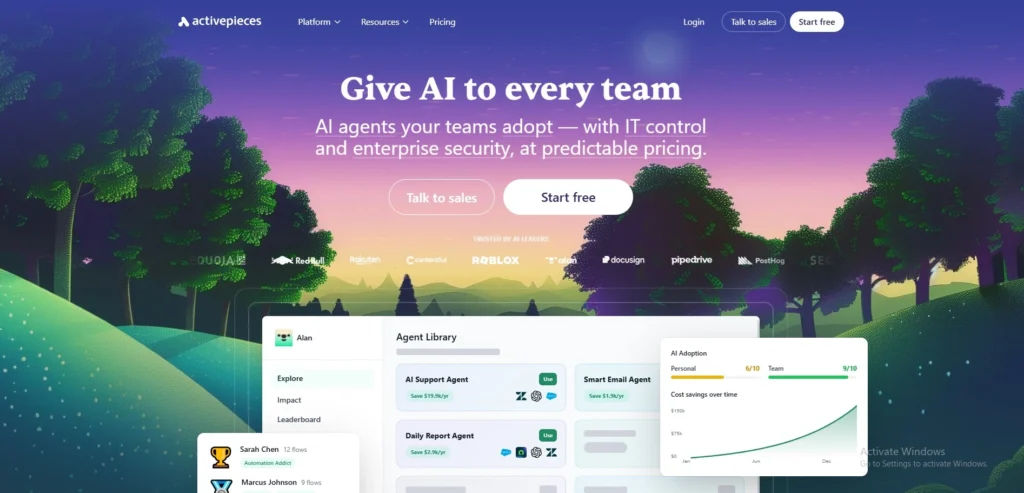
Activepieces is a fast-rising, enterprise-ready open-source alternative to legacy tools, designed around the massive shift toward AI agents in 2026. Available as both a cloud-managed tool and an entirely self-hosted repository, it empowers companies to build automated chains while keeping complete control over their internal data pipelines. The platform utilizes an elegant, modern visual interface and includes out-of-the-box support for Model Context Protocol (MCP) servers. This makes it an incredibly popular backbone for companies aiming to deploy private, smart AI agents into corporate environments.
Key features
- Open-source core engine allowing teams to self-host and customize workflows behind internal firewalls.
- Native AI Adoption Stack featuring direct visual components to configure and deploy intelligent agents.
- Comprehensive Model Context Protocol (MCP) support to connect LLMs with custom enterprise databases.
- Modular piece building system where teams can easily construct and publish custom corporate connectors.
Pros
- The innovative cloud billing model offers 10 free active flows with unlimited standard runs, charging flat fees per active line.
- Open-source nature guarantees no provider lock-in and absolute data privacy compliance.
Cons
- Self-hosting requires clear cloud systems experience to spin up databases and manage upgrades.
- The pre-built template library is still trailing behind the decades-old automation platforms.
Pricing:
- Custom
9. Microsoft Power Automate – Best for Enterprise Teams Inside the Windows Ecosystem
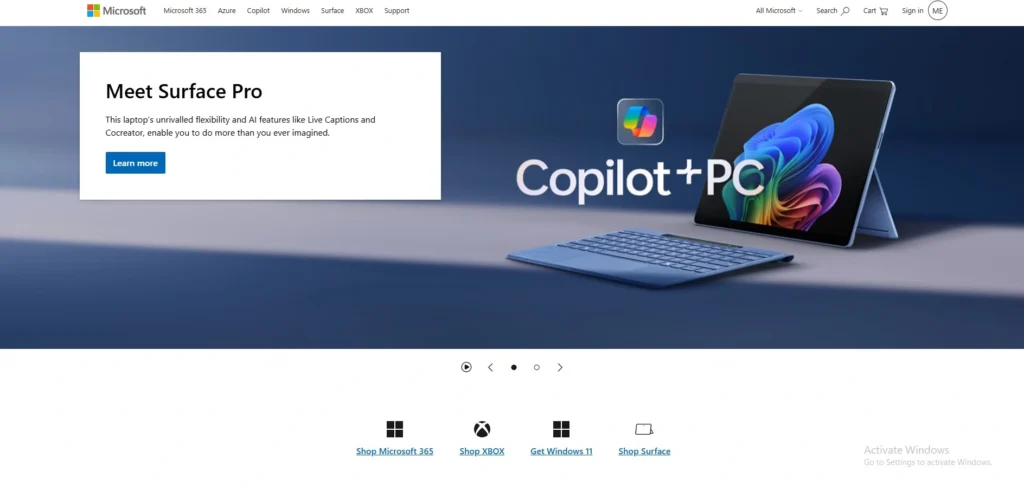
Website: https://www.microsoft.com/en-in
Microsoft Power Automate is the gold standard for enterprises deeply entrenched in the Microsoft 365, Azure, and Windows corporate ecosystem. Among enterprise-focused no-code automation platforms, it excels at bridging modern cloud APIs with rigid, legacy on-premise systems through its powerful Robotic Process Automation (RPA) engine. Power Automate allows enterprise IT groups to configure safe, highly monitored digital workflows that operate directly across Excel, Teams, SharePoint, and custom local software. It gives enterprise managers complete visibility over corporate governance while empowering standard staff to build simple macros.
Key features
- Native, flawless integration across the entire Microsoft 365 cloud application footprint.
- Advanced Desktop RPA (attended and unattended) to automate legacy terminal apps lacking APIs.
- Built-in Copilot AI engine for translating natural language chat commands into functional logic steps.
- Comprehensive IT security governance dashboards featuring structural Data Loss Prevention policies.
Pros
- Unbeatable power for companies needing to automate massive, on-premise software and local desktop interfaces.
- Included natively in many enterprise Office subscriptions, keeping additional procurement friction minimal.
Cons
- The interface is notoriously complex and can feel intimidating to non-enterprise or non-Windows users.
- Connecting to non-Microsoft or third-party consumer web tools often requires premium, paid licenses.
Pricing:
Does not feature a true standalone free tier, though trial configurations are accessible. Main plans include Power Automate Premium at $15/user/month (billed annually) for cloud and desktop flows, scaling up to specialized unattended bot structures starting at $150/bot/month.
10. Hubspot Operations Hub – Best for Sales Teams and CRM Data Cleansing
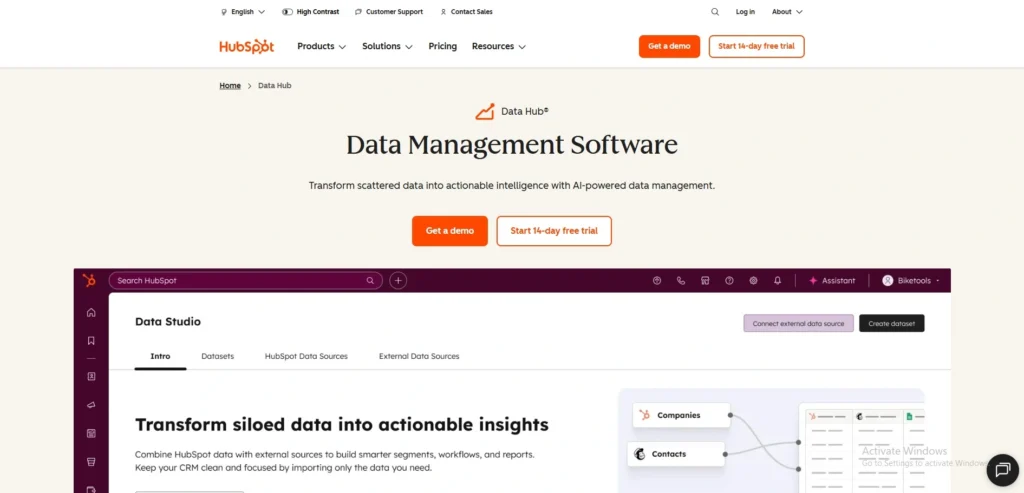
Website: https://hubspot.com/products/operations-hub
HubSpot Operations Hub takes a different path by focusing entirely on data hygiene, syncing, and revenue operations automation right inside your central business system. Rather than working as an all-purpose tool to link random apps, it functions as a data management engine to clean up customer databases and align sales pipelines. It provides super-fast, two-way data syncing across third-party software while allowing operations teams to build custom, data-cleaning formulas that ensure emails, phone formats, and customer tags remain flawless automatically.
Key features
- True real-time, two-way data synchronization engine that actively matches fields across applications.
- Programmable custom workflow actions allowing teams to inject specialized JavaScript snippets into CRM paths.
- Automated data formatting tools that fix mixed capitalization, phone formats, and dates upon arrival.
- Detailed data curation and team overview panels to construct custom corporate reporting structures.
Pros
- Keeps your primary customer database completely clean and aligned without bouncing records off external platforms.
- Highly intuitive setup for data field mapping that far surpasses traditional data import rules.
Cons
- Highly locked into the HubSpot CRM system, making it pointless for businesses using alternative platforms.
- Stepping into tiers that support advanced custom code elements requires a massive jump in cost.
Pricing
| Free | Starter | Professional | Enterprise |
| $0 | $6.11/mo/seat | $696.92/mo | $3134.73/mo |
11. Tray.io – Best for Mid-Market Teams and Embedded SaaS Integrations
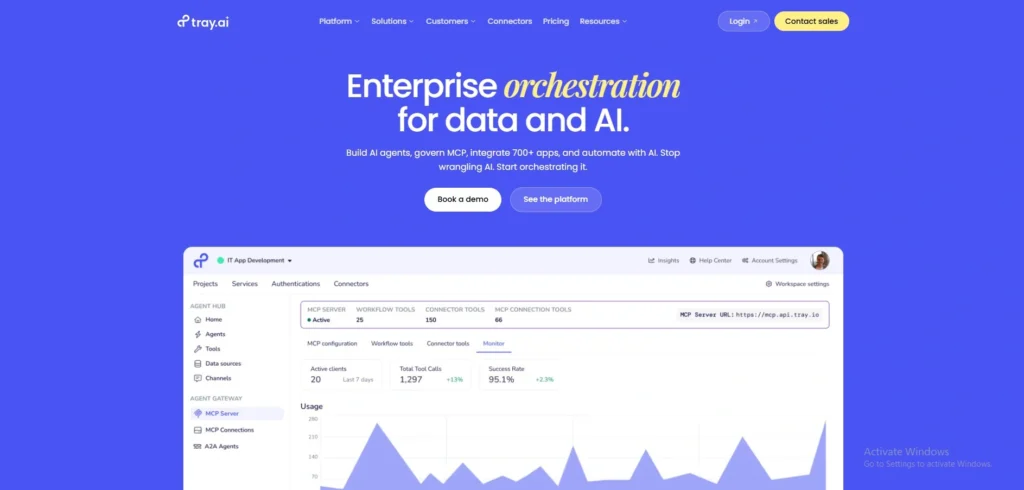
Website: https://tray.io
Tray.io expertly fills the structural gap between basic consumer automation tools and massive enterprise software suites. It delivers a robust, low-code visual workflow engine paired with a highly adaptable Universal Connector capable of linking to literally any web API. As one of the more flexible no-code automation platforms for scaling businesses, Tray.io is highly valued by growing tech organizations and software providers for its “Embedded iPaaS” capabilities. This allows product engineering teams to build standard integrations natively inside their own software and distribute them instantly to their end-users under a white-label interface.
Key features
- Flexible, code-optional canvas featuring built-in loop, conditional logic, and advanced data mapping helpers.
- Universal API Connector that allows teams to easily integrate non-standard or custom software without waiting on a native app patch.
- Merlin AI Project suite for building context-aware operations agents using plain language requests.
- White-label Embedded integration options to package and display custom automation workflows natively to your software clients.
Pros
- Offers top-tier security standards and visual logic without the prohibitively expensive cost barrier of legacy corporate giants.
- Exceptionally scalable data architecture that handles enterprise payload sizing seamlessly.
Cons
- There is no self-service entry tier, requiring a direct consultation with their enterprise sales team to obtain access.
- Absolute beginners will find the visual layout and variable handling maps much more abstract than standard consumer builders.
Pricing
- Pricing available on request
12. Celigo – Best for NetSuite ERP and Complex E-Commerce Operations
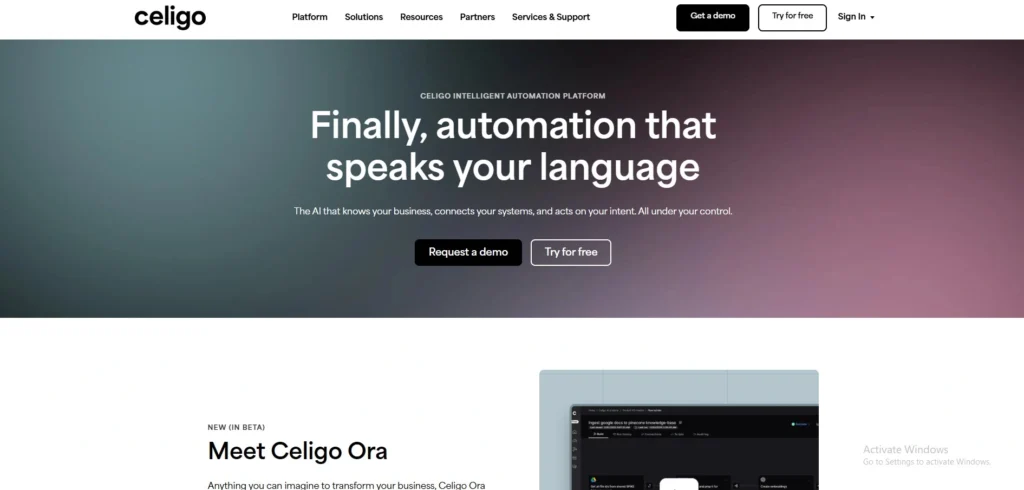
Website: https://www.celigo.com/
Celigo is an integration platform built specifically for the demanding world of logistics, retail, and enterprise e-commerce infrastructure. It specializes heavily in connecting Enterprise Resource Planning (ERP) databases, most notably Oracle NetSuite, with digital storefronts, warehouse networks, and point-of-sale machines. Rather than generic app-linking menus, Celigo utilizes specialized “Integration Apps” pre-packaged, highly monitored workflow suites that handle intricate, bidirectional retail tasks like inventory tracking, tracking number updates, and accounting reconciliations with ironclad accuracy.
Key features
- Deeply specialized, native NetSuite, SAP, and Microsoft Dynamics ERP integration architecture.
- Real-time automated data validation panels designed to catch inventory or sales mismatches prior to sync.
- Specialized e-commerce pre-built integration apps linking Shopify, Amazon, and 3PL platforms perfectly.
- Dedicated error-routing management dashboards built for operational staff to manually override delivery flaws.
Pros
- Handily handles the complex, multi-currency financial and physical inventory syncs that cause consumer tools to crash.
- Incredible out-of-the-box templates designed for strict accounting and retail industry standards.
Cons
- The user interface focuses closely on supply chain data models, making it far too stiff for typical marketing or general office tasks.
- Licensing fees for premium enterprise ERP modules add substantial overhead onto the platform’s base price.
Pricing
- Pricing available on request
13. IFTTT – Best for Simple Smart Home and Mobile Device Automation
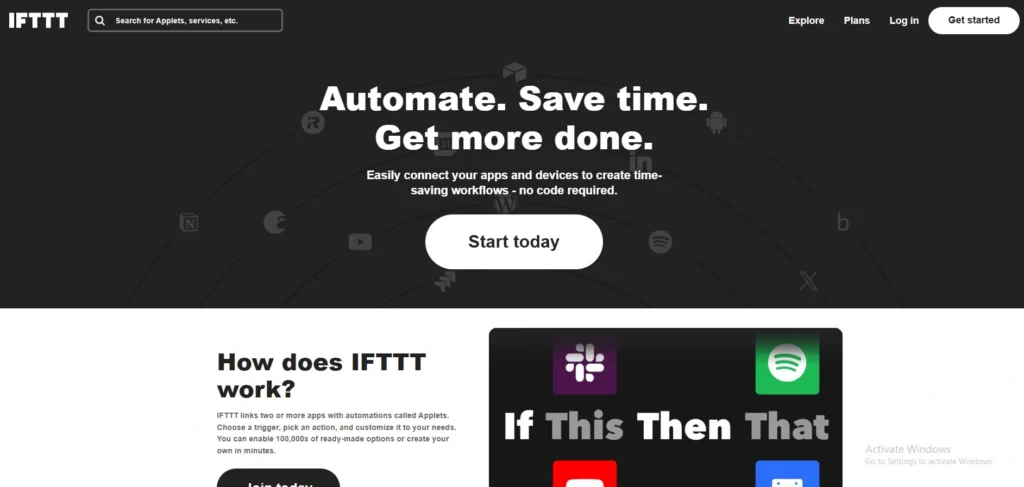
Website: https://ifttt.com
IFTTT, shorthand for “If This Then That,” represents the absolute pinnacle of simple, consumer-focused automation. Among beginner-friendly no-code automation platforms, it stands out for its ease of use and accessibility. While most business platforms target software databases and CRMs, IFTTT connects the digital world with physical consumer hardware and mobile applications. It serves as an incredibly lightweight engine to sync smart home hardware, coordinate wearables, or execute automated actions right across iOS and Android ecosystems—making it an enduring favorite for personal optimization, content creators, and independent physical operations.
Key features
- Peerless physical hardware connectivity bridging smart lights, security appliances, and fitness tracking hardware.
- Mobile-native automation system allowing local phone triggers like GPS location, SMS replies, and photo gallery updates.
- AI Applet services providing out-of-the-box summary generation and automated social media post creation.
- Simplified single-page configuration widgets called Applets for ultra-fast, casual development.
Pros
- Hands-down the most budget-friendly, accessible automation tool on the open internet.
- Exceptionally easy for non-technical users to grasp and run on personal devices inside five minutes.
Cons
- Entirely lacks the advanced multi-branch charting, data parsing, and looping arrays required for serious corporate workloads.
- The complimentary plan has been scaled back heavily, making it functional only for the most basic tests.
Pricing
| Free | Pro | Pro+ |
| $0 | $2.99/mo | $8.99/mo |
14. Tonkean – Best for Legal, Procurement, and Internal Business Operations
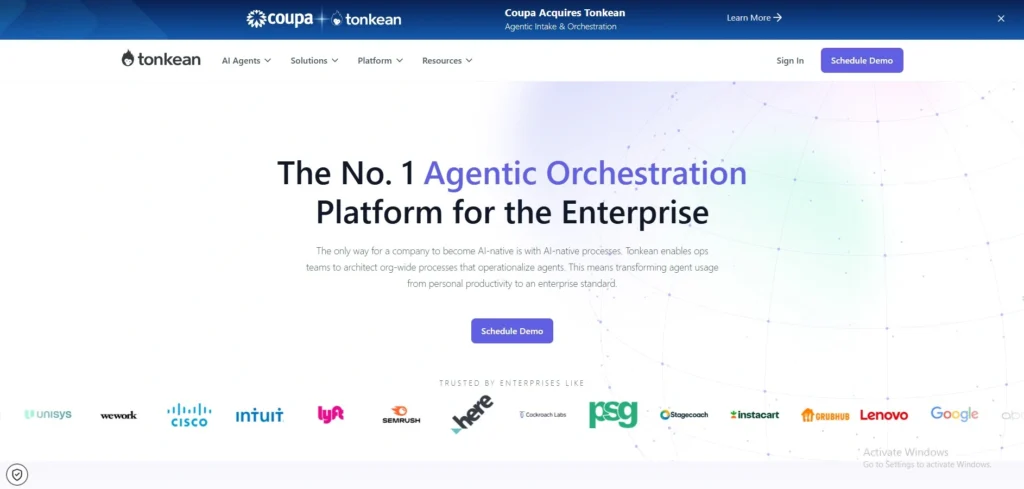
Website: https://tonkean.com
Tonkean is an intake orchestration platform built to transform internal enterprise operations, specifically across legal, finance, and procurement corporate departments. Rather than just passing rows of raw data from App A to App B, Tonkean serves as a smart “AI Front Door” for business requests. It handles the initial steps when employees buy tools or submit contracts, reads the details with AI, automatically routes them through the company’s internal rules, and uses smart agents to handle approvals right inside communication tools like Slack or Microsoft Teams.
Key features
- AI-first Procurement and Legal Intake engine that smoothly reads plain English requests from staff.
- Advanced native Agentic Orchestration designed to direct multi-app workflows without engineering code.
- No-code administrative policy controls that safely verify employee compliance with company budgets and guidelines.
- Flawless interactive communication integrations allowing stakeholders to approve operations directly from chat channels.
Pros
- Unmatched at optimizing confusing, slow enterprise internal intake pipelines without disrupting existing systems.
- Deeply embeds compliance controls into every step, shielding the company from security and budget leaks.
Cons
- Completely oversized and poorly suited for small businesses needing to link basic consumer apps.
- Highly custom sales-led architecture requires significant corporate onboarding to roll out correctly.
Pricing
- Pricing available on request
15. Bardeen – Best for Local Browser Scraping and Desktop Task Automation
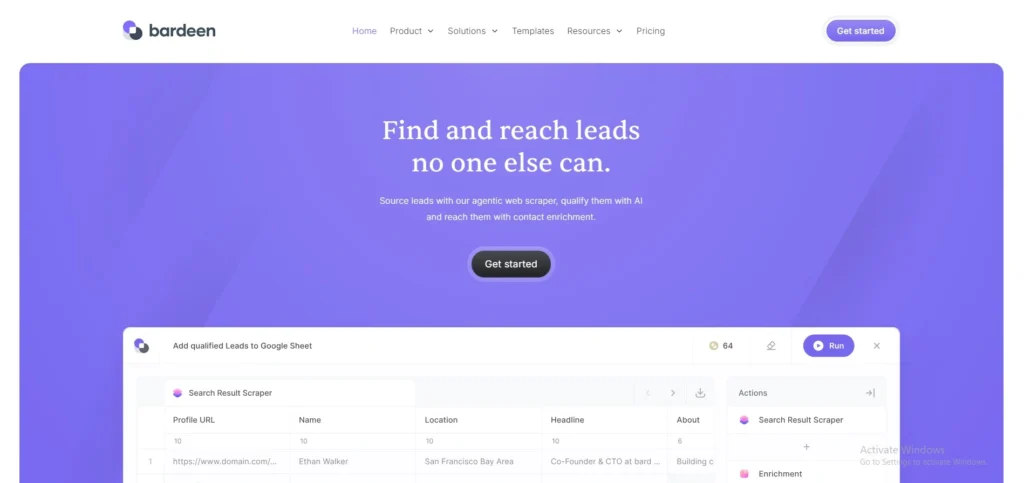
Website: https://bardeen.ai
Bardeen takes a completely unique path in the automation market by running right inside your web browser as a lightweight extension instead of sitting on a remote cloud server. This clever approach allows it to automate your daily work exactly like a real person would—scraping web pages, copying data between browser tabs, and reading local windows. Among innovative no-code automation platforms, it is an absolute game-changer for sales prospectors, market researchers, and growth marketers who need to pull fresh data from web apps and drop it into their databases without dealing with complex, expensive API setups.
Key features
- Extension-based browser execution architecture that runs entirely on local computing power.
- Visual, point-and-click web scraping engine built to extract structured data lists from active web pages.
- Natural language AI workflow generator that builds customized scrapers and app actions via simple chat.
- Contextual contextual pop-up menus that suggest helpful automations based on the exact website you are viewing.
Pros
- Runs entirely locally, allowing you to scrape and move data around without triggering traditional cloud API data limits or costs.
- Bypasses the complex authorization hurdles that make building workflows on cloud tools difficult for beginners.
Cons
- Your computer must actively stay powered on and your browser open for scheduled automations to run.
- Lacks the deep server-side processing needed to handle massive, continuous enterprise data transfers behind the scenes.
Pricing
| Basic | Premium | Enterprise |
| $10/mo | $50/mo | Available on request |
Which No-Code Automation Platform Is Right for You?
With so many powerful options on the market, the trick isn’t finding a good tool—it’s finding the one that perfectly aligns with your team’s specific technical skills, volume needs, and tech stack. The right choice should seamlessly bridge your current applications today while giving your operations plenty of room to expand as your data demands grow.
- For Absolute Beginners and Marketing Teams: If you need to quickly stitch together standard consumer apps like Gmail, Slack, and Salesforce without touching a line of code, an intuitive ecosystem like Zapier or Relay.app is your best bet for speed and simplicity.
- For Power Users and Agency Builders: If your processes involve intricate conditional routing, heavy data looping, or transforming massive datasets, visual canvas platforms like Make or Latenode offer the granular control and flexible layout you need to build and debug complex flows.
- For Technical Teams and Privacy-First Orgs: If you have internal developer resources and need to keep data tightly secured behind your own firewall to comply with strict regulations, a self-hosted, fair-code engine like n8n or Activepieces provides infinite scalability without usage-based subscription caps.
- For Heavy Enterprise IT Environments: If your company is deeply embedded in legacy infrastructure, local databases, or corporate ecosystems like Windows, enterprise-grade platforms like Microsoft Power Automate or Workato deliver the ironclad governance, security, and desktop RPA needed for massive scale.
- For Local Web Scraping and Lead Generation: If your daily workflow revolves around gathering fresh data directly from open browser tabs, tracking down sales prospects, or copying information across web pages, a browser-native extension like Bardeen will save you countless manual hours without requiring complex cloud API configurations.
Final Verdict
In conclusion, the no-code automation landscape has officially evolved past basic app-linking into an era of highly intelligent, context-aware digital ecosystems. By shifting from rigid formulas to flexible visual designs and AI-native reasoning, modern no-code automation platforms have successfully eliminated the technical barriers that used to stall company growth. The goal is no longer just to replace minor manual tasks, but to choose an automation engine that comfortably matches your team’s technical expertise while seamlessly integrating with your existing software.
If you are a startup or SMB looking for a balance of power and budget, tools like Latenode or Make give you the visual freedom to build advanced, multi-step workflows without forcing you into expensive, restrictive pricing structures. Meanwhile, non-technical teams focused on pure speed will find Zapier or Relay.app to be exceptionally intuitive options, whereas large corporations requiring ironclad data compliance should lean toward enterprise giants like n8n or Microsoft Power Automate.
Do not let your team get bogged down by tedious data entry and manual administrative bottlenecks for another week. Nearly every top platform on our list offers a robust, zero-risk free trial or a highly capable complimentary tier designed for experimentation. We highly recommend heading over to Latenode, Zapier, or Make today to spin up a free account and test your most frustrating daily workflow before committing a single dollar of your software budget