Building a professional brand shouldn’t require a design degree or a five-figure budget. Yet many startups struggle with this exact challenge—caught between expensive design agencies and amateur-looking DIY attempts that damage credibility.
Design.com addresses this with AI-powered design tools and pricing starting at just $3/month. With a 4.7/5 rating on Trustpilot from over 3,000 reviews, it’s recognized as one of the best logo makers for entrepreneurs and small businesses.
But does it actually deliver professional branding for non-designers? Let’s break down the features, pricing, and real value.
What is Design.com?
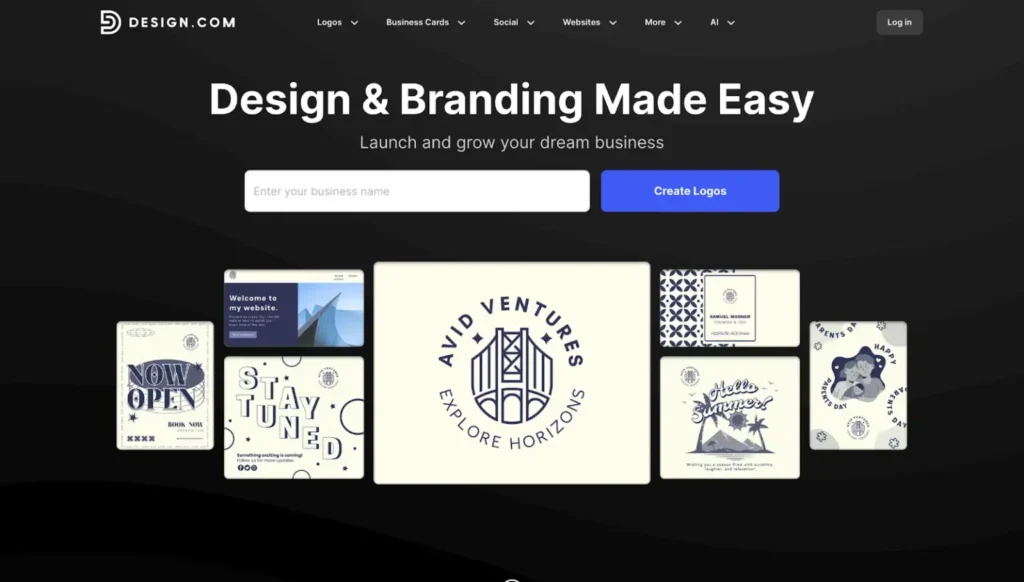
Design.com is known as the best logo maker and all-in-one brand platform for entrepreneurs who need professional design without hiring agencies or learning complex software. The platform combines AI technology with professionally created templates, letting you build complete brand identities in hours.
Here’s the foundation:
- All-in-one solution for logos, websites, social media, and marketing materials
- AI tools that automate design decisions and brand consistency
- Professional quality with every asset created by experienced designers
- Exclusive content unavailable on competing platforms
- Global accessibility supporting seven languages and nine currencies
The target? Non-designers who need quality branding fast—startups launching, small businesses rebranding, solopreneurs building credibility on tight budgets.
Key Features of Design.com
Massive Design Library
The platform houses comprehensive design assets with industry-leading scale:
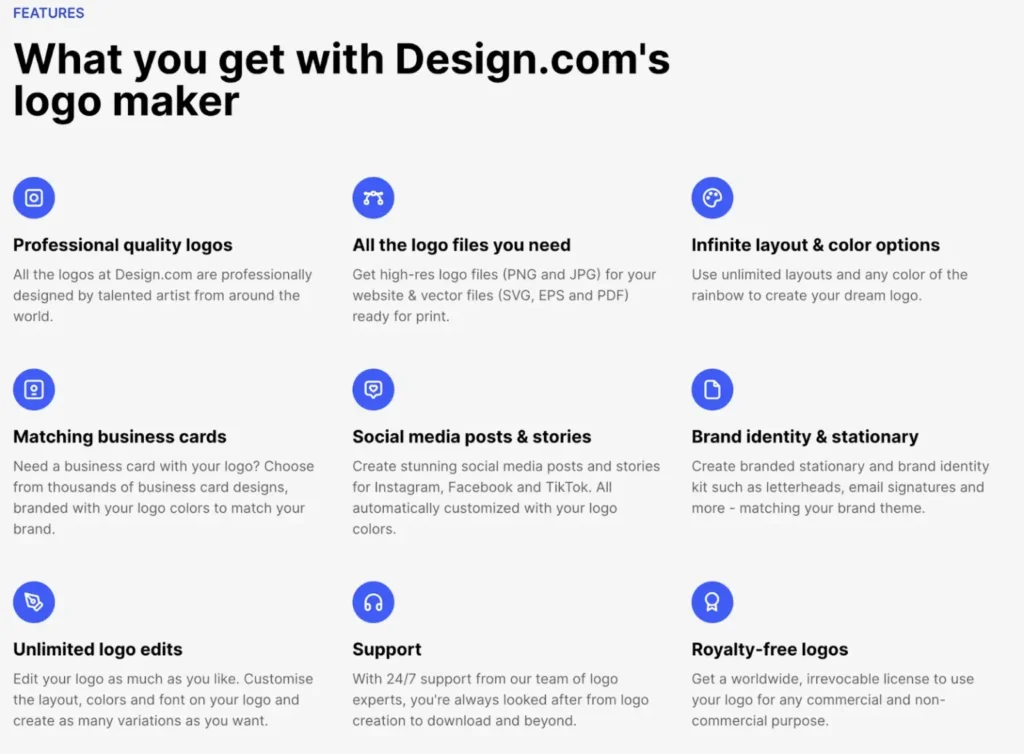
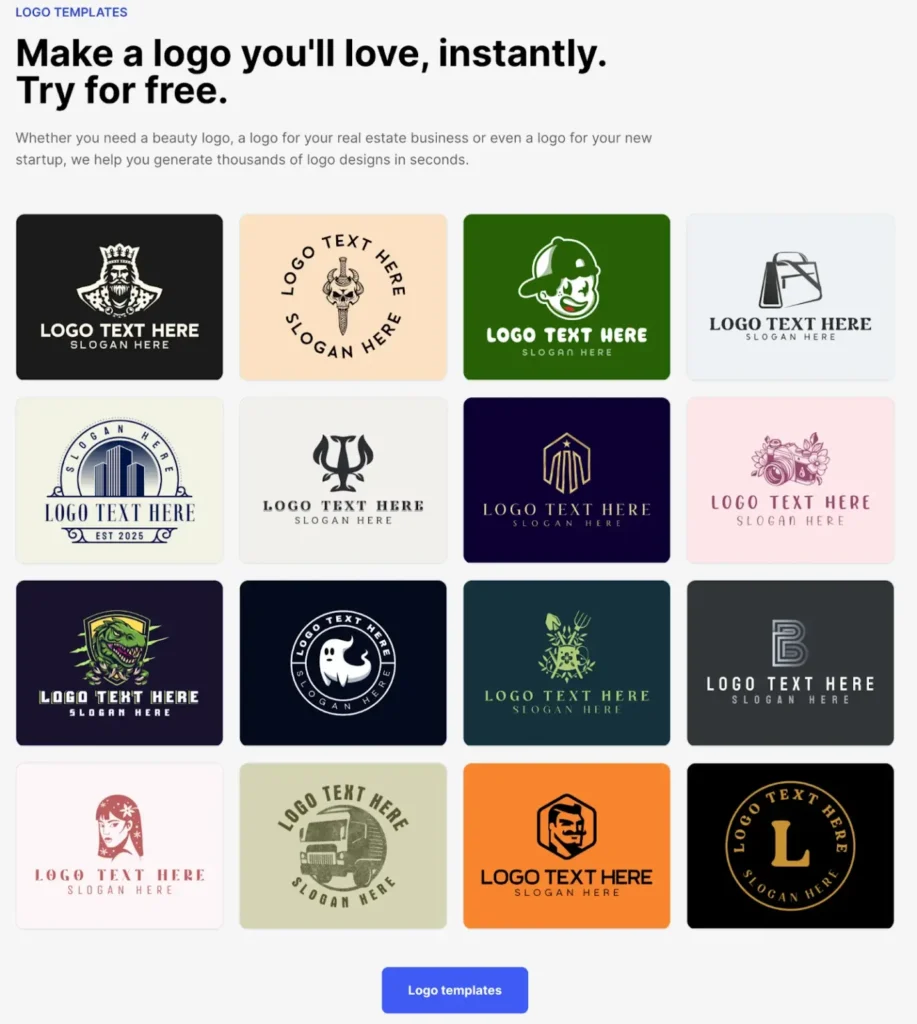
- 360,000+ logo templates (largest in the industry)
- 1 million+ total design templates
- 591,000+ templates accessible across all tools
- Full coverage from tech to retail, services to hospitality
Quality & Exclusivity
- Professional designers create every template (no crowdsourced work)
- Designs exclusive to Design.com (unavailable on competing platforms)
- Extended licenses available for permanent template removal from library
- 100% commercially safe with originality verification
Typography & Design Elements
- 750+ fonts total
- 525+ exclusive fonts found nowhere else
- 62,000+ custom vector shapes
- Thousands of unique icons and graphics
AI Design Tools
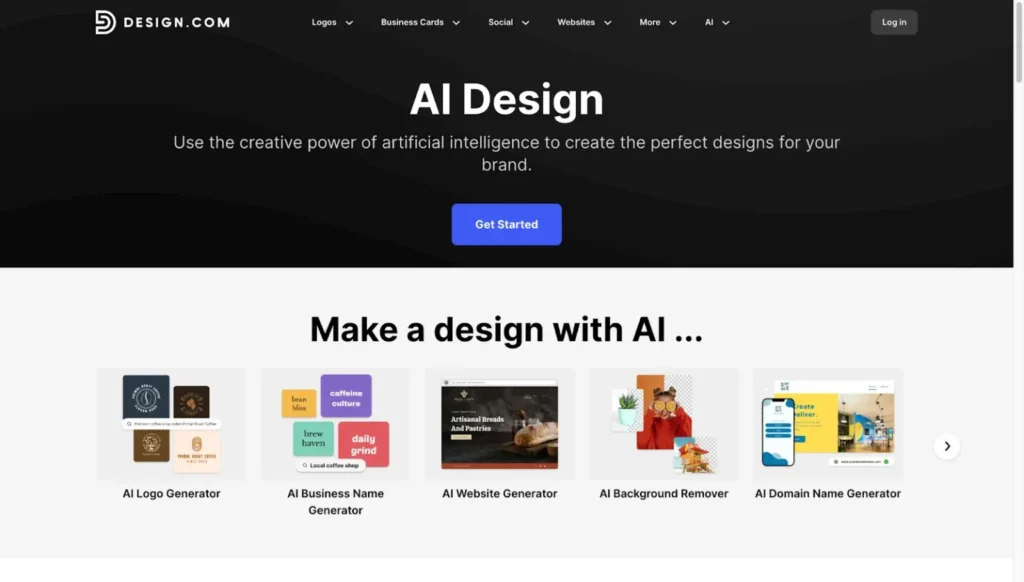
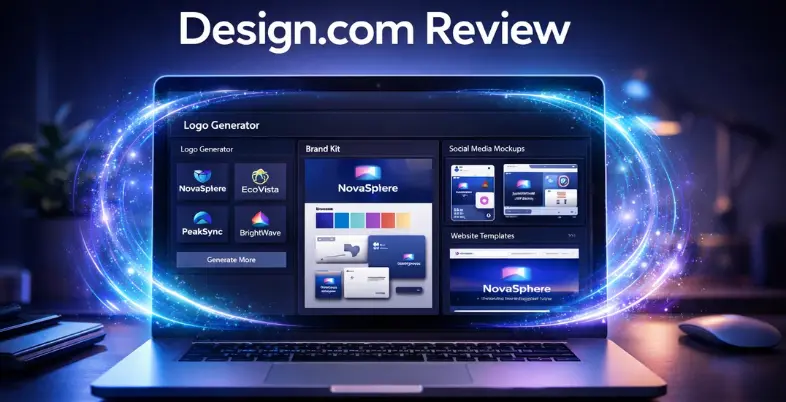
Design.com’s AI handles the heavy lifting, cutting design time from weeks to hours. Its core AI tools include:
- Logo generator – Analyzes your business name and industry, serves relevant options in seconds
- Website builder – Takes your logo, creates a complete site with brand colors pre-applied
- Business cards – Generates professional cards matching your branding
- Marketing materials – Creates flyers, posters, and presentations with automatic brand consistency
- Business name generator – Helps if you’re still in the naming phase
- Background remover – Provides clean images for marketing
The Result: Build an entire brand ecosystem in one afternoon with every element automatically coordinated.
50+ Design Tools in One Platform
- Beyond AI generators, you get a full suite of design tools:
- Websites with drag-and-drop functionality
- Business cards (physical and digital)
- Social media posts and stories (all major platforms)
- Professional presentations
- QR codes
- Flyers and posters
- Letterheads and email signatures
- Restaurant menus
- And much more!
Automatic Template Branding
- Create your logo once
- Brand colors instantly populate every template across all 50+ tools
- Instagram post? Already branded
- Presentation? Colors pre-applied
- Zero manual matching, zero inconsistencies
File Formats & Quality
What You Get:
- Vector files (SVG, EPS, PDF) – Scale infinitely without quality loss
- Raster files (PNG, JPG) – Perfect for web and digital use
- Animated files (GIF, MP4) – Dynamic social media content
- Extras – Icon-only versions, transparent backgrounds
Quality Guarantees
- 100% commercially safe with originality checks
- Full commercial usage rights
- No copyright surprises
Additional Perks
Domain Registration:
- Integrated search and purchase
- Secure your domain without leaving the platform
Printing Services:
- Business cards, mugs, apparel, and more
- Free delivery on all printing
- No vendor coordination needed
Support:
- 24/7 via email and live chat
- Help is available regardless of time zone
Design.com Pricing Plans Breakdown
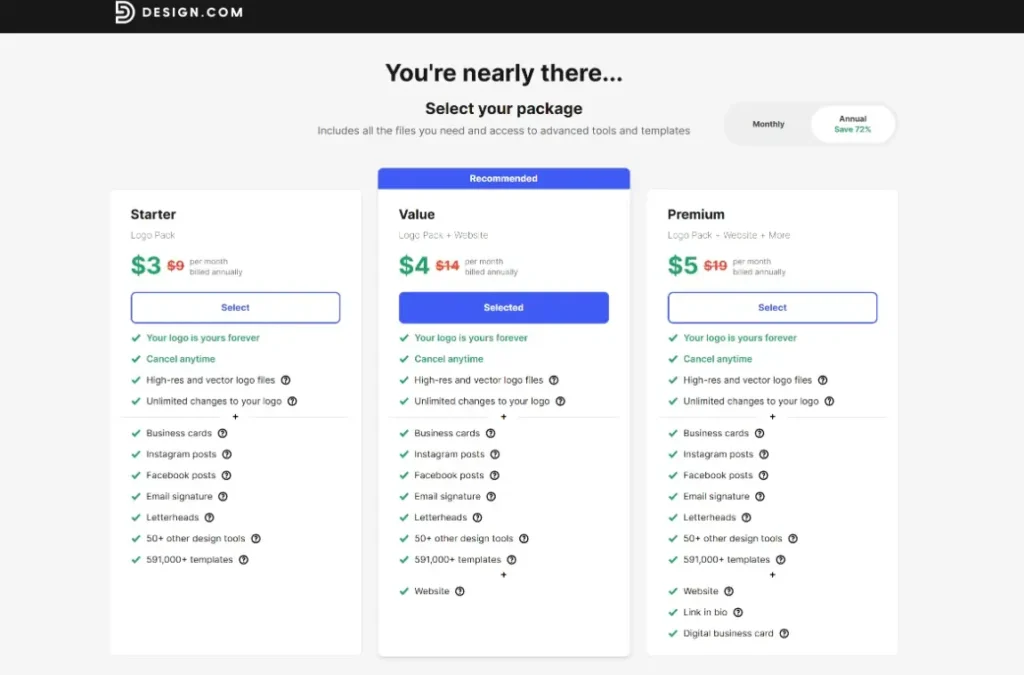
Design.com offers four tiers. All include unlimited logo changes, and you keep your logo forever even if you cancel.
- Free Plan ($0/month): Create and download logos with high-res and vector files. Test the platform risk-free.
- Starter Plan ($3/month annually, $9/month): Adds 50+ design tools—business cards, social media templates, email signatures, letterheads. Access to 591,000+ templates. Save 72% with annual billing.
- Value Plan ($4/month annually, $14/month): Everything in Starter plus a complete website builder. The sweet spot for most small businesses.
- Premium Plan ($5/month annually, $19/month): Complete package with website, link-in-bio, and digital business cards. Best for active social media marketers.
Cancel anytime on all plans. Even at $5/month annually, you’re paying less than a coffee for professional branding infrastructure that typically costs thousands.
User-Friendly Features & Global Accessibility
Design.com is built for people with zero design skills. Drag-and-drop interfaces, intuitive editing tools, unlimited logo changes—no learning curve required.
Smart features include shortlisting/favorites to save promising options while you explore, and a voting poll feature to share logos with colleagues or friends for feedback before finalizing.
Available in 7 languages and accepting 9 currencies, the platform serves entrepreneurs globally. Support runs 24/7 via email and live chat.
Who Should Use Design.com?
Design.com works best for:
- Startups needing fast branding – Get to market in hours, not weeks, without blowing your budget on agencies.
- Small business owners without design teams – Maintain professional marketing materials without constantly outsourcing.
- E-commerce entrepreneurs – Leverage automatic branding for a consistent presence across product listings, social media, and packaging.
- Social media managers – Access branded content templates for every platform without manual color matching.
- Solopreneurs and freelancers – Build complete brand identities on minimal budgets while establishing credibility.
- Marketing agencies serving small businesses – Deliver quality branding to clients quickly while maintaining healthy margins.
- Non-designers needing professional results – If you can describe your business and pick colors, you can create professional branding with Design.com.
Pros and Cons of Design.com
Pros
- World’s largest logo library (360,000+ templates)
- 1 million+ total design templates
- AI-powered tools compress weeks into hours
- Incredibly affordable ($3-5/month annually)
- Zero design skills required
- 100% commercially safe designs
- Exclusive fonts (525+) and shapes (62,000+)
- 50+ integrated design tools
- Automatic brand consistency across all templates
- Multiple file formats (vector, raster, animated)
- 24/7 support
- Global accessibility (7 languages, 9 currencies)
- Strong trust score (4.7/5 on Trustpilot from 3,000+ reviews)
- Free plan available
- Unlimited logo changes
- Extended license options for exclusivity
Cons
- Web-based only – There’s no native app yet, but the browser experience is fast and responsive across devices
- Less technical integration – Not heavily developer-oriented, but ideal for non-technical users who want instant branding without complexity
- Lightweight collaboration features – May feel lighter compared to enterprise-grade tools, but ideal for hassle-free workflows for small teams
Best Practices for Using Design.com
Get the most out of Design.com with these tips:
- Start with AI, then browse manually. The AI logo generator surfaces relevant options fast, but don’t skip exploring the 360,000+ library for hidden gems.
- Use the voting poll feature. Share shortlisted logos with trusted advisors or potential customers before finalizing. Objective feedback beats guessing on subjective design choices.
- Leverage automatic branding immediately. Once your logo’s set, create social media templates, business cards, and other materials while colors are automatically coordinated.
- Test with the free plan first. Confirm the platform fits your needs before upgrading. Then go straight to Value ($4/month annually) for the best feature-to-price ratio.
- Consider extended licenses for uniqueness. If brand differentiation is critical, invest in removing your template from the library. No competitor can ever use it.
- Download all file formats. Grab vector, raster, and animated versions even if you don’t need them now. Future flexibility is worth it.
- Build your complete ecosystem. Use the 50+ tools to maintain consistency across every customer touchpoint—website, email signature, social media, print materials.
- Use integrated printing. Skip the hassle of coordinating with separate vendors. Design.com handles print-ready files and delivers free.
Final Verdict
Overall Rating: 4.5/5 stars
Design.com delivers exceptional value for startups and small businesses seeking professional branding without designer budgets or complex software. The world’s largest logo library (360,000+ templates), AI-powered design suite, and incredibly affordable pricing ($3-5/month annually) make it the standout choice for non-designers who need quick, beautiful results. While advanced designers might want greater control over customization, the platform excels at its core mission: making professional brand identity accessible to everyone.