It must never be an issue of how to format correctly and spending lots of money on software to write a script, it must be, about creativity, storytelling and making characters come to life. The annual cost of many professional scriptwriting programs is too expensive and may seem unattainable to the novice, student, and independent filmmaker just beginning their career. One does not need a paid subscription to write a professional screenplay. There are a number of Free Script Writing Software that offer industry-standard formatting, user-friendly writing platforms, and also other features that make the process a little simpler and enjoyable.
This blog aims to assist writers to identify the most effective free scriptwriting tools in the modern world and learn how they can be used to meet various writing requirements. You can be creating a short film, a web series, a YouTube video script, a podcast screen play, or a piece of branded story telling content and all these tools take the technical out of the equation and allow you to concentrate on what is very important the story.
Why Script Writing Software Matters for Modern Writers?
Script writing software is a special program aimed at assisting writers with writing screenplay, scripts, and other content that is based on stories in a professional and industry-standard format. Scriptwriting software, unlike normal word processors, automatically formats such aspects as headings of scenes, dialogue, character names, and transitions thus simplifying and streamlining the writing process.
It is required due to strict formatting rules, applied in film, television as well as digital media scriptwriting. Time and errors Margins, spacing and layout can be managed manually; this can be time-wasting and prone to mistakes. This is addressed by scriptwriting tools that provide auto-formatting, templates and editing.
Most tools also offer collaboration, cloud sync and AI to save time, remain productive and write professional scripts at a faster rate. Many writers also use AI Script Writers to generate story ideas, create dialogue, and develop script outlines more efficiently.
Benefits of Free Script Writing Software.
Free script writing platform program is an effective point of entry among the novices, learners and individuals who wish to write professionally without having to spend money on expensive software. These solutions allow making scriptwriting more accessible and yet include the necessary industry features.
- Cost Saving– Writers can start writing without incurring high subscription expenses.
- Professional Formatting – Formatting rules are automatically enforced, and the screenplay will appear industry-ready.
- Quick Writing – Eats up less time that was spent on changing margins, spacing and dialogue structure manually.
- Better Organization-Most of them have scene management, outlining and story planning.
- Collaboration Support The ability to co-write scripts with partners, directors or teams in real time.
- Cloud Backup and Accessibility– Scripts are safe and may be accessed anywhere via devices.
- Portfolio Building Free tools -Enable the writer to polish a script to competition, pitching or submission.
On the whole, the free script writing platform can assist authors in writing more and struggle less with the technical formatting.
How to Choose the Best Free Script Writing Software?
There is a plethora of free products so which is the appropriate scriptwriting tool depends on your writing purpose, workflow, and device preference. The most ideal software is that which helps you to write with ease and remain consistent.
Some of the important elements that need to be taken into account are as follows:
- Your Writing Purpose: Select the tools depending on the writing of films, web series, YouTube scripts, podcasts, or stage plays.
- Formatting and Export Needs: Ensure the software can be used to format and export to screenplay format but can also be used to export to PDF, FDX or DOC formats.
- Collaboration Requirements: In case you have colleagues, choose such tools as WriterDuet or Google Docs, which can be used to work in real-time.
- Offline vs Cloud Writing:Trelby or Scrite will be more appropriate in case you do not like the internet.
- Ease of Use: Simple interfaces such as Celtx, JotterPad or WriterDuet should be selected by beginners.
- Device Compatibility:There are tools that are mobile oriented and those that are desktop-oriented or exclusive to Mac.
- Project Limitations on Free Plans:Determine whether the free version has any limitations on the scripts or export.
Determine whether the free version has any limitations on the scripts or export.
List of 10 Best Free Script Writing Software
1. WriterDuet
Website: https://www.writerduet.com/pricing
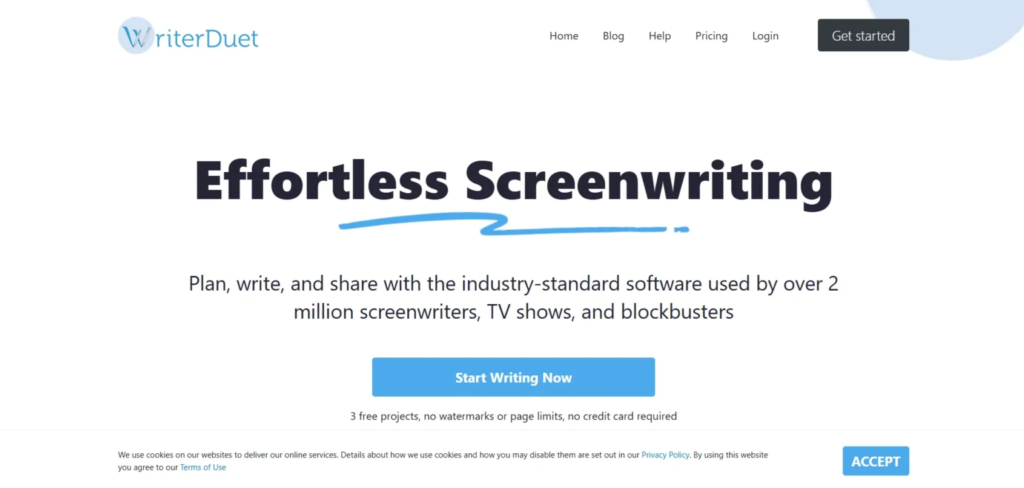
WriterDuet is among the most widely used screenwriter software that is free to use and has an easy interface with strong collaboration tools among screenwriters, filmmakers, and TV creators. It is used so that the writers need not have to be bothered with the rules of formatting because everything is automatically formatted in the right industry format.
The free version is also of particular use when writing collaboratively, as it provides real-time co-writing, cloud-synching, and simple script management. WriterDuet is also user-friendly in outlining and tagging scenes and draft management, which makes it seem like a high-quality tool despite being free.
WriterDuet offers a distraction-free and simple workflow, no matter what you are writing, be it a short film or a web series or a full screenplay, it keeps you fully focused on storytelling.
Key Features
- Formats your screenplay automatically in industry-standard format as you type.
- Enables real time writing scripts with individuals at different sites.
- Adds the feature of cloud syncing and auto-saving, to avoid losing drafts.
- Proposals that describe tools, scene tagging, and templates to have a better structure.
- Exporting script in PDF, TXT and Final Draft (FDX) format is permitted.
Why It Stands Out
- WriterDuet is the most suitable free software among those writers who require professional collaboration features.
2. Celtx

Website: https://www.celtx.com/pricing/
Celtx is a popular free script writing software that has been popular among students, independent film-makers and amateur writers over the years. The free version provides a low barrier to access screenplay writing because of its built-in templates of professional scripts and built-in formatting to make scripts appear as polished products.
Celtx is fully cloud-based, which means that writers can change their device and not lose their work. It is easy to use, up-to-date, and user-friendly to those who are writing their first screenplay or short script.
Despite having highly developed tools of production restrained by paid plans, the free version equips the necessary elements required to provide the required smoothness in screenplay formatting, drafting, and structured writing.Many writers also use an AI Writing Assistant to brainstorm ideas, generate dialogue, and improve their script drafts while working with tools like Celtx.
Key Features
- Has screenplay templates which assist the writer to write fast starting with the correct structure.
- Intelligently auto-formats screenplay pages to make them automatically appear professional.
- Composes using cloud based technology to create easy accessibility among devices.
- Gives a clean interface that is simple to learn and user-friendly.
- Provides support to the simple storyboarding and planning software.
Why It Stands Out
- Celtx is ideal when one wishes to start off simple with scriptwriting and with sure formatting.
3. Trelby
Website: https://trelby.org/
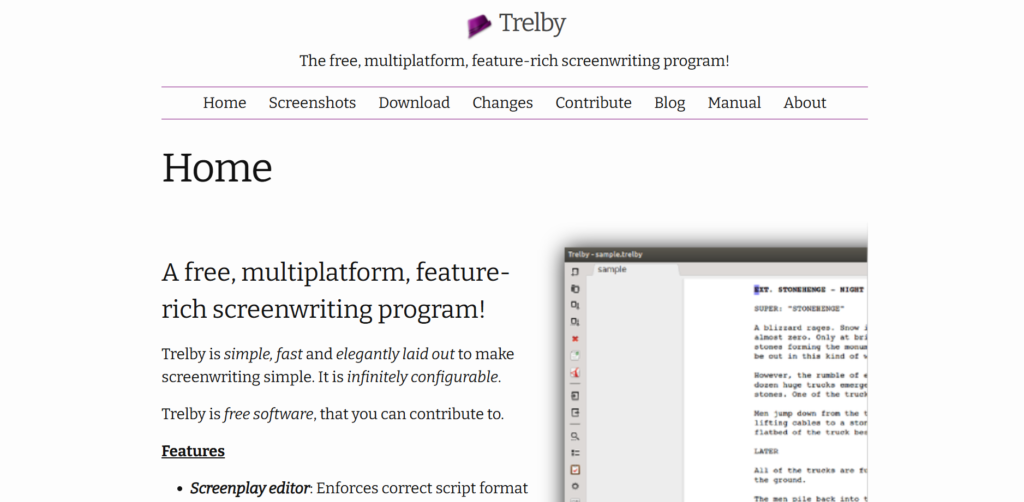
Trelby is an entirely free and open-source script writing program that is adored by its rapidity, ease of use, and offline dependability. Trelby is also compatible with any brand of computer as opposed to cloud-based tools, which means that anyone who wants to write without distraction can use it, without the need to access the Internet. It is not heavy, quick and compatible even in the old machines. Trelby is software specialized in screenwriting and has robust formatting capabilities, script reports, and exporting.
Authors are able to easily follow the dialogue of characters, break down any scene, and follow the professional standards of a screenplay without spending anything. It has a no-frills interface that might appear to be basic, but it offers advanced features to serious writers who need traditional offline tools.
Key Features
- The ability to work completely offline means that writers can write scripts without being linked to the internet.
- Automatic screenplay formatting in the professional structure and spacing.
- Produces character, scene and dialogue breakdown reports in detail.
- Has fullscreen writing mode with no distractions that are perfect to use during deep focus.
- Easily supports PDF, Fountain, and Final Draft (FDX) export.
Why It Stands Out
- The best free offline screenwriting tool is Trelby and has no restrictions or limits.
4. Arc Studio
Website: https://www.arcstudiopro.com/pricing
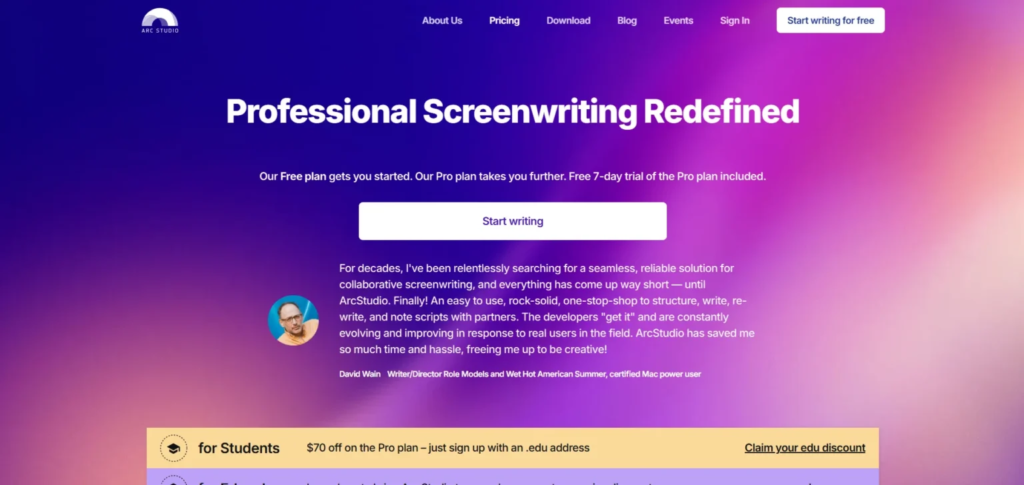
Arc Studio is a new but vividly used free script writing software that has a beautiful design and a pleasant experience of writing. It has one of the clearest interfaces of screenplay software and helps the writer to remain focused without distraction. Even the free version has inbuilt formatting, cloud syncing, professional exporting assistance.
The plot board option is also offered in Arc Studio and assists writers to visualize story beats, and is particularly helpful when telling a story in a structured way. Although the free version restricts the amount of project, the whole experience is high-end and creatively captivating.
Arc Studio can be one of the best free options of writers who are looking to have a minimal, modern workspace with professional features.
Key Features
- Provides a clean and contemporary writing experience that is creative oriented.
- Automatic screen play formatting in industry-standard professional format.
- This has provision of plot boards and beat tools to plan the story structure better.
- Offers cloud syncing and a history of versions to guarantee the safe script progress tracking.
- Favors business exports such as PDF to share and submit.
Why It Stands Out
- Arc Studio is offering the best visual scriptwriting experience at no cost.
Also Read: Best AI Presentation Makers
5. StudioBinder
Website: https://app.studiobinder.com/pricing
StudioBinder is a filmmaking production platform that is mostly known, yet the free scriptwriting tool is unexpectedly powerful among writers. It has a clean editor that has automatic formatting and easy scene organization abilities. StudioBinder is bound to be different by being interconnected between writing and production, which means that creators can transition between screenplay development and breaking down into a schedule, call sheets, and filming processes.
Drag-and-drop tools allow writers to rearrange scenes and it is easy to restructure. It is cloud-based and hence the scripts can be accessed anywhere. StudioBinder is a storytelling to shooting platform that turns out to be a full-fledged solution to filmmakers who require more than writing software to the filmmaking process.
Key Features
- Gives a clean screenplay format that is automatically capable of professional structure.
- Enables the use of the drag-and-drop organization of scenes to rearrange scripts quickly.
- Backups in clouds assure the safety of stores scripts and make them readily accessible online.
- Combines the field of writing with production planning (such as scheduling).
- Aids in a transition of the script to filming preparation.
Why It Stands Out
- StudioBinder is the best choice when the filmmaker requires a combination of writing and production management.
6. Squibler
website: https://www.squibler.io/pricing/
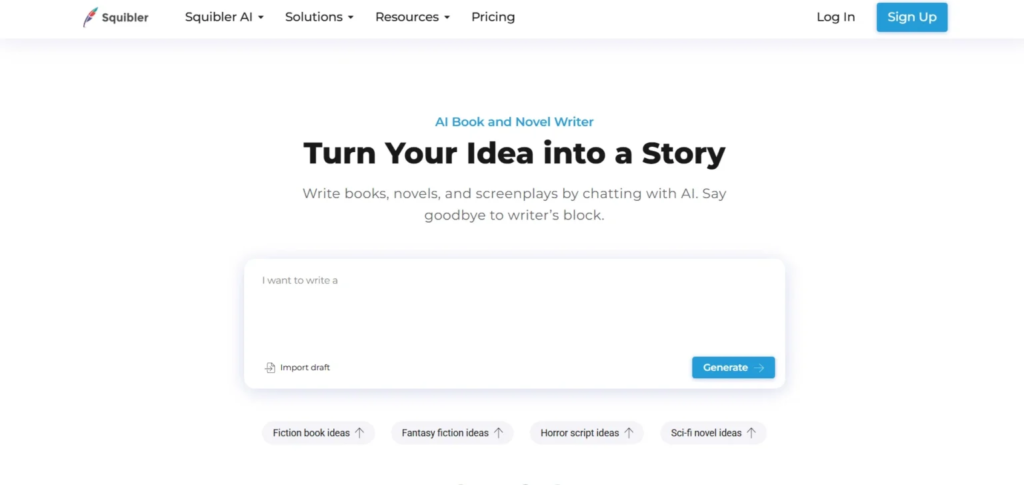
Squibler is a contemporary textwriting tool that is aimed at writers who desire a high level of organization as well as clean professional scripting. It also provides handy screenplay and novel templates among other formatted storytelling, which makes it a handy tool to a variety of creative projects.
A drag-and-drop interface is one of the largest advantages of Squibler, as it gives the writers a chance to quickly shuffle the scenes, chapters and even the plot without breaking the story. The aspect is particularly useful to those writers who prefer to plan out visually prior to completing their script. The free version contains all the basic tools of writing, cloud computing to access and use the work on any device, and simple character writing tools to maintain the consistency of the stories.
Although not all the most advanced features can be accessed free, Squibler can still offer a good experience in terms of free features. It provides a very excellent alternative to a novice and intermediate writer who needs an orderly and systematic communicative writing environment.
Key Features
- Offers has screenplay templates which make scripts easy to start and are correctly formatted.
- Has drag-and-drop story structure applications to organize the scenes in a flexible way.
- Gives the courses of character development to consistency of more profound narration.
- Enables cloud syncing to have the scripts available everywhere.
- Performs well with plot writers requiring to have structured writing processes.
Why It Stands Out
- Squibler is the most suitable to writers, who depend on organization, structure and visual planning.
7. JotterPad
Website: https://jotterpad.app/pro/
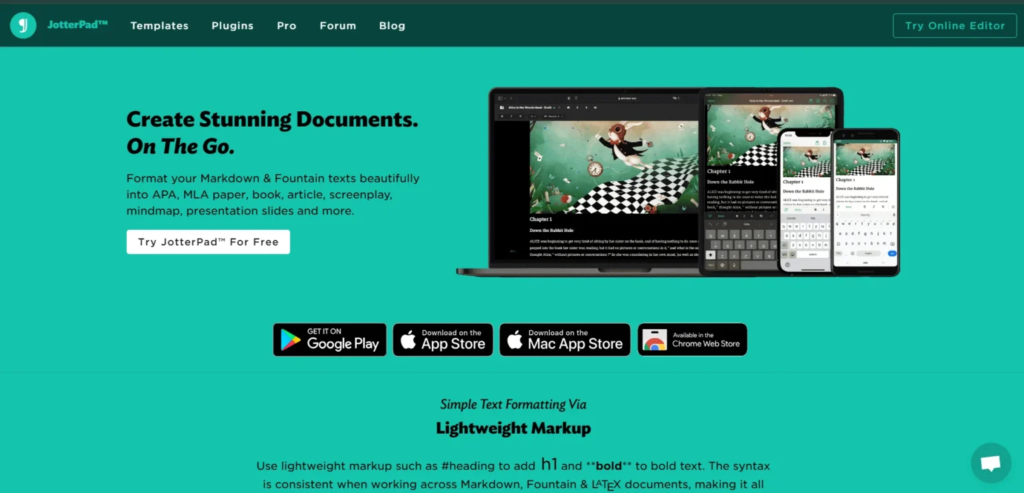
The JotterPad is among the most ideal Free Script Writing Software options and a mobile-friendly scriptwriter that authors who enjoy writing anywhere on the go can use. It is presented in a simple, distraction-free interface that helps you stay focused while writing scripts directly on your phone or tablet. JotterPad supports Fountain screenplay formatting, making it easy to organize dialogue, scenes, and character names in a professional way.
Authors can write anytime, even without an internet connection, since the app supports offline writing. Cloud syncing is also available, allowing you to save drafts safely and switch easily between mobile and desktop devices. In addition to screenwriting, JotterPad supports markdown and other writing formats, which makes it a flexible tool for many types of creative writing.
Designed to provide a lightweight yet powerful writing experience for modern mobile storytellers, JotterPad is perfect for brainstorming quick ideas, writing scenes late at night, or refining dialogue while on the go.
Key Features
- Offers a clean and minimalistic editor design with distraction free mobile writing.
- Very useful Phones Supports Fountain screenplay formatting for work on professional scripts.
- It has cloud backup facilities to retain the writing across the devices safely.
- Writes offline and therefore is good to use when you are offline.
- Markdown is flexible, giving support to writing out of screenplays.
Why It Stands Out
- JotterPad is the best solution when screenwriters need to write professionally using their mobile gadgets.
8. Scrite
Website: https://www.scrite.io/pricing-and-features/
Scrite is an Indian scriptwriting application which is becoming popular due to unique visual approach to the story-telling. In contrast to the traditional screenplay editors, Scrite is able to mix the professional script formatting with the strong planning capabilities of scene cards, timeline tracking and story graph visualization. It is particularly handy with a writer who prefers to visualize storylines, character developments and episode formats.
The program is absolutely free and it is compatible with industry standard screenplay writing, and thus it is an ideal one to use by both novices and advanced writers. Scrite is rapidly gaining popularity with short movie authors, amateur filmmakers, and filmmakers in the regions, who desire a writing and story organization tool beneath a single platform.
Key Features
- Timeline Character Tracking: This feature enables one to see the plot development of a story.
- Has scene cards to arrange the scripts in systematic story blocks.
- Arcs and screenplay flow A story graph visual mapping tool in offers.
- Formatting professional screenplays in industry standard.
- Deservedly open software in the key operating systems.
Why It Stands Out
- Scrite is ideal to writers who are fond of graphic story mapping as well as organised plan of the screenplay.
9. Script Studio
Website: https://www.scriptstudio.com/
Script Studio is a professional, creative Free Script Writing Software designed to help writers plan, structure, develop, and format stories, scripts, plays, and even novels with ease. It combines powerful planning tools with industry‑standard formatting so writers can focus on creativity instead of layout details. At its core, Script Studio provides intuitive story outlining and structure tools that let you break your narrative into sequences, colour-code acts, and drag and drop scenes or chapters to organize your work visually.
It also includes character development features to build detailed profiles, analyze dialogue, and track character arcs as the story evolves. The software automatically formats your screenplay, stageplay, or manuscript according to industry standards as you type, with auto‑complete suggestions for character names and scene headings. There’s also a global scratch pad to store notes and ideas, tools for pacing analysis, and import/export options for formats like PDF and Final Draft.
Key Features
- Industry-ready formatting – Automatically formats scripts to professional standards.
- Character profiler – Build detailed character profiles and track their arcs.
- Plot organization tools – Arrange scenes, acts, and story blocks visually.
- Script analysis features – Tools to track pacing, dialogue, and story flow.
- Desktop-friendly interface – Works smoothly on Windows and MacOS.
Why It Stands Out
- Useful for early-stage writers exploring advanced features without paying upfront.
- Combines story planning, character tracking, and professional formatting in one platform.
10. Highland 2
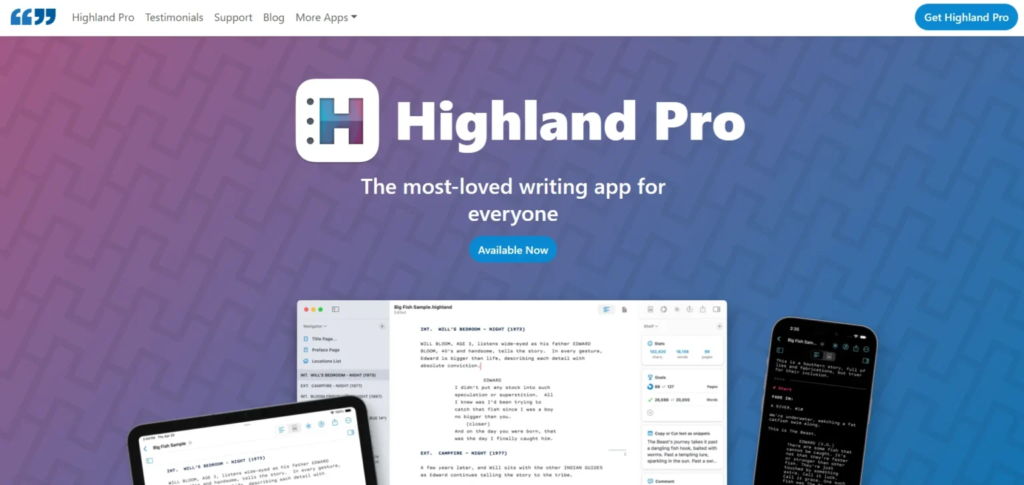
Highland 2 is a screenwriting app developed by John August that helps writers focus on creating scripts without worrying about formatting. It uses Fountain, a plain-text markup language, allowing natural typing while automatically applying industry-standard screenplay formatting.
Highland offers a minimalist, distraction-free interface, making it ideal for beginners and experienced writers who want to focus on storytelling. Writers can import PDFs or Final Draft files, edit them, and export finished scripts in professional formats.
The Pro version adds advanced features like script navigation, character highlighting, writing sprints, grammar support, and syncing across Mac, iPad, and iPhone. Overall, Highland streamlines writing, organization, and formatting, making it a popular choice for professional and aspiring screenwriters.
Key Features
- Uses Fountain plain-text markup for automatic screenplay formatting
- Minimalist, distraction-free writing interface
- Import and export PDFs and Final Draft (.fdx) files
- Character highlighting and navigation tools
- Writing sprints and grammar support (Pro version)
- Sync across Mac, iPad, and iPhone (Pro version)
Why It Stands Out
- Ideal for writers who want to focus on storytelling without formatting distractions
- Works for both beginners and professional screenwriters
- Combines clean interface with professional-level script tools
Comparison Table: Key Features, Pros & Cons of Free Screenwriting Software
| Software | Key Features | Why It Stands Out | Pros | Cons |
|---|---|---|---|---|
| WriterDuet | Auto-formats scripts, real-time collaboration, cloud syncing, scene tagging, export to PDF/FDX/TXT | Best for writers needing professional collaboration | Easy collaboration, cloud sync, distraction-free workflow | Advanced features may need paid plan |
| Celtx | Screenplay templates, auto-formatting, cloud-based, storyboarding support | Ideal for beginners starting with formatting | Simple interface, cloud access, polished scripts | Some advanced production tools are paid |
| Trelby | Offline use, automatic formatting, character/scene reports, fullscreen writing | Best free offline screenwriting tool | Works offline, lightweight, full-featured formatting | Minimal interface may seem basic |
| Arc Studio | Clean interface, auto-formatting, plot board, cloud sync, export to PDF | Visual, modern, and creative writing experience | Clear design, structured story planning | Free version limits project number |
| StudioBinder | Clean editor, drag-and-drop scene organization, cloud backup, integrates writing with production planning | Best for filmmakers combining writing and production | Integrates writing & production, cloud backup | Some production features are paid |
| Squibler | Screenplay & novel templates, drag-and-drop scenes, character development tools, cloud sync | Ideal for organized and structured writers | Visual planning, structured workflow | Free version has limited advanced tools |
| JotterPad | Minimalist mobile editor, Fountain formatting, offline support, cloud backup, markdown support | Best for writing on the go using mobile devices | Mobile-friendly, offline writing, distraction-free | Limited advanced screenplay features in free plan |
| Scrite | Timeline & character tracking, scene cards, story graph, industry-standard formatting, open-source | Ideal for graphic story mapping and organized planning | Free, visual story planning, offline use | Interface may take time to learn |
| Script Studio | Industry-ready formatting, character profiler, plot organization, script analysis, desktop interface | Good for early-stage writers exploring advanced features | Combines planning & formatting, professional tools | Paid features for long-term projects |
| Highland 2 | Fountain markup, minimalist interface, import/export PDFs/FDX, character highlighting, writing sprints, sync | Focus on storytelling without formatting distractions | Clean interface, distraction-free, beginner & pro friendly | Pro version required for advanced tools & syncing |
Conclusion
Professional screenwriting software has been open to everyone thanks to free script writing software. There is no longer a need to have costly tools or even paid subscriptions to make well-formatted, industry standard scripts. You might be a novice and write your first short film, a YouTuber writing video content, or an indie director thinking about a complete screenplay: all these free tools offer you everything you require, including auto-formatting and templates, cloud syncing and collaboration functions.
The best is that they both have different strengths hence you can select one of the software depending on your writing style, device and project. Creativity and storytelling make great scripts, and not expensive programs. Choose the tool that is comfortable, write every day, and transform your ideas into the mighty stories.
FAQs
1. What Is The Free Script Writing Software That Is The Most Beginner-Friendly?
Celtx, WriterDuet, and Trelby are easy-to-use tools that support easy formatting.
2. Is It Possible To Use Free Script Writing Platform When Writing A Professional Screenplay?
Yes, lots of free tools are of industry-standard formatting, which can be used in professional work.
3. What Is The Most Appropriate Free Scriptwriting Application In Collaboration?
WriterDuet and Google Docs are great for collaborating in real-time in writing and editing a document.
4. Does It Have Any Offline Scriptwriting Tools That Are Free?
Yes, Trelby, Scrite, Highland 2 and KIT Scenarist are applicable in offline writing.
5. What Do You Think Is The Best Free Scriptwriting Tool On Mobile?
One of the most appropriate apps to write a screenplay on Android and iOS is JotterPad, a free one.