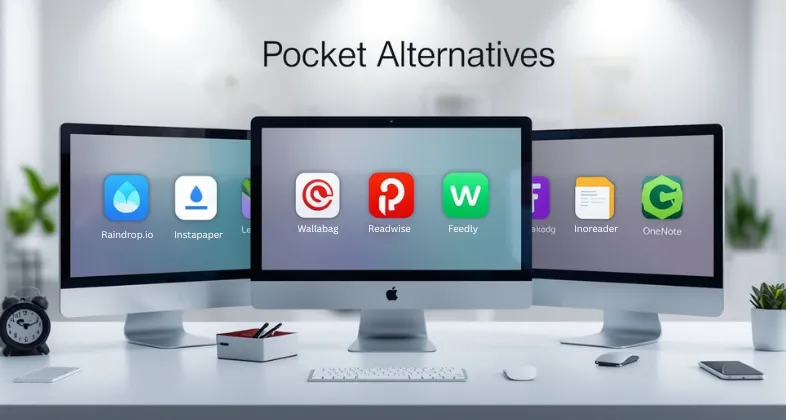
One of the most famous read-it-later apps is Pocket, which is aimed at saving articles, videos, newsletters, and any other online materials and reading them when the user has time. Introduced in 2007 as Read It Later, it was later changed to Pocket and was a popular app because of its minimalist, distraction-free reading features, offline reading, highlights, and cross-platform, smooth syncing.
With time, when the site changed, such as the increased prices, the lack of free ones, and the reduced number of features, users started seeking an alternative that would allow them to be more organised, more customised, provide greater privacy, or offer such features as RSS and PDF support.
The Read-it-later app is particularly handy in the case of those who always open too many tabs, students and researchers gathering information, professionals collecting articles, frequent travellers who need to work offline, and content creators who need to store resources. When you tend to think to yourself, I am going to read it later, then you can check out the Pocket alternatives and create a smarter and more efficient reading workflow.
Why Do We Need Pocket Alternatives?
Below are the reasons why we need pocket alternatives:
- Evolving Reading Habits: Readers have started to read newsletters, articles, videos and PDFs on the platform(s), and they need more than just a simple link-saving tool.
- Requirement of Improved Organization: The current users require tagging, folders, filters, and automation, which Pocket does not provide fully.
- Knowledge Management is in demand: A large number of readers like the apps that transform saved content into notes, summaries, and long-term learning.
- Lust, Caution, and Data Protection: Users of self-hosted or open-source solutions are seeking alternatives that provide full ownership of their data.
- Visual & Creative Workflows: Text-only queues are not as favored by all readers: some must have visual bookmarking, mood boards, or layouts that are friendly to design.
- Offline-First Requirements: One group of users requires a deeper offline flight, travel, and low-network support.
- Individualization & Efficiency Requirements: Such advanced features as AI recommendations, TTS, automation, and integrations push users towards more flexible tools.
How to Select The Best Pocket Alternative?
Clean Reading Mode
A good Pocket alternative must have a clean distraction-free reading experience free of ads, pop-ups and clutter. It should also offer customizable fonts, themes and layout options to ensure that long-form reading is comfortable to all its users.
Tagging & Organization
The content you have saved must be simple to navigate with the help of tags, folders, boards and intelligent filters. You can have your reading list arranged in order and even with hundreds of articles saved on it by a well-structured system.
Offline Access
The offline reading is critical to the travelers, students and anyone who reads away. The alternatives that are best enable the full offline access such as saved images, formatting, and device-synchronized content.
Highlighting & Notes
To have deep learning and research, the app must allow highlights and annotations as well as the ability to take notes in articles. Extra points also when it allows exporting insights or integrating them with others such as Notion, Obsidian, or Readwise.
Integrations & Sync
A new read-it-later product must fit in with your browser, email, and productivity applications. It is easier to save with the help of the easy syncing of devices and their compatibility with Notion, Evernote, Readwise, and many others.
Pricing & Value
Various applications have various degrees of free and paid functions and thus compare what you really require. Find a device that will offer the best combination of characteristics, storage, and usability at a price that does not exceed what you can afford.
Privacy Controls
Encrypted storage, zero tracking and self-hosting of apps should be the priority of privacy-conscious users. Open-source applications, such as Wallabag or Linkwarden, offer total data ownership and visibility.
List of 15 Best Pocket Alternatives
1. Instapaper

URL: https://www.instapaper.com/
Instapaper is a simple, minimal read-it-later programme that is easy to use and available to those who appreciate simplicity and clarity. It is known to have been launched in 2008 and it is infamous in the way it reduced the articles to their bare essence, getting rid of advertisements, sidebars and other visual clutter. The Instapaper application allows one to save webpages, videos, and long-form articles on any device and categorize them within folders.
Its light design will allow it to load fast even on huge pieces of articles. The app also makes offline reading possible, which is perfect during flights, commutes, or regions with low network coverage. Instapaper is a well-liked application, offering a clean and text-focused reading experience thanks to its speed-reading functionality, highlighting, mobile-friendly formatting, and other great features.
Best for:
- Minimalists
- Mobile readers
- Individuals who desire to read with cleanliness without distractions.
Pricing:
- Instapaper Premium pricing:
- $6 per month
- $60 per year (saving about 15% compared to monthly)
2. Raindrop.io
URL: https://raindrop.io
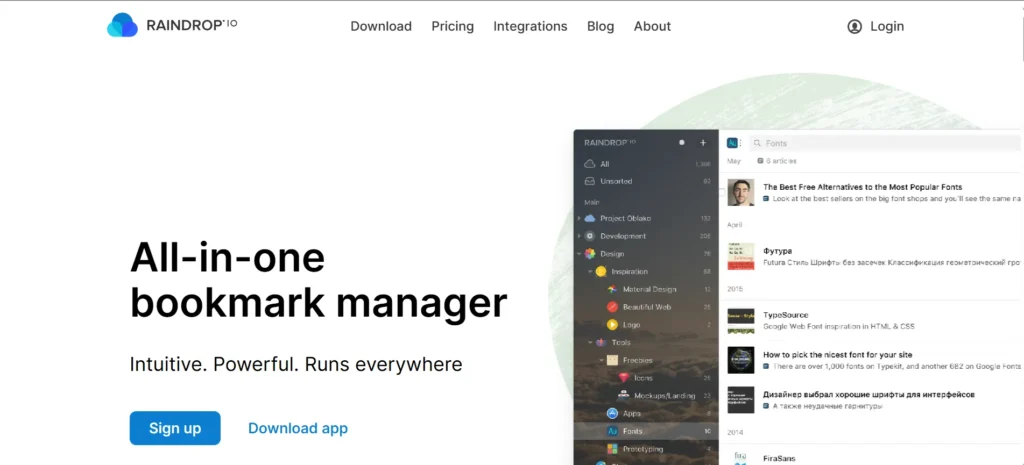
Raindrop.io is a contemporary, visually attractive bookmark manager that is often recommended as one of the best Pocket Alternatives. It helps users save, organize, and curate online content with ease. Unlike traditional read-it-later apps, it supports images, PDFs, videos, articles, and entire bookmark collections, all displayed in a clean, grid-style layout.
With sub-folders, labels, filters, and custom icons, navigating large collections becomes effortless. Raindrop.io also offers web clipping, browser extensions, and seamless cloud syncing. It appeals to users who want support for various content types, a Pinterest-like visual experience, and powerful organization capabilities—making it ideal for managing research, inspiration, or reading material.
Best for:
- Researchers
- Designers and creatives
- Individuals who archive the mixed content.
Pricing:
- Pro Yearly: ₹2,960.47
3. Wallabag
URL: https://wallabag.it/en/
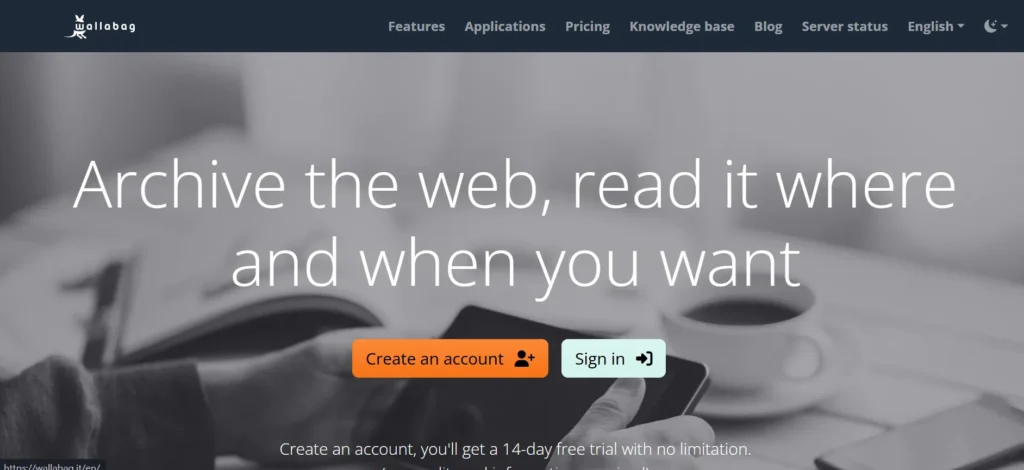
Wallabag is an open-source, self-hosted read-it-later tool that is created to provide users with the ability to manipulate their data in every possible way. Unlike other software, Wallabag gives you the option to run the software on your own server, guaranteeing complete privacy and ownership. It automatically removes advertisements and other junk by stripping out the content of articles in a readable format.
Wallabag allows tagging of articles, annotating articles, and exporting them in various formats, such as PDF, ePub, and Kindle. It also works with other mainstream services such as RSS readers, browser extensions, and mobile apps. To users sensitive to privacy, Wallabag provides a safe, privacyable and ad-free reading experience that does not track its users.
Best for:
- Privacy-focused readers
- Tech-savvy users
- Individuals who embrace open source tools.
Pricing
- 3 months: €4
- 1 year: €11 (get 3 months free)
- Subscription: €30/year (same features, extra support)
Suggested Read: Website Vulnerability Scanners
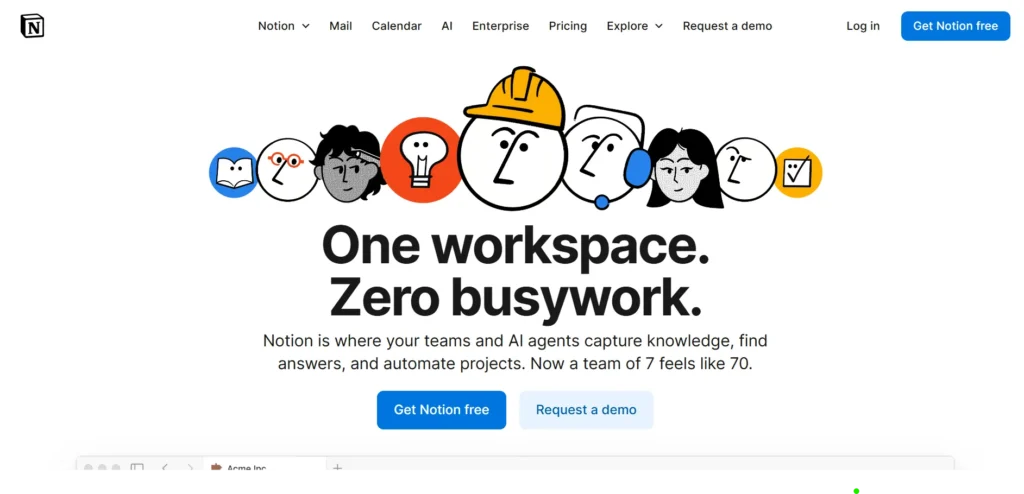
4. Notion Web Clipper
URL: https://www.notion.com/
The Notion Web Clipper is an extension that allows saving articles, webpages, research material, and online references in your Workspace of Notion. It does not store links, but rather stores the entire content on a Notion database where you can add tags, notes, reminders, and other custom properties. This converts the saved articles into knowledge that can be searched.
Users are able to organize reading lists, create research hubs, or combine content and task management and documentation. Due to the flexibility of Notion, the Web Clipper can be transformed into more than a read-it-later tool since it is essentially an entire knowledge organization system with infinite customization potential.
Best for:
- Students
- Productivity-focused users
- Knowledge workers and researchers.
Pricing:
- Free: $0 per user/month
- Plus: $10 per user/month (annual) or $12 (monthly)
- Business: $20 per user/month (annual) or $24 (monthly)
- Enterprise: Custom pricing
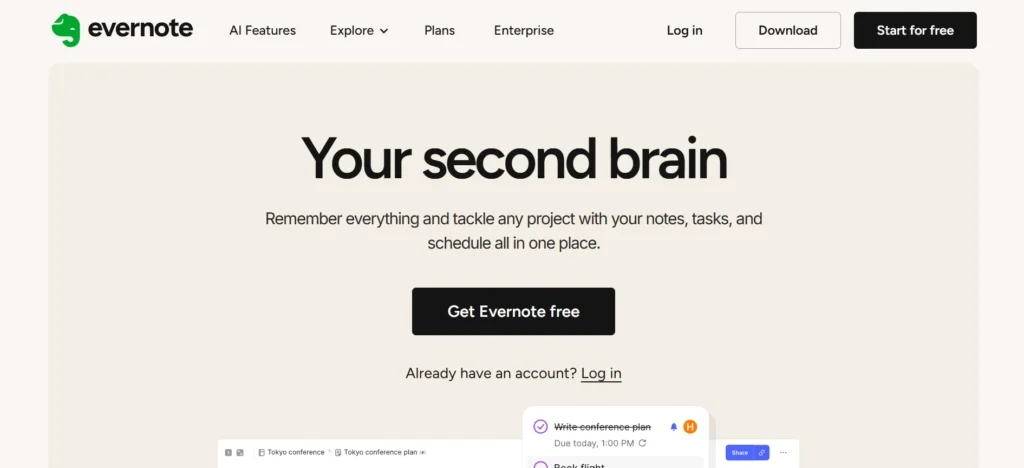
5. Evernote Web Clipper
URL: https://evernote.com/
The Evernote Web Clipper is an advanced browser extension often listed among the best Pocket Alternatives, allowing users to save web pages, articles, screenshots, PDFs, and simplified text directly into their Evernote notebooks. Unlike simple clippers, Evernote preserves formatting and offers multiple saving options, including full page, simplified article, bookmark, and screenshot.
Once saved, users can annotate, tag, and organize the content into notebooks. For readers, professionals, and researchers, the Web Clipper provides a powerful way to store actionable information, reference material, and inspiration in one searchable space. Being fully cross-device, it ensures your reading and research remain accessible anywhere.
Best for:
- Note-takers
- Professionals
- Research-heavy users
Pricing:
- Starter: ₹449/month
- Advanced: ₹769.99/month
- Enterprise: Custom pricing
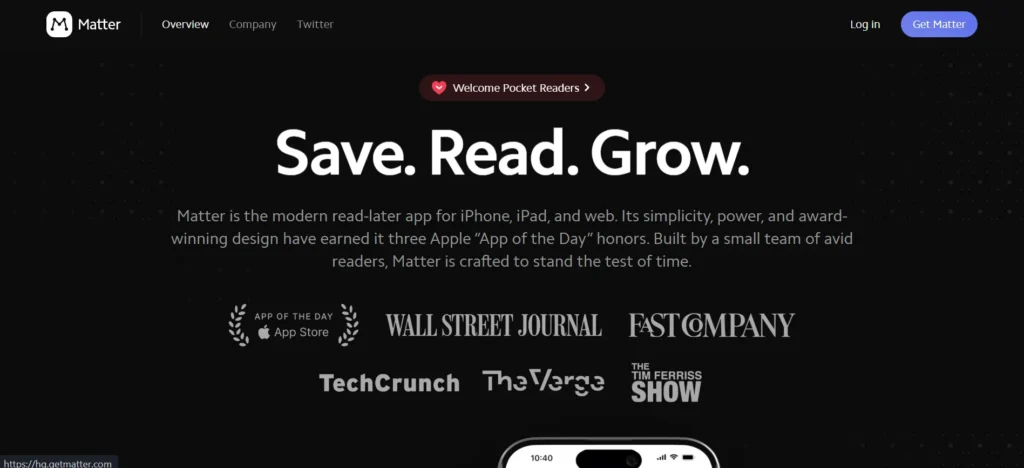
6. Matter
URL: https://hq.getmatter.com/
Matter is a read-it-later app, a well-designed and premium application designed to be enjoyed by long-form readers. It helps in storing articles, newsletters, PDFs, and Twitter threads. The app does not only synchronize with email subscriptions, but also allows users to access newsletters within Matter rather than in their email inbox.
Matter also subscribes to RSS feeds, text-to-speech readings, highlights, and a reading queue. It is characterized by the most impressive characteristic: the book-like reading experience with sophisticated typography and a relaxing interface. Matter combines the read-it-later features with the social discovery, which makes it the right tool to use when a person enjoys reading and prefers doing it in a thoughtful way.
Best for:
- Long-form readers
- Newsletter lovers
- Individuals who like curated content.
Pricing:
- $60/year for premium features
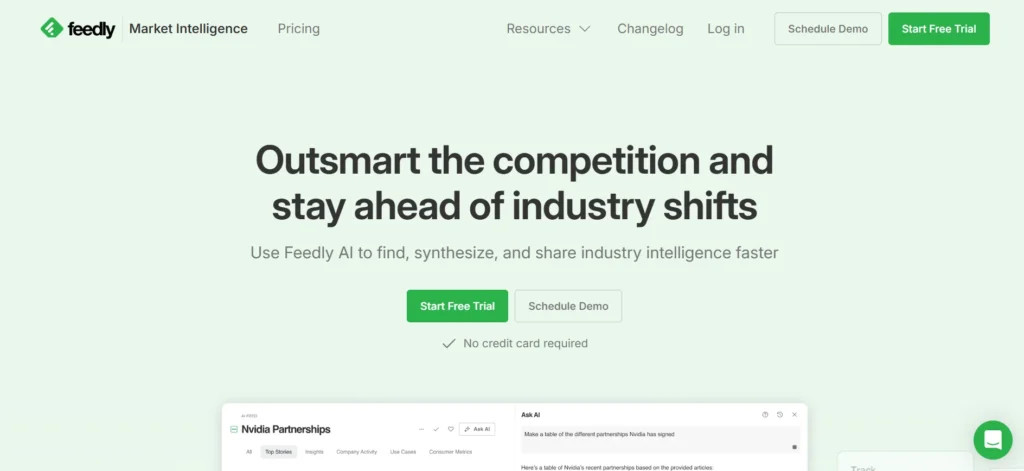
7. Feedly
URL: https://feedly.com/market-intelligence/
Feedly is an effective RSS feed reader often considered one of the top Pocket Alternatives, allowing users to read blogs, news, journals, and online publications in one unified environment. Instead of manually browsing multiple websites, Feedly automatically delivers new articles to a clean, organized dashboard. It systematises sources, syncs across devices, and enhances the overall reading experience.
Feedly also offers features such as saving articles to read later, productivity integrations, and the ability to subscribe to newsletters via RSS. With its fast and modern interface, Feedly is designed to support heavy information workflows—making it ideal for staying updated on industries, topics, or niche interests without opening dozens of sites every day.
Best for:
- News followers
- Industry researchers
- Heavy readers
Pricing
- Standard: $1,600/month (billed annually, up to 10 seats)
- Advanced: $2,400/month (billed annually, up to 25 seats)
8. Inoreader
URL: https://www.inoreader.com/pricing
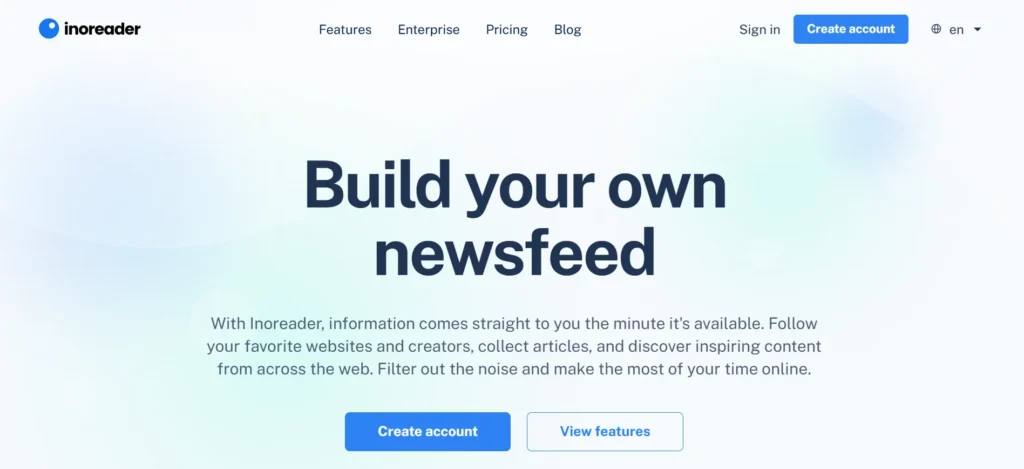
Inoreader is a powerful subscription and content aggregation service that gathers the updates of blogs, news sources, social media feeds, newsletters, and forums. It is a strong central point of controlling online reading. Inoreader has folders, tags, filters, offline reading, and is highly customizable. More complex rules of automation are also supported by the tool to enable users to automatically tag, mark as read, or sort new articles.
Inoreader provides the ultimate control of huge streams of information, and they are saved in the search history and synchronized by the cloud. It is particularly helpful when it comes to readers who deal with hundreds of sources daily.
Best for:
- Power users
- Researchers
- Individuals follow numerous websites.
Pricing
- Free: $0 (limited feeds, folders, sources, for individuals)
- Pro: $6–$7.50 per month (billed annually; $9.99 billed monthly, more sources and features for single users)
- Pro+: $8.25 per month (extra AI features, more sources)
9. Readwise Reader
URL: https://readwise.io/pricing
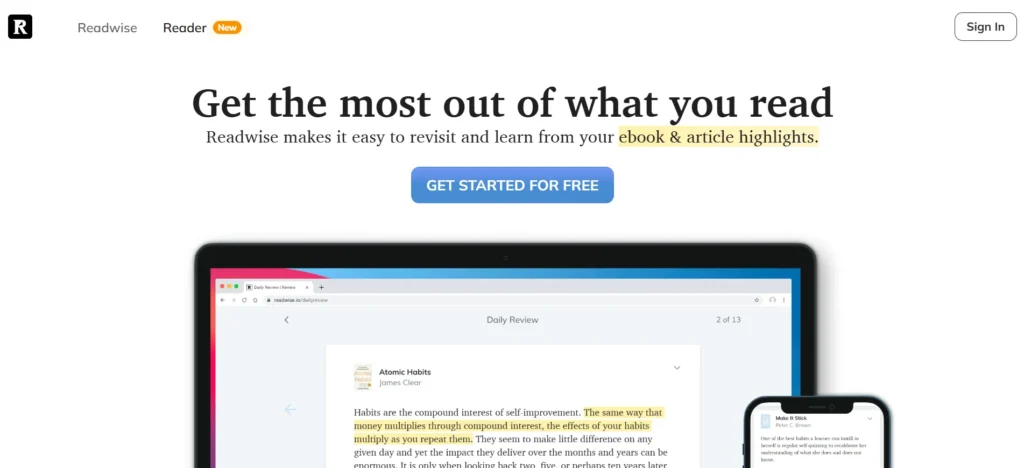
Readwise Reader is a reading platform that allows users to get all their articles, PDFs, Twitter threads, emails, newsletters, and RSS feeds in one inbox. It is constructed with the purpose of learning, knowledge retention and research. The application has such strong features as AI summaries, spaced repetition, custom reading, and advanced highlighting.
Readwise can be used with knowledge applications, including Obsidian, Notion, Logseq, and Roam Research. It translates your reading to long-term learning as it resurfaces the highlights automatically with time. It enables Reader not only to be a read-it-later tool, but a full-fledged digital learning program that serious readers and researchers would desire to use.
Best for:
- Knowledge workers
- Students
- Serious learners
Pricing
- Free: $0 (up to 100 feeds, 3 folders)
- Pro: $6 per month (billed annually)
- Pro+: $8.25 per month (billed annually)
- Enterprise: Custom pricing
10. Obsidian Web Clipper
URL: https://obsidian.md/
Community plugins and extensions make Obsidian a powerful option among Pocket Alternatives, allowing users to store online articles and web pages in their Obsidian vault as Markdown files through the Obsidian Web Clipper. This transforms web content into editable, linkable notes within an advanced knowledge-management system. Because Obsidian stores all data locally, users maintain complete ownership and control.
The clipper captures text, images, headings, and structure, giving users full flexibility over how information is saved. Once added to Obsidian, each clipped article becomes a node in your personal knowledge graph, where it can be linked with existing notes, enriched with metadata, and integrated seamlessly into your research or writing workflow.
Best for:
- Researchers
- Writers
- Knowledge builders
Pricing
- Sync Standard Plan: $4 per user/month (billed annually) or $5 per user/month (billed monthly)
- Sync Plus Plan: $8 per user/month (billed annually) or $10 per user/month (billed monthly)
- Publish Plan: $8 per site/month (billed annually) or $10 per site/month (billed monthly)
- Catalyst License: One-time payment starting at $25
- Commercial License: $50 per user/year
Suggested Read: Evernote Alternatives
11. PaperSpan
URL: https://www.paperspan.com
PaperSpan is a minimal but strong read-it-later application that can be used to store articles and web pages to be read offline. It provides an ad-free, distraction-free reading set that automatically eliminates any advertisements, clutter, and unneeded formatting. It is easy to keep items well-ordered as they can be sorted by categories, tags or reading lists.
PaperSpan is also compatible with highlight tools, speed-reading mode, and text-to-speech, meaning that you can listen to articles at the same time. PaperSpan’s Automatic device syncing will allow you to have your reading library everywhere. Its simple interface and useful features give the feeling that it is the old Pocket that many users still adore.
Best for:
- Classic Pocket-style users
- Offline readers
- Simple reading workflows
Pricing:
- Not available
12. Linkwarden
URL: https://linkwarden.app
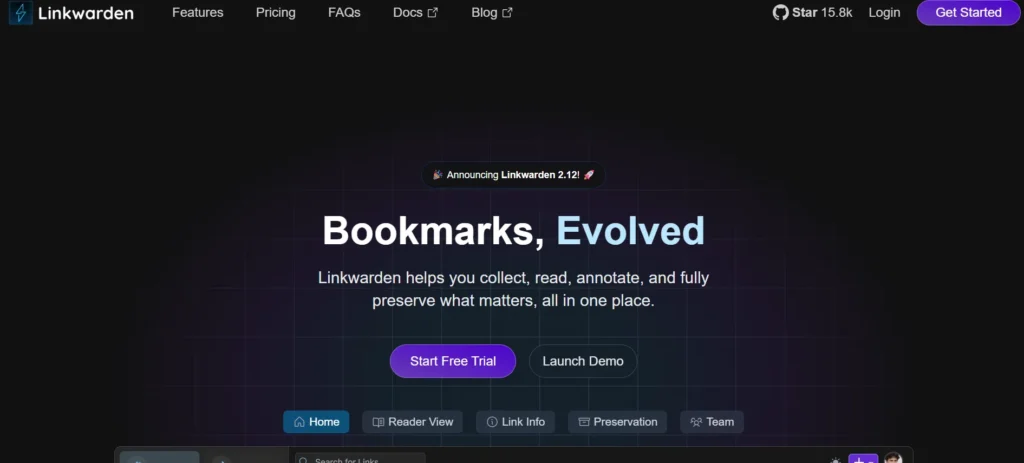
Linkwarden is an open-source, privacy-centric bookmark and link manager application enabling one to save, categorise, and store web content. In contrast to cloud-based applications, the company offers users full control of their data by hosting it themselves or on a private server (Linkwarden). It facilitates the storage of bookmarks, full page snapshots, tagging and custom collections.
It also has a clean and modern interface and is intended to archive content permanently. Linkwarden is recommended to individuals who prefer to have a safe place to hold research materials, long reads, references or inspirations without the access or tracking of a third party. The tool is flexible with regards to various workflows since it functions in individual and group settings.
Best for:
- Privacy-focused users
- Long-term archivers
- Self-hosting enthusiasts
Pricing:
- Each seat costs $4 per month or $3 per month if billed annually
13. Microsoft OneNote Clipper
URL: https://support.microsoft.com/en-us/office/
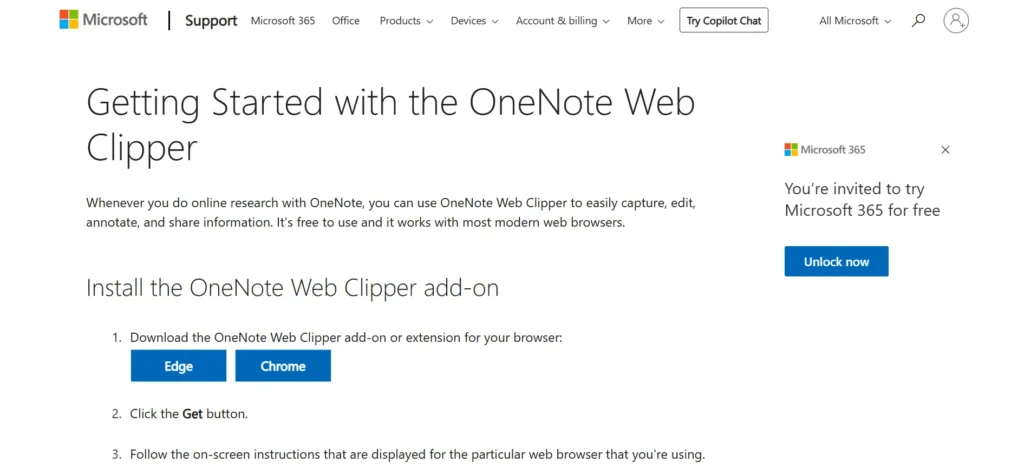
The Microsoft OneNote Web Clipper is often mentioned among the best Pocket Alternatives, allowing users to save articles, web pages, or screen portions directly into their OneNote notebooks. It supports simplified article views, full-page captures, and blank screenshot clipping. Once saved, the content can be fully edited within OneNote, where users can highlight, annotate, draw, and organize notes into notebooks and sections.
OneNote’s flexible structure supports multimedia, handwritten notes, and embedded files, making it a powerful hub for reading, research, and knowledge management. With cloud syncing through OneDrive, all clipped material remains accessible across desktop, tablet, and mobile devices. The OneNote Web Clipper effectively transforms anything you read into interactive, editable notes.
Best for:
- Students
- Office users
- Note-taking workflows
Pricing:
- free
14. Milanote
URL: https://milanote.com/
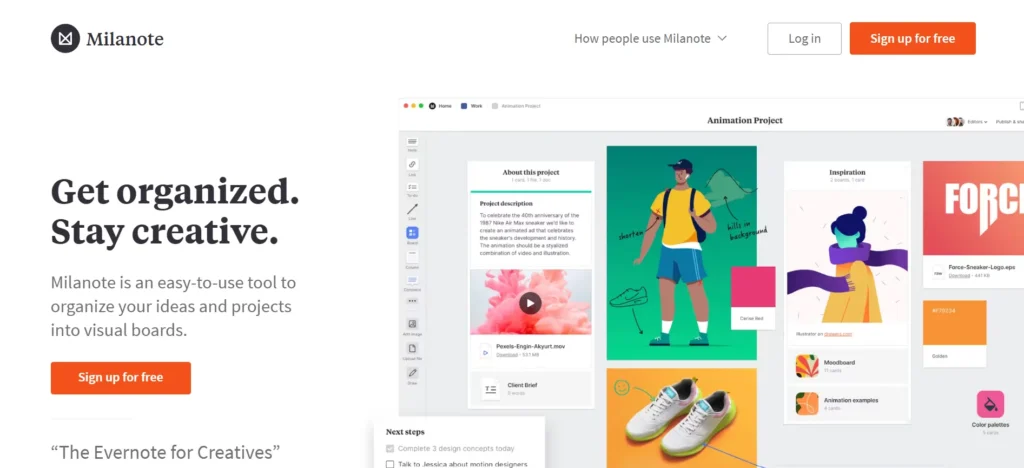
Milanote is a design board that helps creatives to organize ideas, inspiration, and web materials in a flexible board-like format that is flexible. It enables users to store articles, pictures, notes, links, moodboard components, and creative ideas in a single location. In contrast to the old-fashioned read-it-later applications, Milanote is concerned with the management of inspirations, but not the reading lists.
Saved items are presented in the form of cards, and they can be organized on boards at will. This is effective in brainstorming, storyboarding, project planning and planning out creative research. The drag-and-drop system of Milanote is visually more like a real pinboard, and it is easier to store ideas by looking at them visually, which is more intuitive.
Best for:
- Designers & artists
- Creative planners
- Visual thinkers
Pricing:
- Free Plan: $0.
- Pay Per Person: $9.99/month
- Team Plan: $49/month
15. Karakeep
URL: https://karakeep.app/
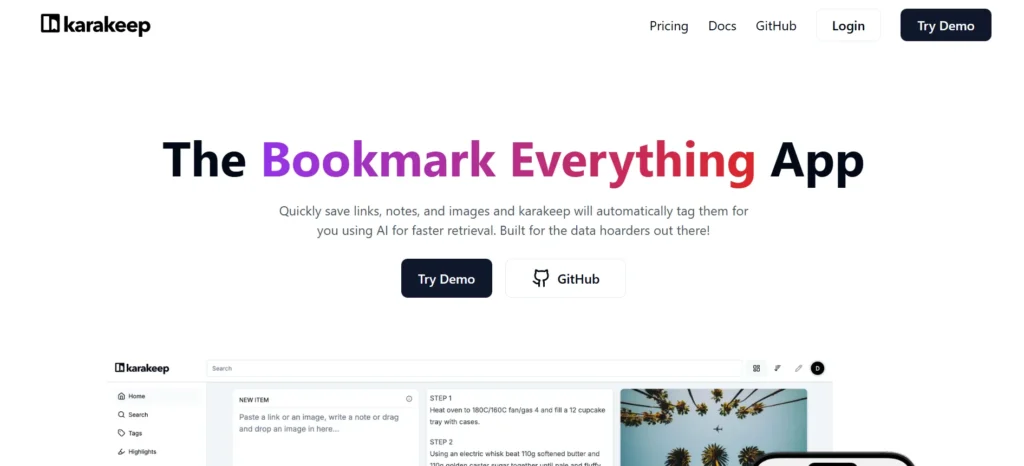
Karakeep is a contemporary and minimalist read-it-later and bookmarking application that aims to make the process of saving and organizing web content less complicated for users. It will enable you to store articles, PDFs, videos, documents, and web links in one distraction-free, clean environment. Karakeep prioritizes speed, simplicity, and privacy, providing an extremely lightweight interface that makes the process of saving, sorting, and revisiting content extremely intuitive.
The application has support for tags, collections, browser extensions, and a universal save button, which is compatible with multiple devices. Long-form reading on Karakeep is also pleasant and efficient, as it has offline availability, a full-text search, and an uncluttered mode of reading. Karakeep has a straightforward workflow and plenty of smooth, streamlined, without the unnecessary complexity you might have to wade through to get your research, personal reading lists, and professional references.
Best for:
- Minimalist readers
- Productivity-focused users
- Individuals seeking a quick and confidential read-later-type experience.
Pricing:
- Pro: $4/ per month
Comparison Table of Best Pocket Alternatives
| Tool | Type | Key Strength | Best For | Pricing (Starting) |
| 1. Instapaper | Read-it-later | Minimal, clean, distraction-free reading | Minimalists, mobile readers | $6/month |
| 2. Raindrop.io | Bookmark Manager | Beautiful visual layout + advanced organization | Researchers, designers, mixed content collectors | ₹2,960/year (Pro) |
| 3. Wallabag | Open-source Read-it-later | 100% privacy + self-hosted control | Privacy-focused, tech-savvy | €4/3 months |
| 4. Notion Web Clipper | Knowledge Manager | Turns saved pages into database entries | Students, researchers, productivity users | Free |
| 5. Evernote Web Clipper | Research & Note-taking | Saves full pages, annotations, screenshots | Professionals, researchers | ₹449/month |
| 6. Matter | Premium Read-it-later | Beautiful long-form reading + newsletter inbox | Long-form readers, newsletter fans | $60/year |
| 7. Feedly | RSS Reader | Real-time news aggregation + AI sorting | News followers, industry trackers | $1600/year (team plans) |
| 8. Inoreader | RSS + Automation | Powerful filters, rules & archival | Power users, researchers | $6/month |
| 9. Readwise Reader | Read-it-later + Learning | Highlights, AI summaries, spaced repetition | Learners, students, knowledge workers | $6/month |
| 10. Obsidian Web Clipper | Markdown Knowledge Base | Saves pages as editable markdown with backlinks | Writers, researchers, note-builders | $4/month |
| 11. PaperSpan | Simple Read-it-later | Clean, ad-free classic Pocket experience | Offline readers, minimalists | NA |
| 12. Linkwarden | Self-hosted Bookmarking | Privacy + permanent archiving | Self-hosters, researchers | $4/month |
| 13. OneNote Web Clipper | Note-taking Hub | Clipped pages become editable notebooks | Students, MS Office users | Free |
| 14. Milanote | Visual Organizer | Moodboards + visual creativity workflow | Designers, artists | $9.99/month |
| 15. Karakeep | Minimal Read-it-later | Clean UI, privacy-first, lightweight | Minimalists, productivity users | $4/ month |
Conclusion
The key to discovering the correct Pocket alternative is all about the way you read, save, and organize the online content. If you want the simplicity of Instapaper or the visual might of Raindrop.io, or the privacy of Wallabag or the one-stop shop of Readwise Reader, you are certain to find a tool to fit your workflow perfectly well. All the options have their own advantages: enhanced organization, more learning capabilities, offline-first support, or enhanced privacy.
Exploring these Pocket Alternatives helps you build a more productive reading system that is faster, smarter, and aligned with your personal productivity style. Ultimately, the best Pocket alternative is the one that makes your reading experience easier, more enjoyable, and truly meaningful.
FAQs
1. What is The Most Desirable Free Pocket Alternative?
Instapaper and Raindrop.io have a good free plan and good features.
2. What is The Best Pocket Alternative Regarding Privacy?
Wallabag and Linkwarden are the best options for total data management and zero tracking.
3. Which is Most Appropriate for Deep Learning or Research?
Readwise Reader is offering unmatched highlighting, syncing, and knowledge tools.
4. What is The Most Useful Tool in Saving Mixed Content, such as Images or Videos?
Raindrop.io is well-organized and displays any type of content.
5. What do You Think I Should Do To Select the RSS and Auto-Reading Updates?
Powerful RSS is best supported by Feedly and Inoreader as the best Pocket alternatives.