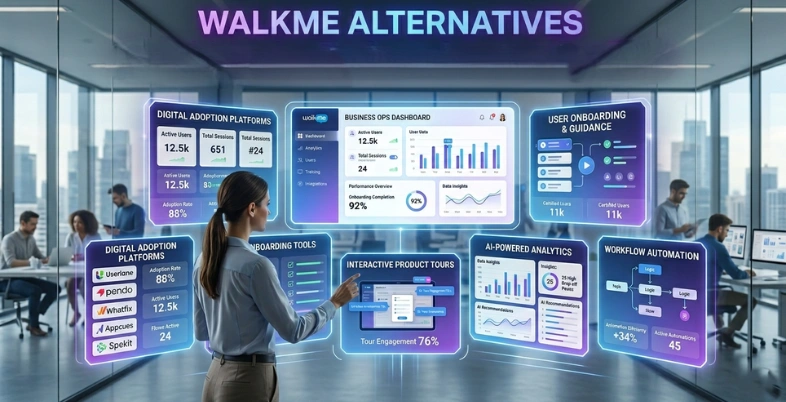
Getting users to adopt new software quickly is one of the biggest challenges for modern businesses. While WalkMe has long been a leading digital adoption platform, many companies now search for better alternatives that offer easier setup, flexible pricing, stronger analytics, and no-code onboarding features. From startups to large enterprises, businesses want tools that simplify employee training, improve customer onboarding, and boost software adoption without requiring heavy technical support.
In this guide, we compare the best WalkMe alternatives for 2026, including platforms designed for employee onboarding, product adoption, customer engagement, and workflow automation. Whether you need affordable onboarding software for a growing SaaS company or advanced enterprise-grade digital adoption tools, these alternatives provide powerful features to help teams improve user experience and productivity.
Why Teams Are Switching From WalkMe
WalkMe is one of the giants in the product adoption software industry, but costs are too steep for teams to use them, especially as they look to other apps as a more modern replacement. The prices for annual contracts typically begin at $10,000 to $15,000, making the option cost prohibitive for startups and mid-market businesses.
Teams also get frustrated by the immense complexity in setting up. WalkMe requires technical knowledge and coding skills to configure, pushing implementation timelines out to several months and delaying your true time to value for teams implementing modern office automation tools.
An additional great strain is the ongoing upkeep. WalkMe flows often fail when an application interface changes, meaning they have to be manually engineered in. That’s why teams opt for agile, no code onboarding tools where non-technical product managers can create and publish interactive product tours without needing technical expertise.
What To Look For In A WalkMe Alternative
Choosing the right digital adoption platform depends on your specific business goals. Consider these core factors before choosing an alternative.
Who Was The Tool Built For (Employee vs Customer Adoption)
DAPs are split into two categories. Systems like Whatfix are employee onboarding tools built for internal software training on complex apps like Salesforce. Platforms like Userpilot are customer onboarding platforms built for product-led growth and user retention. Knowing your target audience eliminates half the market instantly.
Setup Speed And Time To Value
WalkMe takes months to deploy. Good onboarding software alternatives go live in days or weeks. Look for no-code onboarding tools with intuitive visual builders so non-technical product managers can launch interactive product tours without waiting for software developers.
Cross-Channel Reach
Basic in-app guidance software only works when a user is logged into your platform. The best user onboarding software extends beyond the app interface, using behavioral triggers to send automated email notifications and mobile push alerts to bring inactive users back.
Total Cost Of Ownership
Look beyond the base subscription price. Factor in implementation fees, professional training services, and ongoing maintenance. A cheap software license with heavy hidden service fees often costs much more over time than an all-in-one mid-range platform.
WalkMe Alternatives at a Glance (Comparison Table)
| Tool Name | Best For | Channels Supported | Setup Complexity | AI Features | Starting Price | G2 Rating |
| Whatfix | Enterprise employee training | Web, Mobile | High | AI content authoring & adaptive roleplay | Custom pricing | 4.6/5 |
| Intro.js | Developers on a budget | Web | High | None | $9.99 (lifetime) | 4.3/5 |
| Userpilot | Customer onboarding | Web | Low | AI writing assistant & flow generation | $299/mo | 4.6/5 |
| SAP Enable Now | SAP software users | Web, Desktop | High | AI content generation & text-to-speech | Custom pricing | 4.3/5 |
| Pendo | Product analytics | Web, Mobile | Medium | AI analytics insights & automated walkthroughs | Free / Custom | 4.4/5 |
| Appcues | Product-led SaaS teams | Web, Mobile | Low | Appcues AI (Insights, segmentation, copy generation) | On request | 4.6/5 |
| UserGuiding | Startups on a budget | Web | Low | AI Assistant (Knowledge base chat & auto-translation) | Free / $174/mo | 4.7/5 |
| Chameleon | Deep product customization | Web | Low | AI micro-copy copilot | $279/mo | 4.4/5 |
| Navattic | Interactive product tours | Web | Low | AI demo assistant | Free / $500/mo | 4.8/5 |
| Stonly | Knowledge base and guides | Web | Low | AI search & knowledge suggestions | On request | 4.8/5 |
| Inline Manual | SaaS and internal training | Web | Low | None | $158/mo | 4.6/5 |
| Product Fruits | Budget-friendly onboarding | Web | Low | AI onboarding creator agent | $111/mo | 4.7/5 |
| Userlane | IT change management | Web | Medium | AI virtual assistant | Custom pricing | 4.7/5 |
| Apty | Complex enterprise rollouts | Web, Mobile | High | AI process validation insights | $9,500/yr | 4.7/5 |
| Spekit | Salesforce training | Web, Email | Low | AI microlearning & search | Custom pricing | 4.7/5 |
List Of 16 Best WalkMe Alternatives
1. Whatfix – Enterprise employee training and digital adoption
Website: whatfix.com
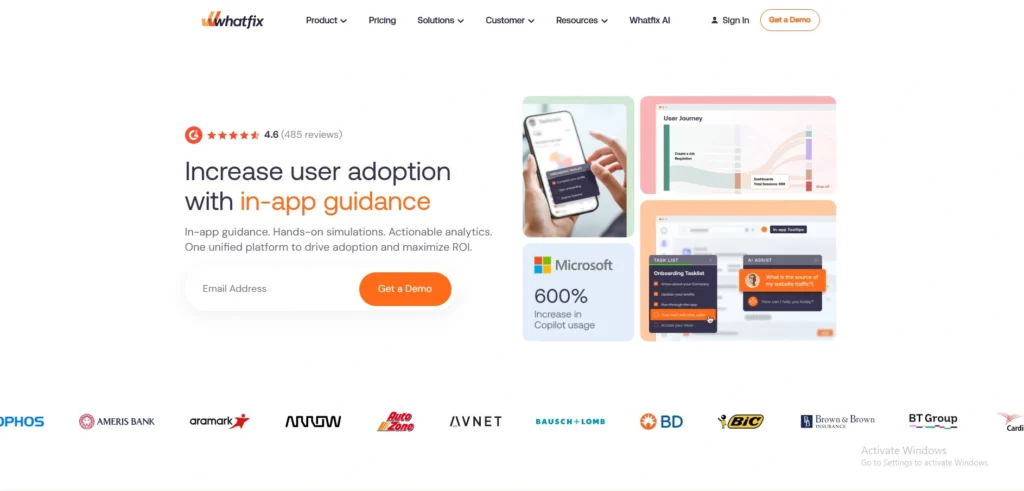
Whatfix is a powerful digital adoption platform designed to improve employee training, HR management software adoption, and user guidance. It is heavily focused on enterprise software rollouts and provides highly customized instructional content. The tool integrates deeply into complex systems to help large teams cut down on support tickets. It is one of the most direct WalkMe alternatives on the market.
Key Features:
- Interactive walkthroughs and product tours
- In-app help widgets and resource centers
- Robust employee training capabilities
- Adaptive AI roleplay and content authoring
- Detailed usage analytics
Pros:
- Excellent for internal enterprise systems
- High grade data privacy and security
- Role based personalized learning paths
- Detailed analytics for measuring software ROI
- Seamless integration with top enterprise apps
Cons:
- High cost barriers for smaller teams
- Requires technical assistance during setup
- Nontransparent custom enterprise pricing
- Interface feels heavy for beginners
- Requires training for internal content creators
Pricing: Custom pricing only. Free trial unavailable.
2. Lemon Learning – Simple digital adoption and employee onboarding platform
Website: lemonlearning.com
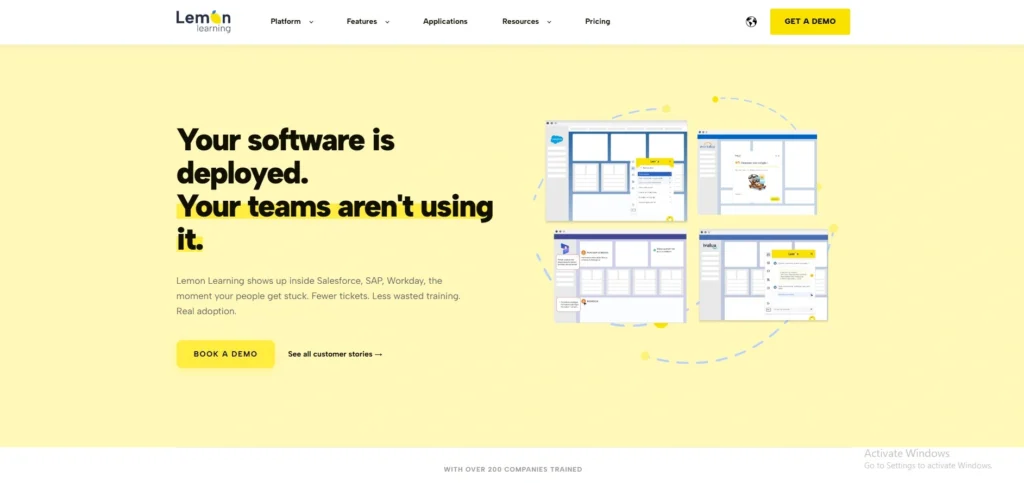
Lemon Learning is a user friendly digital adoption platform focused on employee onboarding, software training, and in app guidance. It is designed to help businesses improve user adoption rates through interactive walkthroughs and contextual assistance. The platform works well for organizations looking for an easier and more lightweight alternative to WalkMe.
Key Features:
- Interactive step by step walkthroughs
- In app guidance and contextual help
- Employee onboarding and training support
- Knowledge base and self help tools
- Analytics for tracking user engagement
Pros:
- Easy to use interface for beginners
- Quick deployment with minimal setup
- Strong onboarding and employee training tools
- Affordable compared to enterprise heavy platforms
- Works well with common business applications
Cons:
- Limited advanced customization features
- Not ideal for very large enterprise environments
- Fewer integrations than some competitors
- Analytics capabilities are less detailed
- Advanced automation features are limited
Pricing: Custom pricing available on request. Free demo available.
3. Intro.js – Open-source lightweight user onboarding
Website: introjs.com
Intro.js is a lightweight, open-source library used by developers to build interactive walkthroughs directly within web applications. It is entirely code-based, giving developers maximum flexibility over the look and feel of the onboarding process. It is a highly affordable choice among WalkMe alternatives for companies with strong engineering resources.
Key Features:
- Step by step product tours
- Tooltips and onboarding hints
- Fully customizable via CSS and JavaScript
- Lightweight script with fast loading times
Pros:
- Extremely cheap and budget friendly
- Full code level design control
- Zero performance overhead for software apps
- Free tier available for noncommercial projects
- Fast execution speeds for end users
Cons:
- Developer resources required for installation
- No built-in user tracking or analytics
- Unsuitable for non-technical product managers
- Missing a visual drag and drop builder
- Support depends on community open source forums
Pricing:
- Free for non-commercial use.
- Starter – $9.99 (lifetime)
- Business – $49.99 (lifetime)
- Premium – $299.99 (lifetime)
4. Userpilot – No-code user onboarding for product teams
Website: userpilot.com
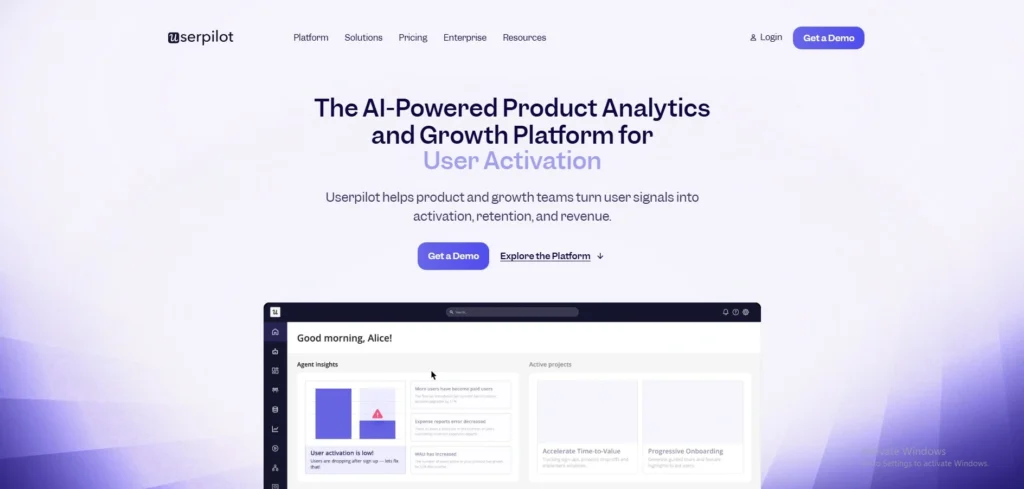
Userpilot is a top tier customer onboarding platform that helps SaaS companies drive product adoption without writing code. It offers powerful user segmentation, A/B testing, and real-time analytics. This tool is perfect for product-led growth teams looking for WalkMe alternatives that improve user activation metrics quickly.
Key Features:
- Drag and drop onboarding flow builder
- In-app tooltips, checklists, and banners
- Advanced user segmentation and targeting
- Built-in NPS surveys and feedback forms
- Retention and behavior tracking
Pros:
- Intuitive builder for non-technical teams
- Comprehensive built-in A/B testing features
- Highly personalized behavior based triggers
- Reliable customer service and resource library
- Granular targeting options for niche users
Cons:
- Rapidly scales in price as traffic grows
- Weak capabilities for internal employee training
- Mobile application support requires paid add-ons
- Learning curve for advanced behavioral logic
- Dashboard lags when handling huge datasets
Pricing:
- Starts at $299/month.
- Growth plan: custom pricing
- Enterprise plan: custom pricing
- Free trial available.
5. SAP Enable Now – Comprehensive training for SAP environments
Website: sap.com
SAP Enable Now is an extensive digital adoption tool explicitly built to empower organizations using SAP products. It focuses heavily on content creation, process documentation, and corporate e-learning. It is best suited for massive global companies looking for enterprise WalkMe alternatives for complex work environments.
Key Features:
- Process documentation and content creation
- E-learning modules and simulations
- SCORM compliant training content
- Real-time in-app user guidance
Pros:
- Flawless native integrations with SAP software
- Robust platform for creating corporate learning
- Highly secure environment for global systems
- Strong support for creating offline materials
- Simplifies compliance with automated documentation
Cons:
- Extremely high cost and complex deployment
- High technical barrier for content creators
- Total overkill for non-SAP systems
- Visual style feels dated and enterprise heavy
- Implementation cycles span across multiple months
Pricing: Custom pricing only.
6. Pendo – Product analytics and in-app messaging
Website: pendo.io
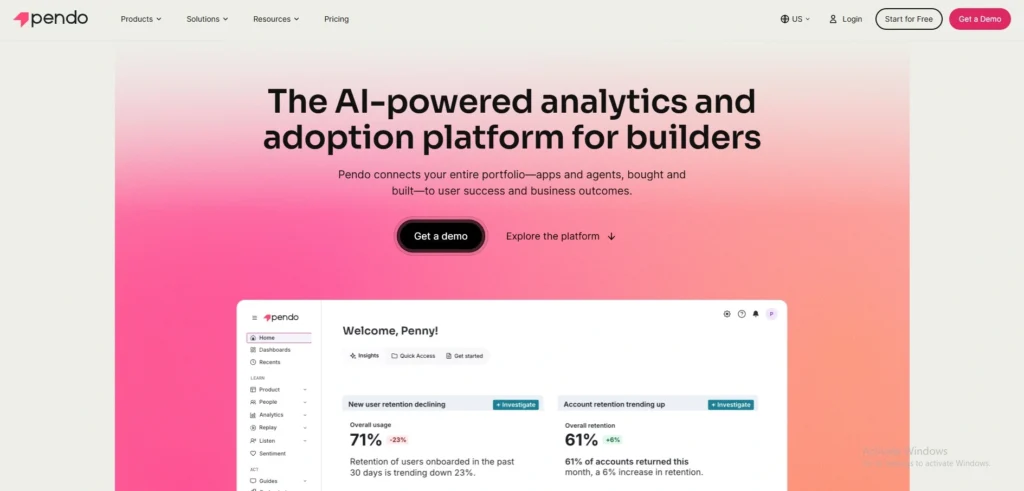
Pendo is a powerhouse that combines deep product analytics with in-app guidance software. It helps product teams understand exactly what users are doing and then deliver targeted messages to improve feature adoption. Pendo is a great fit for data-driven companies seeking WalkMe alternatives that prioritize analytics.
Key Features:
- Retroactive product usage analytics
- In-app messaging and user guides
- Net Promoter Score surveys
- Product roadmap management
- Behavior-based feature triggers
Pros:
- Excellent retroactive data and product tracking
- Powerful user group segmentation capabilities
- Solid cross-platform support for web and mobile
- Generous free plan for early-stage companies
- Smooth pairing of user data with surveys
Cons:
- Enterprise tiers are out of reach for startups
- Builder is less visual than competitors
- Complex integration for large multi-app platforms
- Not built for internal workplace adoption
- Long support response times on low tiers
Pricing: Free tier available up to 500 users. Paid plans have custom pricing.
7. Appcues – Simple and intuitive product adoption software
Website: https://www.appcues.com/
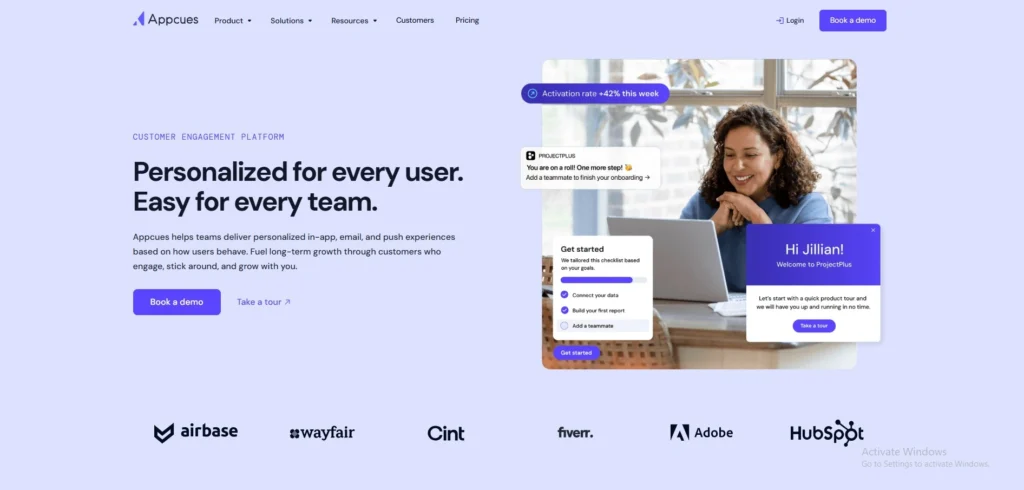
Appcues is one of the original no-code onboarding tools. It allows product teams to build beautiful in-app experiences without relying on developers. With a focus on simplicity, Appcues helps SaaS companies improve customer activation and engagement. It remains one of the most popular WalkMe alternatives for startups.
Key Features:
- Drag and drop flow builder
- User segmentation and targeting
- Tooltips, modals, and slideouts
- Engagement analytics dashboards
Pros:
- Incredibly visual and user friendly creator tool
- Rapid implementation requiring minimal developer aid
- Clean prebuilt UI templates and styles
- Vast integrations with top marketing tools
- Excellent documentation for customer education
Cons:
- Analytics dashboards lack deep technical tracking
- Core feature A/B testing locked to high tiers
- Missing built-in email messaging triggers
- Cost scales sharply with active user volumes
- Missing advanced enterprise corporate compliance rules
Pricing: Demo available and pricing for all plans available on request
8. UserGuiding – Affordable no-code onboarding tool
Website: userguiding.com
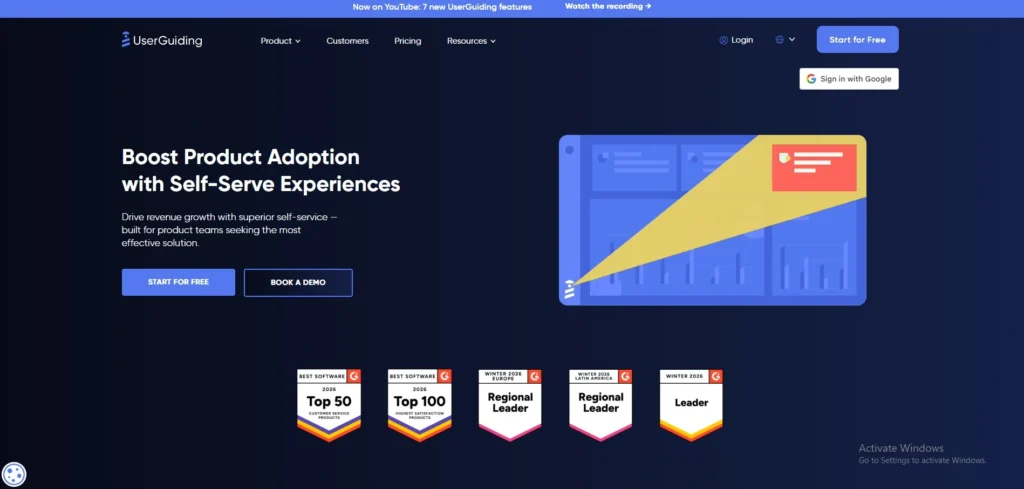
UserGuiding is an incredibly cost-effective solution for startups that want basic user onboarding without the premium price tag. It provides simple tools to create interactive guides, checklists, and resource centers. It is consistently ranked among the best WalkMe alternatives for budget-conscious product teams.
Key Features:
- Interactive product tours and checklists
- In-app resource centers
- Basic user segmentation
- NPS and feedback surveys
Pros:
- Very cheap option for early startups
- Quick creation via a simple browser plugin
- Completely code-free for everyday builders
- Fast and friendly customer help channels
- Practical library of fast launch templates
Cons:
- Styling limits when adjusting custom visuals
- Unfit for advanced or heavy enterprise portals
- Analytics are basic and lack interaction data
- Minor bugs occasionally stall the extension builder
- Weak support for offline single page apps
Pricing:
- Support essentials: free forever
- Starter plan: $174/mo billed yearly
- Growth plan: $349/mo billed yearly
- Enterprise: custom pricing
9. Chameleon – Highly customizable in-app experiences
Website: chameleon.io
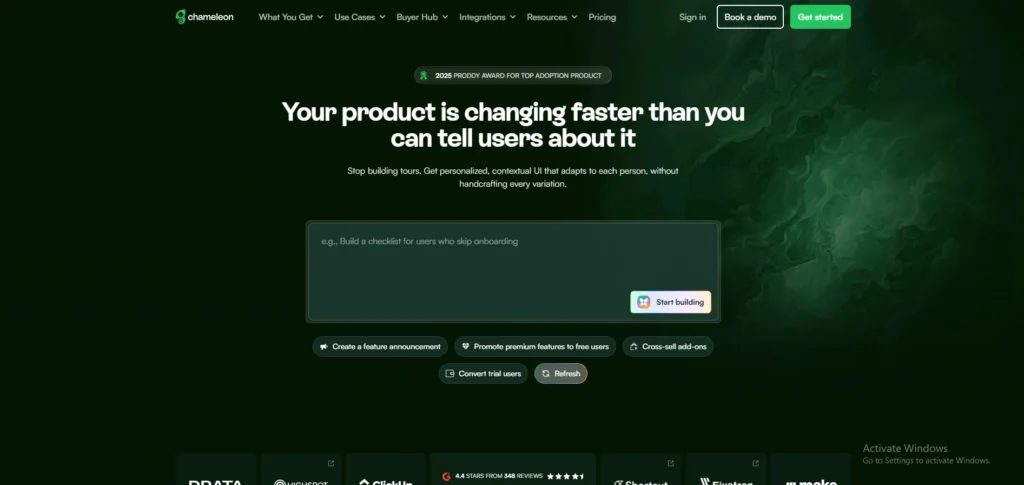
Chameleon is a powerful product adoption software designed for teams that need deep customization. It allows you to build highly personalized tours, banners, and microsurveys that perfectly match your app native design. As one of the top WalkMe alternatives, it provides granular control over guide appearances.
Key Features:
- Deeply customizable styling using CSS
- Interactive tours and checklists
- Unlimited in-app microsurveys
- Advanced targeting and triggering
Pros:
- Flows look perfectly native to your app
- Flawless sync with outside analytics platforms
- Helpful AI copilot for building micro-copy
- Precise targeting criteria for user buckets
- Works perfectly with complex single page architectures
Cons:
- Higher learning curve than basic alternatives
- Prices increase quickly with higher monthly traffic
- Technical insight needed for advanced trigger hooks
- Management panel feels visually crowded at first
- Customer support responses are entirely text based
Pricing:
- Startup plan: $279/month.
- Growth plan: $15k / year
- Enterprise : custom pricing
- Free trial available.
10. Navattic – Interactive product tours for marketing teams
Website: navattic.com
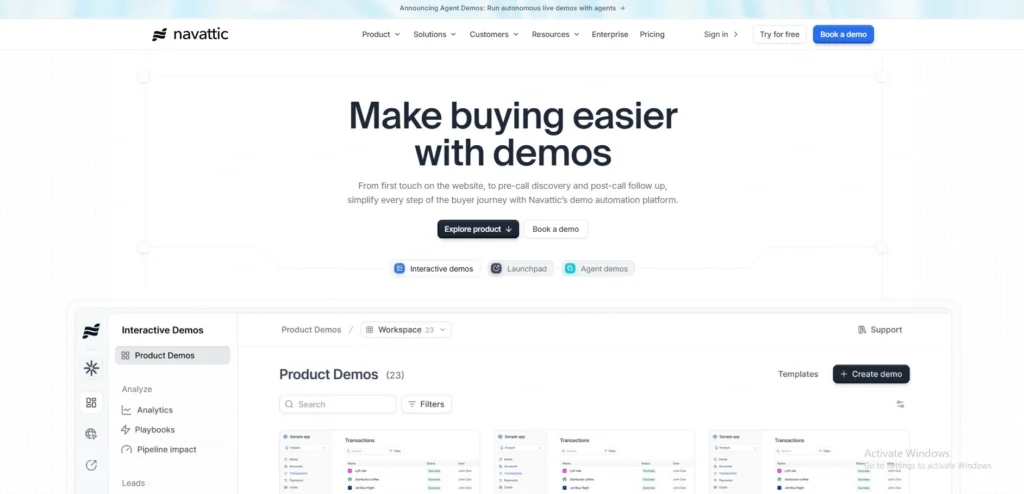
Navattic takes a different approach by focusing strictly on marketing teams. Instead of onboarding users inside a live app, Navattic lets you build interactive product tours that you embed on your website. This makes it an amazing WalkMe alternative for product-led sales and website conversions.
Key Features:
- HTML and screenshot based interactive demos
- No-code demo builder
- Lead capture forms
- Analytics for demo engagement
Pros:
- Drives website lead conversion rates upward
- Code-free creation of static app environments
- Bridges communication gaps between sales and product
- Smooth pixel-perfect look for application models
- Zero performance load on live software infrastructure
Cons:
- Cannot be used for internal real-time onboarding
- High baseline price point for young agencies
- Completely lacks a free tier or trial model
- Basic analytics lack complex user journey tracking
- Capturing highly dynamic application functions takes time
Pricing:
- Starter: $0/mo
- Base plan: $500/mo
- Growth plan: $1,000/mo
- Enterprise: custom pricing
11. Stonly – Interactive step-by-step guides and knowledge base
Website: stonly.com
Stonly is a unique platform that blends customer support tools, a customer knowledge base, and interactive step-by-step guides. You can launch Stonly widgets inside your app or website to provide self-serve support. It is highly effective for reducing support tickets and serves as a very flexible WalkMe alternative.
Key Features:
- Interactive guides with unlimited steps
- Customizable knowledge base
- In-app widget embedding
- Multi-language support
Pros:
- Accessible entry-level pricing plans for small shops
- High conversion interactive formats for self troubleshooting
- Connects directly with massive modern helpdesk desks
- Visually clean widgets that render perfectly on mobile
- Fits both public support and employee knowledge management
Cons:
- Not built for building deep contextual software walk-throughs
- Crucial business features restricted to expensive tiers
- Weak user behavioral tracking features for guides
- Reporting is basic compared to core tracking systems
- Structural widget customization is slightly rigid
Pricing:
- Free trial available.
- Small business plan: pricing available on request
- Enterprise plan: custom pricing
12. Inline Manual – Versatile in-app guidance software
Website: inlinemanual.com
Inline Manual is a flexible digital adoption platform suitable for both employee training and customer onboarding. It provides a comprehensive suite of features including walkthroughs, tooltips, and in-app help centers. It is a solid middle ground when searching for WalkMe alternatives that balance features and price.
Key Features:
- Interactive walkthroughs and hotspots
- Branching paths for personalized learning
- In-app support widgets
- Version control for onboarding content
Pros:
- Clear active-user based subscription tiers
- Adaptable for both corporate staff and customers
- Supports complex branched step-by-step decision rules
- Built-in file versioning protects published content
- Global multi-language packs included by default
Cons:
- Visual admin site looks outdated and classic
- Analytical tracking data feels thin and simple
- Initial portal setups require time and patience
- Chrome builder tool glitches on dense frames
- Lacks modern automated AI creation agents
Pricing: Starts at $158/month. Free trial available.
13. Product Fruits - Budget-friendly all-in-one onboarding
Website: productfruits.com
Product Fruits is a fast-growing European digital adoption platform and one of the emerging AI tools for Business that offers a massive amount of value for a low price. It provides everything from product tours and checklists to AI-powered chatbots and feedback widgets. It is an excellent WalkMe alternative for mid-market teams needing a full suite of features.
Key Features:
- AI onboarding creator agent
- Checklists, hints, and tooltips
- In-app announcements and newsfeeds
- Feedback widgets and bug reporting
Pros:
- Wealth of onboarding features for a low cost
- Quick integration that bypasses dev teams completely
- Full GDPR compliance for European data privacy
- In-app system reports capture user feedback instantly
- Automated AI drafting tools speed up copy generation
Cons:
- Dashboard is dense and overwhelming for newcomers
- Customer communication is strictly live-chat based
- Integration partners are heavily restricted on cheap tiers
- Polishing custom brand elements demands extra effort
- Lacks tools for advanced native mobile apps
Pricing:
- Starter: $111/month.
- Pro plan: $187/mo
- Business plan: $374/mo
- Free trial available.
14. Userlane – IT change management and employee adoption
Website: userlane.com
Userlane is a strong European competitor to WalkMe that focuses primarily on enterprise employee adoption. It is designed to guide employees through complex software migrations and daily IT workflows. This WalkMe alternative is known for its high security standards and enterprise-grade analytics framework.
Key Features:
- Step by step interactive guidance
- HEART analytics framework
- In-app virtual assistant
- Multi-language translation
Pros:
- Clean and completely distraction-free user experience
- Perfect fit for massive enterprise IT transformations
- Exceptional focus on global data security standards
- Automated internal tool translations for remote staff
- Engagement features that make software training fun
Cons:
- Quotes are high and target enterprise clients
- Weak features for consumer-facing product companies
- Early preparation and implementation requires planning
- Rigid structures limit highly unique app designs
- Lacks complex user behavior event tracking
Pricing: Custom pricing only.
15. Apty – Complex enterprise software rollouts
Website: apty.io
Apty is a digital adoption platform built specifically to ensure data compliance and process adherence in large enterprises. It prevents employees from making data entry errors in systems like Salesforce or Oracle. If your main goal is clean data, Apty is one of the best WalkMe alternatives.
Key Features:
- Process compliance tracking
- Data validation rules
- Interactive software walkthroughs
- Cross-application support
Pros:
- Forces strict business operational rule compliance
- slashes traditional workplace training schedules down
- Detailed dashboard for proving software procurement ROI
- Handles journeys across entirely separate web platforms
- Keeps inputs clean by blocking system field errors
Cons:
- Implementation takes weeks and needs engineer support
- Styling and layout choices feel corporate and functional
- Unfit for quick or casual product walk-throughs
- Building data validation paths takes technical skill
- Price tag targets large enterprise finance scales
Pricing:
- starts at $9,500/app/ year
- Demo available
16. Spekit – Salesforce and employee training
Website: spekit.com
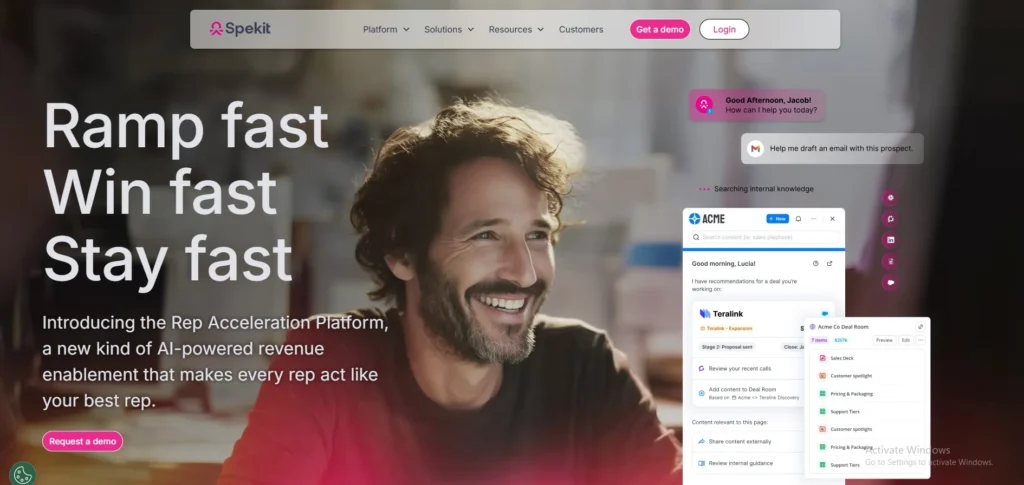
Spekit is a unique learning platform that integrates tightly with Salesforce and other internal tools to deliver training in the flow of work. Instead of just overlays, Spekit embeds small knowledge icons directly next to fields in your software. It is a highly specialized WalkMe alternative for internal teams.
Key Features:
- In-app knowledge embeds
- Searchable digital dictionary
- Microlearning content delivery
- Browser extension deployment
Pros:
- Deepest available integration for Salesforce systems
- Training cards are simple to edit and deploy
- Bite-sized content model increases information retention
- Prevents context switching by staying in one app
- Installs company-wide within clicks via browser setup
Cons:
- Engineered solely for work teams, not customer growth
- License pricing scales on per employee seating counts
- Missing traditional welcome screens or product bars
- Feature capabilities drop off outside CRM platforms
- Basic system metric reports lack detailed journey depth
Pricing: Custom pricing only.
How To Choose The Right WalkMe Alternative For Your Use Case
Selecting the right software requires matching the platform to your specific business constraints and goals.
- Company Size: Startups should look for affordable, no-code onboarding tools like UserGuiding. Enterprises with complex IT ecosystems will benefit more from heavy-duty systems like Whatfix.
- Target Audience: Clearly define if you need internal employee onboarding tools or customer onboarding platforms. Internal training prioritizes strict data security and compliance, while customer onboarding focuses on feature adoption and user engagement.
- Budget and Pricing: If you want predictable costs, prioritize WalkMe competitors with transparent monthly pricing over opaque, custom enterprise contracts.
- Development Resources: If you lack engineering availability, choose no-code onboarding tools with visual drag and drop builders so your product managers can work completely independently while testing MVP meaning in early-stage product adoption strategies.
- Data and Automation: Evaluate your need for advanced analytics and AI features. If you need deep behavioral tracking and retroactive usage data, a platform like Pendo is essential.
- Integrations: Ensure the software aligns with your tech stack, checking for native mobile app support or direct integration requirements with your existing CRM.
Final Verdict: Which WalkMe Alternative Should You Choose
Your choice depends entirely on your audience and budget. SaaS companies should choose Appcues or Userpilot for customer onboarding, while startups can save money with UserGuiding or Product Fruits.
For enterprises replacing WalkMe, Whatfix and Apty provide the robust employee onboarding tools required for large IT rollouts. If you need interactive product tours for website marketing, Navattic is the best fit.
Evaluate your goals, test the free trials, and see which visual builder works best for your team. Ready to improve your software adoption rates? Pick the WalkMe alternative that matches your needs and start building your first onboarding flow today.