In today’s fast-paced digital age, our Macs hold everything – from cherished memories and creative projects to vital business files. But when unexpected data loss strikes, it can feel like your entire world has vanished in seconds. That’s where data recovery software steps in – your digital lifeline that rescues lost photos, documents, and partitions with precision and ease.
Whether caused by accidental deletion, system crashes, or corrupted drives, these powerful tools are designed to restore what matters most.
In this blog, we explore the 15 Best Data Recovery Software for Mac that bring lost data back to life and keep your digital world secure.
How to Choose Data Recovery Software For Mac
Selecting the appropriate data recovery software to use on Mac will depend on a number of factors that must be taken into consideration to guarantee successful and accurate data recovery.
To start with, it is paramount that the tool should be compatible with your macOS version and the kind of storage device you have because not all of them can handle APFS, HFS+, or external drives. Second, test the recovery features of the software, such as recovery of deleted files, formatted files, and corrupted files and compatibility with many file types, including documents, photos, videos, and emails. Third, ease of use should also be taken into account, particularly when you are not that technical, and a user-friendly interface with step-by-step instructions can save you time and mistakes.
There are also features such as file preview, selective recovery and deep scan which make it more efficient. It also depends on pricing, the customer support, and the software reliability. Through these factors, you are able to choose an effective and a Mac data recovery solution that suits your needs effectively, and have less chances of losing data permanently.
Quick Comparison
| Name | Pros | Cons |
| Disk Drill | Offers Recovery Vault & Guaranteed Recovery for extra data protection. | Deep scanning can be time-consuming for large drives. |
| Stellar Data Recovery | Supports recovery from multiple file systems including APFS, HFS+, FAT, and NTFS. | Premium pricing may be high for casual users. |
| EaseUS Data Recovery Wizard for Mac | Allows filtering by file type to speed up recovery. | The one-month license limits extensive usage. |
| Wondershare Recoverit | Can repair corrupted video files during recovery. | May feel bloated for users only needing simple file recovery. |
| Ontrack EasyRecovery for Mac | Supports RAID array recovery for professional environments. | The technical interface is not beginner-friendly. |
| Tenorshare 4DDiG Mac Data Recovery | The interface may be overwhelming for beginners. | Some advanced features are only in the lifetime plan. |
| R-Studio | Advanced RAID reconstruction and hex editor for complex recoveries. | Does not recover files deleted from the empty Trash. |
| MiniTool Power Data Recovery | Simple step-by-step wizard for easy navigation. | Lacks advanced recovery options for highly corrupted drives. |
| Donemax Data Recovery for Mac | Efficient quick and deep scan modes for faster recovery. | Limited support for complex RAID or network drives. |
| DiskGenius | Combines recovery and disk partition management tools. | The interface may appear outdated to some users. |
| TestDisk & PhotoRec | Completely free and open-source with powerful recovery capabilities. | Command-line interface is intimidating for non-technical users. |
| DMDE | Provides precise file reconstruction and manual disk editing. | Steeper learning curve for casual users. |
| AnyRecover | Supports over 1,000 file formats for versatile recovery. | Full-featured recovery requires a paid license. |
| UFS Explorer | Can recover data from RAID arrays and virtual disks. | High cost makes it more suitable for enterprise users. |
| DiskWarrior | Excels at rebuilding damaged directories and restoring inaccessible files. | Does not recover files deleted from empty Trash. |
List of 15 Best Data Recovery Software for Mac
1. Disk Drill
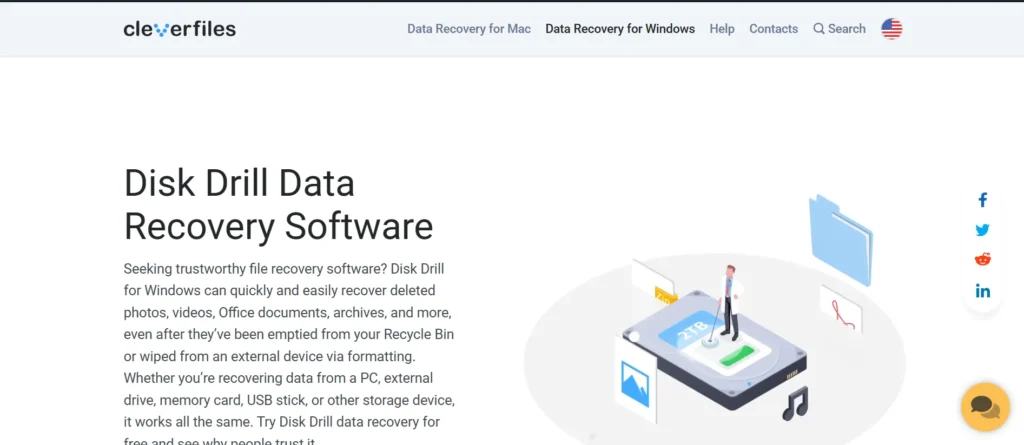
One of the most famous among of all online tools to help recover data on the Mac is Disk Drill that is characterized by a convenient interface and powerful scanning options.
It restores files that are deleted in internal drives, external drives, USBs and partitions that were formatted. It supports hundreds of types of files and also has data protection services such as Recovery Vault and Guaranteed Recovery.
To rebuild the files, Disk Drill provides an ability to preview the files that could be recovered before restoring them and to avoid mistakes. It is suitable to both amateurs and professionals with its combination of convenience, high success rate of recovery and compatibility with the latest macOS versions.
Website: https://www.cleverfiles.com/downloads-mob.html
Key features:
- Recovers deleted files from Mac, USBs, and external drives.
- Supports hundreds of file types (documents, media, archives).
- Recovery Vault & Guaranteed Recovery for added data protection.
- Quick and deep scanning modes for thorough recovery.
- Preview files before recovery for selective restoration.
Pricing:
- PRO– ₹2999.00
- Enterprise– ₹44803.30
2. Stellar Data Recovery
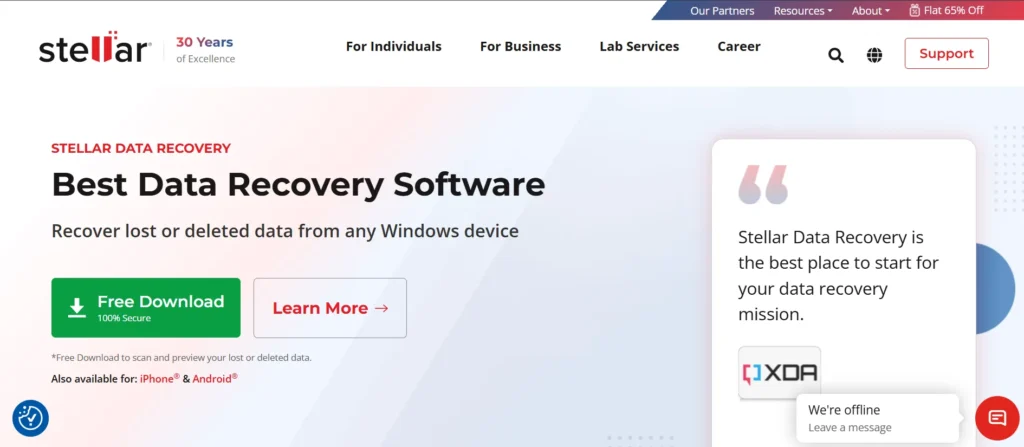
Stellar Data Recovery is an effective and reliable Mac-based software that assists users recover lost, deleted, or corrupted files in hard drives, SSDs, and other external media.
It allows document recovery, photo, video, and email recovery. The software also provides sophisticated deep scanning and preview of the files prior to recovery. Its easy to use interface and all round features make it appropriate to be used by both individual and professional users.
Stellar Data Recovery also accepts APFS, HFS+, FAT, and NTFS formats, which allow it to be used with many types of storage systems. It is very beneficial in recovering lost data through an accidental deletion, formatting or system crashes.
Website: https://www.stellarinfo.com/data-recovery-mac.php
Key features:
- Recovers documents, photos, videos, emails, and more.
- Supports APFS, HFS+, FAT, and NTFS file systems.
- Deep scanning and quick scan options.
- File preview before recovery.
- Can recover data from corrupted, formatted, or crashed drives.
Pricing:
- Professional– ₹6,999
- Premium– ₹7,999
- Technician– ₹14,999
3. EaseUS Data Recovery Wizard for Mac
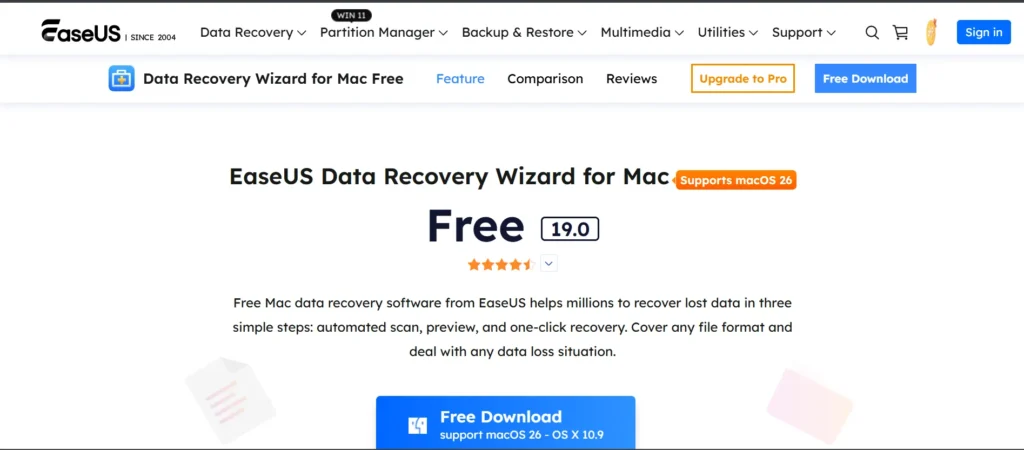
EaseUS Data Recovery Wizard is a complete recovery software aimed at restoring deleted, lost or formatted information within a computer in a convenient manner.
It helps in recovery on Mac hard drives, external drives, SD cards, and the USB devices. The program employs fast and thorough scan technologies to achieve maximum success in recovery. It is distinguished by its clean interface, which allows the user, even not technical, to navigate easily.
EaseUS also provides file preview and filtering file type which saves time in the recovery process. It is a convenient, effective, and secure solution to the majority of Mac users, whether it is the formatting, accidental deletion, or loss of partitions.
Website: https://www.easeus.com/mac-data-recovery-software/
Key features:
- Supports recovery from Mac drives, external drives, SD cards, and USBs.
- Quick and deep scan modes.
- File preview and filtering by type.
- Restores data lost due to formatting, deletion, or partition loss.
- User-friendly interface for beginners and professionals.
Pricing:
- One-Month– $89.95
- One-Year– $119.95
- Lifetime Upgrades– $169.95
4. Wondershare Recoverit
Wondershare Recoverit Mac is a high-quality and professional-level recovery software that supports more than 1,000 file types. It has the power to recover information that has been lost after deletion, corrupted drives, system crashes, etc.
Recoverit has a user-friendly interface, sophisticated scanning, and video repair functions that can be used by media specialists. It is also compatible with external drives, memory card and cameras recovery. The tool offers real-time scanning previews, which are associated with the correct recovery.
Being updated regularly and compatible with new versions of macOS, Recoverit is a union of high performance and accessibility and, therefore, a reliable option among people who want to use one-stop data recovery.
Website: https://recoverit.wondershare.com/data-recovery-mac.html
Key features:
- Supports recovery of 1,000+ file types.
- Can repair corrupted video files.
- Real-time preview before recovery.
- Compatible with latest macOS versions.
- Recovers data from internal/external drives, cameras, and memory cards.
Pricing:
- Monthly Plan– $64.99
- Annual Plan– $74.99
- Perpetual Plan– $134.99
5. Ontrack EasyRecovery for Mac
Ontrack EasyRecovery Mac is a powerful software, which has been relied upon by IT professionals in the recovery of lost or deleted information. It supports extensive file systems such as APFS, HFS+, FAT and exFAT.
The users can restore data in internal drives, external drives, and USBs as well as RAID arrays. The programs offer several scan requirements and preview of files to guarantee the recovery success. It has a deep scan capability that finds even the hardest to locate files.
Ontrack EasyRecovery is also known to be reliable and fast, and is recommended to users who require high-quality recovery software, with a professional-level user interface, and reliable performance.
Website: https://www.ontrack.com/en-us/software/easyrecovery/mac
Key features:
- Supports multiple file systems: APFS, HFS+, FAT, exFAT.
- Quick and deep scan modes for thorough recovery.
- Recovers from internal/external drives and RAID arrays.
- File preview feature for selective recovery.
- Professional-grade interface with fast and reliable performance.
Pricing:
- ₹ 6,999.00 (per year)
6. Tenorshare 4DDiG Mac Data Recovery
Tenorshare 4DDiG Mac is a powerful data recovery program that can help recover lost or deleted files on any Mac storage media. It aids in restoring formatted drives, failed systems or deleted Trash.
Using its dual-scan technology, users can make quick and deep scans to be more accurate, in addition, 4DDiG has real-time file preview and can recover more than 1,000 file types including photos, videos, and documents.
Its minimalistic design allows the beginner user to use it with ease, whereas the professionals can find its dependability and compatibility with recent macOS releases, such as M1 and M2 chip-based equipment.
Website: https://4ddig.tenorshare.com/mac-data-recovery.html
Key features:
- Supports recovery from formatted, deleted, or crashed drives.
- Dual-scan technology (quick + deep scan).
- Preview recoverable files before restoring.
- Supports 1,000+ file types including photos, videos, and docs.
- Compatible with M1 and M2 Mac devices.
Pricing:
- 1 Month License– $55.95
- 1 Year License– $69.95
- Lifetime License– $119.95
7. R-Studio

R-Studio is an enterprise-level data recovery application that is used by IT professionals to perform advanced recovery operations.
It also works across a range of file systems including APFS, HFS+, FAT, NTFS and exFAT, which makes it universal across the board. The tool has the ability to restore data in local disks, network drives, and damaged partitions. It offers more advanced functions such as hex editing, Raid reconstruction and imaging, which appeal to experts of data recovery.
The interface is more technical but the recovery engine is powerful making the success rates high. R-Studio is most appropriate to those professionals that require more control over recovery processes, which are accurate and detailed.
Website: https://www.r-studio.com/
Key features:
- Supports APFS, HFS+, FAT, NTFS, and exFAT file systems.
- RAID reconstruction and network recovery capabilities.
- Advanced features like hex editing and disk imaging.
- Can recover data from local and network drives.
- High recovery success for complex cases.
Pricing:
- R-Studio for Mac– $79.99
- R-Studio Technician– $899.00
- R-Studio T80+ for Mac– $80.00
- R-Studio Corporate for Mac– $179.99
8. MiniTool Power Data Recovery
MiniTool Power Data Recovery is a user-friendly data recovery software designed for Mac users. It supports the recovery of lost or deleted files from various storage devices, including hard drives, SSDs, USB drives, and memory cards.
The software offers a straightforward interface with a step-by-step wizard to guide users through the recovery process. It supports multiple file systems, such as APFS, HFS+, FAT, and exFAT, ensuring compatibility with a wide range of Mac storage devices.
Website: https://www.powerdatarecovery.com/
Key features:
- Step-by-step recovery wizard for ease of use.
- Supports APFS, HFS+, FAT, and exFAT file systems.
- Recovers deleted, lost, or formatted files from Mac and external drives.
- Quick and deep scan modes.
- File preview before recovery.
Pricing:
- Personal (Monthly)– USD $69.00
- Personal (Annually)– USD $89.00
- Personal Ultimate– USD $99.00
Suggested Read: Hard Drive Cloning Software
9. Donemax Data Recovery for Mac
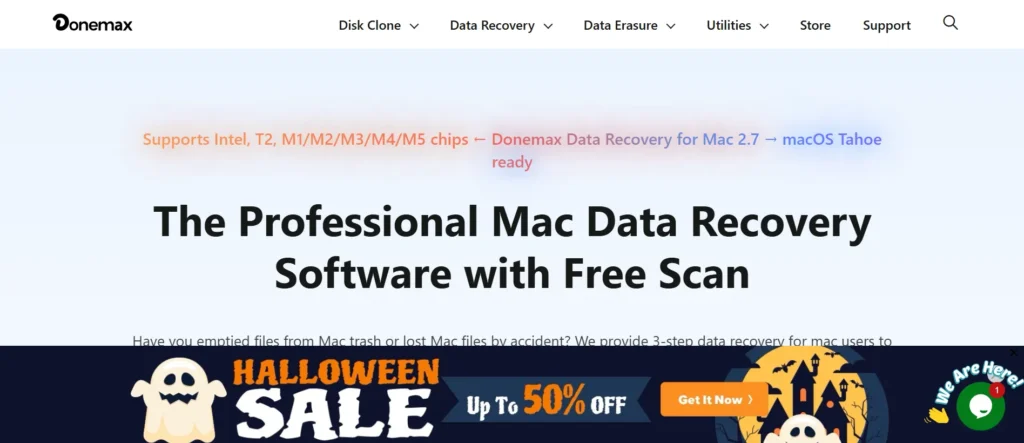
Donemax Data Recovery for Mac is an efficient and user-friendly software designed to recover deleted, formatted, or lost data from any Mac-based device.
It supports APFS, HFS+, FAT, and exFAT file systems. The software features both quick and deep scan modes, allowing users to retrieve data such as photos, documents, and videos with high accuracy. It also includes file preview and selective recovery options.
Donemax’s streamlined interface makes it suitable for beginners, while its advanced algorithms ensure professional-grade recovery performance. It’s an excellent choice for users looking for simplicity and efficiency combined in one tool.
Website: https://www.donemax.com/mac-data-recovery/
Key features:
- Quick and deep scanning modes for accurate recovery.
- Supports APFS, HFS+, FAT, and exFAT file systems.
- Recovers documents, photos, videos, and other files.
- File preview and selective recovery options.
- Simple interface for beginners and efficient performance for professionals.
Pricing:
- 1 Month License– $69.95
- 1 Year License– $89.95
- Lifetime License– $109.95
10. DiskGenius

DiskGenius is a comprehensive data recovery tool for Mac users, offering features like partition recovery, file recovery from formatted or damaged drives, and disk cloning.
It supports various file systems, including APFS, HFS+, FAT, and NTFS. The software provides both quick and deep scan modes, allowing users to recover data from internal and external drives, as well as RAID arrays.
DiskGenius also includes disk partition management tools, making it a versatile choice for users needing both recovery and disk management capabilities.
Website: https://www.diskgenius.com/
Key features:
- Partition recovery and file recovery from damaged drives.
- Supports APFS, HFS+, FAT, and NTFS file systems.
- Disk cloning and backup options.
- Quick and deep scan modes.
- Disk partition management tools included.
Pricing:
- Standard– $69.90
- Professional– $99.90
11. TestDisk & PhotoRec
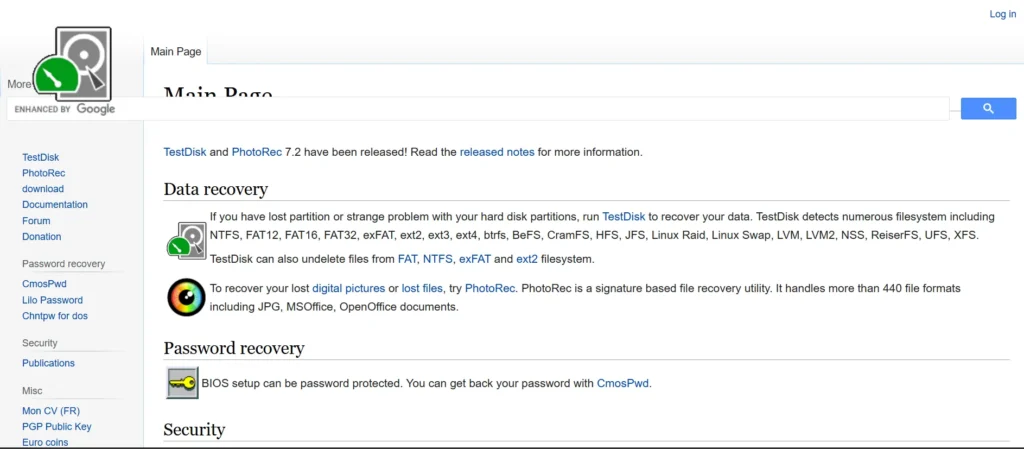
TestDisk & PhotoRec are open-source recovery tools offering powerful data restoration capabilities for advanced users.
TestDisk focuses on partition recovery, helping users rebuild or fix lost partitions, while PhotoRec specializes in file recovery from various storage media. Both work with multiple file systems, including APFS, FAT, NTFS, and ext. Although the command-line interface may seem complex, the software’s reliability and cost-free nature make it a favorite among tech-savvy users.
Its performance rivals many paid tools, recovering everything from documents to multimedia files efficiently. Together, they form one of the best free recovery solutions for Mac.
Website: https://www.cgsecurity.org/
Key features:
- Free and open-source recovery tools.
- TestDisk recovers lost partitions; PhotoRec recovers files.
- Supports APFS, FAT, NTFS, ext, and more.
- Can recover documents, photos, videos, and other file types.
- Works on internal and external drives, memory cards, and USBs.
Pricing:
- Free
12. DMDE
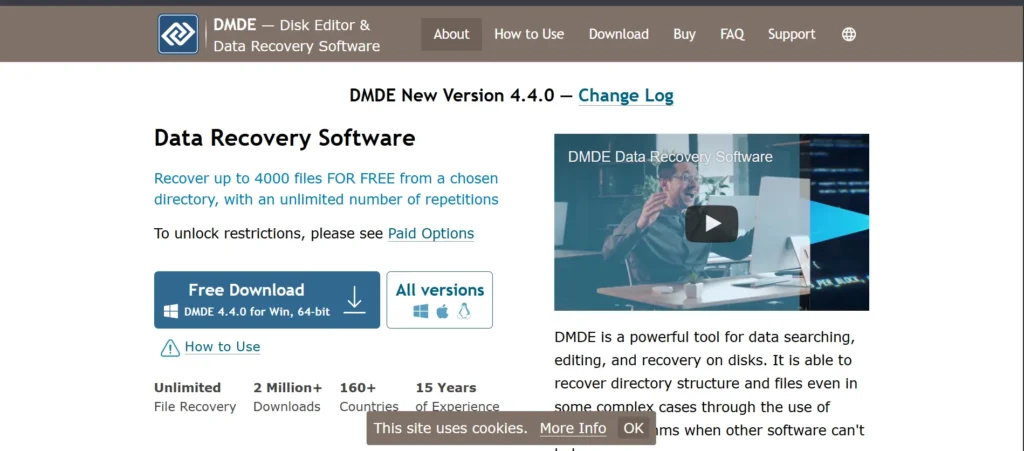
DMDE (DM Disk Editor and Data Recovery Software) is a professional data recovery tool designed for precise and in-depth recovery tasks.
It supports multiple file systems like APFS, HFS+, NTFS, and FAT, and can recover data from corrupted or inaccessible drives. DMDE offers advanced features such as partition management, disk imaging, and manual editing for experienced users.
While its interface is more technical than beginner-friendly, it provides unmatched control over the recovery process. Ideal for IT professionals, DMDE ensures reliable data restoration even from complex or severely damaged storage media.
Website: https://dmde.com/
Key features:
- Advanced recovery for APFS, HFS+, NTFS, FAT, and other file systems.
- Disk imaging and manual data recovery.
- RAID and partition recovery options.
- Hex editor for technical users.
- Deep scan and precise file reconstruction.
Pricing:
- Express–
- 1Month- $9.95
- 1Year- $20
- Standard–
- $48
- Professional–
- 1-OS Family- $95
- Multi-OS- $133
13. AnyRecover
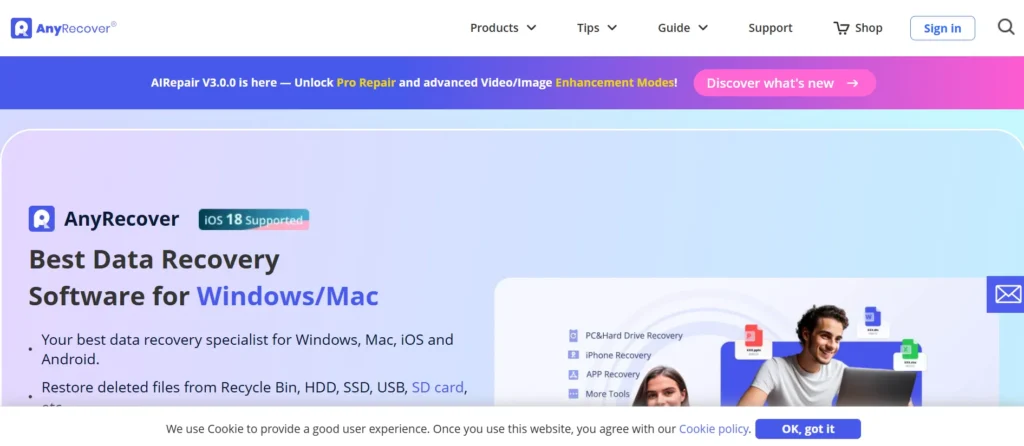
AnyRecover for Mac is an intuitive and versatile data recovery program capable of restoring deleted or lost files from internal drives, SSDs, USBs, and memory cards.
It supports more than 1,000 file formats and offers flexible scan modes for fast or deep recovery. AnyRecover’s simple interface and clear file preview make it accessible to all users. It handles various data loss scenarios such as accidental deletion, formatting, or system crashes.
With high recovery success rates and compatibility with the latest macOS versions, AnyRecover provides a convenient, efficient, and reliable data recovery solution.
Website: https://www.anyrecover.com/
Key features:
- Supports over 1,000 file types.
- Quick and deep scan modes.
- Recovers from internal drives, SSDs, USBs, and memory cards.
- File preview before recovery.
- User-friendly interface for beginners and general users.
Pricing:
- Lifetime plan– $99.99
- 1 month plan– $59.99
- 1-year plan– $79.99
14. UFS Explorer
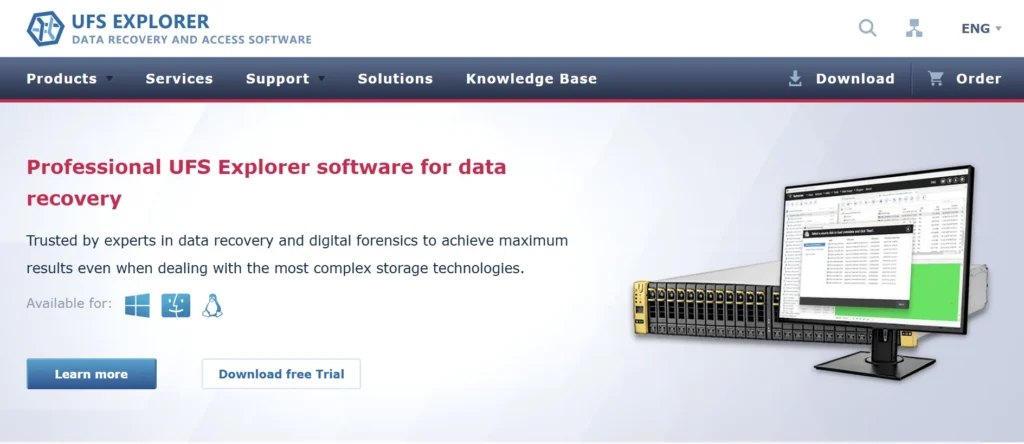
UFS Explorer is an advanced data recovery solution for professionals and enterprises. It supports numerous file systems, including APFS, HFS+, NTFS, and ext, and can recover data from RAID arrays, virtual machines, and encrypted disks.
Its sophisticated algorithms allow deep analysis and reconstruction of lost files. While the interface is more suited for technical users, UFS Explorer delivers precise control and detailed recovery options.
It’s perfect for complex cases where accuracy and customization are essential. For Mac users requiring high-end recovery capabilities, UFS Explorer stands as one of the most comprehensive tools available.
Website: https://www.ufsexplorer.com/
Key features:
- Supports APFS, HFS+, NTFS, ext, and other file systems.
- RAID and virtual disk recovery.
- Recovery from encrypted disks.
- Deep scan and advanced file reconstruction algorithms.
- Professional interface for technical and enterprise users.
Pricing:
- UFS Explorer Professional Recovery– $679.95
Suggested Read: Cloud Backup Solutions
15. DiskWarrior

DiskWarrior is a renowned Mac utility focused on repairing and rebuilding damaged directories to recover inaccessible files.
Unlike typical recovery software, it reconstructs disk directories to restore data integrity. It’s especially effective for fixing drives that won’t mount or show missing files. DiskWarrior enhances disk performance by optimizing directory structures after repair.
Its professional-grade recovery and repair functions make it a long-standing favorite among Mac technicians. Although it lacks flashy features, its reliability and precision in restoring damaged drives make it an essential tool for serious Mac users.
Website: https://www.alsoft.com/
Key features:
- Repairs and rebuilds damaged disk directories.
- Recovers inaccessible files from Mac drives.
- Optimizes disk performance after repair.
- Supports APFS, HFS+, and other Mac file systems.
- Long-standing, reliable tool for professional Mac users.
Pricing:
- Contact sales
Ending Thoughts
In a world where digital data powers both personal and professional life, losing critical files can be devastating. Thankfully, modern data recovery software for Mac has evolved to offer fast, reliable, and user-friendly solutions for even the most complex data loss scenarios. From recovering deleted photos and documents to restoring entire partitions, these tools ensure that your valuable information is never truly gone.
Whether you’re a casual user or a business professional, investing in dependable recovery software adds an extra layer of protection and peace of mind. Ultimately, the best data recovery tools for Mac not only rescue your lost files but also reinforce the importance of proactive data management and digital security in today’s connected world.
FAQs
Which Mac Data Recovery Software Is Best For Beginners?
For beginners, user-friendly tools like Disk Drill, EaseUS Data Recovery Wizard, and AnyRecover are ideal. They offer intuitive interfaces, step-by-step guides, and file preview options, making data recovery simple and efficient without technical expertise.
Can These Tools Recover Data From Formatted or Corrupted Drives?
Yes, most of the listed software, including Stellar Data Recovery, Wondershare Recoverit, and Tenorshare 4DDiG, can recover files from formatted, corrupted, or even crashed drives. Advanced scanning modes like deep scan ensure maximum recovery success.
Are There Free Options Available For Mac Data Recovery?
Yes, open-source and free tools like TestDisk & PhotoRec provide reliable recovery for partition loss and deleted files. While free options are effective, paid software often offers higher success rates, easier interfaces, and additional features like file previews and video repair.