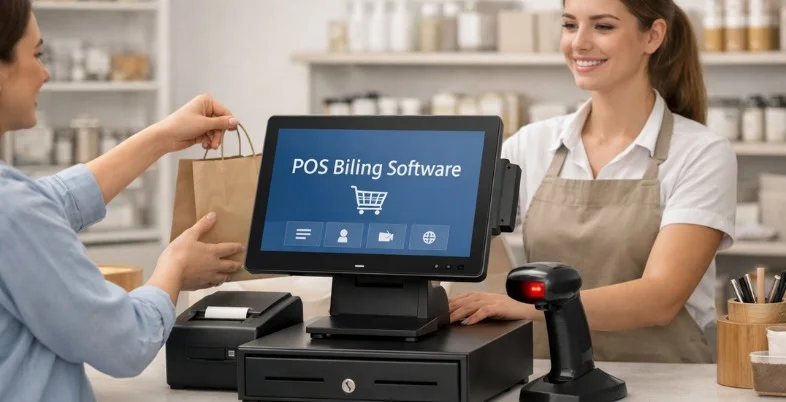
Managing sales, billing, and daily operations efficiently is essential for businesses across retail, hospitality, and service industries. POS billing software simplifies these tasks by automating transactions, tracking inventory, managing customers, and generating real-time reports. Modern POS systems also support multiple payment methods, cloud access, tax compliance, and detailed analytics, helping businesses operate smoothly and accurately.
By reducing manual work and operational errors, POS solutions improve productivity and customer experience. Selecting the right POS billing solution depends on factors such as business size, industry needs, ease of use, scalability, and pricing, making informed evaluation crucial for long-term success.
What is a POS Billing Software?
POS billing software is a digital system designed to handle sales transactions and manage day-to-day business operations efficiently. It allows businesses to generate bills, process payments, apply taxes, and record sales data in real time.
Beyond billing, POS software helps track inventory levels, manage product pricing, monitor customer purchases, and generate detailed sales reports. Modern POS systems often support multiple payment methods, including cash, cards, UPI, and digital wallets, ensuring faster checkout experiences.
Many solutions are cloud-based, enabling remote access, automatic data backup, and real-time synchronisation across devices. POS billing solution reduces manual errors, improves accuracy, enhances customer experience, and provides valuable insights through analytics, helping businesses make informed operational and financial decisions.
How to Choose a POS Billing Software?
- Understand Your Business Needs: Identify your business type, transaction volume, inventory size, and industry-specific requirements to ensure the POS software aligns perfectly with your daily operational needs.
- Ease of Use and Interface: Choose POS software with a simple, intuitive interface that allows staff to learn quickly and process transactions smoothly without extensive training or technical expertise.
- Billing and Payment Options: Ensure the POS system supports multiple payment methods, tax configurations, discounts, and invoicing features to provide flexibility and accuracy during checkout.
- Inventory Management Features: Look for real-time stock tracking, low-inventory alerts, product categorisation, and purchase management tools to maintain optimal inventory levels efficiently.
- Reporting and Analytics: Select software that offers detailed sales reports, profit analysis, and performance insights to help you make data-driven business decisions confidently.
- Cloud Access and Data Security: Check whether the POS is cloud-based with secure data encryption, regular backups, and remote access for better control and data protection.
- Scalability and Customization: Choose a POS solution that can grow with your business, offering customization, add-on features, and support for multiple outlets or users.
- Pricing and Support Services: Evaluate pricing plans, hidden costs, customer support quality, and software updates to ensure long-term affordability and reliable technical assistance.
Quick Comparison
| Software | Best For | Ease of Use | Pricing |
| Square POS | Small businesses and mobile payments | Very simple and intuitive surface | Free & subscription-based |
| Shopify POS | Retail stores with online integration | Easy for beginners and teams | Subscription-based |
| Toast POS | Restaurants and food service businesses | User-friendly restaurant workflow interface | Subscription-based |
| Clover POS | Flexible business locations and payments | Straightforward setup and operations | Subscription-based |
| Lightspeed POS | Retail and multi-store management | Clean interface with moderate learning | Subscription-based |
| Epos Now POS | Retail and hospitality businesses worldwide | Simple, modern and clear interface | Subscription-based |
| Zoho POS | Integrated sales and inventory tracking | Easy with Zoho ecosystem familiarity | Subscription-based |
| Payanywhere POS | Mobile and card payment processing | Very easy and mobile optimised | Subscription-based |
| GoFrugal POS | Indian retail and restaurant workflows | Moderate with localised features | Subscription-based |
| TouchBistro POS | Restaurants, bars, and quick service | Intuitive for food service staff | Subscription-based |
| POSist | Cloud restaurant management platform | User-friendly cloud dashboard | Subscription-based |
| Marg ERP POS | Retail + ERP integrated billing system | Moderate for ERP beginners | One-time & subscription-based |
| TallyPrime POS | Accounting-integrated billing and reporting | Moderate with accounting tools | One-time & subscription-based |
| onePOS | Restaurants, bars, and outlets | Easy to learn and operate | Subscription-based |
| Imonggo POS | Small businesses and startups | Very intuitive and web-based | Free & subscription-based |
List of Top 15 POS Billing Software
1. Square POS
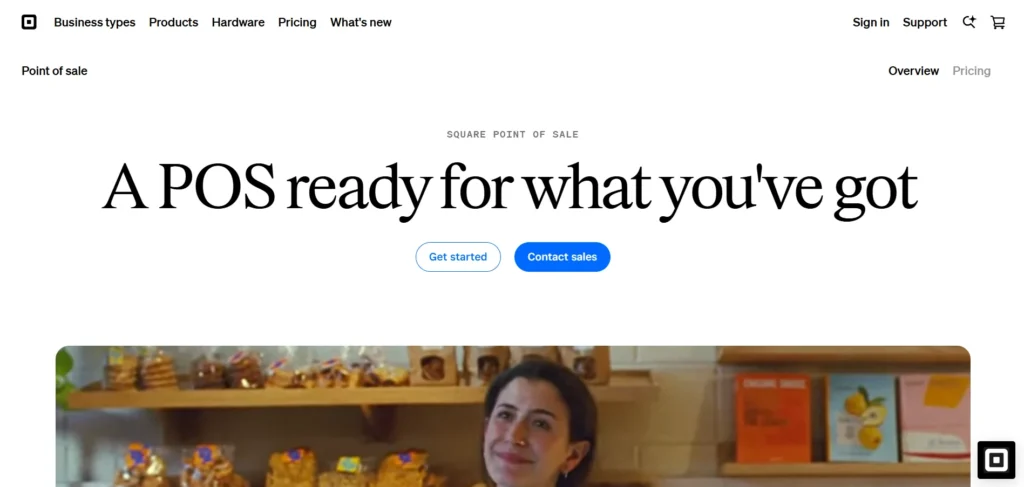
Square POS is a flexible point of sale system that makes it easier to sell, invoice and collect payments by small businesses. Its user-friendly interface and mobile configuration are best suited to retailers, pop-up stores, and service providers that require on-the-fly payments.
Square accepts various payment options such as credit/debit cards, digital wallets and contactless payments. It provides stock management, sales reporting, client management, and issuance of receipts.
Square also enjoys a perfect fit with ecommerce applications and third-party applications, improving operational efficiency. Square POS allows businesses to check out easily, track their performance, and expand with transparent rates, optional hardware and scalable capabilities.
Website: https://squareup.com
Key Features:
- Free POS with integrated payment processing
- Inventory management and real‑time sales tracking
- Supports contactless, card, and mobile payments
- Customer profiles and digital receipts
- Integrations with ecommerce and accounting tools
Pros:
- Easy setup and beginner-friendly
- Free basic plan available
- Reliable mobile POS functionality
- Transparent pricing structure
- Scales well for small businesses
Cons:
- Limited customisation for large enterprises
- Transaction fees can add up
- Advanced features require paid add-ons
Pricing:
- Square Free– $0
- Square Plus– $49/mo
- Square Premium– $149/mo
- Square Pro– Get custom pricing
2. Shopify POS
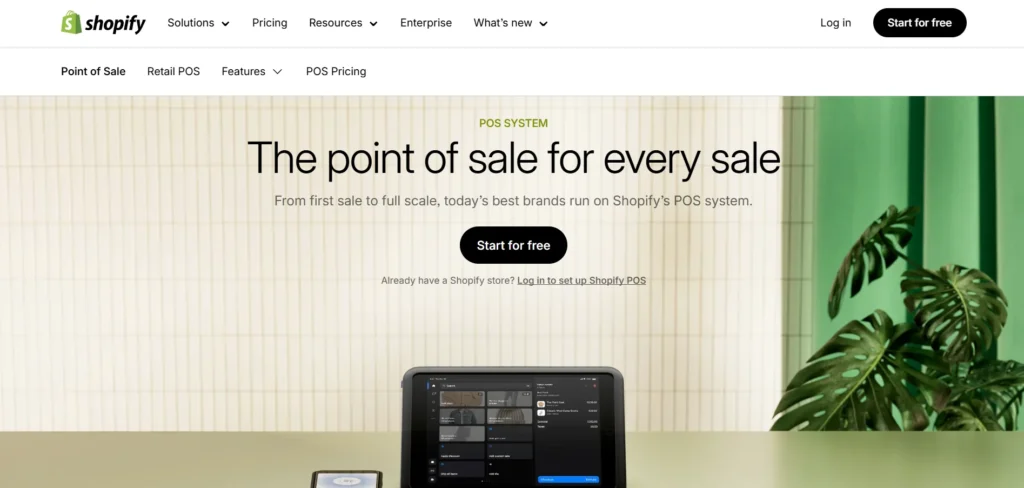
Shopify POS is a retail-based POS Billing Software that is aimed at integrating in-store and online sales into a single platform. It allows merchants to handle stock, take payments, and manage customer profiles with a central dashboard.
Shopify POS is an integrated product compatible with Shopify ecommerce solution, allowing product catalogs and channel transactions to be unified. It has features like barcode scanning, custom receipts, sales analytics, and multi-location. It has an easy to use interface that makes it easy to train and operate.
Shopify POS is ideal in the case of omnichannel retailers that need to improve customer experiences by keeping real time track of stock levels, selling behaviors, and performance metrics to streamline the retail operations and make them coherent.
Website: https://www.shopify.com/pos
Key Features:
- Unified online and offline sales management
- Centralised inventory and product syncing
- Integrated payment and checkout system
- Customer profiles and order history
- Works seamlessly with Shopify ecommerce
Pros:
- Ideal for omnichannel retail
- Strong inventory syncing
- Clean and intuitive interface
- Reliable cloud performance
- Extensive app integrations
- Subscription billing services
Cons:
- Requires Shopify subscription
- Less flexible for non-retail businesses
- Costs increase with advanced plans
Pricing:
- Sell in person
- Starter- ₹399/month
- Retail- ₹7,000/month
- Sell everywhere
- Basic- ₹1,994/month
- Grow- ₹7447/month
- Advanced- ₹30,164/month
3. Toast POS
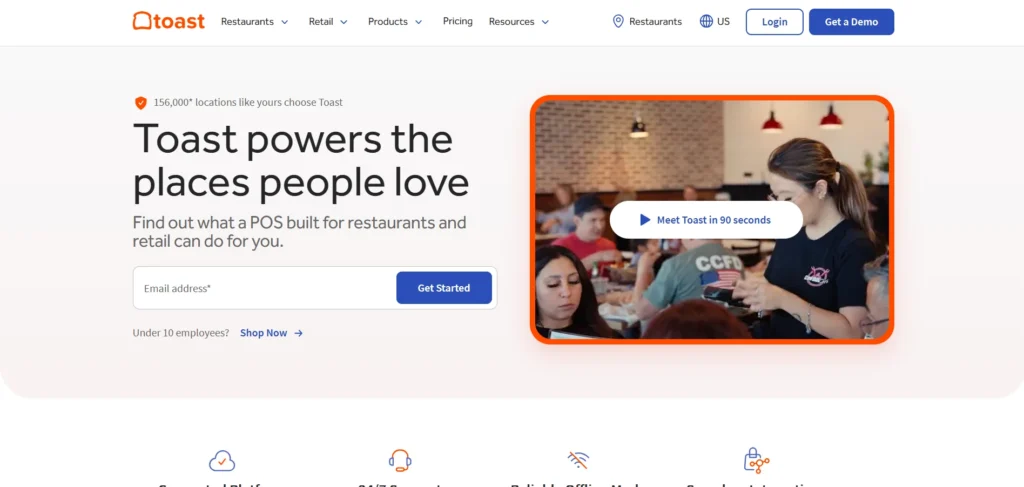
Toast POS is a restaurant-focused POS that is designed to simplify front- and back-of-house tasks. It assists with order control, table designs, menu setups as well as quick checkout.
Toast combines online ordering, delivery and kitchen screen technology to standardise restaurant operations. The platform provides reporting dashboards, employee management, and inventory tracking that are food service specific. In-app payments include cards and digital wallets as well as no-contact payments.
Toast also has loyalty program, gift cards and sales analytics to generate customer retention and increase their revenue. Toast POS is designed to help restaurants, cafes, and fast-service restaurants to improve the speed, accuracy, and overall operational control.
Website: https://pos.toasttab.com
Key Features:
- Restaurant-focused POS and order management
- Menu customization and table layouts
- Online ordering and delivery integration
- Kitchen display system support
- Employee and shift management
Pros:
- Built specifically for restaurants
- Fast and reliable billing
- Strong reporting tools
- Enhances service efficiency
- Excellent restaurant workflows
Cons:
- Limited use outside food industry
- Hardware costs can be high
- Long-term contracts required
Pricing:
- Restaurant
- Starter Kit- $0
- Point of Sale- $69/month
- Build Your Own- Custom Pricing
- Retail
- Point of Sale- $90/month
- Build Your Own- Custom Pricing
4. Clover POS
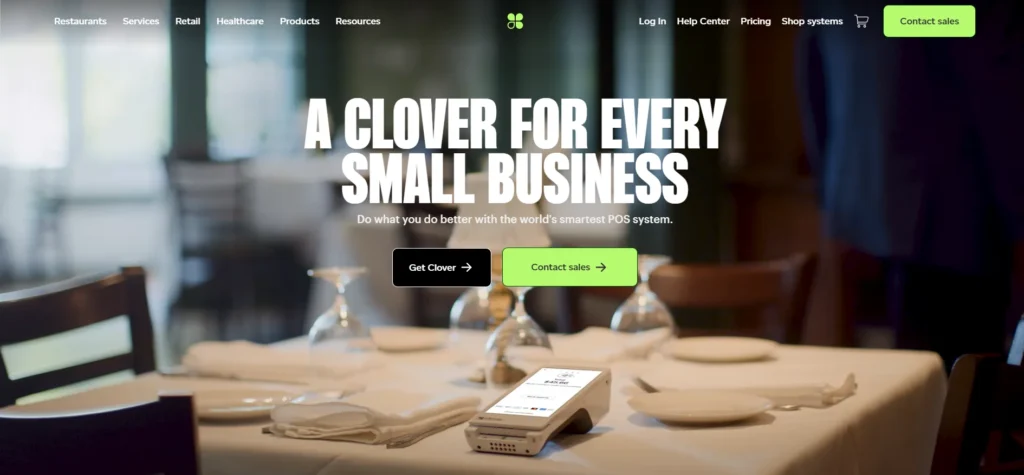
Clover POS is a scalable and tailorable point of sale ecosystem that suits retailers, restaurants and service companies. It provides powerful hardware solutions such as countertop terminals, mobile, and portable readers.
Clover intuitive interface manages sales processing, inventory management, employee tracking and customer engagement options like loyalty programs. It accommodates all payment options and can be used with third-party apps of its app marketplace.
Reporting tools of Clover present information about sales trends, performance and growth opportunities. Clover POS can fit any business requirements with a robust customisation and scalable plans to help teams optimise their operations and improve customer experience within a single platform.
Website: https://www.clover.com
Key Features:
- Customisable POS hardware and software
- Inventory, employee, and customer management
- Multiple payment options supported
- App marketplace for extensions
- Real-time sales reporting
Pros:
- Flexible hardware choices
- App-based customization
- Easy daily operations
- Good reporting features
- Suitable for various industries
Cons:
- Hardware can be expensive
- Monthly fees vary by provider
- Limited offline functionality
Pricing:
- Basic– $16/month
- Standard– $180/month
- Advanced– $240/month
5. Lightspeed POS
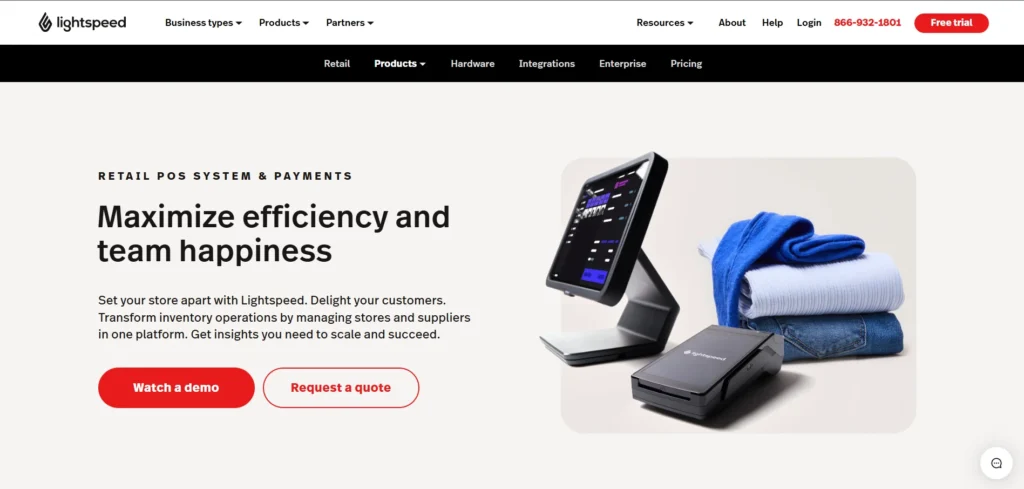
Lightspeed POS is an all-size retail and hospitality POS Billing Software based in the cloud. It provides inventory control, multi-site services, customer tracking, and enhanced reporting. Lightspeed visual interface is easy to use and categorises products, adjusts stocks and updates prices.
Retailers make use of inventory control and order purchasing in real time whereas restaurateurs receive table planning and menu sophistication. Embedded analytics can guide decisions by business owners with the help of data.
Lightspeed also has integration and Third-party applications that facilitate ecommerce. Lightspeed POS comes with flexible hardware and scalable plans, making it suitable for operations that need a single system to handle sales, stock, and customers.
Website: https://www.lightspeedhq.com
Key Features:
- Cloud-based retail and hospitality POS
- Advanced inventory and supplier management
- Multi-store and multi-location support
- Built-in analytics and reporting
- Ecommerce integration available
Pros:
- Strong inventory tools
- Scalable for growing businesses
- Modern interface
- Detailed performance insights
- Reliable cloud access
Cons:
- Higher pricing tiers
- Learning curve for beginners
- Some features locked in premium plans
Pricing:
- Basic– $109/mo
- Core– $179/mo
- Plus– $339/mo
6. Epos Now POS
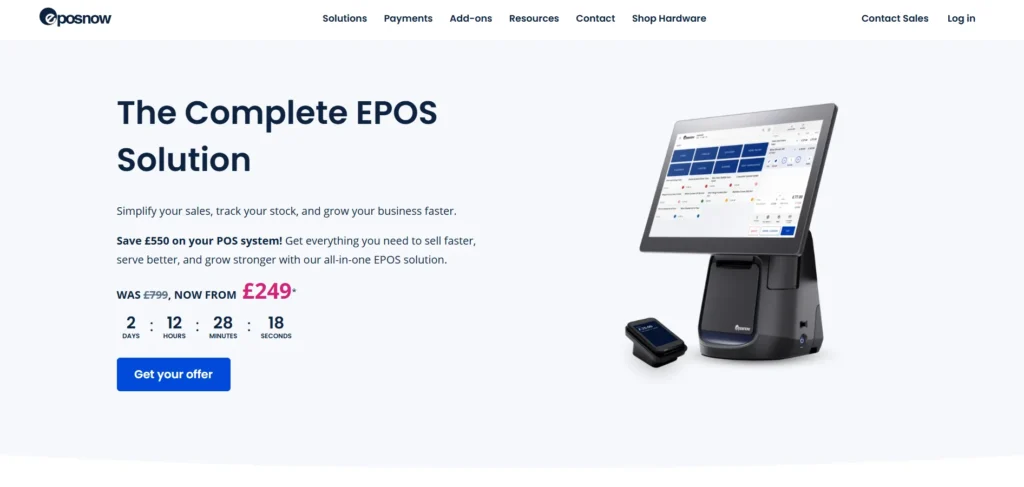
Epos Now POS is a cloud-enabled POS Billing Software focused on retail and hospitality companies that require simplicity with mighty features.
It provides easy to use inventory control, customer management, sales tracking and reporting tools. Epos Now accepts various payment methods and is linked to the hardware such as barcode scanners and receipt printers. Owners can track performance, inventory, and sales analysis with in-built analytics.
The platform is also available with the most common ecommerce and accounting solutions to make the back-office and online operations easier. Scalability and easy-to-use interface of Epos Now are what makes it a good option in small to medium-size business that prioritizes operational efficiency and growth.
Website: https://www.eposnow.com
Key Features:
- POS for retail and hospitality
- Inventory and customer tracking
- Payment and receipt management
- Cloud reporting dashboard
- Hardware compatibility support
Pros:
- Easy to deploy
- Simple interface
- Flexible business use cases
- Scalable solution
- Good analytics tools
Cons:
- Add-ons increase costs
- Customer support varies
- Limited advanced customization
Pricing:
- Hardware Packages: $349–$499
- Software Subscription: Plans- range from $39/month (software only) to $79/month
7. Zoho POS
Zoho POS belongs to the Zoho family that provides interface point-of-sale and inventory control of retail and service providers. It simplifies billing, product tracking, customer information and multi-location operations through a centralized dashboard.
Zoho POS integrates easily with the Zoho CRM, accounting, and inventory applications to allow information to flow across systems. It has barcode scanning, purchase order management, and customizable receipts. The system will give in-depth reports to monitor the performance and trends of the sales.
Zoho POS is mobile and cloud-based, which facilitates real-time insights and on-the-go sales. It is suitable in companies that need a cheaper integrated business solution that offers good reporting and ecosystem integration.
Website: https://www.zoho.com/pos
Key Features:
- Integrated POS and inventory system
- Syncs with Zoho ecosystem
- Barcode scanning and order tracking
- Customer and sales analytics
- Multi-store management
Pros:
- Strong ecosystem integration
- Affordable pricing
- Clean UI
- Good reporting tools
- Cloud-based accessibility
Cons:
- Best suited for Zoho users
- Limited third-party integrations
- Advanced features require upgrades
Pricing:
- Free– ₹0
- Standard– ₹799/month
- Professional– ₹1,599/month
- Premium– ₹2,499/month
8. Payanywhere POS
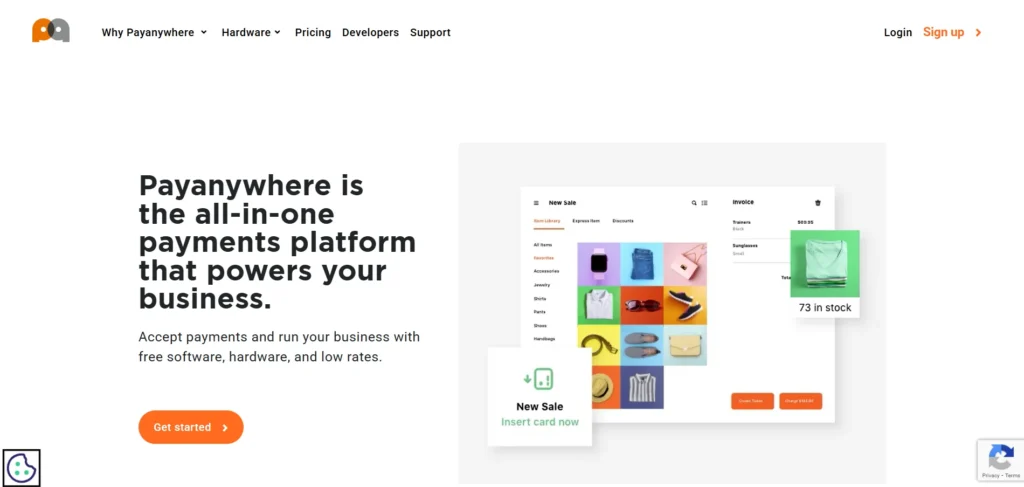
Payanywhere POS is a payment solution that is mobile-compatible and designed to provide flexible and quick payment transactions. It accepts swiped, dipped and contactless card payments as well as digital wallets.
The app-based interface of Payanywhere makes it easy to check out, print receipts, and track customers using any smartphone or tablet. It also provides simple inventory control and reporting features that assist a small business owner to track sales and products.
Payanywhere is suitable to mobile vendors, small retailers and start-ups, with competitive processing fees and optional hardware add-ons. It is a good option among businesses that value excellent payments and speedy deployment due to its portability and simplicity in set up.
Website: https://www.payanywhere.com
Key Features:
- Mobile POS and payment processing
- Supports card and contactless payments
- Digital receipts and reporting
- Basic inventory management
- Portable hardware options
Pros:
- Great for mobile sellers
- Fast payment processing
- Easy setup
- Competitive transaction fees
- Lightweight system
Cons:
- Limited advanced features
- Basic inventory tools
- Not ideal for large stores
Pricing:
- Pay-as-you-go
- Swipe, Dip, or Tap: 2.69%
- Keyed: 3.49% + $0.19
- Custom Pricing
9. GoFrugal POS
GoFrugal POS is an all-inclusive billing and business management software that is popular in India among retail, restaurants and distribution. It offers real time billing, inventory control, multi store control and customer loyalty programs.
The platform facilitates GST, product scanning and purchase order. GoFrugal comes with an accounting system and ecommerce system, which provide aligned information on the sales channels. Reporting dashboards provide information on performance, stock, and revenue trends.
GoFrugal POS is flexible, regulatory-compliant, and has the power of operations management in an Indian market environment, including both cloud and on-premise deployment options to fit small to large business enterprises.
Website: https://gofrugal.com
Key Features:
- Retail and restaurant billing solution
- GST-compliant invoicing
- Inventory and purchase management
- Loyalty and CRM services
- Cloud and offline support
Pros:
- Strong Indian market focus
- Excellent GST support
- Scalable for multi-stores
- Reliable reporting
- Industry-specific modules
Cons:
- Interface feels dated
- Training required
- Add-ons increase pricing
Pricing:
- OnPremise
- Starter– ₹8999 per year
- Standard– ₹14999 per year
- Professional– ₹24999 per year
- Enterprise– Custom Pricing
- Cloud
- Cash Register– 7000 per year
- Starter– ₹11000 per year
- Standard– ₹18000 per year
- Professional– ₹30000 per year
- Enterprise– Custom Pricing
10. TouchBistro POS
TouchBistro POS is an app that features a POS Billing Softwarethat is specifically used by restaurants to facilitate order taking, table management, and communication with the kitchen.
It allows employees to make orders, divide bills, and customize menus with the help of the iPad interface. TouchBistro has menu updates, loyalty integrations, and payments to improve dining experiences. Reporting, staff performance data, and inventory tools allow managers to streamline operations.
The system is compatible with several payment processors and printers such as receipt printers and cash drawers. TouchBistro is recommended in bars, cafes and full-service restaurants that require speed, accuracy in service and cohesion in operations.
Website: https://www.touchbistro.com
Key Features:
- iPad-based restaurant POS
- Tableside ordering and billing
- Menu and floor plan customization
- Payment and staff management
- Offline functionality
Pros:
- Designed for restaurants
- Easy staff training
- Fast order processing
- Reliable offline mode
- Strong restaurant workflows
Cons:
- Limited retail support
- Requires iPad hardware
- Pricing can be high
Pricing:
- Starting at $69/mo
- Get a Custom Quota
11. POSist
POSist is a point of sale and restaurant management solution that works with small, medium, and large F&B companies. It manages billing, table operations, delivery coordination, and kitchen operations via a dashboard.
POSist is used to track the inventory, recipe costing, promotions, and customer loyalty programs. It can be combined with an online ordering system and payment gateway to combine delivery and dine in operations. Reporting features of the platform enable owners to track sales, stock levels, and employee performance.
Being offline-supported and having multi-location management tools, POSist is applicable to the independent restaurants and franchise chains that seek streamlined operations and a total control over all the service channels.
Website: https://www.posist.com
Key Features:
- Cloud restaurant management platform
- Order, billing, and inventory control
- Online delivery integrations
- CRM and loyalty programs
- Multi-outlet management
Pros:
- Strong restaurant focus
- Centralised dashboard
- Scales for chains
- Good analytics
- Efficient order workflows
Cons:
- Not suitable for retail
- Feature-heavy for small cafés
- Subscription costs apply
Pricing:
- POSist has cloud-based restaurant management system with flexible plans, but expect costs around ₹35,000-₹45,000 for annual packages
12. Marg ERP POS
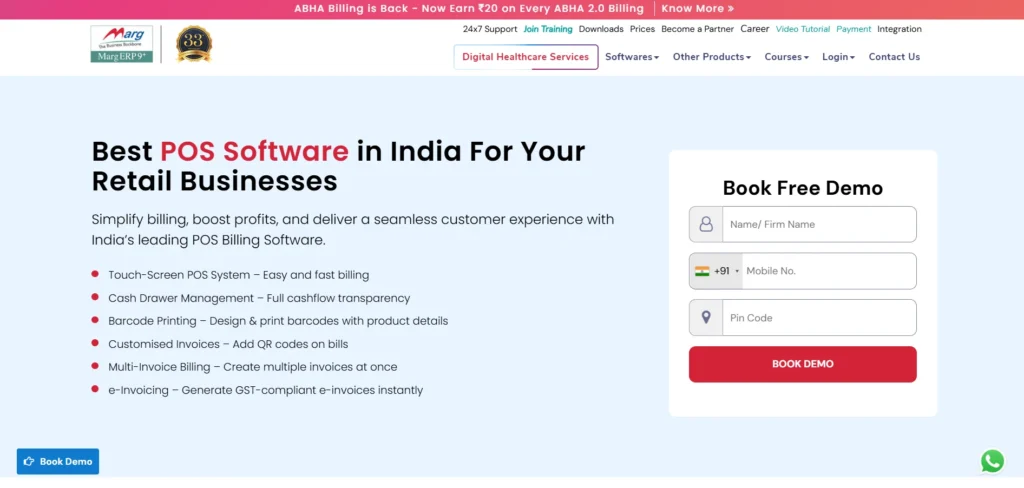
Marg ERP POS is a retail POS Billing Software which integrates accounting, inventory, business process automation and retail POS functions. It helps with billing which is GST-compliant, barcode scanning, stock control and purchase order processing.
Marg ERP POS is closely integrated with the accounting ledgers, financial reporting, and preparation of tax returns. The platform will provide businesses with deep analytics to assist them in tracking performance, profit margins and item movement.
Marg ERP POS is appropriate in retail and pharmacy markets as well as wholesale, which divides billing with more business details. Its hybrid deployment features are flexible and make it an effective option in expanding and organised businesses.
Website: https://www.margcompusoft.com
Key Features:
- POS with ERP and accounting
- GST-compliant billing
- Inventory and purchase management
- Financial and tax reporting
- Industry-specific solutions
Pros:
- Strong accounting integration
- Ideal for wholesale and retail
- One-time license option
- Detailed reporting
- Indian tax compliance
Cons:
- Complex interface
- Training required
- UI feels outdated
Pricing:
- Marg ERP Nano– ₹5550/-
- Basic Edition– ₹10300/-
- Silver Edition– ₹13900/-
- Gold Edition– ₹26000/-
13. TallyPrime POS
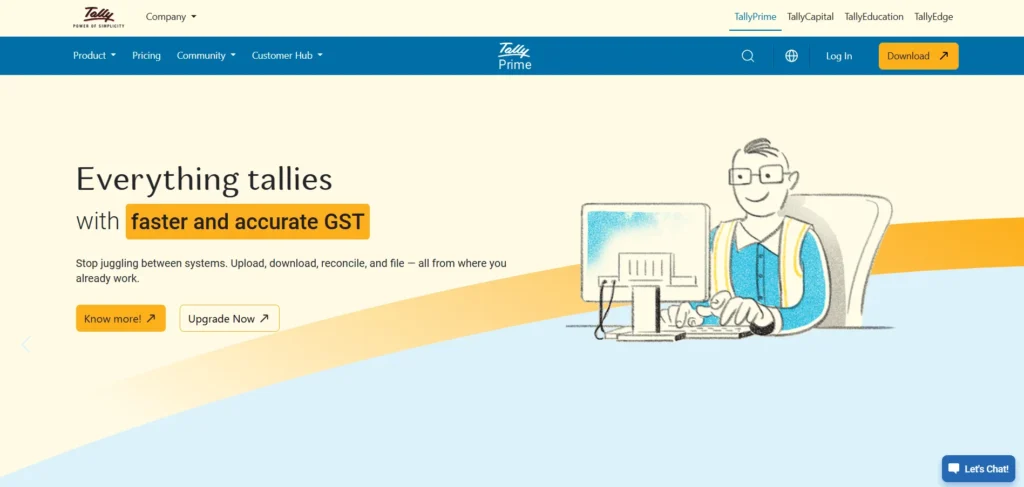
TallyPrime POS is a billing solution that is compatible with Tally accounting and financial management platform. It provides quick billing, inventory, multi-warehouse and GST invoicing. TallyPrime POS links sales records to accounting books, which minimises manual records and inaccuracies.
The system provides stock, sales and profitability reporting that enables the owners to determine the financial performance. The fact that it integrates with the ecosystem provided by Tally makes it great to use by companies already using Tally to do their accounting.
TallyPrime POS is designed to support retailers and distributors who want to enjoy unity in billing and funds collections, which helps improve the efficiency of operations and accuracy of financial reports.
Website: https://tallysolutions.com
Key Features:
- POS integrated with Tally accounting
- Fast billing and inventory tracking
- GST-ready invoicing
- Multi-warehouse support
- Financial reporting tools
Pros:
- Excellent accounting sync
- Trusted brand
- Reliable performance
- Strong compliance support
- Ideal for finance-driven businesses
Cons:
- Not cloud-native
- Limited POS customisation
- Steeper learning curve
Pricing:
- 1 Month– ₹750
- 3 Month– ₹2,138
- 12 Month– ₹ 8,100
- Lifetime– ₹22,500
14. onePOS
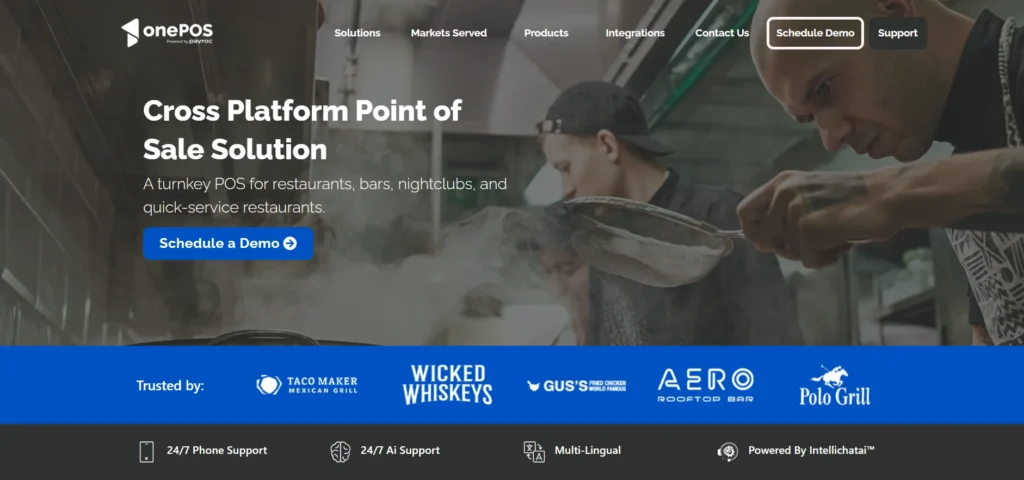
onePOS is an open POS Billing Software that suits restaurants, bars and multi-unitary business. onePOS facilitates the processes of table layouts, menu customization, split billing, and quick order processing to attend to daily operations and customer management functions.
The platform is also connected to payment gates, printing devices, and kitchen display devices to optimize service processes. Dashboards allow managers to track performance, and they can also automate routine tasks.
OnePOS is cloud-ready with simple set-ups, making it appropriate to the business that requires a single, scalable POS platform with better speed in service delivery, billing reliability, and visibility of the operations.
Website: https://www.onepos.com
Key Features:
- Restaurant and hospitality POS
- Table and menu management
- Inventory and sales tracking
- Payment gateway integrations
- Cloud-based reporting
Pros:
- Easy to operate
- Restaurant-focused tools
- Scalable for multiple outlets
- Good reporting dashboard
- Quick billing process
Cons:
- Limited retail functionality
- Fewer third-party integrations
- Pricing not very transparent
Pricing:
- One-time software fee- approximately $1,200
- All-in-One POS systems hardware- range from ₹15,000 to over ₹65,000
15. Imonggo POS
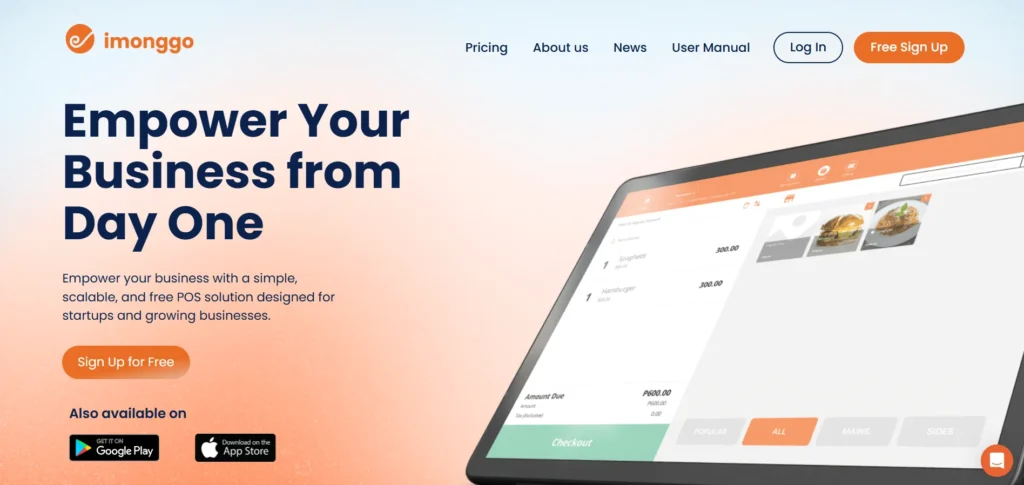
Imonggo POS is a point-of-sale cloud-computing system, geared towards small business and start-ups. It provides the simplest billing, inventory, customer profiles, and sales reporting features without the complicated configuration.
The web-based interface of Imonggo implies that sales information is synchronised across devices, and the owners can track their transactions remotely. It facilitates barcode reading, customized receipts and payment options.
Imonggo is also compatible with ecommerce and accounting solutions to streamline operations. Small retailers, kiosk, and service providers seeking to have easy-to-use POS features that are simple to learn and set up and offer basic operational features make it affordable.
Website: https://www.imonggo.com
Key Features:
- Cloud-based POS for small businesses
- Billing and inventory tracking
- Customer data management
- Sales reports and analytics
- Ecommerce integrations
Pros:
- Simple and lightweight
- Affordable pricing
- Web-based access
- Easy setup
- Suitable for startups
Cons:
- Limited advanced features
- Basic customisation options
- Not ideal for large operations
Pricing:
- Free– $0
- Monthly Premium– $30
- Annual Premium– $330
Ending Thoughts
Choosing the right POS billing software is a critical decision that directly impacts business efficiency, accuracy, and customer satisfaction. The best POS solutions offer much more than billing, combining inventory management, sales tracking, reporting, tax compliance, and seamless payment processing into one system. Whether for small shops, restaurants, or large enterprises, a reliable POS system helps reduce errors, save time, and improve operational control.
Each software has its own strengths, pricing models, and scalability options, making it important to assess business requirements carefully. By comparing features, usability, support, and long-term flexibility, businesses can invest in a POS billing solution that supports growth, enhances productivity, and ensures smooth daily operations.
FAQs
Who Should Use POS Billing Software?
Retail stores, restaurants, cafes, supermarkets, salons, pharmacies, and service-based businesses can benefit from POS billing solution for smoother operations.
Is POS Billing Software Suitable For Small Businesses?
Yes, many POS solutions are designed specifically for small businesses, offering affordable pricing, easy setup, and essential features without complex configurations.
Does POS Software Support Multiple Payment Methods?
Most modern POS systems support cash, cards, UPI, wallets, and online payments, providing flexibility and convenience for customers.
Can POS Billing Software Help With Inventory Management?
Yes, POS software automatically tracks stock levels, sends low-stock alerts, and helps manage purchases and inventory efficiently.