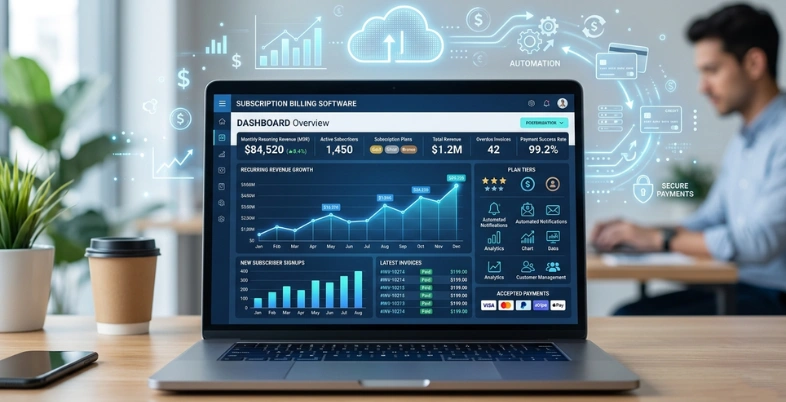
Managing recurring payments manually can be difficult for businesses that offer monthly or yearly services. Subscription Billing platform helps automate the entire billing process, making it easier to manage subscriptions, invoices, renewals, and customer payments in one place.
From SaaS companies and streaming platforms to gyms and eCommerce businesses, many industries use Subscription Billing Software to save time, reduce payment errors, and improve customer experience. With automated recurring billing and flexible payment options, businesses can focus more on growth instead of manual payment management.
In this article, we will explain everything about subscription billing software, its benefits, features, and why it is important for modern businesses.
What Is Subscription Billing Software?
Subscription billing software is a business software solution widely used by every modern financial software development company to automate billing for businesses that provide products or services on a subscription basis. Instead of manually creating invoices for every billing cycle (monthly, quarterly, or yearly), the software automatically manages recurring payments with accuracy and efficiency.
It records customer subscriptions, tracks selected plans, calculates pricing accurately (including discounts and taxes), and generates invoices on time with multiple payment options such as credit cards, debit cards, and digital wallets.
The software can also handle real-world subscription scenarios such as plan upgrades, downgrades, free trials, failed payments, renewals, and cancellations without requiring manual work from the finance or operations team. This helps businesses reduce human errors, save time, and deliver a seamless customer billing experience.
Why Businesses Need Subscription Billing Software?
Subscription billing software is crucial for businesses because it simplifies recurring payments, ensures accuracy, and reduces stress. It also saves time, minimizes errors, and aids in the smooth development of companies.
Why it matters
- Automated repetitive billing. Delivers timely monthly, quarterly, and annual invoices without human intervention.
- Reduces human errors. Fewer manual entries result in fewer billing errors and fewer frustrated customers.
- Improves cash flow. Regular billing brings in a more predictable income stream to businesses.
- Processes various pricing models. It offers flexibility in subscription models – be it monthly, yearly, usage-based, or custom.
- Saves team time. Finance teams save time and focus on valuable work.
- Supports faster payments. Automated reminders and payment processing ensure timely payments.
- Helps keep customers. Smooth billing, fewer errors, flexible payment options, and customer support tools improve customer satisfaction.
- Keeprecords organized. It simplifies reporting, tracking, and revenue recognition for the business.
- Helps business grow. Software can more easily cope with an increasing customer base than manual processes.
Key Features to Look for in Subscription Billing Software
Let’s take a look at the main features of subscription billing software in a few points:
- Recurring billing support:Should be automated and charge customers on a weekly, monthly, or yearly basis without manual effort.
- Flexible pricing plans:The software should be user-friendly in creating various plans, add-ons, discounts, and trial offers.
- Automatic invoicing:It should create and dispatch invoices each time, saving you the trouble of doing it manually each month.
- Multiple payment options: Search for card, bank transfer, wallet, and other popular payment options through a digital billing platform.
- Remind users to pay and/or try again. In case of an unsuccessful payment, the system should repeat the action and send a friendly reminder to customers.
- Easy subscription management:It should be able to process smooth upgrades, downgrades, renewals, pauses, and cancellations.
- Tax handling: Taxes should be computed correctly by the software, depending on the country/locale and on the bList Of Best Subscription Billing Software in 2026
List of Top Subscription Billing Software
1. Stripe Billing
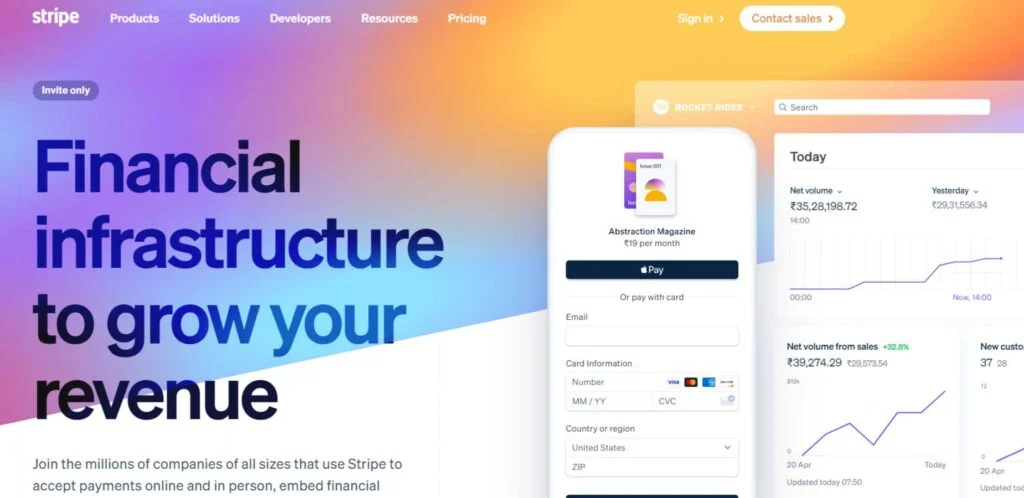
website: https://stripe.com/in/billing
Stripe Billing is a native API-first recurring payments, subscriptions, and invoicing platform designed to power scalable business billing workflows. It supports businesses to create flat pricing, tier pricing, usage pricing, per-seat pricing, multi-pricing, and multi-currency pricing models; and automates billing cycles, trials, renewals, and proration with very little manual effort.
It is particularly well-suited for SaaS, usage-based, and multi-tier subscription models where expansion into new international markets is essential and requires avoiding the need to patch together several different billers.
key features
- All-in-one powerful API toolkit
- Sophisticated subscription logic
- Brilliant retry logic
- Revenue recognition
- International payment methods
- Automated calculation of tax
- Fraud prevention tools
pros:
- Highly customizable
- Great developer tools
- Top-notch security features
- Global payment support
Cons
- Low- and new-stage startups face high prices for pricing.
- It will require some time to get the hang of advanced flows
- Some industries are not natively supported
- Additional charges for some add-ons
Pricing:
- Integrated: 2.9% + $0.30 per transaction
- custom pricing
Best for
- Growth businesses that already use Stripe for payments, such as SaaS companies, businesses with subscriptions, and usage-based businesses.
2. Chargebee
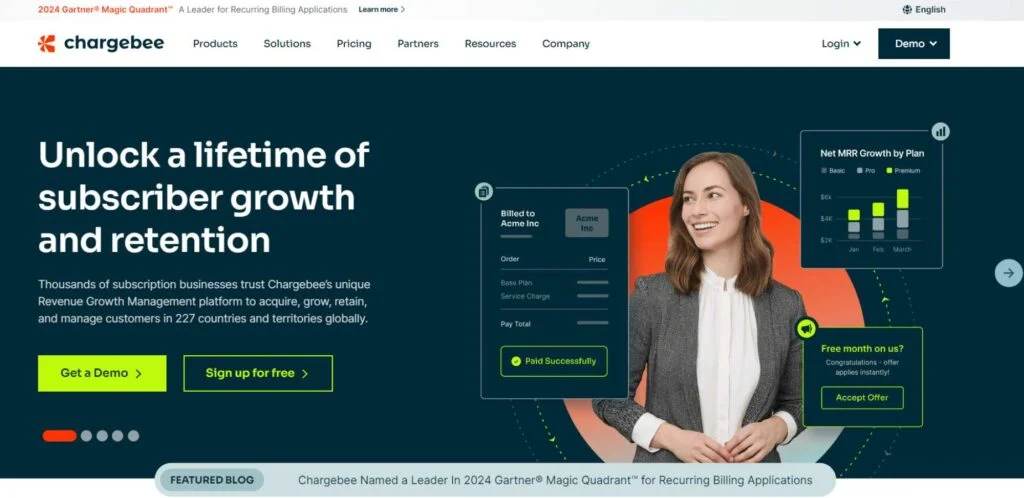
Website: https://www.chargebee.com/
Chargebee is a cloud-based subscription and recurring billing platform that enables SaaS and subscription businesses to manage plans, payments, invoicing and revenue recognition in one system. It handles complex billing processes like trial periods, upgrades, downgrades, metered/usage-based pricing , and multiple currencies.
Businesses can control customer retention, minimize churn and maintain revenue reporting audit-ready with built-in driving, self-serve portals and analytics. It can be used by startups to enterprises, ranging from early-stage to global brands, with hybrid subscription and usage-based businesses.
key features
- Affordable pricing structure
- Lifecycle management of the subscriptions
- Recognition of Revenue
- Management of Dunning
- Tax management and Multi-currency
Pros:
- Enhanced customer support
- Customisable
- Advanced Analytics
- Provides comprehensive out-of-the-box automation and retention capabilities.
Cons
- Setup and configuration can be complex for non‑technical users.
- As more uses and more subscribers are added, the costs of pricing can add up.
- There are also some add-on modules and tiers for more advanced features.
- Reporting and revenue -recognition learning curve.
Pricing
- Starter:$0
- Performance: INR 5,74,680/yr Annual commitment / Billed monthly
- Enterprise: based on quotes
Best for
- Ideal for SaaS and subscription companies requiring flexible, scalable, and automated recurring and usage-based billing.
3. Recurly
website: https://recurly.com
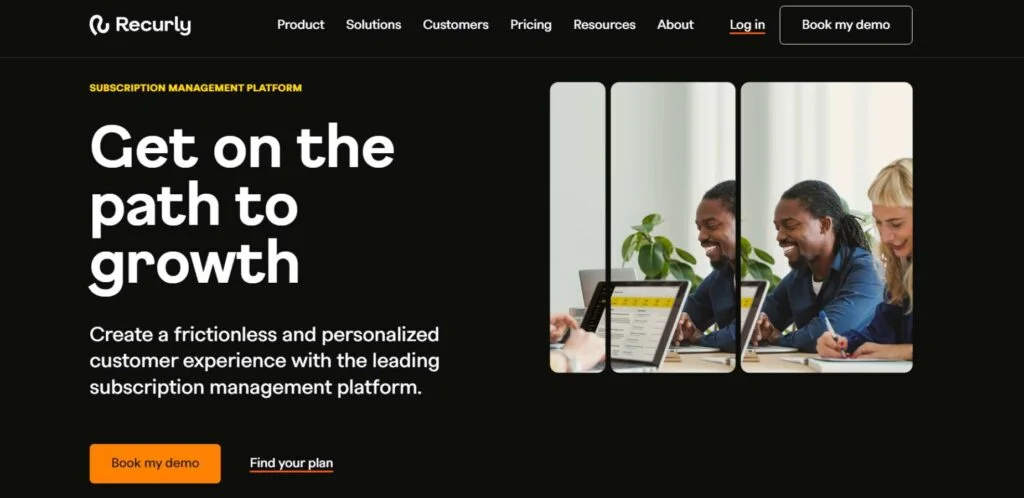
Recurly is a subscription management and recurring billing software solution for high-volume digital commerce businesses. It streamlines billing workflows, shapes customer journeys, and empowers businesses to create, sustain, and expand subscription-based models, processing billions of dollars in payments annually.
The platform’s foundation has many features. Recurly is capable of supporting all kinds of complex billing models, such as monthly, annual, usage-based, and hybrid billing models, as well as automatic upgrades/downgrades, add-ons, prorations, etc.
Key Features
- Subscription management automation
- Recurring billing processing
- Payments orchestration
- Churn management tools
- Compliance & security expertise
Pros
- Carries out sophisticated billing models automatically
- Many tasks of manual billing are minimized,
- Hassle-free customer billing process.
- Dunning cycle management is built in automatically.
Cons
- Costly for small businesses/startups
- Less robust; less user-friendly report
- The majority of steps available for basic reports.
- Some basic reports are missing.
Pricing
- Scalable pricing
Best for
- SaaS businesses that have high transaction volumes in eCommerce.
4. Zuora Billing
website: https://www.zuora.com/products/billing-software/
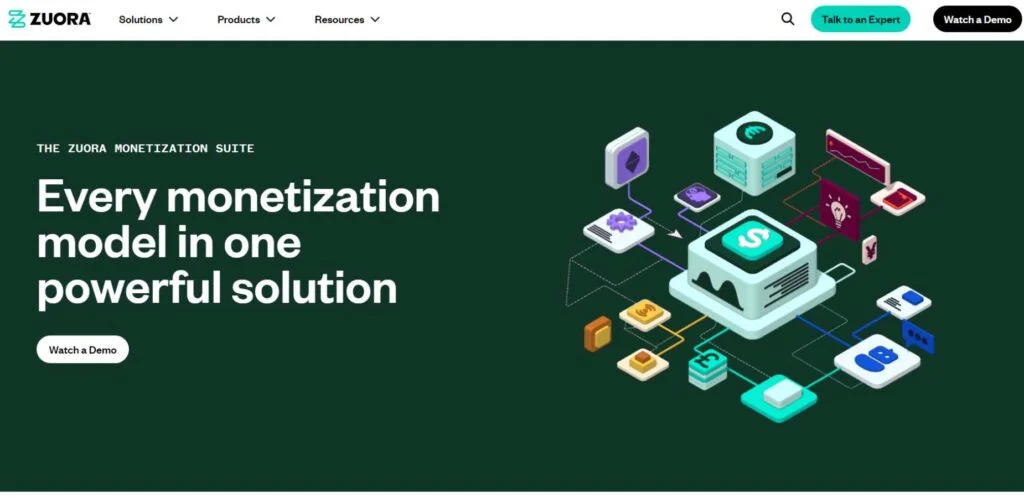
Zuora enables businesses to develop flexible pricing models, manage pricing changes mid-cycle, enable automated billing runs, and support complex pricing models such as tiered, average, prepaid, and hybrid billing. It’s often adopted within organizations that require robust billing automation, compliance, and multi-product monetization.
Zuora is built for global and growing businesses looking to streamline billing capabilities from subscription to non-subscription lines of business. Its power lies in its ability to deal with complexity that simpler billing tools cannot.
Key Features
- Flexible pricing.
- Subscription management.
- Usage-based billing.
- Automated invoicing.
- API-first integrations.
Pros
- Handles complex billing.
- Supports global payments.
- Strong automation.
- Scales for enterprises.
Cons
- The setup can be complicated.
- Pricing is enterprise-level.
- There is a steep learning curve.
- May be excessive for just simple billing.
Pricing
- Custom pricing for business needs
- Contact sales for a quote to determine the actual price
Best for
- Subscription-based businesses, large enterprises, SaaS, telecom, and enterprises with complex billing needs
5. Cleeng
Website: https://cleeng.com
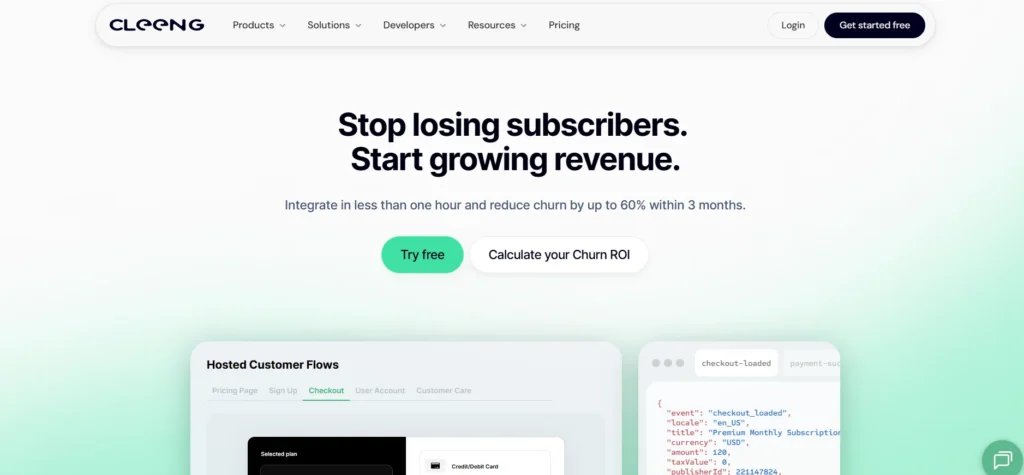
Cleeng is a Subscriber Retention Management (SRM®) platform built specifically for D2C digital subscription businesses. Unlike general-purpose billing tools, Cleeng goes beyond payment processing to cover the entire subscriber lifecycle — from checkout and plan management to churn prediction and recovery. It centralizes subscriber data across web, iOS, Android, Roku, CTVs, and other platforms into a single database, giving teams real-time visibility into subscriber behavior, revenue performance, and retention risk.
Trusted by brands like Tennis Channel, VBTV, and Super Simple, Cleeng is designed for businesses that need enterprise-grade subscriber infrastructure without the complexity of stitching together multiple tools.
Key Features
- Flexible offer and subscription plan management
- Multi-platform subscriber data unification (web, App Store, Google Play, Roku, CTVs)
- AI-powered churn prediction and automated retention campaigns
- Merchant of Record with global payment support
- Coupon and promotional tools (60+ coupon types)
- Self-service customer portal and support tools
- Open APIs, SDKs, and 100+ third-party integrations
- Real-time analytics and subscriber intelligence
Pros
- Purpose-built for D2C subscription businesses, not adapted from SaaS billing
- Combines subscriber management, payments, churn analytics, and customer support in one platform
- Strong retention focus with predictive churn tools built in
- Allows for launch in less than 60 minutes
- Free tier available for early-stage businesses
Cons
- Less suited for SaaS or B2B software companies
- Not designed for physical product subscriptions
- Optimized specifically for digital D2C subscriptions, so businesses outside streaming, apps, or digital content verticals may find it less relevant than a general-purpose billing tool
Pricing
- Free: up to 10,000 subscribers
- Paid: custom pricing based on subscriber volume
Best for
D2C subscription brands across streaming, health and fitness apps, gaming, AI tools, and connected devices.
6. Paddle

website: https://www.paddle.com/billing
Paddle is a SaaS and digital business’s billing and subscription platform. It is designed for companies that sell software to make global sales easier, to cut down on billing, and to facilitate recurring revenue businesses.Paddle is a complete revenue infrastructure platform for software companies.
This is particularly helpful for businesses that sell products overseas. It also has payment recovery and multi-currency checkout options. Overall, it is designed to save SaaS teams time on billing and focus more time on growth.
Key Features
- Subscription management.
- Global tax compliance.
- Multi-currency support.
- Payment recovery.
- Merchant of Record model.
Pros
- Easy global selling.
- Built-in tax handling.
- Reduced billing workload.
- Strong compliance support.
Cons
- Higher fees
- Limited customization.
- Slower support.
- Not as flexible as some of the competition.
Pricing
- standard fee : 5% + $0.50 per transaction
- Enterprise/custom plans use tailored pricing.
Best for
- Use cases: SaaS, Digital products, Global subscriptions
7. Maxio
website: https://www.maxio.com/billing
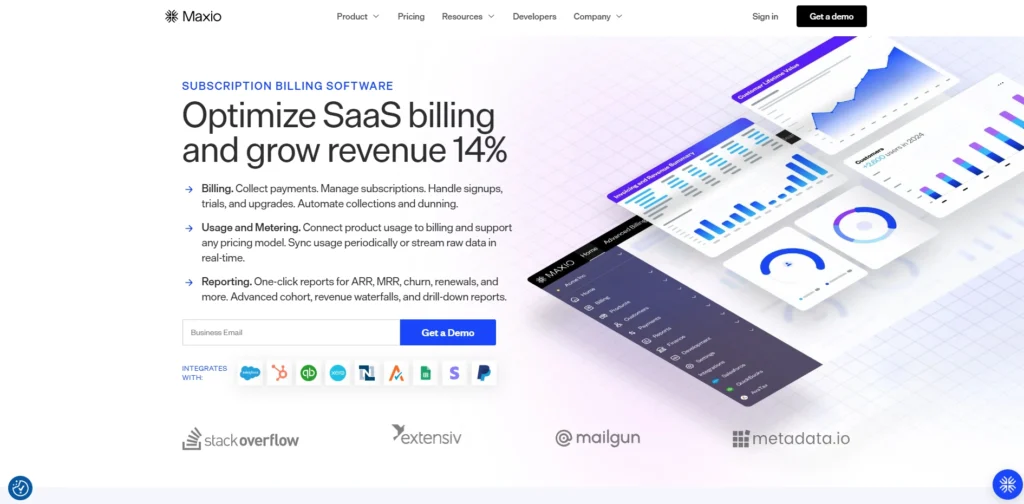
Maxio is the billing and financial operations solution designed specifically for B2B SaaS and subscription companies. It’s meant for businesses that have to deal with in-trace pricing frameworks, automate their financial processes, and keep tabs on MRR, ARR, churn, renewal, etc. measures.
Maxio is particularly valuable for SaaS companies aiming to enhance billing management and finance insight. It also integrates with other tools such as CRM and accounting software to streamline tasks. it’s a more sophisticated platform than simple billing options.
Key Features
- Subscription billing.
- Revenue recognition.
- Financial reporting.
- Analytics and metrics.
- Integrations.
Pros
- Strong automation.
- Good SaaS for customers.
- Detailed reporting.
- Usecollaborative devices.
Cons
- Steep learning curve.
- It may take time to set up.
- Can feel complex.
- Costs for small teams might be higher.
Pricing
- Build: free 30-day trial.
- Grow: $599 per month
- Scale: custom pricing
Best for
- B2B SaaS, subscription businesses, finance teams, and growing companies with complex billing needs.
8. Zoho Billing
website: https://www.zoho.com/in/billing/
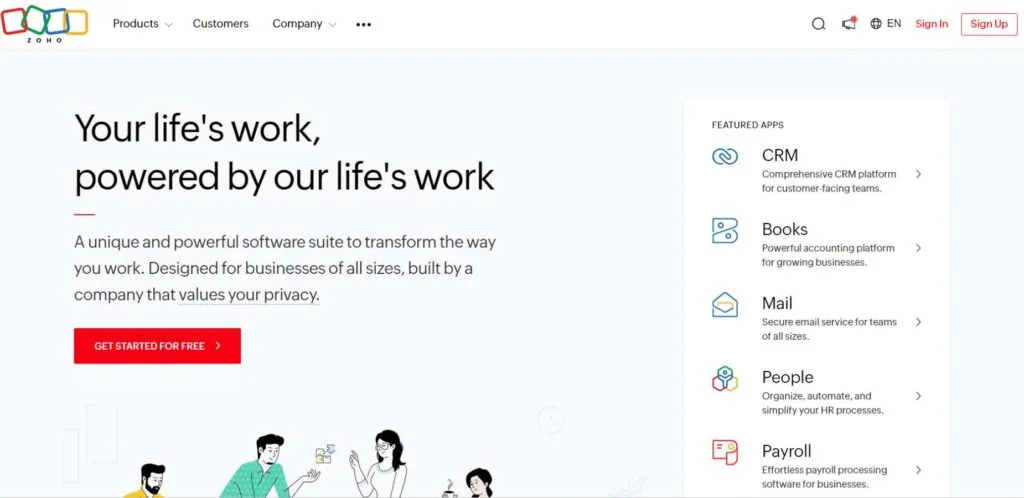
Zoho Billing is designed for small and medium-sized businesses, supports one-time, subscription, and usage-based billing, and offers custom pricing options for various businesses. The platform aims to minimize manual efforts, enhance cash flow management, and facilitate seamless tracking of customers, projects, and transactions.
It has a neat interface and automates the billing process. For companies looking to manage invoices, subscriptions , and payments within a single system, Zoho Billing proves to be particularly useful. It’s also designed to be a scalable solution.
Key Features
- GST-compliant invoicing.
- Recurring and subscription billing.
- Usage-based pricing support.
- Automated payment reminders.
- Multi-currency transactions.
Pros
- Easy to use.
- Strong billing automation.
- Supports numerous bills.
- Great for subscriptions & invoices.
Cons
- May be confusing to new users.
- More advanced features may require more expensive plans.
- Complete customization may take some time for setup.
- The best value will vary depending on the size of your business and your billing requirements.
Pricing
- Standard:₹1249 per Organization per Month (Billed annually)
- Premium:₹2999 per Organization per Month (Billed annually)
- Enterprise Edition: custom pricing
Best for
- SMBs, SaaS businesses, and service providers that require invoicing, subscriptions, and automated billing.
9. FastSpring
website: https://fastspring.com/subscription-management/
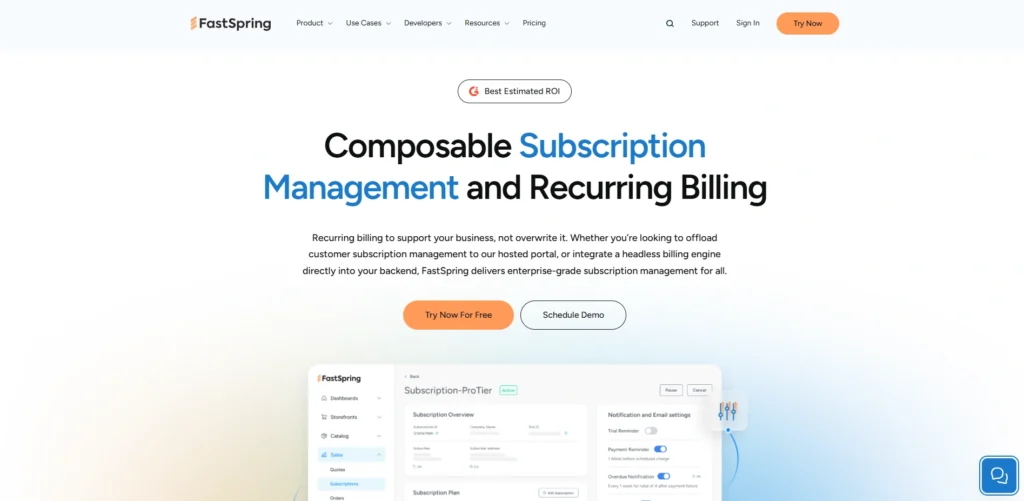
FastSpring is a complete monetization solution for any digital business. It acts as a merchant of record, which means it takes care of your payment processing.The platform also allows for offering personalized and branded checkout experiences, which can help boost conversions and minimize friction.
It’s primarily used by companies selling anything digital, including games, online courses, software, SaaS, and more. FastSpring is not intended for physical products. Its essence is to make global selling easy, enabling teams to concentrate on product development rather than back-office tasks.
KeyFeatures
- Merchant of record.
- Global tax handling.
- Subscription management.
- Localized checkout.
- Fraud protection.
Pros
- Easy global selling.
- Tax compliance included.
- Strong checkout experience.
- Good for subscriptions.
Cons
- Not for products or merchandise.
- Can feel expensive.
- Limited file hosting.
- Weak reporting experienced by some users.
Pricing:
- request a quote
Best for
- SaaS, Software, Digital Products and Global Subscription Businesses
10. Razorpay Subscriptions
website: ttps://razorpay.com/docs/payments/subscriptions/
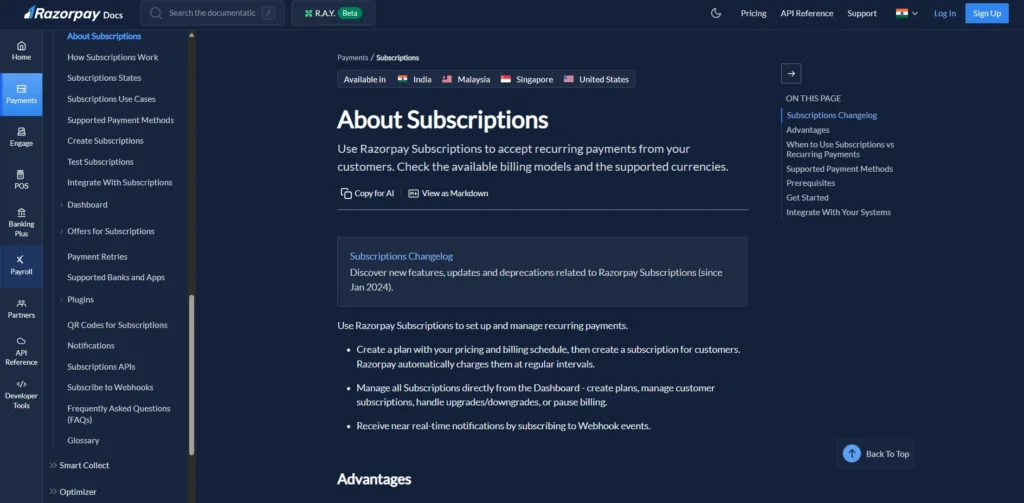
Razorpay Subscriptions is a recurring billing platform that enables any Indian business to automate fixed-period payments. After you approve the subscription, Razorpay charges customers automatically on the plan you set up after every billing cycle, without the customer taking any action. You can set up a plan and create a subscription for each customer.
It also auto-generates invoices for each billing cycle and provides instant webhook notifications for payment status and subscription events to help you monitor billing without having to do anything yourself.
Key Features
- Automated recurring payments
- Multiple billing models
- Trial, upgrade, downgrade, and pause support.
- Dashboard‑based subscription and plan management.
- Auto‑invoicing and webhook notifications for each cycle.
Pros
- Reduces manual billing and follow‑ups.
- Improves customer retention
- Multiple payment schedules
- Accepts various forms of payment.
Cons
- Primarily India‑focused;
- Not only UI but also API integration might be needed for some advanced features.
- The charges on top of the base charges of the Razorpay gateway can add up.
- It could be more complicated to set up for non‑tech founders.
Pricing
- Typically, around 2% per domestic transaction with additional charges for international payments and additional services; the exact effective cost depends on your plan, volume, and feature mix.
Best for
- Ideal for Saas, membership sites, ed‑tech, and any business in India that requires automatic, fixed-schedule recurring payments.
11. ChargeOver

website: https://chargeover.com
ChargeOver is a cloud-based subscription and recurring billing solution for businesses looking to automate the quote-to-cash cycle for their subscriptions,from invoice generation to payment collection and customer management to dunning. It supports one-time charges, recurring subscriptions, and usage-based billing, and syncs with accounting tools such as QuickBooks Online and Xero to keep financial records in sync.
It allows you to design branded payment pages, support multiple currencies, and automate late payment reminders and payment retries, which helps to minimize manual effort and late payment collections.
Key Features :
- Automated recurring & subscription billing:
- One-time and metered / usage-based invoicing.
- Dunning and payment‑retry workflows
- It integrates with QuickBooks, Xero, Salesforce, and more.
- Self-service customer site to update payment information.
Pros
- Robust subscription and recurring revenue automation.
- Significantly integrates with accounting and CRM software.
- Clear, up-front pricing
- Customer support in the form of assistance, especially a free trial.
Cons
- No free plan
- Only certain versions have dunning and reminder features.
- The mobile experience is poor.
- A few sophisticated invoicing and notification options may seem rudimentary
Pricing
- Starts at:$229/month
Best for
- Ideal for SaaS, subscription, and service businesses requiring easy, automated recurring billing and payment processing.
Subscription Billing Software Comparison Table
Benefits of Using Subscription Billing Platforms
Top benefits of subscription billing platforms
- Automated recurring billing —Do not have to run recurring bills by hand, manage regular payments manually, or rely on separate accounts payable automation processes.
- Fewer billing errors: Automation and standardized invoices minimize calculation errors, mismatched charges, and keep customers happier.
- Regular revenue — Recurring invoices will help to make revenue more predictable and easier to forecast, making budget planning easier.
- Flexible pricing and plans — No complicated manual effort for offering tiers, trials, usage-based pricing, discounts, and promotions.
- Subscription changes are easy — Upgrades, downgrades, add-ons, and cancellations are handled smoothly, and billing is instantly updated.
- Lower cancellations (churn) — Intelligent retries, payment method options, and clear billing communication reclaim dropped payments and decrease churns.
How To Choose The Right Subscription Billing Software
Here are the main points to choose the right subscription billing software:
- Match your business model. Choose software with pricing models that align with your business model, such as monthly, annual, usage-based, trials, or one-time add-ons.
- Check automation features. Seek out features such as automated invoicing, payment retries, reminders, and proration to minimize manual effort and lost income.
- Support for growth. As your business grows, select a platform that will be able to support your increased customer base, plans, and expansion into new areas.
- Payment gateway options. Ensure compatibility with payment systems and processors preferred by customers.
- The recognition and adherence to revenue. The software should assist with tax, accounting, and regulatory needs, keeping your financial processes accurate.
- Customer self-service. A customer-friendly system should allow customers to update their payment information, manage their subscription, and have access to their invoices.
Conclusion
After all, the main objective of billing is to save your team time, minimize billing errors, and ensure that recurring payments are smooth for you and your customers. The right subscription billing software can and will help you achieve these goals and much more. The best solution for you is typically the one that works with your pricing structure, processes invoices and taxes correctly, facilitates smooth upgrades and cancellations, and scales with your company without causing stress.
Some are for small teams looking for something simple and inexpensive, and others are designed for larger teams looking for something more in-depth and complicated with billing. The “best” depends on your size, budget, and objectives. The bottom line is that a good billing software should be invisible to you doing the work, your customers doing the work, your product doing the work, and you doing the work.