Imagine hitting the power button on your computer, walking away to make a cup of coffee, and returning only to find a loading screen still spinning. It is a frustrating reality for millions of users. Over time, daily use piles up temporary data, junk files, startup clutter, and hidden errors on your hard drive. This digital weight leaves your once-fast machine feeling sluggish and unresponsive.
Fortunately, PC cleaner software solves this problem without expensive hardware upgrades. These tools act like a digital broom, scanning your system to delete unwanted background files, clear storage space, and fix common system errors. This simple maintenance instantly boosts your performance and restores your computer’s original speed.
This guide reviews and ranks the top ten PC cleaners, explaining how they work and how to choose the best option for your needs. Read on to restore your computer’s speed.
What Is a PC Cleaner and How Does It Work?
A PC cleaner is a simple software program designed to find and remove unwanted files from your computer. Think of it as a professional house cleaning service for your digital life. Every time you use your computer, it creates temporary data. Over months of regular use, this data piles up and wastes valuable storage space.
Here is how a cleanup tool works to fix these issues:
- Identifies Junk Files: The software scans your storage drive. It finds temporary files, old system updates, and error logs that you no longer need.
- Registry Cleanup: It checks the Windows registry, which is a database of system settings. The software removes broken or empty entries to prevent random computer crashes.
- Startup Optimization: The tool looks at the programs that launch when you turn on your computer. It lets you disable the ones you do not need right away. This helps your computer start much faster.
- Browser Cleanup: It clears out your web browser cache, search history, and tracking cookies.
- Privacy Protection: By deleting cookies and web history, the tool protects your private information from online trackers and advertisers.
- Performance Optimization: By cleaning storage space and fixing simple errors, the tool helps your computer run smoother.
These programs are built to be very easy to use. Most of them allow you to perform a full system scan with just one single click.
Quick Comparison Table: Top 10 PC Cleaners at a Glance
| Tool | Best For | Free Version | Starting Price | Operating System | Rating |
| IObit Advanced SystemCare | Automated PC maintenance | Yes | $16.77 | Windows | 4.8/5 |
| Ashampoo WinOptimizer | Deep system tweaks | Yes | $14.00 | Windows | 4.7/5 |
| Glary Utilities Pro | All-in-one system care | Yes | $19.97 | Windows | 4.6/5 |
| BleachBit | Free open-source cleaning | Yes | Free | Windows, Mac, Linux | 4.5/5 |
| TotalAV System Tune-Up | Cleaning and security | Yes | $19.00 | Windows, Mac | 4.8/5 |
| Fortect | Windows system repair | No | $33.95 | Windows | 4.7/5 |
| Iolo System Mechanic | CPU and RAM optimization | No | $29.95 | Windows | 4.6/5 |
| Wise Care 365 | Quick system checkups | Yes | $29.95 | Windows | 4.5/5 |
| CCleaner | Simple junk removal | Yes | $29.95 | Windows, Mac | 4.7/5 |
| Microsoft PC Manager | Native Windows optimization | Yes | Free | Windows | 4.8/5 |
Why Does Your PC Slow Down Over Time?
Computers do not slow down for no reason. There is always a cause. As you use your machine, it naturally collects data. If you do not clean this data, it causes performance issues. Here are the most common reasons why your computer loses its speed.
- Temporary Files Accumulation: Windows creates temporary files when running programs. They often fail to delete themselves, sitting on your drive and wasting space.
- Startup Program Overload: Many apps secretly launch when you turn on your PC. Loading multiple programs at once adds minutes to your boot time.
- Browser Cache Buildup: Web browsers save images and data to load sites faster later. Over time, this massive cache slows your internet browser to a crawl.
- Fragmented Storage: Saving and deleting data leaves tiny gaps on traditional hard drives. Splitting new files into these gaps makes your computer work harder to read them.
- Registry Clutter: The Windows registry holds system settings. Uninstalling apps often leaves behind broken paths, which confuses your system and causes lag.
- Unused Software: Forgotten apps sit on your storage drive. They often run sneaky background processes that steal your active computer memory.
- Malware and Unwanted Applications: Accidental downloads can slip hidden adware or spyware onto your PC. These run constantly, wasting power, tracking data, and often require malware removal solutions to eliminate them.
- Lack of Regular Maintenance: Computers need regular checkups just like cars. Skipping routine cleanup lets small issues snowball into major slowdowns.
List of 10 Best PC Cleaners
1. IObit Advanced SystemCare – Best for Automated PC Maintenance

Website: www.iobit.com
IObit Advanced SystemCare is a highly popular tool for keeping your computer fast. It does a great job of removing junk files and fixing privacy traces. Its primary strength is the smart scanning mode. This feature automatically learns your computer habits and applies the right fixes without bothering you. It stands out because of its beautiful and simple interface. Even a complete beginner can run a deep system scan with just one click. It quietly works in the background to boost your speed.
Key Features
- Simple one click optimization
- Smart artificial intelligence engine
- Deep registry cleanup tool
- Live performance monitoring dashboard
- Strong privacy protection shield
Pricing
- Free Plan available
- Pro Plan : $16.77/ year (1 PC) and $26.99/year (3 PC)
Who Should Use It: Beginners who want an easy and automated tool to keep their computer running smoothly.
2. Ashampoo WinOptimizer – Best for Deep System Tweaks

Website: https://www.ashampoo.com/
Ashampoo WinOptimizer is a powerful and detailed tuning utility. It goes far beyond simple cleaning to offer advanced system management. Its primary strength is the huge collection of tuning modules. You can customize almost every single part of your Windows operating system. It features an excellent system data analysis tool that finds hidden bottlenecks easily. It stands out because it offers high-level control while remaining very easy to navigate. It is perfect for users who want complete control.
Key Features
- Advanced system tuning modules
- Deep junk file removal
- Detailed system hardware analysis
- Privacy tracking protection tools
- Automatic background system cleaning
Pricing
- Free Plan
- Ashampoo WinOptimizer 28: up to US$14 for one license
Who Should Use It: Users who want complete control over their system settings and deep optimization tools.
3. Glary Utilities Pro - Best for All-in-One System Care
Website: https://www.glarysoft.com
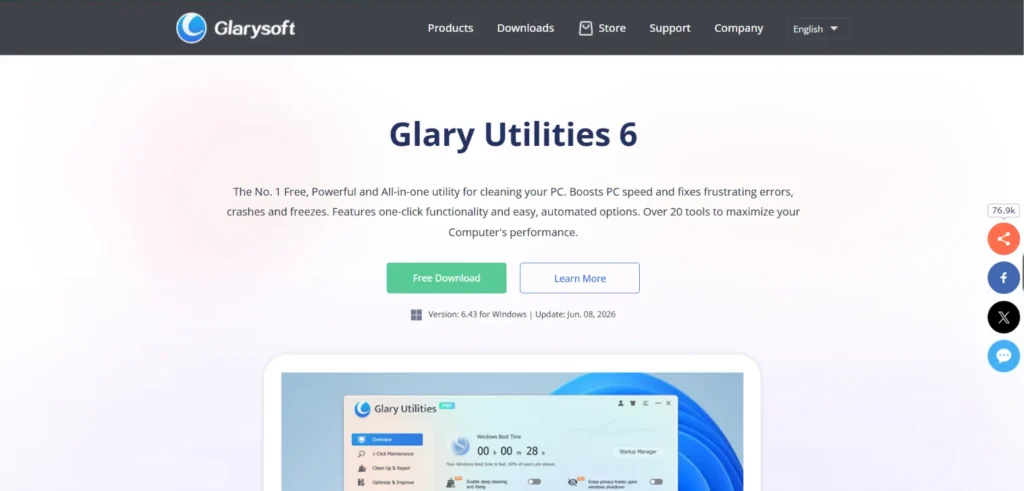
Glary Utilities Pro is a comprehensive suite of system tools. It offers more than twenty different utilities to fix, speed up, and protect your computer. The primary strength of this software is its simple maintenance feature. This scans for registry errors, invalid shortcuts, and spyware all at once. It stands out because it includes extra features like file shredding and disk space analysis. Despite having so many tools, the menu is simple and never feels overwhelming for new users.
Key Features
- Simple one click maintenance
- Advanced file shredding tool
- Duplicate file finder utility
- Disk space analysis tool
- Spyware removal and protection
Pricing
- Free Plan available
- Pro Plan – $19.97
- Technician: $169/ year
Who Should Use It: People looking for a massive toolkit with many different repair and cleaning options.
4. BleachBit – Best for Free Open-Source Cleaning
Website: www.bleachbit.org/
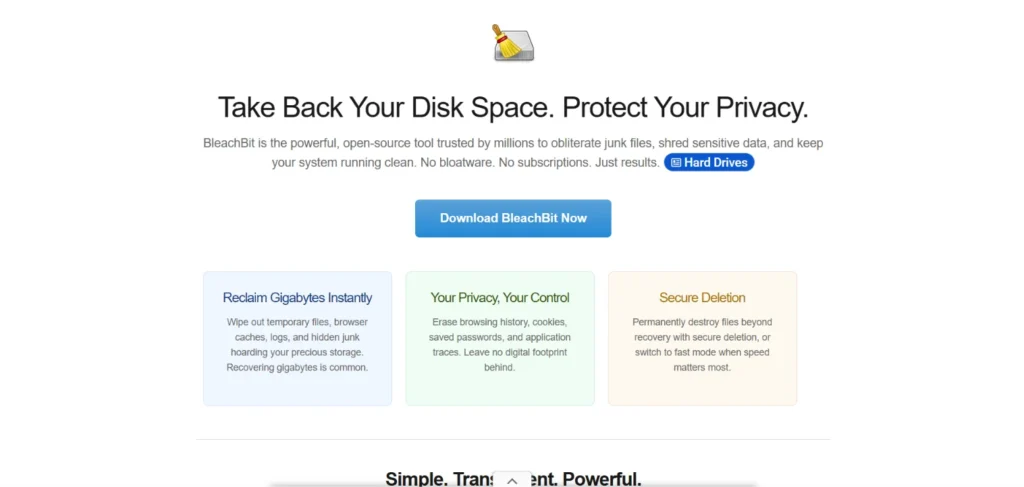
BleachBit is one of the most effective free PC cleaners available today. It is a completely free and open-source cleaning program. It does not try to sell you anything or show annoying advertisements. Its primary strength is its amazing ability to free up disk space by shredding hidden files. It clears browser cache, deletes cookies, and clears internet history with total ease. It stands out because it focuses purely on cleaning without any unnecessary extra features. The interface is very basic, which makes it incredibly lightweight and fast to use.
Key Features
- Completely open source software
- Deep internet browser cleanup
- Advanced file shredding feature
- Lightweight system resource usage
- No annoying advertisement banners
Pricing:
- Free Plan- Completely free to use forever
Who Should Use It: Budget-conscious users who want a simple and completely free tool to clear junk.
5. TotalAV System Tune-Up - Best for Cleaning and Security

Website: https://www.totalav.com/
TotalAV is mainly known as a strong antivirus program, but its tune-up tool is excellent. It combines system cleaning with top-level malware protection. Its primary strength is finding duplicate files and removing unneeded browser history. It also features a great application uninstaller to remove stubborn software safely. It stands out because it protects your computer from dangerous viruses while making it run faster. This makes it a great package for users who want total digital protection.
Key Features
- Built in malware protection
- Duplicate file finder tool
- Safe application uninstaller utility
- Browser history cleanup tool
- Startup program optimization feature
Pricing
- Free Plan available
- TotalAV™ Plus – $99/ year for 4 device
- Internet Security – $129/ year for 6 devices
- Total Security – $149/year for 8 devices
Who Should Use It: Users who want to clean their computer and protect it from viruses at the same time.
6. Fortect – Best for Windows System Repair
Website: www.fortect.com/
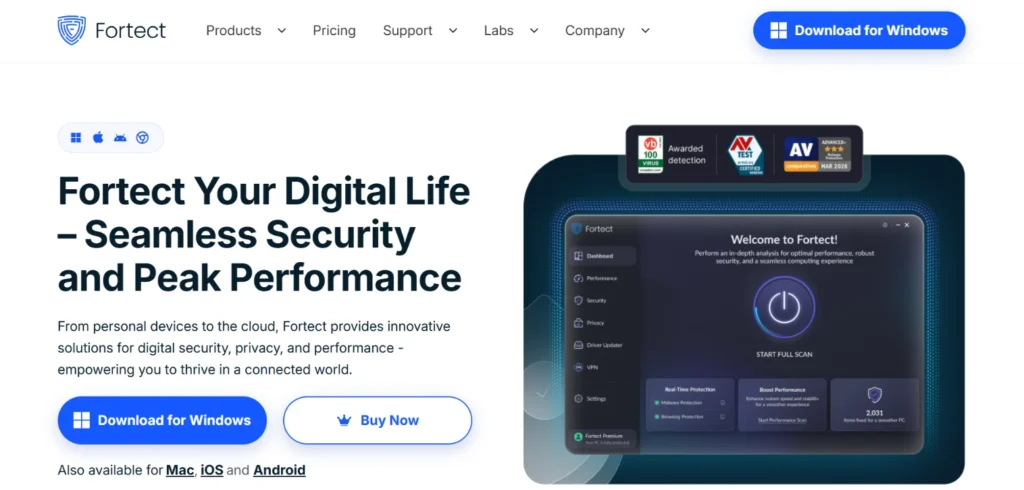
Fortect is a modern repair tool built specifically for Windows computers. It goes much deeper than just deleting old text files. Its primary strength is replacing damaged or missing Windows files with healthy ones from its secure database. It features crash analysis and blue screen error repairs. It stands out because it can often fix a completely broken computer without needing a full system reinstall. It is highly effective for bringing corrupted operating systems back to normal condition.
Key Features
- Deep Windows system repair
- Blue screen crash fixes
- Corrupted file replacement tool
- Malware damage repair tool
- Real time system monitoring
Pricing
- No Free Plan
- Essential Plan – $33.95
- Multi-device Plan – $41.95
- Ultimate Plan – $58.95
Who Should Use It: People experiencing frequent computer crashes or random errors who need deep system repairs.
7. Iolo System Mechanic – Best for CPU and RAM Optimization

Website: https://www.iolo.com/
Iolo System Mechanic is an award-winning utility that focuses on raw computer speed. Among the leading PC cleaners, it is built to get the maximum performance out of your processor and memory. Its primary strength is the real-time boost feature, which shifts resources to the programs you are actively using. It also features a strong hard drive defragmenter and internet speed optimizer. It stands out because it actually tunes your hardware performance rather than just deleting simple junk. It is highly trusted worldwide.
Key Features
- Real time processor optimization
- Live computer memory boost
- Internet connection speed tweak
- Advanced hard drive defragmentation
- Secure file deletion tool
Pricing
- System Mechanic – ₹4123.41
- System Mechanic Pro – ₹5248.99
- System Mechanic Ultimate Defense – ₹5999.39
- Free trial: 30-day money-back guarantee
Who Should Use It: Gamers and heavy computer users who need maximum speed and real-time memory optimization.
8. Wise Care 365 – Best for Quick System Checkups
Website: https://www.wisecleaner.com/
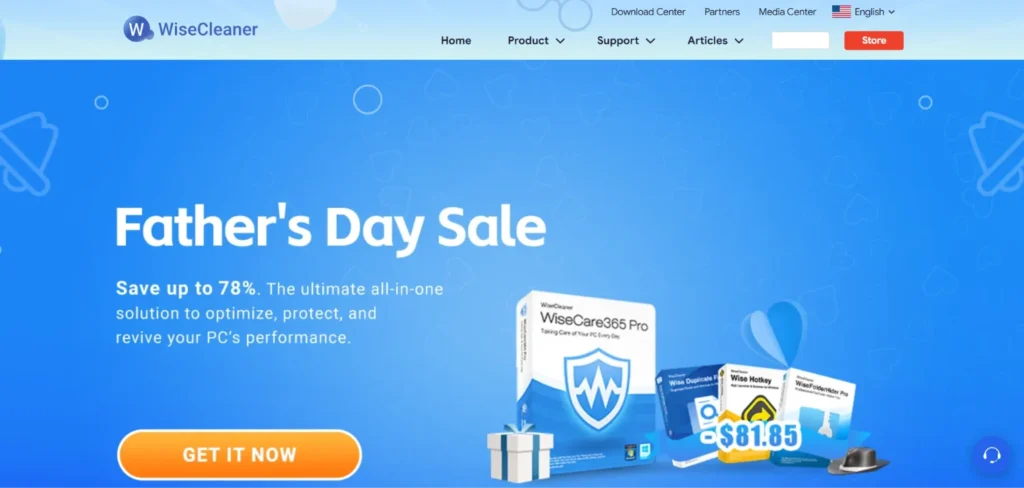
Wise Care 365 is a fast and extremely lightweight cleaning tool. It is very gentle on your system resources while it runs a scan. Its primary strength is the system health index, which gives your computer a score from one to ten. It features an excellent privacy eraser and a system slimming tool. It stands out because the scans take only seconds to complete. This fast scanning makes it extremely convenient to run a quick system checkup every single day.
Key Features
- Fast system health index
- Deep privacy erasing tool
- System slimming optimization feature
- Silent background cleaning mode
- Hardware temperature monitoring dashboard
Pricing
- Wise Care 365 Free
- Wise Care 365 Pro – $19.97
Who Should Use It: Users who want a fast and simple daily checkup tool that never slows down their machine.
9. CCleaner – Best for Simple Junk Removal
Website: www.ccleaner.com/
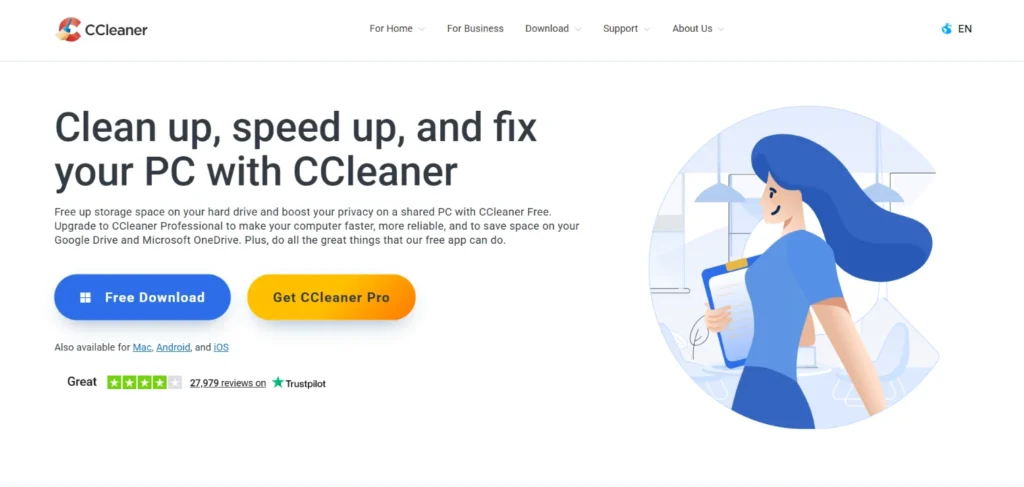
CCleaner is arguably the most famous computer cleaning software in the whole world. It has been trusted by millions of users for many years. Its primary strength is the standard cleaner tool, which safely removes basic browser and system junk. It features a great software updater that patches old programs to keep them secure. It stands out because of its extreme simplicity and very long reputation. The free version remains one of the absolute best choices for casual users.
Key Features
- Safe system junk removal
- Automatic software updater tool
- Easy browser cache cleaner
- Custom cleaning schedule setup
- Driver updater utility feature
Pricing
- Free Plan
- Professional Plan - ₹ 990.00/ year for 1 PC
- Professional Plus – ₹ 1,390.00/ year for 3 PCs
Who Should Use It: Casual home users who need a trusted and familiar tool to clear out web browser clutter.
10. Microsoft PC Manager – Best for Native Windows Optimization
Website: https://pcmanager.microsoft.com/
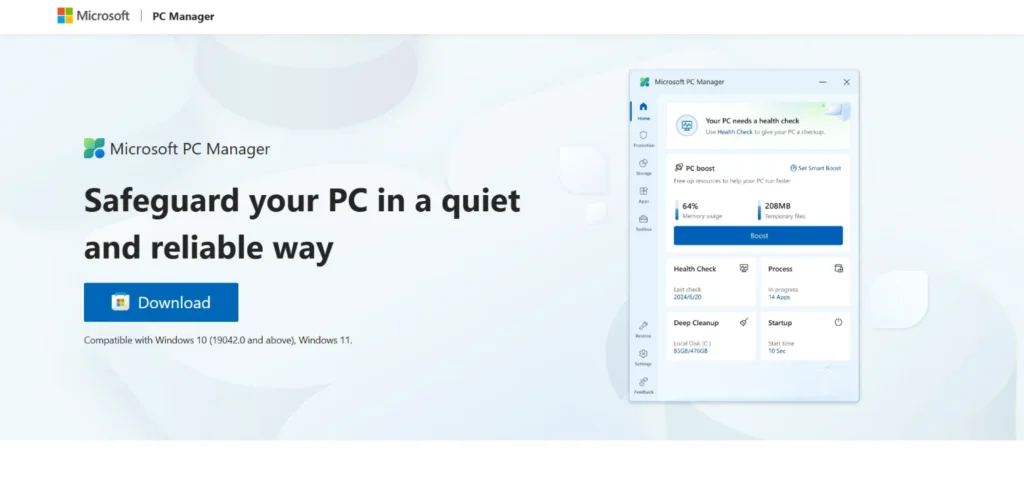
Microsoft PC Manager is an official, free system utility developed directly by Microsoft for Windows 10 and 11. It seamlessly integrates with your operating system without relying on third-party workarounds. Its primary strength is securely clearing temporary files and managing background apps without touching sensitive registry files. It stands out because it is completely free of ads, incredibly lightweight, and highly secure. This is the perfect tool if you want to avoid downloading third-party software.
Key Features
- Official Microsoft native utility
- One click performance boost
- Safe system storage cleanup
- Background app management tool
- No annoying advertisement banners
Pricing:
- completely free
Who Should Use It: Windows users who want a safe, official, and completely free tool without any third-party risks.
Free vs Paid PC Cleaners: Which One Do You Actually Need?
When looking for a cleanup tool, you will notice both free and paid options. It can be hard to decide which one is right for you.
- Free tools are ideal for basic, manual tasks like clearing browser history, deleting temporary files, and emptying the recycle bin once a month.
- Paid software provides automation, running scans in the background on your schedule. It also includes advanced utilities like deep system repair, driver updaters, real-time security, and dedicated customer support for maximum performance.
If you are on a strict budget, start with a free cleaner. If you want maximum performance without doing any manual work, a paid plan offers the best value for your money.
| Feature | Free PC Cleaners | Paid PC Cleaners |
| Basic Junk Removal | Yes | Yes |
| Browser History Cleanup | Yes | Yes |
| Automatic Scheduling | No | Yes |
| Real-Time System Monitoring | No | Yes |
| Deep Registry Repair | No | Yes |
| Customer Support | None | 24/7 Support |
Is It Safe to Use PC Cleaners? (Common Concerns Answered)
Using a reputable PC cleaner is generally safe, but you should keep a few common concerns in mind before running a scan.
The main risk involves registry cleaning. The Windows registry is highly sensitive, and deleting the wrong key can break your software. To avoid this, use trusted, well-known providers that avoid touching critical system files.
Another issue is false positives, where a tool flags a useful file as junk. Always review the scan results before hitting delete.
Data privacy matters too. Avoid unknown brands and download software only from official websites to protect your data. Finally, always use the tool’s backup and restore feature or trusted cloud backup tools to create a restore point. If anything goes wrong, you can undo the changes with one click.
PC Cleaners for Windows 11 vs Windows 10: What to Know
Most popular cleaners work perfectly on both Windows 10 and Windows 11 because their core system files are very similar. While Windows 11 features better built-in memory management and both versions include the basic Storage Sense tool to empty your recycle bin, native tools still fall short.
They do not offer deep registry fixes or advanced security optimizations. Third-party software fills this gap by diving deeper into the system files. Depending on your current operating system, certain tools will provide better optimization and security features for your machine.
| Feature / Aspect | Windows 10 | Windows 11 |
| Built-in Tool | Storage Sense handles basic trash | Storage Sense handles basic trash |
| Memory Management | Relies more heavily on third-party optimization | Advanced native memory handling built-in |
| Junk Cleanup Need | High necessity for clearing hidden cache | High necessity for wiping system debris |
| Top Tool Recommendation | IObit or CCleaner for older devices | Fortect or TotalAV for modern design |
How to Choose the Right PC Cleaner for Your Needs
Picking the best tool depends entirely on how you use your computer. Keep these key details in mind before making your choice:
- Ease of Use: If you are not great with computers, look for a tool with a simple, one-click scan button.
- Free vs. Paid Features: Decide if you want basic manual cleaning or if you are willing to spend money for automated convenience.
- Security Reputation: Only download software from well-known companies with positive reviews from real users.
- Automation Features: Look for a tool that cleans your computer silently in the background to save you time.
- Real-Time Monitoring: This excellent feature warns you instantly if your hard drive is getting too full or if system performance drops.
- Compatibility and Budget: Check that the software matches your specific Windows version, and take advantage of free trials before you buy.
Final Verdict: Which PC Cleaner Should You Pick?
Choosing the best software does not have to be difficult. Among the many PC cleaners available today, for the best overall experience, choose IObit Advanced SystemCare, which works quietly in the background to clean your system and fix errors. If you prefer a completely free option without ads, BleachBit is a lightweight tool that focuses purely on deleting junk files. Meanwhile, complete beginners will love Glary Utilities Pro, as its simple one-click maintenance removes all the guesswork from computer repair.
If you are an advanced user or heavy gamer, Iolo System Mechanic is the top choice because it actively manages your processor and memory in real time for maximum performance. Finally, if you want the best value, TotalAV System Tune-Up combines robust cleaning with world-class antivirus protection, giving you two essential tools for the price of one.