
The modern workplace no longer begins at the office—it starts wherever your Mac opens. Whether you’re managing client projects, attending virtual meetings, handling financial transactions, or accessing sensitive business data, your internet connection deserves enterprise-level protection.
That’s where a reliable VPN becomes indispensable. Beyond safeguarding privacy, today’s best VPNs help bypass geographic restrictions, secure public Wi-Fi, support remote collaboration, and maintain uninterrupted access to essential online services. However, not every VPN delivers the speed, security, and macOS optimization professionals expect.
In this guide, we’ve tested, compared, and ranked the 10 best VPN for Mac in 2026 based on performance, privacy, features, usability, and value, helping you choose the ideal solution for your business and personal needs.
What Is A VPN
A VPN creates a secure, encrypted tunnel between your device and the internet, hiding your IP address while protecting sensitive data, making it an essential VPN for anonymous surfing. Whether browsing, banking, streaming, or working remotely, it keeps online activities private from hackers, advertisers, and unnecessary surveillance, improving digital confidence every single day you connect anywhere safely online.
Beyond privacy, a VPN unlocks websites, apps, and streaming libraries unavailable in certain regions by routing traffic through secure global servers. Travelers, remote workers, gamers, and businesses benefit from reliable access, reduced censorship, safer public Wi-Fi usage, and greater freedom without sacrificing performance or convenience during everyday internet sessions worldwide.
Choosing the right VPN means balancing speed, security, server coverage, privacy policies, device compatibility, and ease of use, whether you prefer a full VPN app or a VPN for chrome for browser-specific protection.. Trusted providers also include strong encryption, independent audits, transparent no-logs practices, responsive support, and intuitive apps, ensuring every connection feels fast, secure, reliable, and worry-free wherever life takes you next online confidently.
Why Mac Users Still Need A VPN In 2026
Despite macOS offering strong built-in security features, it doesn’t provide complete online privacy or unrestricted internet access. A VPN adds an essential layer of protection by encrypting your connection, hiding your IP address, and keeping your online activities secure wherever you browse.
- Protect Public Wi-Fi Connections: Secure your data against hackers when using airport, hotel, café, or other public Wi-Fi networks.
- Keep Your Browsing Private: Hide your IP address and encrypt internet traffic to prevent tracking by advertisers, ISPs, and third parties, regardless of which web browser for Mac you use.
- Access Global Streaming Libraries: Watch region-restricted movies, TV shows, and sports by connecting through servers in different countries.
- Work Securely from Anywhere: Protect confidential business files, video meetings, and company resources while working remotely on your Mac.
- Bypass Geographic Restrictions: Access websites, apps, and online services blocked due to regional restrictions or local internet censorship.
- Improve Online Gaming Privacy: Reduce exposure to DDoS attacks, hide your real IP address, and enjoy safer multiplayer gaming sessions with a reliable gaming VPN.
- Prevent ISP Bandwidth Throttling: Avoid intentional speed slowdowns during streaming, downloads, or gaming by encrypting your internet traffic.
- Enhance Overall Digital Security: Combine macOS security with VPN encryption for stronger protection against cyber threats and online surveillance.
How We Tested These VPNs For Mac
To identify the best VPNs for Mac in 2026, we evaluated each provider using real-world testing scenarios on both Apple Silicon and Intel-based Macs. Our assessment focused on performance, security, ease of use, streaming capabilities, and overall value to ensure every recommendation meets the needs of modern Mac users.
- Native macOS Compatibility: Verified seamless performance, stability, and optimization across Apple Silicon and Intel Macs using the latest macOS versions available.
- Speed and Connection Stability: Measured download speeds, upload performance, latency, and connection consistency during streaming, gaming, browsing, and remote work sessions.
- Privacy and Security Standards: Reviewed encryption protocols, kill switch reliability, no-logs audits, DNS leak protection, and advanced privacy features for maximum security.
- Streaming and Geo-Unblocking: Tested access to popular streaming platforms while evaluating playback quality, buffering, and regional content availability across multiple countries.
- Ease of Installation and Use: Evaluated setup process, interface design, navigation simplicity, feature accessibility, and overall user experience for beginners and experienced users alike.
- Server Network and Global Coverage: Compared worldwide server availability, location diversity, connection reliability, and performance across different continents and regional server locations.
- Advanced Features and Customization: Assessed split tunneling, dedicated IPs, multi-hop routing, ad blockers, automation tools, and customization options for diverse user requirements.
- Pricing and Overall Value: Compared subscription plans, included features, money-back guarantees, simultaneous connections, and long-term affordability to determine overall value for Mac users.
Quick Comparison: Best VPNs For Mac
| VPN | Best For | Protocol | Simultaneous Connections | Starting Price |
| NordVPN | Overall security, speed & business use | NordLynx | 10 | $14.69/month |
| ExpressVPN | Streaming, travel & simplicity | Lightway | 8 | $12.99/month |
| Surfshark | Unlimited devices & affordability | WireGuard | Unlimited | $15.45/month |
| Proton VPN | Privacy-conscious professionals | WireGuard | 10 | $9.99/month |
| CyberGhost | Streaming & beginner-friendly experience | WireGuard | 7 | ₹560/month |
| Private Internet Access (PIA) | Advanced customization | WireGuard/OpenVPN | Unlimited | ₹250.83/month |
| IPVanish | Remote work & multiple devices | WireGuard | Unlimited | $12.99/month |
| PureVPN | Budget-friendly long-term protection | WireGuard | 10 | $12.95/month |
| Windscribe | Best free VPN option | WireGuard | Unlimited | $9.00/month |
| Mullvad VPN | Anonymous payments & privacy | WireGuard | 5 | €5/month |
List Of 10 Best VPN for Mac
1. PureVPN – Best for Budget-Friendly Long-Term Mac Protection

Website: https://www.purevpn.com/
PureVPN provides Mac users with an affordable combination of security, performance, and extensive global coverage. Its macOS application supports WireGuard, OpenVPN, and IKEv2 protocols while offering features such as split tunneling, port forwarding, dedicated IP options, and independently audited no-logs policies.
The VPN performs well for streaming, secure browsing, and remote work across Apple Silicon and Intel Macs.
Competitive long-term pricing, frequent feature updates, and a broad international server network make PureVPN an attractive solution for users seeking dependable protection without paying premium subscription costs in 2026.
Speed and Performance on Mac: Reliable WireGuard speeds ensure stable streaming, browsing, and secure remote access.
Key Features:
- Native macOS application available
- WireGuard for improved connection speeds
- Split tunneling supported on Mac
- Dedicated IP address option
- Extensive worldwide server locations
- Independently audited no-logs policy
Pros:
- Affordable long-term pricing
- Wide server coverage
- Good streaming support
- Multiple VPN protocols
- Easy Mac setup
Cons:
- Monthly plan costs more
- Some advanced tools require upgrades
- Speeds vary by location
- Interface could be more intuitive
Pricing:
- Max- $19.95 per month
- Plus- $17.95 per month
- Standard- $12.95 per month
2. Mullvad VPN – Best for Anonymous Payments and Maximum Privacy
Website: https://mullvad.net/en
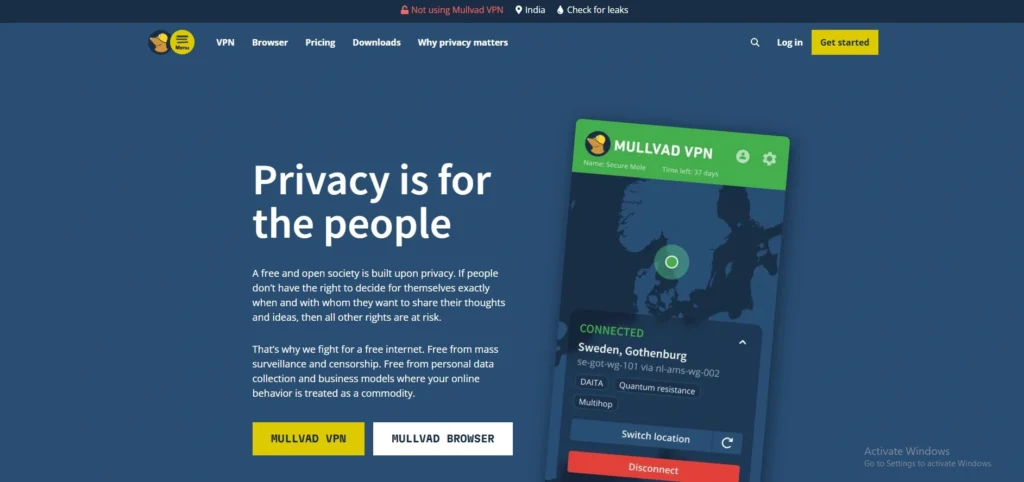
Mullvad VPN is widely respected for its uncompromising approach to privacy and anonymity. Instead of requiring an email address, users receive a randomly generated account number, making registration exceptionally private. Its macOS application supports WireGuard and OpenVPN while remaining fully open source and independently audited.
Features such as quantum-resistant tunnels, strong DNS leak protection, and transparent security practices appeal to privacy enthusiasts and security professionals.
For Mac users seeking minimal data collection and straightforward pricing, Mullvad remains one of the strongest privacy-focused VPNs in 2026.
Speed and Performance on Mac: Excellent WireGuard performance ensures secure browsing with consistently low connection latency.
Key Features:
- Anonymous account number registration
- Open-source audited Mac application
- Quantum-resistant secure VPN tunnels
- Built-in DNS leak protection
- WireGuard and OpenVPN support
- Fixed transparent monthly pricing
Pros:
- Exceptional privacy standards
- Anonymous account creation
- Open-source software
- Transparent pricing model
- Strong independent audits
Cons:
- Smaller server network
- Limited streaming optimization
- No long-term subscription discounts
- Fewer extra security features
Pricing:
- €5/month
3. Surfshark – Best for Unlimited Device Protection on a Budget

Website: https://surfshark.com/
Surfshark offers exceptional value for Mac users by combining premium security features with unlimited simultaneous device connections. Its macOS application supports Apple Silicon and Intel processors, providing fast WireGuard-powered performance for streaming, gaming, and remote work.
Features including CleanWeb, Dynamic MultiHop, Alternative ID, antivirus integration, and a strict audited no-logs policy make it one of the most feature-rich VPNs available.
Surfshark is particularly attractive for families, freelancers, and users with multiple Apple devices who want affordable, comprehensive online privacy without sacrificing performance in 2026.
Speed and Performance on Mac:
Fast WireGuard connections provide smooth downloads, streaming, and everyday browsing performance.
Key Features:
- Unlimited simultaneous device connections
- CleanWeb blocks ads and trackers
- WireGuard delivers excellent VPN speeds
- Dynamic MultiHop routing available
- Alternative ID protects personal identity
- Audited no-logs privacy policy
Pros:
- Excellent value for money
- Unlimited device support
- Strong security toolkit
- Fast international servers
- Beginner-friendly Mac application
Cons:
- Monthly plan relatively expensive
- Some servers experience congestion
- Antivirus requires higher subscription
- Smaller server network than leaders
Pricing:
- Surfshark Starter- $15.45/mo.
- Surfshark One- $17.95/mo.
- Surfshark One+- $20.85/mo
4. IPVanish – Best for Secure Mac Remote Work and Multiple Devices
Website: https://www.ipvanish.com/
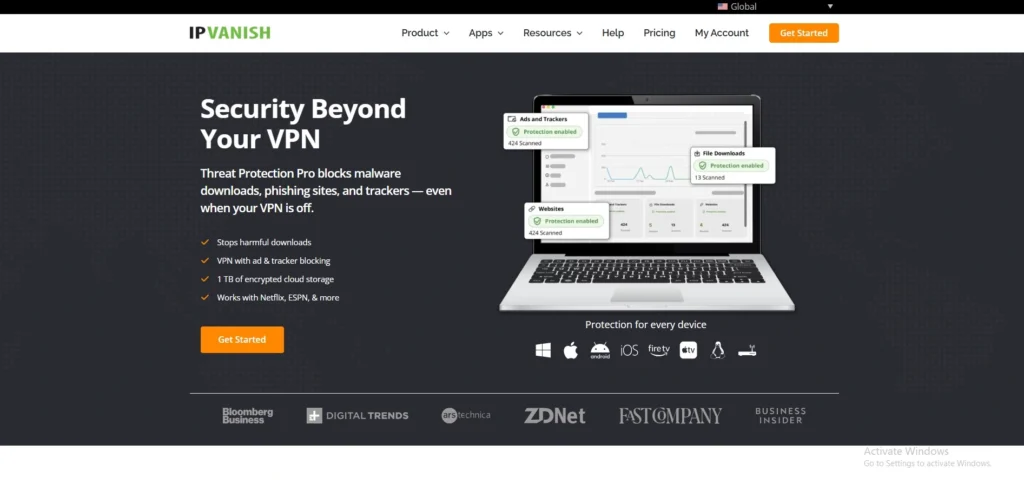
IPVanish is a reliable VPN for Mac users who need secure connections across numerous devices while maintaining excellent performance for remote work and everyday browsing. Its native macOS application supports Apple Silicon and Intel processors, utilizing the WireGuard protocol for fast, stable connections.
Features including unlimited simultaneous connections, encrypted cloud storage on select plans, a verified no-logs policy, and robust security settings make IPVanish suitable for professionals and households alike.
Its easy setup and dependable performance provide a seamless privacy solution for Mac users throughout 2026.
Speed and Performance on Mac: Stable WireGuard speeds support remote work, streaming, and secure file transfers.
Key Features:
- Unlimited simultaneous device protection
- Native Apple Silicon compatibility
- WireGuard high-speed secure protocol
- Verified independently audited no-logs policy
- Automatic connection on unsecured networks
- Cloud storage with select subscriptions
Pros:
- Unlimited device connections
- Fast WireGuard performance
- Easy-to-use macOS app
- Strong encryption standards
- Useful cloud storage option
Cons:
- Smaller server network than leaders
- Monthly plan relatively expensive
- Limited specialty streaming servers
- Interface lacks advanced polish
Pricing:
- IPVanish logo Advanced- $14.99 /mo
- IPVanish logo Essential- $12.99 /mo
5. Proton VPN – Best for Privacy-Conscious Mac Professionals
Website: https://protonvpn.com/
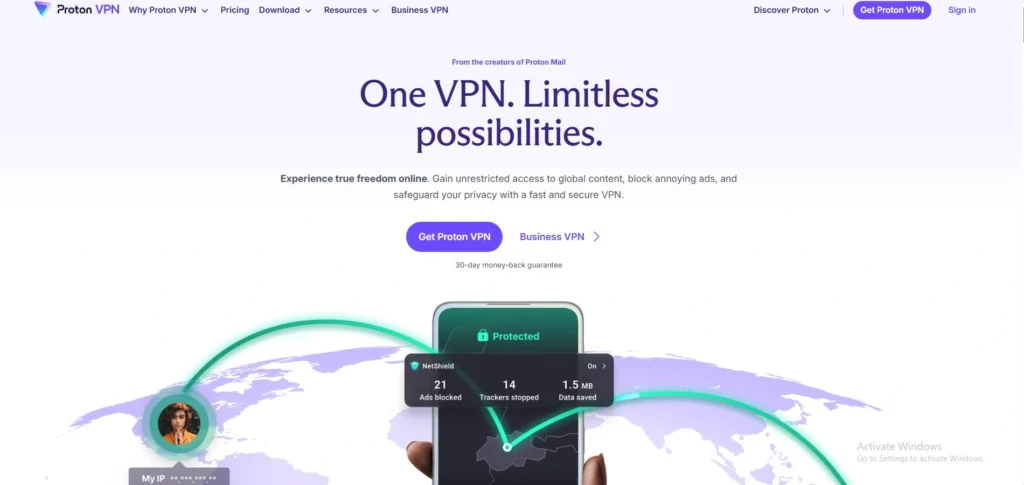
Proton VPN is designed for users who place maximum importance on privacy, transparency, and open-source security. Its macOS application works efficiently on both Apple Silicon and Intel devices while offering Secure Core servers, NetShield ad blocking, WireGuard support, and independently audited no-logs practices.
Developed by the team behind Proton Mail, the service emphasizes strong encryption and privacy-first engineering.
Whether handling confidential work, protecting sensitive communications, or bypassing censorship, Proton VPN provides Mac users with enterprise-grade privacy features backed by a trusted security-focused company.
Speed and Performance on Mac WireGuard delivers dependable speeds with excellent stability across worldwide server locations.
Key Features:
- Secure Core multi-hop server routing
- Open-source audited macOS applications
- NetShield blocks ads and malware
- WireGuard protocol for faster connections
- Strong Swiss privacy jurisdiction
- Independently verified no-logs policy
Pros:
- Outstanding privacy protections
- Open-source applications available
- Excellent free plan
- Strong security architecture
- Transparent independent audits
Cons:
- Premium features require paid plans
- Fewer streaming servers
- Interface may overwhelm beginners
- Some advanced features limited
Pricing:
- VPN Plus- $9.99 /month
- Proton Unlimited- $12.99 /month
6. Private Internet Access (PIA) – Best for Advanced Customization and Power Users
Website: https://www.privateinternetaccess.com/
Private Internet Access (PIA) is an excellent choice for experienced Mac users who prefer extensive customization options alongside strong privacy protections. Its macOS application supports WireGuard and OpenVPN while allowing users to fine-tune encryption settings, automation rules, DNS preferences, and connection behavior.
PIA operates one of the industry’s largest server networks and maintains an independently verified no-logs policy.
Combined with open-source applications, built-in ad blocking, and unlimited simultaneous device connections, PIA delivers flexibility and value for technical users seeking greater control over their VPN experience.
Speed and Performance on Mac: Fast WireGuard performance with customizable settings for optimized Mac connectivity.
Key Features:
- Open-source macOS VPN application
- Extensive global server coverage
- Customizable encryption configuration options
- Built-in MACE ad blocker
- Unlimited simultaneous device connections
- Audited strict no-logs policy
Pros:
- Highly customizable settings
- Massive server network
- Unlimited device support
- Strong privacy protections
- Competitive long-term pricing
Cons:
- Interface may confuse beginners
- Some servers deliver variable speeds
- Streaming performance occasionally inconsistent
- Headquarters in the United States
Pricing:
- 1 Month- ₹ 900.79/mo
- 1 Year- ₹ 250.83/mo
7. CyberGhost – Best for Effortless Streaming and Dedicated Servers

Website: https://www.cyberghostvpn.com/
CyberGhost is an excellent VPN for Mac users seeking an intuitive interface and purpose-built servers for streaming, gaming, and torrenting. Its native macOS application supports both Intel and Apple Silicon devices, delivering reliable performance through the WireGuard protocol.
With thousands of servers across numerous countries, dedicated streaming servers, automatic Wi-Fi protection, and an independently audited no-logs policy, CyberGhost simplifies online privacy without requiring technical expertise.
Its generous money-back guarantee and user-friendly experience make it particularly appealing for beginners and entertainment-focused Mac users throughout 2026.
Speed and Performance on Mac: Reliable WireGuard speeds deliver smooth streaming, downloads, and everyday online activities.
Key Features:
- Dedicated servers for popular streaming
- Native macOS application optimized well
- Automatic protection on public Wi-Fi
- WireGuard protocol for faster performance
- Extensive worldwide server network
- Independently verified no-logs policy
Pros:
- Beginner-friendly Mac interface
- Excellent streaming servers
- Large global server network
- Long money-back guarantee
- Reliable everyday performance
Cons:
- Monthly subscription relatively costly
- Fewer advanced privacy tools
- Limited customization settings
- Some specialty servers become busy
Pricing:
- 1 Month- ₹ 965/mo
- 6 Months- ₹ 560/mo
8. ExpressVPN – Best for Hassle-Free Streaming Across Every Device
Website: https://www.expressvpn.com/
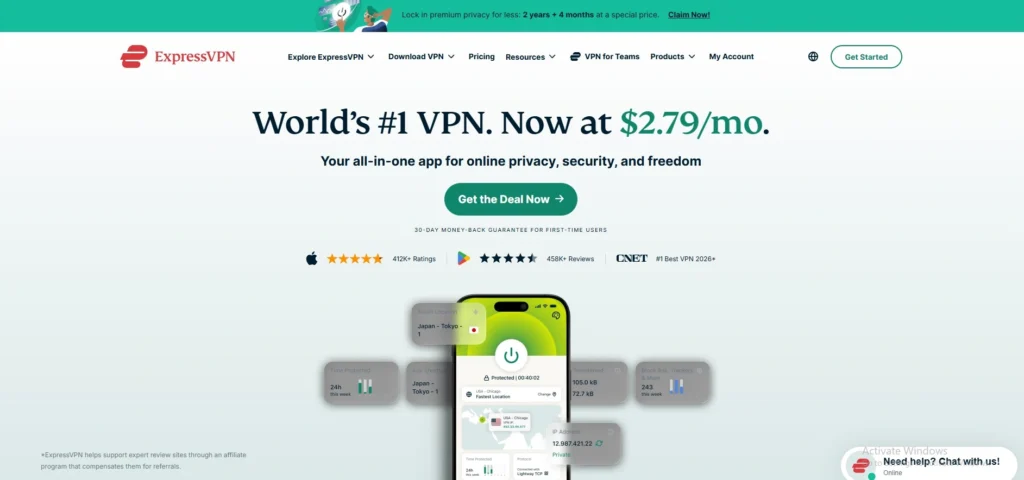
ExpressVPN remains one of the most dependable VPNs for Mac users who prioritize simplicity, premium privacy, and consistent streaming performance. Its native macOS application is optimized for both Intel and Apple Silicon devices, while the proprietary Lightway protocol delivers fast and stable connections with minimal battery impact.
The VPN includes TrustedServer technology, Network Lock kill switch, split tunneling, and a verified no-logs policy.
With servers spanning numerous countries and excellent compatibility with popular streaming platforms, ExpressVPN is an outstanding choice for travelers, professionals, and entertainment enthusiasts in 2026.
Speed and Performance on Mac Consistently fast Lightway protocol ensures smooth browsing, streaming, and video conferencing.
Key Features:
- Native Apple Silicon Mac support
- Proprietary high-speed Lightway protocol
- TrustedServer RAM-only server technology
- Built-in Network Lock kill switch
- Split tunneling for selected applications
- Independently audited privacy infrastructure
Pros:
- Extremely easy to use
- Excellent streaming compatibility
- Reliable worldwide server network
- Strong privacy protections
- Fast and stable connections
Cons:
- Higher price than competitors
- Fewer advanced customization options
- Limited simultaneous device connections
- No permanent free plan
Pricing:
- Advanced- $13.99/mo
- Basic- $12.99/mo
- Pro- $19.99/mo
9. Windscribe – Best for Generous Free Mac VPN Usage

Website: https://windscribe.com/
Windscribe is an excellent option for Mac users seeking a capable free VPN alongside affordable premium upgrades. Its macOS application includes WireGuard support, customizable connection settings, R.O.B.E.R.T. content filtering, split tunneling, and strong encryption.
The free plan offers generous monthly data compared to many competitors, making it suitable for occasional browsing and secure public Wi-Fi use. Users upgrading to premium gain access to a larger server network and enhanced streaming capabilities.
Windscribe balances affordability, flexibility, and privacy for casual and advanced Mac users in 2026.
Speed and Performance on Mac: Fast WireGuard protocol delivers dependable speeds for browsing, streaming, and downloads.
Key Features:
- Generous free monthly data allowance
- R.O.B.E.R.T. blocks malicious domains
- Split tunneling for selected apps
- WireGuard protocol support included
- Flexible custom build subscriptions
- Strong encryption for secure browsing
Pros:
- Excellent free plan
- Flexible pricing options
- Effective ad blocking
- Easy Mac installation
- Strong privacy controls
Cons:
- Smaller server network
- Free locations are limited
- Inconsistent streaming performance
- Interface feels slightly dated
Pricing:
- $9.00 USD every month
- $69 USD every 12 months
10. NordVPN – Best for Complete Mac Security and Speed
Website: https://nordvpn.com/
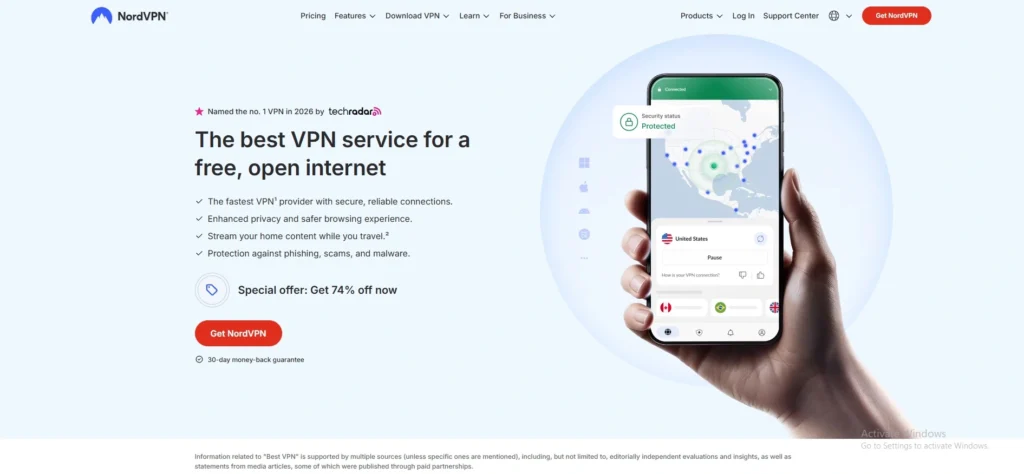
NordVPN is the top choice for Mac users seeking an ideal balance of speed, privacy, streaming, and advanced security. Its native macOS application works seamlessly on Intel and Apple Silicon devices while the NordLynx protocol delivers exceptionally fast performance with minimal speed loss.
Features such as Threat Protection Pro, Double VPN, Meshnet, and audited no-logs policies provide excellent protection for personal and professional use.
Whether you’re working remotely, streaming geo-restricted content, or securing public Wi-Fi connections, NordVPN offers one of the most polished VPN experiences available for Mac users in 2026.
Speed and Performance on Mac: Outstanding speeds with optimized NordLynx protocol across Intel and Apple Silicon Macs.
Key Features:
- Native Apple Silicon optimized application
- NordLynx high-speed VPN protocol
- Threat Protection blocks online malware
- Meshnet for secure device connectivity
- Double VPN enhances privacy layers
- Independently audited strict no-logs policy
Pros:
- Excellent streaming performance
- Extremely fast global servers
- Strong security features
- User-friendly macOS interface
- Reliable customer support
Cons:
- Premium plans cost more
- Monthly subscription expensive
- Some features require higher plans
- Server map may feel crowded
Pricing:
- Basic- $14.69 /mo
- Complete- $19.49 /mo
- Complete Max- $21.49 /mo
What To Look For In A VPN for Mac: Buying Guide
Choosing the right VPN for your Mac involves more than simply picking the fastest provider. The ideal VPN should complement macOS with strong security, excellent performance, intuitive usability, and reliable privacy while matching your browsing, streaming, gaming, or professional needs.
- Native macOS App: Choose a VPN with a dedicated macOS application optimized for both Apple Silicon and Intel Macs, ensuring smooth performance and seamless integration.
- Fast VPN Protocols: Look for modern protocols like WireGuard, NordLynx, or Lightway that provide faster speeds, lower latency, and better battery efficiency.
- Strong Security Features: Select a VPN offering AES-256 encryption, a kill switch, DNS leak protection, and multi-factor security features for complete online protection, especially if you plan on VPN use with torrenting.
- Verified No-Logs Policy: Choose providers with independently audited no-logs policies, ensuring your browsing history and personal information remain private and untracked.
- Large Global Server Network: A broad server network improves connection reliability, reduces congestion, and provides better access to region-restricted websites and streaming services.
- Excellent Streaming Support: If you stream regularly, ensure the VPN reliably unblocks popular streaming platforms while maintaining high-quality, buffer-free playback.
- Reliable Connection Speeds: Consistently fast speeds are essential for video calls, large downloads, cloud backups, online gaming, and high-resolution streaming on Mac, especially when syncing backups with data restoration tools.
- Public Wi-Fi Protection: Automatic Wi-Fi protection helps secure your Mac whenever you connect to airports, hotels, cafés, or other unsecured public networks.
- Simultaneous Device Connections: Choose a VPN allowing multiple simultaneous connections so you can protect your Mac, iPhone, iPad, and other devices under one subscription.
- Transparent Pricing and Support: Look for flexible pricing, a money-back guarantee, responsive customer support, and regular software updates to ensure long-term value and reliability.
VPN Protocols Explained For Mac Users
A VPN protocol determines how your Mac securely connects to a VPN server. It directly affects connection speed, security, battery efficiency, and compatibility. Understanding the most common VPN protocols helps you choose the best option for streaming, browsing, remote work, or maximum privacy.
- WireGuard: WireGuard is the fastest and most efficient VPN protocol available today. It offers excellent speeds, strong encryption, lower battery consumption, and outstanding performance on both Apple Silicon and Intel Macs.
- OpenVPN: OpenVPN is a trusted open-source protocol known for its robust security and broad compatibility. Although slightly slower than newer protocols, it remains an excellent choice for privacy-focused users.
- IKEv2/IPSec: IKEv2/IPSec provides fast connections and quickly reconnects when switching between Wi-Fi and mobile hotspots. It works well on macOS and is ideal for users who frequently change networks.
- Lightway: Developed by ExpressVPN, Lightway is designed for speed, reliability, and improved battery efficiency. It establishes secure connections rapidly while maintaining excellent streaming and browsing performance.
- NordLynx: NordLynx is NordVPN’s customized version of WireGuard. It combines WireGuard’s impressive speed with additional privacy enhancements, making it an excellent option for everyday Mac users.
- SSTP: Secure Socket Tunneling Protocol (SSTP) uses SSL encryption to secure internet traffic. While effective, it is primarily designed for Windows and is rarely used on macOS.
- L2TP/IPSec: L2TP/IPSec was once a popular VPN protocol due to its compatibility and encryption. However, it has largely been replaced by faster, more secure alternatives like WireGuard and OpenVPN.
How To Set Up A VPN On Mac: Step-By-Step
Setting up a VPN on a Mac is quick and straightforward, even if you’ve never used one before. Most premium VPN providers offer dedicated macOS apps that simplify installation, allowing you to secure your internet connection within minutes.
- Step 1: Choose a Trusted VPN Provider– Research reputable VPN services that support macOS, compare security features, speeds, pricing, and privacy policies before selecting the subscription meeting your browsing, streaming, or work requirements.
- Step 2: Create Your Account– Visit the provider’s website, choose a suitable subscription plan, create your account using your email address, then complete the payment process to activate your membership.
- Step 3: Download the macOS App– Download the official VPN application for macOS directly from the provider’s website or the Mac App Store to ensure maximum security and software authenticity.
- Step 4: Install the VPN Application– Open the downloaded installer, follow the on-screen instructions, grant required macOS permissions, and complete installation before launching the VPN application for the first time.
- Step 5: Sign In to Your Account– Launch the VPN application, enter your registered email address and password, then complete any required authentication process to securely access your VPN dashboard.
- Step 6: Select a Server Location-Choose the nearest server for maximum speed or select another country to access region-restricted websites, streaming services, or applications unavailable in your location. Certain apps may also require GPS spoofing to match your virtual location.
- Step 7: Connect and Verify Protection– Click the Connect button, wait until the VPN establishes a secure connection, then verify your new IP address before browsing, streaming, or working online.
- Step 8: Customize Your VPN Settings– Enable features like auto-connect, kill switch, split tunneling, or protocol selection to improve security, convenience, and performance according to your personal browsing preferences.
Common VPN Issues On Mac And How To Fix Them
Even the best VPNs can occasionally experience connection or performance issues on macOS. Fortunately, most problems are easy to resolve with a few simple troubleshooting steps, allowing you to restore a secure and stable VPN connection quickly.
- VPN Won’t Connect: Restart the VPN application, check your internet connection, switch servers, or change VPN protocols to restore successful connectivity.
- Slow Internet Speeds: Connect to a nearby server, use WireGuard or equivalent protocols, and close unnecessary background applications consuming network bandwidth.
- Streaming Services Detect VPN: Switch to another optimized server, clear browser cookies, or contact customer support for recommended streaming-compatible server locations.
- Frequent Connection Drops: Update the VPN application, enable automatic reconnection, and switch protocols to improve stability during extended browsing or remote work sessions.
- macOS App Keeps Crashing: Install the latest VPN version, restart your Mac, or reinstall the application to eliminate corrupted files causing repeated crashes.
- Unable to Access Certain Websites: Disable split tunneling temporarily, switch server locations, or flush your DNS cache to restore normal website accessibility on macOS.
- Kill Switch Blocking Internet: Reconnect the VPN successfully or disable the kill switch temporarily before troubleshooting connection problems through your VPN application’s settings.
- Outdated VPN Software: Regularly install VPN updates to receive security patches, improved performance, bug fixes, and compatibility with the latest macOS releases.
Is A Free VPN Safe For Mac?
Free VPNs can be useful for occasional browsing or testing a service, but they often come with limitations and potential privacy risks. While a few reputable providers offer safe free plans, many free VPNs generate revenue through advertising, data collection, or restricted services. Here’s what Mac users should know before choosing a free VPN.
- Reputable Free VPNs Can Be Safe: Trusted providers like Proton VPN and Windscribe offer secure free plans with strong encryption and transparent privacy policies.
- Many Free VPNs Collect User Data: Some free VPNs log browsing activity or share user information with advertisers to generate revenue.
- Limited Server Locations: Free plans usually provide access to only a small number of server locations, reducing flexibility and performance.
- Slower Connection Speeds: Free users often experience slower speeds because premium subscribers receive higher network priority.
- Data Usage Restrictions: Most free VPNs impose monthly data caps, making them unsuitable for streaming, gaming, or large downloads.
- Fewer Security Features: Advanced features like kill switches, split tunneling, dedicated IPs, and malware protection are commonly reserved for paid plans.
- Streaming Access Is Limited: Many free VPNs struggle to unblock popular streaming platforms due to limited servers and frequent IP blocking.
- Paid VPNs Offer Better Overall Protection: For regular browsing, remote work, streaming, or maximum privacy, a reputable paid VPN provides faster speeds, stronger security, and a significantly better user experience.
Final Verdict: Which VPN Should You Choose For Mac?
Choosing the right VPN for your Mac depends on your priorities, but businesses and professionals should never compromise on security, speed, or reliability. NordVPN remains the strongest overall choice for balanced performance, enterprise-grade protection, and excellent everyday usability. Surfshark delivers outstanding value for growing teams needing unlimited device connections.
Proton VPN is ideal for privacy-focused organizations, while ExpressVPN excels for effortless global access and travel. Budget-conscious users can confidently choose PureVPN without sacrificing essential features. Ultimately, invest in a reputable premium VPN that safeguards confidential communications, protects client data, enables secure remote work, and supports uninterrupted productivity. The right VPN is not an expense but a strategic investment in business continuity, digital trust, operational resilience, and long-term competitive success online.