Scaling a startup from a scrappy idea to a high-growth business means winning a daily race against time and capital. Recent venture data reveals a widening gap between companies that stall out and those that scale: high-growth startups that leverage modern automated tools grow their revenue up to three times faster than their peers. The difference isn’t the size of the team or the budget, it is the leverage they get out of their tech stack.
In the current market, engineering and marketing teams cannot afford to spend weeks building custom internal infrastructure or manual data pipelines from scratch. With market reports showing that operational inefficiencies account for nearly a third of early-stage failures, top-performing founders rely on a hyper-efficient suite of platforms to automate customer acquisition, track accurate unit economics, and ship product features at lightning speed.
To help you cut through the noise, we have curated the top 15 Growth Navigate Startup Tools that high-performing startups are using right now. These great online tools help businesses automate workflows, improve productivity, and scale more efficiently.
Brief Overview Of Startup Growth Challenges
Startups hit growth bottlenecks when manual processes choke speed and engineering resources get bogged down by administrative tasks. A primary challenge is managing a fragile cash runway while hunting for product-market fit. When teams waste engineering cycles building custom internal data pipelines or onboarding flows from scratch, they burn precious capital on infrastructure instead of core product iteration, drastically reducing their time to find a viable market.
Simultaneously, teams face massive friction in user acquisition and retention due to siloed data. If your marketing stack doesn’t talk to your product analytics, you end up wasting acquisition spend on low-value users while missing clear signals on where customers drop off. Navigating sustainable growth requires eliminating these data blind spots and operational inefficiencies early, before they bloat your customer acquisition costs (CAC) past the point of profitability.
Importance Of Using The Right Growth Tools
Deploying the correct tech stack transforms a startup from a chaotic, manual operation into a scalable, data-driven machine. The right platforms act as force multipliers, allowing lean teams to compete with enterprise competitors by automating engineering workflows and distribution channels. Without these foundational tools, early-stage companies lose momentum to operational friction and misaligned product metrics.
- Maximizes Engineering Leverage: Frees developers from building non-core infrastructure, allowing them to focus entirely on proprietary product features.
- Eliminates Data Blind Spots: Unifies user behavioral data across marketing, sales, and product analytics to create a single source of truth.
- Accelerates Experimentation Velocity: Enables growth teams to spin up A/B tests, landing pages, and email sequences in hours instead of weeks.
- Optimizes Unit Economics: Pinpoints high-yield customer acquisition channels to systematically lower CAC and improve lifetime value (LTV).
- Automates Customer Retention: Triggers hyper-targeted messaging and onboarding cues based on real-time user behavior to reduce churn.
How To Choose The Right Growth Tools For Your Startup?
Selecting software requires balancing immediate feature needs against long-term architectural scalability and budget constraints. Founders must avoid the trap of tool fatigue by evaluating platforms based on developer overhead, integration fluidity, and actionable data output. The ideal tech stack scales alongside your user base without requiring complex, costly migrations six months down the line, especially when built with the right Ai tools for startups.
- Prioritize Native Integration Ecosystems: Select software that features robust API connections and out-of-the-box compatibility with your database and CRM platforms.
- Assess Developer Implementation Effort: Evaluate how much engineering bandwidth is required for initial setup, software development kit (SDK) installations, and ongoing maintenance.
- Verify Pricing Elasticity: Analyze vendor pricing tiers to ensure costs scale predictably with data volume or seat count, avoiding sudden financial spikes as usage grows.
- Focus on Time-to-Value: Choose tools with intuitive user interfaces that allow non-technical marketing and growth teams to launch campaigns independently.
- Ensure Strict Compliance Standards: Confirm the platform meets global security and privacy mandates, including GDPR, CCPA, and SOC 2 Type II certifications.
List Of 15 Best Growth Navigate Startup Tools
1. PostHog — Best for All-in-One Product Analytics and Feature Management
Website: https://posthog.com
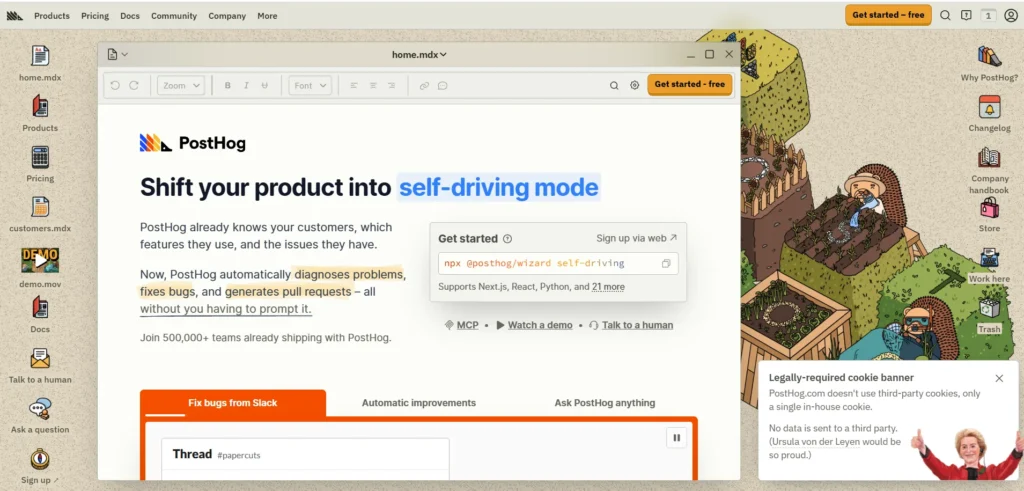
PostHog provides early-stage tech startups with an open-source, unified product operating system that combines product analytics, session replays, feature flags, and A/B testing into a single deployment. Instead of paying for and integrating separate platforms like Mixpanel and LaunchDarkly, engineering teams can use PostHog to centralize data capture across web and mobile frameworks.
Its developer-first architecture supports both cloud hosting and self-hosted deployments, giving founders complete control over user data privacy. The platform enables startups to track product adoption funnels, capture user session recordings, and run feature flag experiments with minimal configuration.
Key features:
- Automated event autocapture alongside custom frontend and backend event tracking.
- High-definition session recordings with privacy masking for sensitive input data.
- Multi-variant feature flags with remote configuration and gradual user rollouts.
- Built-in A/B and multivariate experimentation suite with automated statistical calculations.
- Real-time user retention tables, behavioral cohort builders, and conversion funnel analysis.
Pros:
- Unifies product analytics, session recording, and feature flags into one SDK.
- Extremely generous free tier that includes up to one million monthly events.
- Open-source core gives engineering teams deeper code inspection and self-hosting options.
Cons:
- High event volumes can lead to unpredictable usage bills if filtering is unmanaged.
- Interface has a steep learning curve for non-technical marketing teams.
- Autocapture can inject excessive noise into your database without strict data governance.
Pricing: Pay as you go
Best for: Engineering-led software startups that want to unify product analytics, session replays, and feature flagging within a single technical framework.
2. Linear — Best for Streamlined Software Development and Issue Tracking
Website: https://linear.app
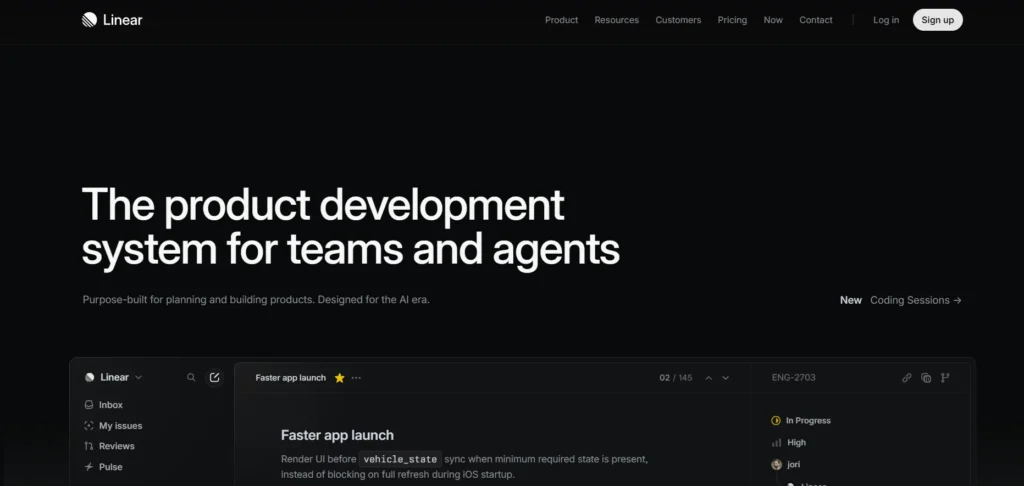
Linear is a highly optimized, keyboard-driven issue tracker engineered explicitly for high-growth software product teams who find legacy tools like Jira overly cumbersome, making it one of the most efficient marketing project management tools for cross-functional startup teams. As one of the leading Growth Navigate Startup Tools, the platform focuses on raw speed, real-time synchronization, and a minimalist design to help engineering teams plan sprints, track bugs, and manage product roadmaps with zero operational friction.
Every command is accessible via keyboard shortcuts, drastically cutting down administrative overhead for developers. Linear operates seamlessly offline, automatically syncing progress the moment an internet connection is re-established, and integrates directly with modern Git workflows to automate issue updates throughout the deployment pipeline.
Key features:
- Keyboard-first user interface with command menus for rapid issue creation and manipulation.
- Git-backed automation that closes, transitions, or updates issues based on pull requests.
- Built-in cycles, sprint tracking, and automated team velocity calculation engines.
- High-level project roadmaps that aggregate individual team backlogs into a unified timeline.
- Real-time synchronization across all team devices with offline-first local data architecture.
Pros:
- Exceptionally fast performance and execution speed compared to enterprise project tools.
- Zero complex configuration or custom schema setups required to launch.
- Native, deep integration loops with GitHub, GitLab, Slack, and Figma ecosystems.
Cons:
- Highly opinionated workflows leave minimal room for non-standard project management styles.
- Lacks a native document wiki or wiki-style knowledge management base.
- The feature set is strictly tailored for technical product and engineering teams, not business operations.
Pricing:
| Free | Basic | Business | Enterprise |
| $0 | $10/mo | $16/mo | Available on request |
Best for: High-velocity engineering startups requiring a lightweight, ultra-fast project manager to maintain high sprint velocity without administrative bloat.
3. Retool — Best for Rapid Internal Tooling and Admin Dashboard Construction
Website: https://retool.com
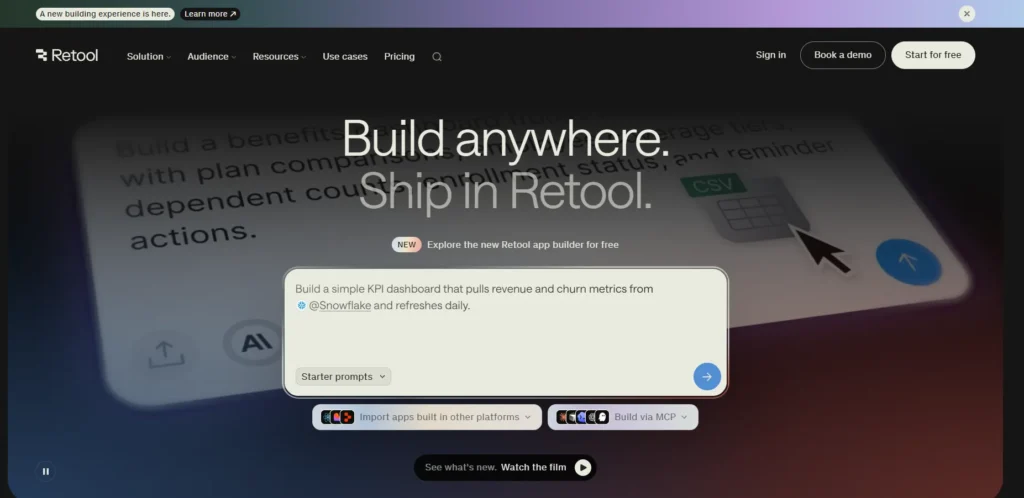
Retool allows engineering departments to build internal data tools, administrative panels, and operational dashboards up to ten times faster than writing custom frontend interfaces from scratch. The platform features a drag-and-drop user interface canvas containing over a hundred pre-built components like tables, forms, and charts, which developers can hook up to any database or API endpoint.
Instead of spending development weeks writing boilerplate React components and managing state loops, no-code automation platforms allow teams to build many internal workflows faster, while engineers write simple SQL queries or REST requests to connect data, using standard JavaScript to manipulate data transformations directly inside the components.
Key features:
- Drag-and-drop visual interface builder packed with enterprise-grade data components.
- Native database connectors for PostgreSQL, MySQL, MongoDB, alongside custom REST and GraphQL API layers.
- Custom JavaScript integration inside any component to handle complex data manipulation.
- Granular user permissioning schemas alongside comprehensive audit logs for data security.
- Git-based source control integration for tool versioning, staging, and production deployments.
Pros:
- Saves hundreds of development hours on internal operations and customer support portals.
- Connects securely to almost any database or API wrapper within minutes.
- Enterprise security compliance, including SOC 2 Type II readiness and robust access controls.
Cons:
- Subscription costs scale quickly as your internal non-technical team grows.
- Requires a foundational understanding of SQL and basic JavaScript to build useful tools.
- Restricted visual styling configurations can make consumer-facing layouts look overly rigid.
Pricing:
| Free | Team | Business | Enterprise |
| $0 | $10/mo | $50/mo | Available on request |
Best for: Startups needing to rapidly build internal admin panels, customer support dashboards, or operations tools without pulling engineers away from core product development.
4. Stripe — Best for Global Subscription Billing and Payment Infrastructure
Website: https://stripe.com
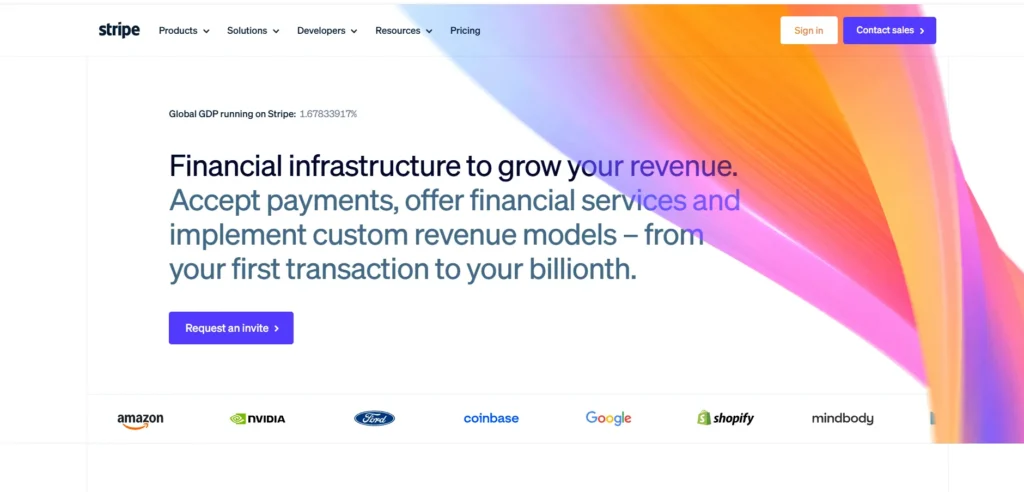
Stripe serves as the financial backbone for modern internet startups, providing highly reliable APIs and developer tools to accept payments, manage recurring subscription billing, and process global transactions. Instead of wrestling with complex banking regulations, merchant accounts, and security compliance frameworks, startups can implement Stripe’s pre-built checkout modules or custom components with a few lines of code.
The platform automatically handles currency conversion, local payment methods, and global tax compliance, making it simple for software companies to scale their distribution globally from day one while maintaining programmatic control over their financial architecture.
Key features:
- Stripe Checkout and Elements for optimized, secure, and customizable payment pages.
- Stripe Billing architecture to manage flexible subscription models, usage-based tiers, and coupons.
- Native support for credit cards, digital wallets, and localized regional payment networks.
- Automated global sales tax calculation, collection, and remittance via Stripe Tax.
- Stripe Radar engine leveraging machine learning to prevent transactional fraud and manage chargebacks.
Pros:
- Industry-standard API documentation paired with robust, well-maintained developer SDKs.
- Simplifies compliance by keeping cardholder data completely off startup servers.
- Scales effortlessly from a startup’s first dollar to billions in enterprise volume.
Cons:
- Flat-rate transaction pricing can become expensive for low-margin or high-volume businesses.
- Customer support responses can sometimes feel rigid or automated during critical payout disputes.
- Sudden account holds or fraud flags can temporarily freeze cash flow without immediate warning.
Pricing: Transparent pay-as-you-go model charging 2.9% plus $0.30 per successful credit card transaction. Additional features like Stripe Tax or custom billing logic incur separate, minor volume fees.
Best for: Early-stage startups launching software-as-a-service (SaaS), e-commerce platforms, or digital marketplaces requiring reliable global payment infrastructure.
5. Supabase — Best for Open-Source Backend-as-a-Service and Database Scaling
Website: https://supabase.com
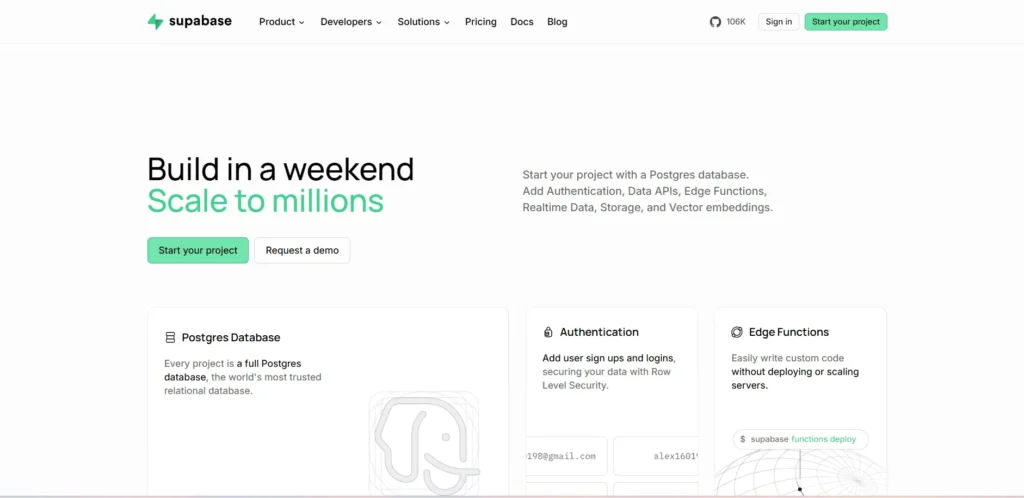
Supabase provides an open-source, developer-friendly alternative to Google Firebase, offering startups a complete backend infrastructure built on top of an enterprise-grade PostgreSQL database. As one of the most reliable Growth Navigate Startup Tools, it enables startups to deploy a fully managed backend in under a minute instead of building and hosting authorization services, database listeners, and storage buckets manually.
The platform provides real-time data sync capabilities, integrated JSON Web Token (JWT) authentication systems, file storage management, and serverless edge functions. Because it is built natively on PostgreSQL, startups retain full ownership of their SQL database schemas without worrying about proprietary vendor lock-in.
Key features:
- Fully managed, enterprise-ready PostgreSQL database with full SQL and extension support.
- Real-time database listeners that broadcast database table mutations instantly over WebSockets.
- Integrated user authentication structures supporting passwords, magic links, and OAuth social providers.
- S3-compatible object storage infrastructure for managing large user assets and media files.
- Global serverless Edge Functions to run backend TypeScript logic closer to your end users.
Pros:
- Eliminates backend boilerplate development without forcing restrictive NoSQL database structures.
- Open-source code prevents vendor lock-in, making migration to independent infrastructure straightforward.
- Handles instant Postgres scaling, automated database backups, and real-time synchronization out of the box.
Cons:
- Relational database schemas require explicit planning compared to schemaless NoSQL architectures.
- Serverless edge functions can occasionally experience cold start latency drops.
- Dashboard reporting features for long-term database performance monitoring are somewhat limited.
Pricing:
| Free | Pro | Team | Enterprise |
| $0 | $25/mo | $599/mo | Custom |
Best for: Technical product teams that want to bypass manual backend infrastructure setup while building their core platform on a relational PostgreSQL database.
6. Twilio Segment — Best for Centralized Customer Data Architecture and Routing

Website: https://www.twilio.com/en-us/segment
Twilio Segment operates as a robust Customer Data Platform (CDP) that solves the classic startup nightmare of integrating twenty different tracking code snippets into an application. By implementing Segment’s single API standard across web, mobile, and server environments, engineering teams can collect cleaner, first-party user interaction data just once.
Segment then unifies these disparate interactions into real-time user profiles and routes them downstream to analytics, marketing automation, or CRM platforms. This data orchestration prevents database messiness and keeps your customer metrics aligned across all business divisions without additional developer code changes.
Key features:
- Single unified API tracking protocol to eliminate multiple tracking SDK codebases.
- Real-time identity resolution engines that combine anonymous actions into single user profiles.
- Downstream data destination routing toggles for hundreds of distinct analytics tools.
- Built-in tracking plan governance libraries to validate schema consistency at ingest.
- Reverse ETL capabilities to activate structural database storage data out to SaaS tools.
Pros:
- Prevents engineering backlogs by allowing non-technical operators to connect new tools instantly.
- Standardizes data tracking logic across different platforms and programming languages.
- Significantly improves page load times by dropping separate third-party script tracking files.
Cons:
- Subscription billing can scale aggressively based on Monthly Tracked Users (MTUs).
- Debugging mismatched cross-domain identity mapping issues requires advanced troubleshooting.
- Free plan parameters drop off quickly once early applications cross initial traction lines.
Pricing: Available on request
Best for: High-growth tech companies with extensive data environments that need to sync customer interaction events across multiple tracking platforms simultaneously.
7. Vercel — Best for Front-End Web Application Deployment and Speed Optimization

Website: https://vercel.com
Vercel provides frontend and growth engineering teams with a high-performance cloud deployment platform optimized explicitly for Next.js, React, and modern static web applications. The platform connects directly to your GitHub repository, turning every git code push into an instantaneous preview deployment link for automated team inspection. Vercel eliminates cloud architecture management by serving your applications over a global Edge Network out of the box, ensuring millisecond load speeds worldwide. This infrastructure includes serverless backend compute functions, edge video or image transformations, and built-in site performance monitoring to boost user conversions.
Key features:
- Continuous git-backed deployment loops that auto-generate isolated staging preview links.
- Edge Network routing architecture that caches application assets globally at the source.
- Serverless fluid compute layers that execute code instantly near the request region.
- Native, automated image optimization frameworks to reduce asset page payload weights.
- Real-time Core Web Vitals speed monitoring directly from real user tracking sessions.
Pros:
- Completely removes the need for dedicated DevOps engineers during early-stage growth.
- Drastically improves search engine optimization (SEO) ranking through peak loading speeds.
- Excellent, near-zero configuration environments for Next.js and major frontend libraries.
Cons:
- High cloud bandwidth overage charges can cause unexpected server billing spikes.
- Serverless execution limits can conflict with apps running long backend data processes.
- Vendor configurations can tightly couple your software codebase to Vercel-specific architecture.
Pricing:
| Hobby | Pro | Enterprise |
| $0 | $20/mo | Custom |
Best for: Modern web product startups that want to deploy user-facing web applications globally without building custom cloud infrastructure.
8. Loops — Best for Modern SaaS Email Marketing and Automated Lifecycle Sequences
Website: https://loops.so
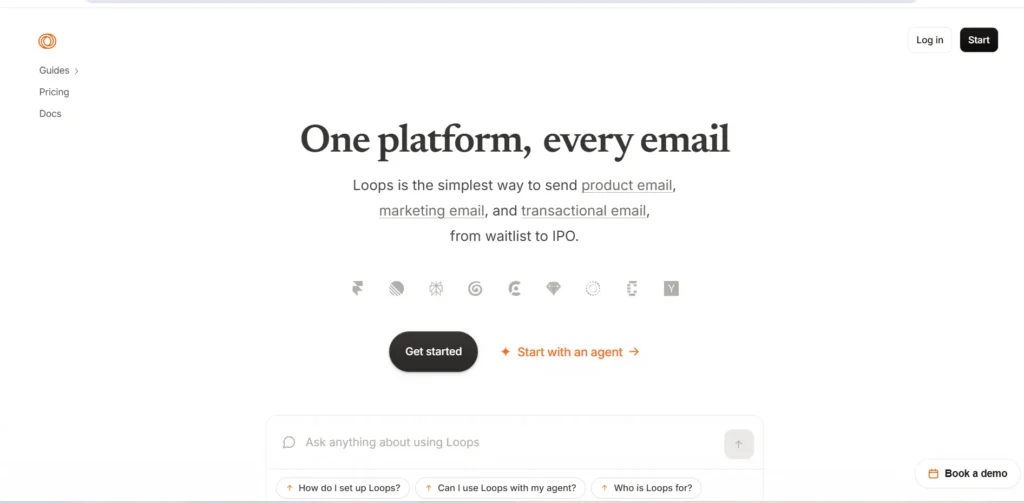
Loops is a streamlined, developer-friendly email marketing platform designed explicitly for modern software startups looking to replace bloated legacy tools like Mailchimp. As one of the practical Growth Navigate Startup Tools, the interface focuses heavily on product-led growth dynamics, allowing teams to trigger transactional and automated lifecycle campaigns based on real-time application behavior.
Loops splits contacts into simple properties and events, matching how developers build software databases. This clean data map allows growth teams to easily build activation flows, churn alerts, and payment sequences in an intuitive editor that doesn’t require complex developer API calls.
Key features:
- Behavior-driven event triggers that initiate onboarding or retention email sequences.
- Clean markdown-style visual email template designer to avoid bulky HTML structures.
- Dedicated backend transactional API layers for instantaneous app alerts and password resets.
- In-depth audience data filtering models built on live property parameters.
- Direct internal integration sync loops with Segment, PostHog, and Stripe platforms.
Pros:
- Extremely lightweight user interface designed for product teams, not enterprise agencies.
- API design maps perfectly into modern data schemas with straightforward payload arrays.
- Clean inbox deliverability performance due to dedicated, high-reputation server backends.
Cons:
- Lacks complex multi-branch conditional flow path logic found in enterprise legacy tools.
- Analytics dashboards focus on high-level trends rather than deep granular statistics.
- Limited custom design options for startups requiring highly complex visual marketing templates.
Pricing: Pay as you go
Best for: Software-as-a-service (SaaS) teams looking to build clean, behavior-triggered transactional and lifecycle email sequences with minimal setup.
9. RevenueCat — Best for Mobile App In-App Purchases and Subscription Infrastructure
Website: https://www.revenuecat.com
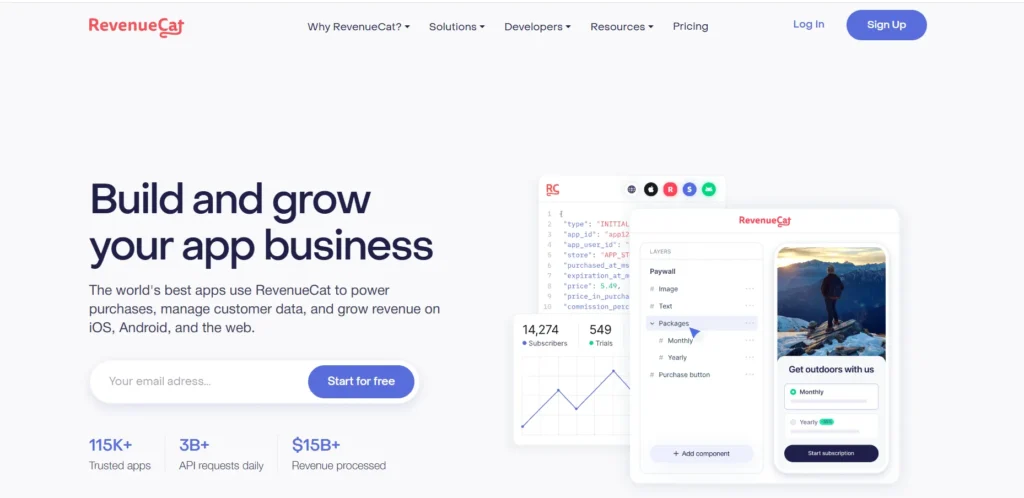
RevenueCat provides mobile development teams with a bulletproof subscription backend infrastructure that wraps Apple App Store and Google Play billing code into a unified SDK. Writing code to handle state mutations, server-side receipt validations, app store renewals, and edge-case subscription states is notoriously buggy and slow.
RevenueCat abstracts this complexity away entirely, allowing mobile applications to deploy cross-platform recurring subscriptions with a few lines of code. It acts as a single, normalized monetization dashboard, enabling growth teams to run cross-platform paywall A/B tests and instantly analyze mobile lifetime value metrics.
Key features:
- Lightweight, cross-platform SDK to process subscriptions across iOS, Android, and web engines.
- Real-time server-side receipt validation to eliminate transaction spoofing and fraud.
- Dynamic, remotely configurable no-code paywall creation and native A/B testing blocks.
- Normalized reporting dashboards tracking real-time MRR, LTV, and cohort subscription churn.
- Out-of-the-box integrations routing payment events into product analytics like Amplitude.
Pros:
- Saves months of core developer time spent wrestling with native app store backend schemas.
- Simplifies cross-platform subscriptions so users can access premium access on any operating device.
- Exceptional documentation structure featuring clear SDK implementation recipes across frameworks.
Cons:
- Flat fee pricing cut of 1% can look expensive at a significant corporate scale.
- Subscription reports are calculated before app store platform revenue splits are deducted.
- Deep integration adjustments require detailed tracking alignment during initial staging tests.
Pricing: Custom
Best for: Mobile-first product teams that need to deploy, manage, and analyze in-app subscription paywalls without building a custom billing backend.
10. Customer.io — Best for Automated Omnichannel Messaging and Lifecycle Campaigns

Website: https://customer.io
Customer.io is an advanced data-driven messaging engine built for growth teams who need to orchestrate complex communication funnels across email, SMS, push notifications, and in-app alerts. It also integrates seamlessly with AI tools for lead generation to help businesses capture, qualify, and engage potential customers more effectively.
Unlike standard marketing tools, Customer.io handles massive streams of real-time behavioral user data, letting you build hyper-specific logic loops. For example, a growth engineer can design a flow that sends a push notification if a user abandons a workflow, waits two days, checks if they logged in via desktop, and drops an email if they remain stuck. Its core strength lies in processing unstructured data payloads to personalize every automated outreach message.
Key features:
- Visual, multi-channel workflow canvas mapping email, SMS, push, and webhooks together.
- Real-time audience segmentation engines utilizing live data tracking parameters.
- Liquid template rendering engines allowing dynamic data loops directly within messages.
- Comprehensive transactional API layers that run parallel with marketing campaigns.
- Direct multi-variant message testing modules to maximize channel conversion trends.
Pros:
- Unmatched data flexibility when handling complex behavioral rule segmentation.
- Allows deep personalization by pulling in nested application data arrays.
- Built-in ad audience sync tools to optimize external acquisition channel performance.
Cons:
- High entry-level pricing points make it difficult for boot-strapped, pre-revenue teams.
- Interface configuration requires a solid understanding of relational data and logic trees.
- Template design management screens feel clinical compared to visually focused tools.
Pricing:
| Essential | Premium | Enterprise |
| Starts $100/mo | Starts at $1000/mo | Custom |
Best for: High-growth startups with complex data setups needing a powerful workflow engine to automate targeted, personalized messages across multiple platforms.
11. Amplitude — Best for Advanced Digital Product Analytics and Behavioral Cohorting
Website: https://amplitude.com
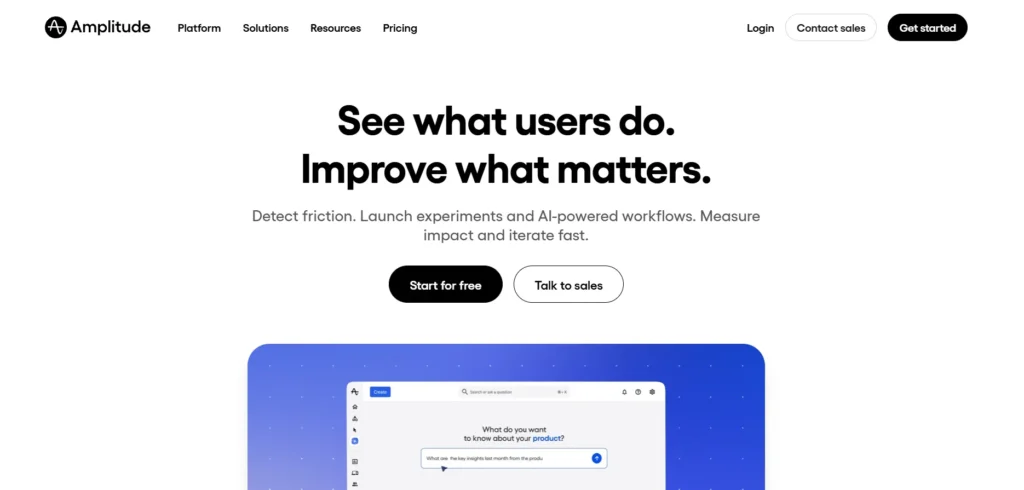
Amplitude provides growth-stage startups with a highly scalable user behavior analytics platform that unifies cross-platform data streams from web, mobile, and backend servers. As one of the advanced Growth Navigate Startup Tools, the engine focuses heavily on event-based data architectures, mapping complex user pathways to uncover precisely which user behaviors correlate with long-term retention and higher lifetime value.
Instead of relying on static charts or simple row filtering, growth teams can build multi-step conversion funnels, track custom user attributes, and group users into behavioral cohorts based on granular sequence patterns. This eliminates reliance on data science backlogs by allowing non-technical product managers to run complex user behavior queries independently.
Key features:
- Real-time event stream tracking across web, iOS, and Android applications via modern SDK wrappers.
- Advanced conversion funnel monitoring with instant breakdown analysis by user attributes.
- Behavioral cohorting engine to isolate and analyze specific user groups based on past in-app actions.
- Pathfinders and lifecycle analysis matrices that visually map out random user navigation paths.
- Predictive retention forecasting modules utilizing historical event metrics.
Pros:
- Industry-leading processing speeds when handling millions of complex behavioral data records.
- Exceptionally deep data segmentation mechanics that outperform standard marketing tracking platforms.
- Smooth data synchronization integrations with marketing automation tools like Customer.io and Braze.
Cons:
- Interface layout and custom query construction feel highly complex for complete beginners.
- Volume pricing tiers scale rapidly, making it potentially cost-prohibitive for pre-revenue teams.
- Requires a highly disciplined, precise database event-tracking plan during the initial technical setup.
Pricing: Free tier includes basic core analytics reporting up to 50,000 monthly tracked users. Paid tiers require a custom contract, scaling systematically based on overall data volume and advanced predictive features.
Best for: Data-driven product teams requiring deep, enterprise-grade behavioral tracking and conversion funnel analysis to optimize product-led growth loops.
12. Mixpanel — Best for Self-Serve Event Tracking and Product Conversion Funnels
Website: https://mixpanel.com
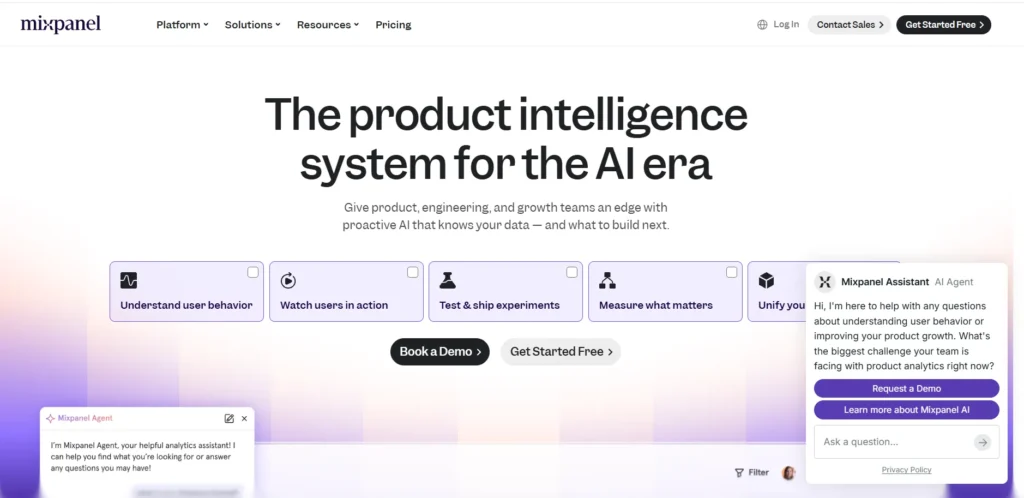
Mixpanel is a popular self-serve product analytics platform engineered to help early-stage teams measure user engagement, track growth metrics, and pinpoint product churn trends within seconds. The product bypasses the need for writing complex custom SQL data queries by presenting data through an intuitive, interactive visual interface built directly on top of raw event tracking streams.
Startups can quickly isolate specific user profiles, compare multi-variant onboarding conversion paths, and visualize drop-off points across clear, actionable dashboards. Teams can also use Google Analytics alongside Mixpanel to gain a broader understanding of website traffic and user acquisition. Because Mixpanel prioritizes real-time query performance, growth and marketing teams can instantly test product-market hypotheses and track feature adoption metrics without waiting for engineering assistance.
Key features:
- Real-time interactive funnel reports tracking conversions across multi-step user actions.
- Multi-dimensional data breakdown capabilities via custom user attributes and device parameters.
- Retention cohort matrices displaying precisely how often specific user groups return over time.
- Impact analysis reports tracking user performance before and after specific feature deployments.
- Native Data Warehouse Sync infrastructure to ingest metrics from Snowflake, BigQuery, or Redshift.
Pros:
- Visually clean, approachable workspace that allows non-technical operators to build dashboards.
- Extremely fast query execution speeds across highly customized data segmentation filters.
- Predictable, transparent volume-based tier structures that match early-stage startup budgets.
Cons:
- Does not offer native session replays, requiring external tool plug-ins for video visual context.
- Retrospective data adjustments can be challenging if tracking schemas change down the line.
- Data limits on the entry-level tiers can trigger sudden upgrade mandates during user growth spikes.
Pricing: Starter tier is free.Custom Pricing available on request
Best for: Lean startup teams seeking an accessible, fast product analytics dashboard to monitor conversion funnels and user retention without writing SQL code.
13. Notion — Best for All-in-One Startup Operations and Knowledge Management
Website: https://notion.so
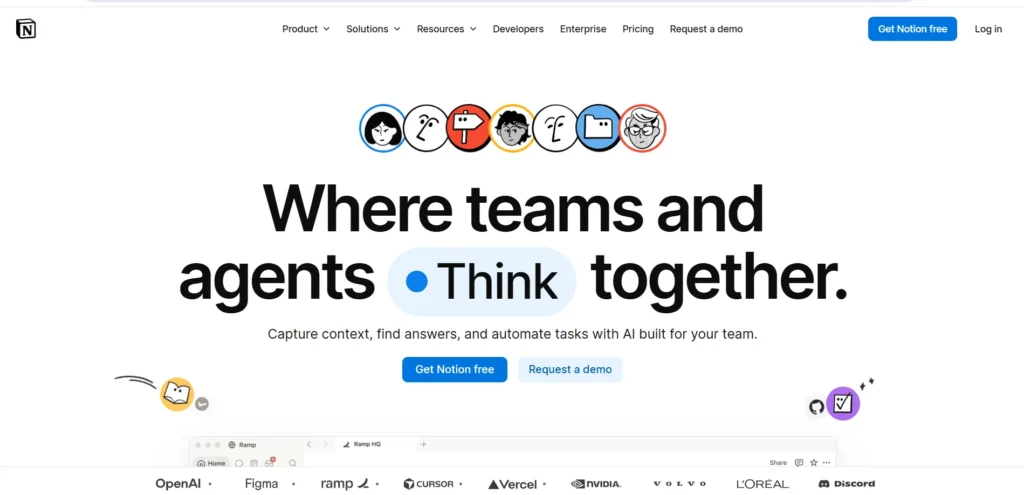
Notion serves as the internal administrative operating system for early-stage startups, uniting documentation, task tracking, roadmaps, and project management assets within one flexible workspace. Instead of spending capital on disjointed platforms like Confluence, Asana, and lightweight CRM apps, teams can use Notion to create a single, unified repository of corporate information.
The platform utilizes a relational database architecture, allowing teams to link task lists to product specifications, engineering sprints, and investor data rooms seamlessly. This centralized data model keeps remote teams perfectly aligned, preserves institutional memory during rapid scaling, and reduces daily workflow friction by keeping documentation adjacent to actual tasks.
Key features:
- Modular wiki system with dynamic drag-and-drop text editors and file attachment layers.
- Interlinked relational databases displaying customizable view layouts including boards, tables, and timelines.
- Native team collaboration infrastructure with inline content comments and real-time multiplayer editing.
- Extensible integration APIs connecting directly to tools like Slack, GitHub, Jira, and Figma.
- Integrated workspace analytics to monitor document views and update tracking across internal channels.
Pros:
- Consolidates multiple internal business software subscriptions into one affordable platform.
- Fully customizable layout structure allows teams to match the workspace to their precise workflow.
- Exceptionally easy to build secure, polished sharing spaces for external investors or partners.
Cons:
- Massive spatial flexibility can result in messy document structures without structural team rules.
- Heavy relational data setups can occasionally experience performance lag on complex pages.
- Native task notifications lack the deep configuration controls found in dedicated project apps.
Pricing:
| Free | Plus | Business | Enterprise |
| $0 | $10/mo | $20/mo | Custom |
Best for: Early-stage companies needing a highly flexible, unified hub to manage team documentation, sprint roadmaps, and company-wide knowledge sharing.
14. HubSpot for Startups — Best for Inbound Marketing and Customer Relationship Management

Website: https://www.hubspot.com/startups
HubSpot for Startups delivers a heavily discounted, enterprise-grade CRM ecosystem designed to centralize marketing automation, sales pipeline tracking, and customer support operations. As one of the most comprehensive Growth Navigate Startup Tools, the platform connects a startup’s customer acquisition pipeline to a unified contact database, giving teams a crystal-clear view of the complete customer lifecycle from the first landing page visit to the final sales close.
Instead of wrestling with separate lead generation forms, email platforms, and CRM software, growth teams can deploy automated email workflows, host landing pages, and track deals in one integrated dashboard. This central database prevents lead routing mix-ups, tracks accurate customer conversion history, and enables seamless alignment between marketing and sales efforts as the company scales.
Key features:
- Unified contact database mapping every user touchpoint across marketing and sales channels.
- Automated marketing workflow engines to run behavior-triggered lead nurturing paths.
- Visual sales pipeline board featuring drag-and-drop deal progression metrics.
- Built-in meeting scheduler links, conversational live chat modules, and landing page builders.
- Real-time attribution dashboards to track which marketing campaigns drive actual revenue.
Pros:
- Extremely generous startup program discount offering up to 90% off standard pricing tiers.
- Bridges the gap between marketing, sales, and support data without custom integrations.
- Comprehensive educational asset catalog via HubSpot Academy to train scaling marketing teams.
Cons:
- Non-discounted standard pricing levels are exceptionally high once the startup program phase ends.
- Deeply nested menu layers can feel overly bloated for companies with simple sales models.
- Advanced customization options often require moving to expensive enterprise subscription tiers.
Pricing: Custom
Best for: Venture-backed or seed-stage startups needing a comprehensive, highly integrated CRM platform to scale marketing automation and sales pipelines rapidly.
15. Ahrefs — Best for Organic Traffic Acquisition and Competitor Search Intelligence

Website: https://ahrefs.com
Ahrefs is a premier search engine optimization (SEO) and content intelligence platform that helps startups build sustainable, zero-CAC organic distribution channels. The software works by cataloging immense indexes of web link structures and keyword ranking records, giving teams deep insight into what their target market is searching for online.
Growth teams can use Ahrefs to run comprehensive keyword research, reverse-engineer their competitors’ top traffic sources, find valuable backlink opportunities, and monitor their own site’s keyword ranking changes over time. By replacing pure guesswork with concrete search data, startups can systematically plan a high-impact content strategy that brings in high-intent organic leads, bypassing the need for expensive pay-per-click ad platforms.
Key features:
- Site Explorer engine providing deep backlink profile audits and competitor organic traffic maps.
- Keywords Explorer module displaying search volume, difficulty ratings, and click metric estimations.
- Content Explorer index to surface high-performing articles and trending topics across specific industries.
- Rank Tracker dashboard to automatically monitor custom keyword ranking changes across global markets.
- Site Audit framework to crawl web applications for technical crawl bottlenecks and indexing issues.
Pros:
- Unmatched data precision across backlink networks and organic search engine positioning.
- Competitor intelligence tools make it easy to spot and replicate successful traffic strategies.
- Clean visual UI that breaks down complex search trends into clear, actionable metrics.
Cons:
- Entry-level pricing tiers are relatively expensive for completely bootstrapped teams.
- Interface does not support concurrent multi-user seat access on standard base accounts.
- Advanced features have a steep learning curve that requires a solid grasp of core SEO rules.
Best for: Growth marketers and content teams aiming to build a highly predictable, long-term organic user acquisition engine by analyzing competitor search traffic and keywords.
Pricing:
| Lite | Standard | Advanced |
| $1.36/mo | $2.62/mo | $4.73/mo |
Quick Comparison Of The Top Growth Navigate Startup Tools
To help you map your technical and operational requirements to the right platform, this comparison matrix outlines the core functional specialization, data infrastructure style, and standout primary capabilities of all fifteen growth tools. This allows you to evaluate the platforms based on software architecture alignment and feature utility rather than pricing points.
| Sr no | Tool Name | Core Specialization | Data & Infrastructure Model | Standout Growth Feature |
| 1 | PostHog | Product Analytics & Flags | Developer-first SDK (Open-Source / Cloud) | Event Autocapture paired with built-in Session Replays |
| 2 | Linear | Engineering Issue Tracking | Keyboard-first, Offline-local sync engine | Git-backed workflow automation (closes issues via PRs) |
| 3 | Retool | Internal Apps & Dashboards | Drag-and-drop React canvas with SQL/API hooks | Pre-built UI components with custom JavaScript injection |
| 4 | Stripe | Global Payment Infrastructure | Programmatic REST APIs & secure webhooks | Stripe Billing (Usage-based & flexible subscription tiers) |
| 5 | Supabase | Backend-as-a-Service | Open-source managed PostgreSQL relational database | Real-time database listeners broadcasting over WebSockets |
| 6 | Twilio Segment | Customer Data Architecture | Centralized CDP (Collect once, route downstream) | Identity Resolution engine matching anonymous to known profiles |
| 7 | Vercel | Frontend Cloud Deployment | Global Edge Network optimized for Next.js & React | Continuous Git deployments with auto-generated staging previews |
| 8 | Loops | Product-Led SaaS Email | Event/Property data mapping matching SaaS backends | Behavior-driven event triggers for lifecycle onboarding |
| 9 | RevenueCat | Mobile Subscription Backend | Cross-platform abstract wrapper SDK (App Store/Google Play) | Server-side receipt validation with remote no-code paywalls |
| 10 | Customer.io | Behavioral Omnichannel Messaging | Complex data-payload processing engine | Multi-channel visual workflow canvas with Liquid templating |
| 11 | Amplitude | Enterprise Behavioral Analytics | Massive event-stream multi-platform processing | Behavioral Cohorting to isolate conversion-correlated actions |
| 12 | Mixpanel | Self-Serve Conversion Funnels | Real-time interactive UI on top of live data streams | Interactive visual funnels with instant data-warehouse sync |
| 13 | Notion | Internal Operations Hub | Relational data blocks with interlinked databases | Relational document wikis tied directly to engineering tasks |
| 14 | HubSpot for Startups | CRM & Sales Pipelines | Unified, all-in-one centralized contact database | Cross-channel attribution tracking from lead capture to close |
| 15 | Ahrefs | Search & SEO Intelligence | Global backlink and keyword index databases | Competitor Site Explorer to reverse-engineer organic traffic growth |
How To Build Your Growth Navigate Startup Tools Stack?
Assembling a functional technology stack requires treating software integrations with the same architectural discipline used when writing core product code. Founders must focus on building a unified data loop where platforms communicate effortlessly via APIs, eliminating manual data entry and preventing information silos. The goal is to establish a modular infrastructure that allows individual components to be upgraded or swapped out without breaking downstream reporting or marketing flows.
- Establish a Single Source of Truth Early: Route all raw customer behavior events into a centralized customer data platform before sending that information to individual analytics and marketing tools.
- Prioritize Extensible API Infrastructure: Choose software platforms that provide comprehensive webhooks and REST APIs over rigid systems that offer only limited, closed setups.
- Keep the Engineering Footprint Light: Opt for tools that use lightweight software development kits (SDKs) to avoid bloated application files and maintain fast front-end loading speeds.
- Enforce Strict Data Schema Rules: Define clear naming standards for all tracked events and user properties right from the start to prevent your databases from becoming cluttered and confusing.
- Incorporate Security and Access Control Rules: Pick software vendors that offer granular permission settings and hold reliable compliance certifications like SOC 2 Type II to safeguard user data.
Choosing The Right Tools For Each Startup Stage
A startup’s operational needs evolve dramatically as it transitions from initial product conception to rapid commercial scale. Purchasing advanced, enterprise-grade software packages too early drains precious financial resources and creates unnecessary administrative overhead for lean teams. Matching your software stack to your specific phase of business maturity ensures you pay only for the exact operational support required to clear your immediate business hurdles.
- Minimum Viable Product (MVP) Stage: Focus strictly on raw velocity and backend simplification by using managed databases and lightweight issue trackers to launch your initial product quickly.
- Product-Market Fit (PMF) Discovery Stage: Prioritize open-source product analytics, session replays, and flexible feature flags to run rapid A/B tests based on how early users behave in your app.
- Initial Revenue and Monetization Stage: Implement bulletproof global billing infrastructure and server-side payment validation engines to handle recurring transactions without security or compliance bugs.
- Early Customer Retention Scale Stage: Transition to automated, behavior-driven email engines and multi-channel messaging platforms to set up automated onboarding and reduce churn.
- High-Growth Distribution Expansion Stage: Invest in advanced behavioral cohorting databases, comprehensive CRM systems, and deep organic search intelligence software to scale marketing spend efficiently.
Simple Framework By Startup Stage
Choosing software becomes much easier when you use a lean, stage-specific filter to block out market noise. Instead of buying every popular platform at once, teams should use a targeted framework that prescribes exactly which core operational layers to implement at each milestone. This structured approach helps startups keep their development speeds high and their software costs low by ensuring they activate tools only when their business model truly demands them.
- Pre-Seed / Build Phase: Focus exclusively on a lightweight frontend deployment layer, a fast issue tracker, and an open-source backend-as-a-service to ship an initial product into production with zero infrastructure friction.
- Seed / Validation Phase: Add a unified product operating system to track user drop-off via session recordings, alongside a flexible payment engine to process your first commercial transactions securely.
- Series A / Scale Phase: Deploy a centralized customer data platform (CDP), a behavior-driven multi-channel messaging engine, and an enterprise-grade behavioral analytics suite to optimize lifecycle retention and control marketing CAC.
What Most Startup Tool Guides Don’t Tell You?
Standard software roundups frequently gloss over the hidden engineering and financial realities of building a modern tech stack. Affiliated marketing guides often recommend flashy, overly complex enterprise suites without detailing the hundreds of developer hours required to configure, maintain, and secure them. Understanding these unvarnished infrastructure friction points ahead of time is what separates founders who scale cleanly from those who get bogged down by software complications.
- Free Tiers Can Create Sudden Integration Traps: Building your entire product around a generous free tier can lead to severe code refactoring headaches later if that vendor suddenly restricts its API access or features.
- The “Developer Maintenance Tax” Is Real: Every single software development kit (SDK) you inject into your codebase requires long-term engineering attention for routine dependency updates, version upgrades, and debugging.
- Unmanaged Event Data Pipelines Will Explode Costs: Platforms that charge based on event volume can hit you with massive, unexpected billing overages if your app accidentally sends redundant or loop-driven data tracks to their servers.
- Tool Overlap Is a Silent Runway Killer: Startups frequently waste thousands of dollars a month by paying for overlapping feature sets—such as running separate subscriptions for feature flagging, product analytics, and session replays simultaneously.
Conclusion
In conclusion, building a high-growth startup is not about buying every flashy software platform on the market; it is about choosing a small, integrated set of Growth Navigate Startup Tools that give your team maximum operational leverage. By matching your tech stack to your business maturity, you can avoid common infrastructure traps, keep your software costs low, and ensure your engineers spend their time building your core product rather than managing administrative pipelines.
As you move forward, look at your current software stack and identify the single biggest bottleneck slowing down your development or customer acquisition efforts today. Start by picking one or two foundational tools from this guide to automate manual work, eliminate data blind spots, and give your team the technical momentum needed to scale efficiently.