Data migration is an important step, whether a company is upgrading its system, transitioning web-based or consolidating databases. However, migrating data is not as easy as copy-paste, and it includes precision, security, authentication, and zero downtime. Data migration tools come in there.
These are the tools that automate the process, minimise the human error and support organisations in transferring data across platforms without issues.
With the appropriate tool, companies are able to ensure the integrity of data, enhance efficiency, and keep their systems going without failure. Here, we will discuss the significance, characteristics, and benefits of data migration tools usage in the business today.
What is Data Migration?
Data migration is the capability of transporting data through one system, type of storage or application to another one. It mainly takes place when upgrading systems, moving to the cloud, consolidating databases, or going digital. It includes the extraction of data, conversion or cleaning of data in case necessary, and the loading of the data into a new destination.
Effective data migration guarantees accuracy, security, and less downtime in order to continue doing business. It should be carefully planned and validated and have the right tools not to make any mistakes or lose any data.
Finally, data migration assists organisations to update their systems, enhance their performance, and keep up with the changing technology demands.
List of Top 10 Data Migration Tools
1. Fivetran
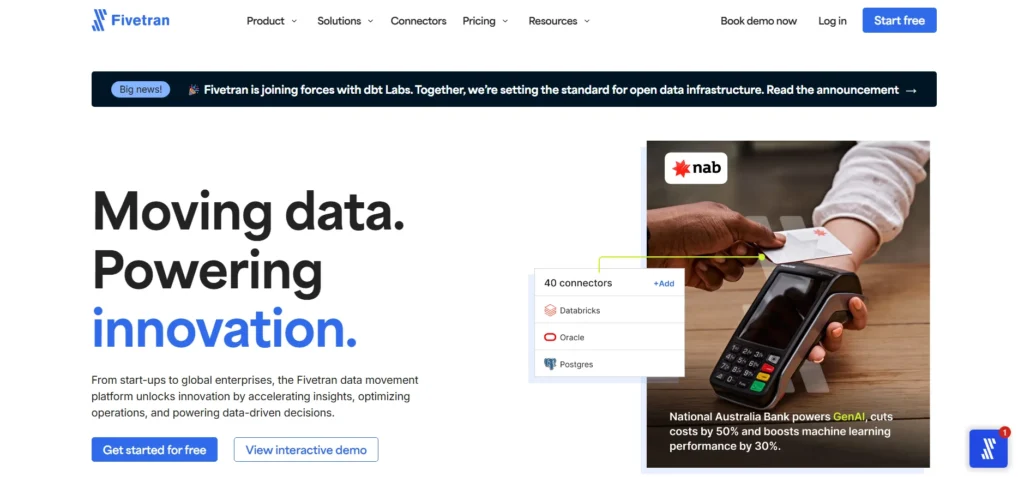
Fivetran is a cloud-based system that offers to streamline the process of the data transfer among various providers into a central data warehouse. It is concerned with uninterrupted integration and automation of extraction and loading of data. It also enables businesses to consolidate their data effectively.
The platform helps organisations to have a single picture of their data, which enhances the analytics and decision-making. Its automation will save on manual labour, and data in various systems can be synchronised fast and in a reliable way.
Price: Connect with the team
Key Features:
- Automated pipelines
- Incremental data syncs
- Schema drift handling
- Secure and compliant
2. Hevo Data
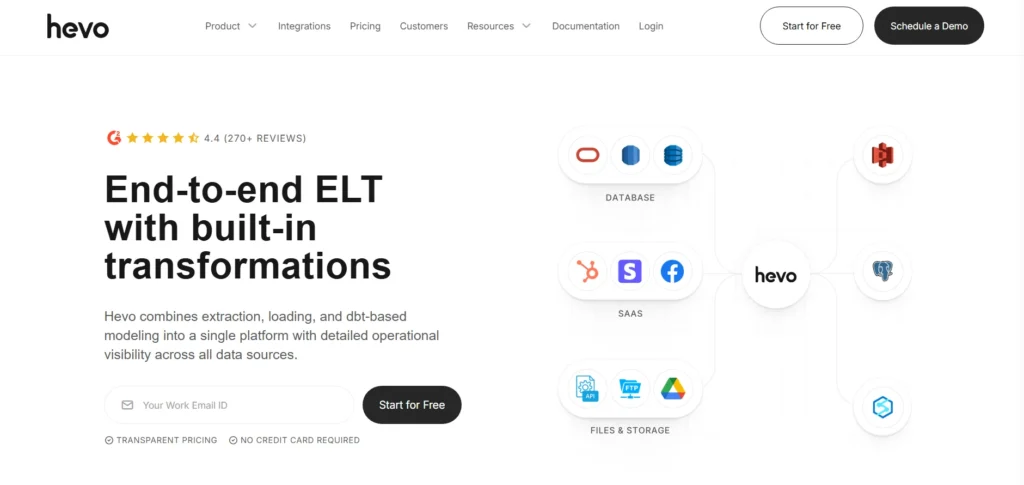
Hevo Data is a no-code, cloud-computed data pipeline solution, which allows companies to move data in real time across a variety of sources into a central repository. As one of the reliable data migration tools, it enables companies to centralise, change, and retrieve their data with ease, offering operational insights for teams.
The strategy has reduced downtime during migration, and consequently, Morgans can make informed decisions more rapidly because of the strategy employed by Hevo. It helps in analytics, reporting and integration with business tools without necessarily having complex technical knowledge by automating the movement of data.
Price:
- Free: $0 / Month
- Starter: $499 / Month
- Professional (Best Value): $1499 / Month
- Business Critical: Custom
Key Features:
- Plug-and-play connectors
- No-code pipelines
- Compliance with HIPAA, GDPR, SOC2
Suggested Read: AI Data Scraping Tools
3. Astera Centerprise
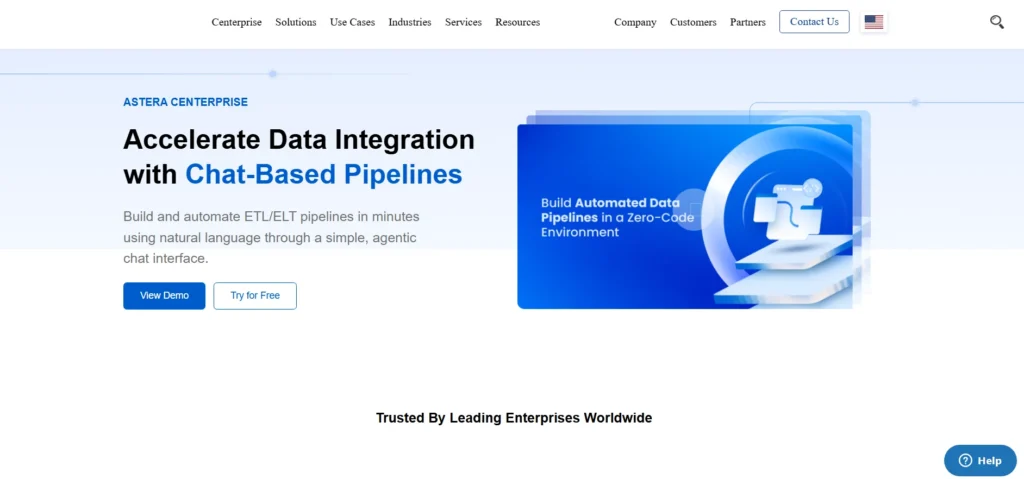
Astera Centerprise is a data management platform at the enterprise level aimed at data migration that is reliable and seamless. It helps businesses to move data and exchange data between systems, databases and cloud environments and ensure accuracy and integrity.
The platform pays off both on-premises and cloud implementation, which enables organisations to be flexible in various environments. Centralising and controlling complex data through Astera Centerprise assists businesses in streamlining the migration process, data consistency and eliminating risks related to the process of transferring large or sensitive data.
Price: Connect with the team
Key Features:
- AI-based workflow creation
- Connects to databases, warehouses, cloud
- Drag-and-drop interface
- Handles hierarchical data
- Data profiling and cleansing
4. Talend
Talend is an overall data management system that assists organisations in the process of migrating, integrating, and governing data in different systems. It works with on-premise and cloud, enabling companies to consolidate and store their information effectively.
Talend helps businesses in managing complex data processes and data quality and integrity. Its integrated solution can help organisations to modernise their data infrastructure, streamline the migration processes and build a solid analytics, reporting and decision-making foundation.
Price: Connect with the team
Key Features:
- Wide range of connectors
- Data quality management
- Governance tools
- App and API integration
5. SnapLogic
SnapLogic is an integration system that is developed to ease the data movement and connectivity within cloud-based and on-premises applications. It gives companies a simplified process by which they can transport, consolidate, and organise their data across various sources, making it a valuable part of modern data migration tools.
The platform is flexible and scalable, which enables organisations to match shifting data requirements without significant alterations in infrastructure. The method used by SnapLogic assists businesses in having constant and convenient data, which aids them in securing improved understanding, work performance, and general business knowledge endeavours.
Price: Connect with the team
Key Features:
- Pre-built connectors and templates
- Enterprise security
- Flexible deployment
- Advanced scheduling
6. AWS Database Migration Service (DMS)
AWS Database Migration Service (DMS) is a fully managed cloud service, which allows organisations to migrate the databases to AWS with little downtime. It is compatible with a great number of database engines and provides continuous replication in case of migration.
DMS aims at assisting businesses to move to the cloud in a fast and efficient manner without compromising data availability. Its cloud model enables organisations to minimize overheads in operation to centralise data infrastructure as well as to make sure that the workloads are consistent and available during the migration process.
Price: Connect with the team
Key Features:
- Automatic schema conversion
- Data transformation during migration
- Monitoring and reporting
7. Matillion
Matillion is a cloud-based data integration system that is created to support data mobilisation and transformation among any-sized business. It helps organisations in centralising information across various locations into cloud data systems so that analytics and reporting are reliably available.
Matillion has an ability to support multiple cloud infrastructures, which enables information to be migrated and synchronised easily. Its simplicity eases the complex data workflows and allows teams to handle and manage data effectively and make the overall operations more efficient and empowered data-driven decisions throughout the organisation.
Price: Connect with the team
Key Features:
- Pre-built connectors
- Batch loading
- Change Data Capture (CDC)
- Job automation
8. Integrate.io
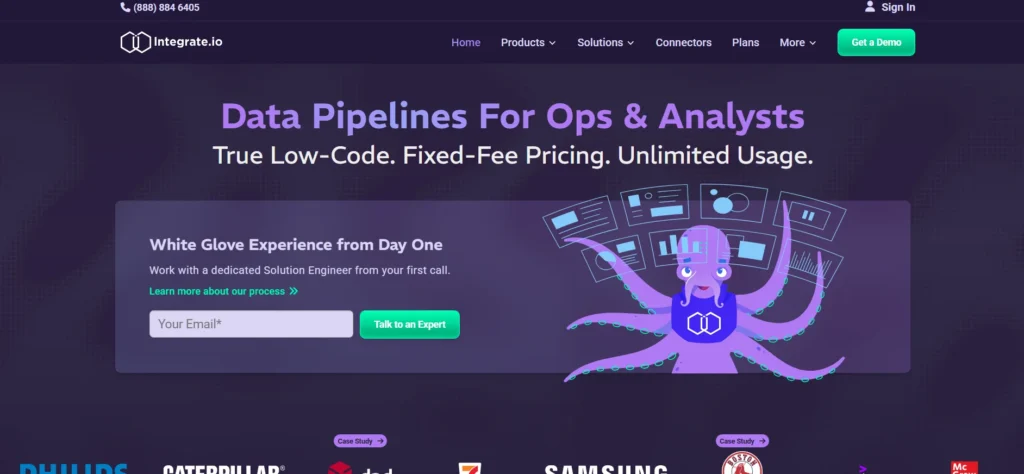
Integrate.io is a cloud platform for data integration that allows businesses to migrate, consolidate, and manipulate information from various sources into a single data warehouse. As one of the reliable data migration tools, it makes information available in real time and therefore assists organisations to make informed decisions in a timely manner.
The platform offered by Integrate.io complements the various processes and eases the process of managing the intricate data pipelines in such a way that the organisation will be able to transport data efficiently between systems.
It is also beneficial as it centralises the data and assists in building a consistent, accurate, and accessible dataset to be used for analytics and operative purposes.
Price: Starting $1,999/mo
Key Features:
- Visual workflow builder
- Pre-built connectors
- Data transformation
- Scheduling and automation
9. Google Cloud Database Migration Service (DMS)
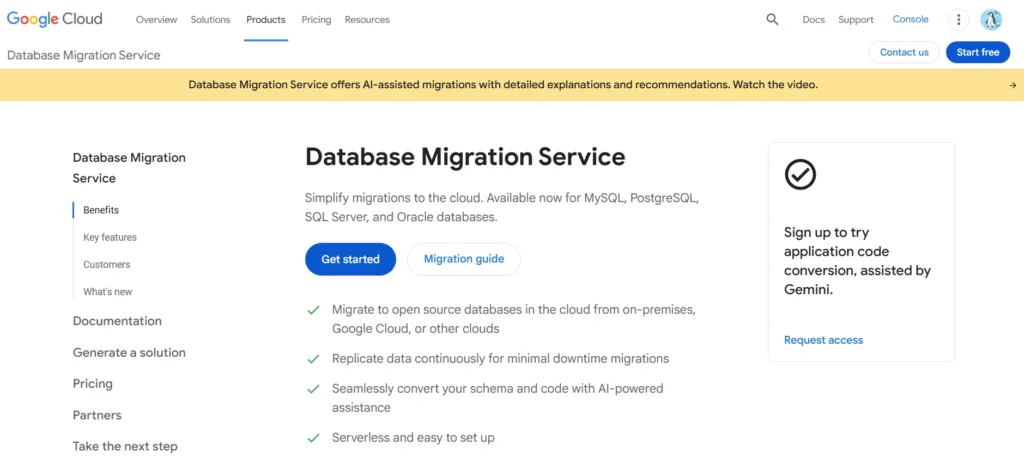
The Google Cloud Database Migration Service (DMS) makes it easy to migrate the databases to Google Cloud stores such as Cloud SQL or AlloyDB. It also facilitates a one-time migration and replication on a continuous basis so that business operations remain minimal.
Organisations are able to migrate workloads without any doubt and still preserve the data consistency and accessibility. Its cloud-native service enables businesses to upgrade their database infrastructure effectively and minimises operation complexity and consolidated data to conduct analytics, reporting, and other strategic projects.
Key Features:
- Reliable migrations between databases
- Minimal downtime
- Built-in security
10. IBM InfoSphere
IBM Information Server is a powerful platform of data management and functions as one of the advanced data migration tools, allowing companies to migrate, integrate, and manage data in diverse environments. It can be deployed on-premises and in the cloud, enabling organisations to process complex data processes effectively.
It helps in preserving the consistency and integrity of data and its accessibility throughout migrations to offer a stable base of analytics and reporting.
Through centralisation of data management, businesses will be able to simplify operations, minimize risks of migration and, at the same time, make the necessary information accessible to make strategic decisions.
Price: Connect with the team
Key Features:
- Data replication
- Handles large-scale data
- Data quality and profiling
- Continuous monitoring
How to Find the Best Data Migration Tool for Smooth and Secure Transfers?
1. Source & Destination Support
Select a tool that works with all your necessary databases, systems and cloud systems. Compatibility makes data transfer easy since there are no custom fixes, failures, or unnecessary delays during the migration.
2. Data Volume Handling
Determine the ability of the tool to handle your present and future data volumes. Scalable tools avoid slowdowns, crashes or even loss of data when processing large or fast-increasing datasets.
3. Real-Time vs Batch Migration
Choose whether your project needs to be synced in real time or be transferred in batches. Live systems require real-time migration, and a batch process is best applied to scheduled, controlled, and non-urgent data migration.
4. Transformation Capabilities (ETL/ELT)
Select a tool able to clean, reformat and transform data in the migration process. Inbuilt ETL/ELT features minimize human intervention and provide the new system with correct data in the right format.
5. Schema Handling
Use a tool that will automatically change its schema. This eliminates interruptions, errors, or loss of information when updating fields, structures, or relationships in the source system during migration.
6. Ease of Use / No-Code Features
Find user-friendly interfaces, drag-and-drop solutions, and non-code solutions. These make configuration easier, less reliant on engineers, and expedite migration, particularly when addressing teams of low technical capability.
7. Security & Compliance
Make sure that the tool has encryption and access controls and meets such standards as GDPR or HIPAA. High-level security safeguards confidential information during the migration process and avoids regulatory or privacy challenges.
8. Error Handling & Recovery
Select a utility that has logs, alerts, retry, and rollback capabilities. These features preserve data integrity, reduce downtimes, and make migrations proceed without issues even in the event of a problem.
Difficulties in Data Migration and the Ways out of It
The transfer of data between environments can hardly be simple. It deals with technical, strategic and operational complexities. Here are the general problems that businesses encounter in data migration – and how to address them in practice.
1. Lack of Expertise
Moving of data seems to be a straightforward operation but needs technical expertise and accuracy. In the absence of trained personnel, mistakes are common. A skilled professional with a positive reference guarantees proper mapping, less risk, and an easier migration process.
2. Lack of Planning
Delays, confusion and failure of migration are the results of poor planning. Projects lose track without any proper time schedules or budgetary allocation. Risk, roles, and a schedule roadmap make the migration organised and successful.
3. Lack of Data Governance
Inappropriate management of ownership and permissions brings in variances and errors in the course of migration. Having stringent data governance and documented roles and rules ensures data quality, accountability and control in the entire process.
4. Not Proven Migration Methodology
Migration using generic or untested migration systems is risky and less successful. Studying effective strategies with real-life testimonials makes sure that the methodology selected is effective, applicable and matches the needs of your project.
5. Supplier and Project Management Problems
The lack of coordination with the vendors increases confusion, delay, and communication gaps. By appointing a project manager, there will be regular control, efficient communication, clear reports, and a prompt migration process.
Ending Note
Data migration is no longer a technical requirement – it is a strategic decision that determines the business growth and transformation. Organisations can secure their information, enhance the workflow, and remain future-proof with the appropriate data migration tools.
Moving to the cloud or modernising outdated systems, selecting the appropriate tool may streamline the whole process, make it faster and more predictable.
These tools will even become stronger and indispensable, as technology keeps developing. Thus, invest well, plan, and use the appropriate data migration tool to help your business transform cleverly into the digital realm.
FAQs
What are the Difficulties Associated with Data Migration?
The typical pitfalls are lack of expertise, ineffective planning, undefined data governance, untested methods, and ineffective vendor coordination.
Is it Possible to Migrate Data with a Low Amount of Downtime?
Yes, with the right planning and the strong migration tools, businesses can be able to migrate data without disruption of operations.
Are Data Migration Tools Compatible with Clouds?
The majority of modern tools are compatible with the principal cloud systems, although it is crucial to ensure that they can interoperate with your systems prior to migration.
What is Real-time Versus Batch Migration?
Migration is provided in real time (constantly harmonising the data), and batch migration, which is a periodic transfer, is appropriate in the case of scheduled, not urgent updates.
What is the Security of Data Migration Facilities?
The best tools provide encryption, access control, and adherence to such standards as GDPR, HIPAA, and SOC2 to defend against sensitive data.