There is nothing more frustrating than settling into your couch, turning on your Android TV, and realizing the movie you want to watch is locked behind a geo-restriction or worse, watching your 4K stream stutter because your internet provider is throttling your bandwidth. Today, streaming is dominant, with platforms like Netflix crossing over 325 million paid subscribers globally. As our living rooms shift entirely to digital streaming, your smart TV is no longer just a display; it is a data hub that requires both optimization and protection.
A dedicated VPN for Android TV does more than just trick a streaming service into thinking you are in a different country. When properly configured, it wraps your television’s data in an encrypted tunnel, stopping ISPs from intentionally slowing down high-bandwidth video traffic. With streaming now accounting for nearly 46% of all television usage, running your TV without a specialized layer of security means you are leaving both streaming speeds and personal privacy on the table.
However, selecting the right service for a large screen requires looking past standard smartphone features. An excellent Android TV VPN must offer a native app perfectly optimized for an Android TV remote control, feature minimal speed degradation to support seamless Ultra HD playback, and maintain massive server networks that consistently bypass aggressive anti-VPN filters. In this guide, we break down the top 15 best VPNs for Android TV based on hands-on testing, raw speed metrics, and interface usability.
What Makes a VPN Good For Android TV
Not every VPN works well on a television screen. While a service might run perfectly on your smartphone, a smart TV requires specific features to handle high-demand 4K streaming and interface navigation without a touch screen.
- Native Android TV App: The service must offer a dedicated app available directly on the Google Play Store, designed specifically to be navigated easily using a standard TV remote control.
- High-Speed Protocol Support: Look for modern, lightweight protocols like WireGuard or Lightway that minimize speed drop-offs, ensuring smooth Ultra HD and 4K playback without constant buffering.
- Massive, Streaming-Optimized Server Network: A broad fleet of servers that are frequently updated helps bypass aggressive anti-VPN blocks used by major streaming platforms.
- Smart DNS (MediaStreamer) Feature: This allows you to unblock streaming services even on older TV models or connected devices that do not naturally support direct VPN configurations, making it equally useful for users looking for a vpn for Apple TV.
- Strict No-Logs Policy and Strong Encryption: High-grade security ensures your internet service provider cannot track your viewing habits or intentionally throttle your bandwidth when they detect high data usage, especially when combined with malware removal tools.
Do All VPNs Work On Android TV?
The short answer is no. While the Google Play Store on Android TV hosts hundreds of VPN applications, many standard VPN services are completely unusable on a television. A huge number of mobile-first VPNs lack a dedicated television interface, meaning their apps will appear distorted, sideways, or require a touch screen to click the “Connect” button—making them entirely non-functional with a standard TV remote control.
Furthermore, even if a VPN app successfully installs and launches, it might lack the underlying infrastructure required for a smart TV. Budget or low-tier VPNs often use outdated encryption protocols that drastically slow down your internet speed, leading to endless buffering during video playback. Additionally, many smaller providers do not update their server IP addresses frequently enough, meaning streaming platforms block them instantly, leaving you unable to access global content libraries.
List Of Best VPNs for Android TV
1. Surfshark – Best for Multiple TV Households
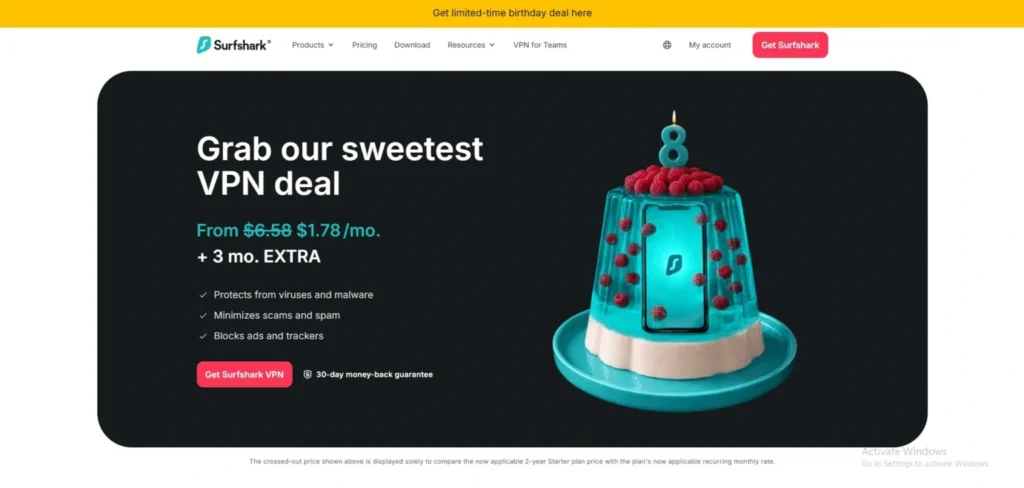
Website: https://surfshark.com
Surfshark is the ultimate value champion for busy households, offering completely unrestricted simultaneous device connections under a single user account. Its native Android TV application features a gorgeous, high-contrast user interface that scales beautifully on massive television screens.
Utilizing the highly efficient WireGuard protocol, Surfshark delivers blazing-fast speeds capable of handling heavy concurrent home data traffic without drops. It also includes integrated CleanWeb features that actively drop tracking mechanics and malicious elements at the network layer, ensuring a secure, clean, and buffer-free media browsing ecosystem throughout your entire home.
Speed and Performance
Upgraded 10Gbps physical network infrastructure guarantees stable connection channels and minimizes data packet loss across long distances.
Key Features
- Unrestricted concurrent hardware connections allowed per single premium subscription plan.
- Lightweight WireGuard protocol optimization customized cleanly for Android-based OS frameworks.
- CleanWeb security feature designed to block intrusive pop-ups, act as one of the best Ad Blockers, and prevent tracking scripts.
- Dense fleet consisting of over 3,200 server modules scattered across 100 countries.
Pros
- Unmatched price-to-performance ratio for families streaming on multiple displays at once.
- Convenient “Fastest Location” and “Nearest Country” quick-connect shortcuts on the main screen.
- Highly reliable at unlocking tough, region-locked global streaming media platforms.
Cons
- Long-distance international server links can occasionally experience minor speed fluctuations.
- The automated smart-sorting layout sometimes pushes highly congested servers to the top.
Pricing
| 1 Month | 1 Year | 2 Years |
| $15.45 / mo | $2.98 / mo | $1.78 / mo |
2. Private Internet Access (PIA) – Best for US Regional Content & Sports
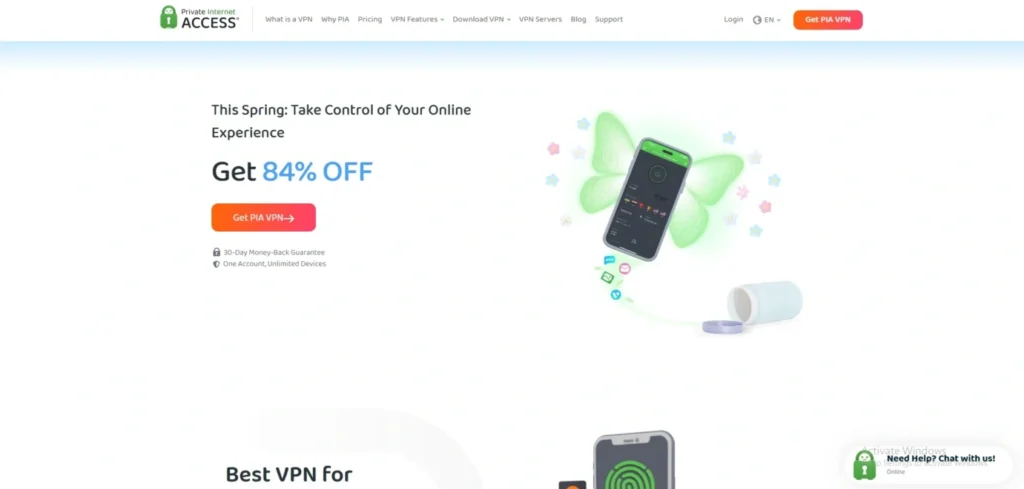
Website: https://privateinternetaccess.com
Private Internet Access (PIA) holds one of the largest, most densely populated server networks globally, making it a standout pick for VPN for android TV and unlocking highly regionalized content. Its native Android TV app offers an advanced level of user control, allowing users to adjust their encryption standards down from AES-256 to AES-128 if they want to prioritize pure streaming throughput. PIA is uniquely suited for sports fans seeking to bypass local broadcasting blackouts, as it hosts dedicated server clusters across all 50 individual US states, guaranteeing a smooth and unthrottled live-action feed.
Speed and Performance
Maintains robust, stable local connection baselines with highly dependable speeds optimized for heavy data-packet video transmission.
Key Features
- Densely deployed infrastructure providing dedicated server environments across every US state.
- Adjustable application-layer encryption packages to fine-tune bandwidth settings.
- Unlimited concurrent hardware connection limits under a single user dashboard.
- Proven zero-logs infrastructure repeatedly validated in real-world legal proceedings.
Pros
- Absolute best option on the market for unlocking regional US sports channels.
- Highly custom settings panel that tech-savvy cord-cutters will deeply appreciate.
- Very economical long-term tiers to secure your entire household tech stack.
Cons
- The text-heavy settings layout can occasionally feel slightly overwhelming for casual users.
- Connecting to highly distant Asian or African server hubs can lead to inconsistent ping responses.
Pricing
| 1 Month | 1 Year | 3 Years |
| $9.51 / mo | $2.65 / mo | $1.05 / mo |
3. NordVPN – Best for All-Around Streaming & Speed
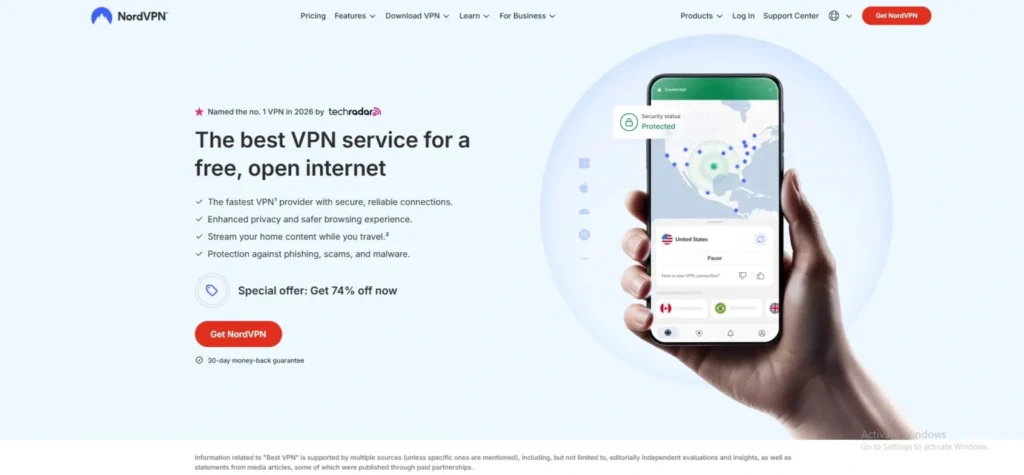
Website: https://nordvpn.com
NordVPN offers an outstanding, highly stable application for Android TV platforms that eliminates complex side-loading workarounds. Its custom-engineered NordLynx protocol ensures almost zero speed degradation, making it an excellent option for rendering resource-heavy 4K streaming libraries without a stutter.
The native interface scales cleanly onto widescreen displays, allowing users to swap virtual server locations smoothly using only a standard D-pad television remote control. Backed by an audited strict no-logs policy, it consistently bypasses aggressive digital anti-VPN blocks deployed by major global networks while keeping your living room habits completely hidden from your ISP.
Speed and Performance
NordVPN retains up to 94% of baseline connection speeds on nearby nodes, translating to instant video loading and zero mid-stream quality drops.
Key Features
- Dedicated Android TV application downloadable directly from the official Google Play Store, with dedicated apps also available for users looking for a vpn for chromebook.
- Proprietary NordLynx protocol framework built to prioritize lightweight data throughput.
- Integrated SmartPlay technology that automatically configures DNS layers to evade proxy filters.
- Over 6,000 RAM-only servers across 110+ countries refreshed constantly with new IP addresses.
Pros
- Rapid setup configuration using an on-screen smartphone QR code sign-in pattern.
- Flawless tracking and anti-throttling mechanisms that stop ISPs from capping video traffic.
- Exceptional multi-library matching for global platforms like Netflix, Hulu, and live sports.
Cons
- The side-scrolling country selector layout can feel slightly tedious with a standard remote control.
- Does not offer dedicated, explicitly labeled streaming-specific nodes on the TV view.
Pricing
| 1 Month | 1 Year | 2 Years |
| $12.99 / mo | $4.99 / mo | $3.09 / mo |
4. Proton VPN – Best for Audited Privacy & Open Source Code
Website: https://protonvpn.com
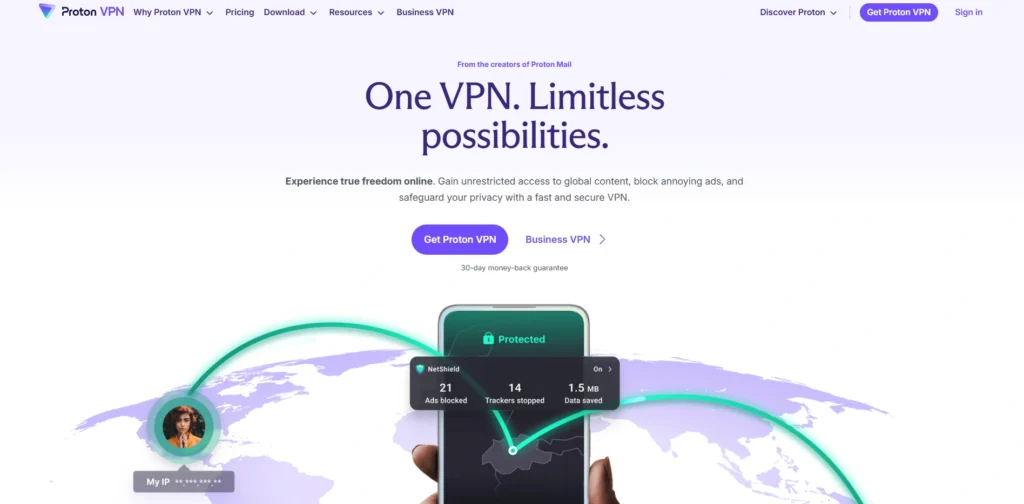
Proton VPN brings elite Swiss privacy architecture directly to your smart TV layout with an entirely open-source, independently audited Android TV client, making it a reliable VPN for android TV. What truly sets this provider apart is its intentional deployment of dedicated, clearly labeled streaming-optimized nodes designed specifically to accommodate high-bandwidth video streams.
The TV application features an incredibly practical “Favorites” pinning system, allowing users to save the exact regional nodes that work best with their preferred platforms. Powered by WireGuard, it ensures that your strict privacy settings never result in pixelated, low-resolution streams.
Speed and Performance
Its unique “VPN Accelerator” feature leverages advanced multi-core processing tweaks to increase long-distance connection speeds by up to 400%.
Key Features
- Fully open-source codebase allowing public tracking and transparent infrastructure monitoring.
- Secure Core server options that route traffic through multi-hop privacy jurisdictions.
- Custom tvOS and Android TV layouts featuring easy D-pad navigation and pinning tools.
- Swiss-based legal framework completely isolated from major global mass surveillance alliances.
Pros
- Zero-logs operational standard backed by a flawless history of external security audits.
- Explicitly labeled streaming nodes remove all trial-and-error out of geo-unblocking.
- Highly consistent download rates across prominent North American and European nodes.
Cons
- Access to the premium, streaming-optimized server fleets requires upgrading to a paid Plus plan.
- Global server distribution count is slightly smaller than some massive corporate competitors.
Pricing
| 1 Month | 1 Year | 2 Years |
| $9.99 / mo | $6.99 / mo | $4.99 / mo |
5. ExpressVPN – Best for Premium Remote Navigation
Website: https://expressvpn.com
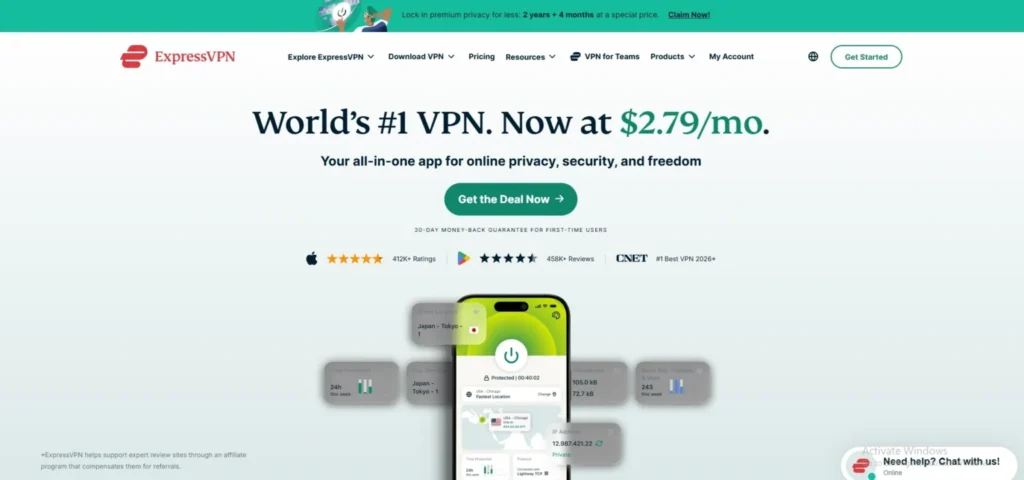
ExpressVPN provides an incredibly polished big-screen experience powered by its proprietary Lightway protocol, built from the ground up for low system resource consumption. The Android TV application features a minimalist, one-click layout that connects to the fastest optimal nodes within seconds.
ExpressVPN is an industry standout for bypassing highly restrictive digital geofences on the first attempt without forcing users into endless troubleshooting. While it carries a premium price point, the provider ensures completely unthrottled streaming speeds, robust post-quantum encryption paths, and an independently audited infrastructure that guarantees your smart TV’s data ecosystem remains completely secure.
Speed and Performance
The Lightway protocol delivers lightning-fast connection handshakes and maintains steady, unthrottled download boundaries perfect for 4K Dolby Vision.
Key Features
- Native Android TV APK optimized meticulously for 10-foot user interfaces and remotes.
- Proprietary Lightway protocol for instant connection resumption and minimal battery drain.
- TrustedServer technology running entirely on volatile RAM configurations to wipe log data.
- Massive coverage index spanning 105 distinct countries with highly responsive server clusters.
Pros
- The cleanest, most straightforward interface available on the Google Play Store.
- Incredible consistency at unblocking localized streaming services and international catalogs.
- Includes MediaStreamer Smart DNS to cover older television hardware lacking app access.
Cons
- Long-term subscription configurations demand a higher financial commitment than value brands.
- The simplified TV interface excludes advanced real-time ping and latency metrics.
Pricing
| 1 Month | 1 Year | 2 Years |
| $12.99 / mo | $3.99 / mo | $2.49 / mo |
6. CyberGhost – Best for Beginners & Specialized Streaming Hubs
Website: https://cyberghostvpn.com
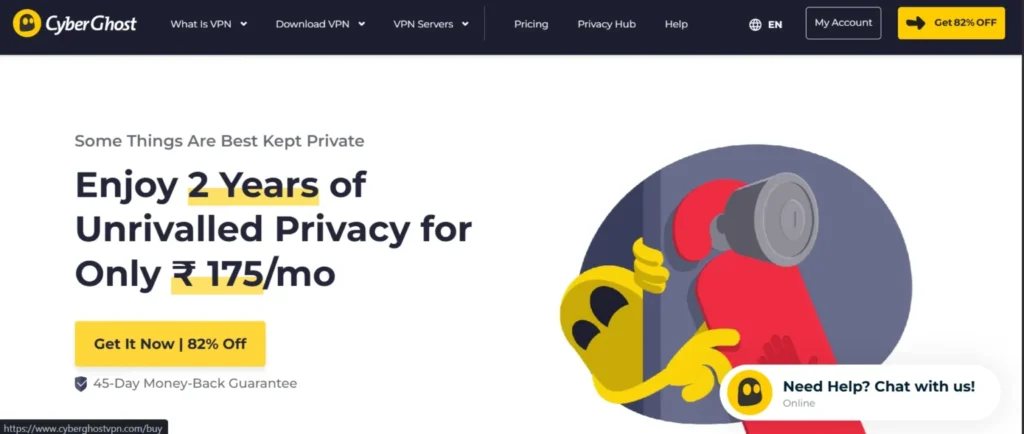
CyberGhost brings a highly intuitive, plug-and-play architecture directly onto the big screen. The native Android TV application features a visually distinct sidebar sorting mechanism that groups servers specifically by the streaming networks they are optimized to unblock.
Powered by the efficient WireGuard protocol, CyberGhost strips all technical guesswork away from expanding your entertainment catalog, delivering stable, unthrottled bandwidth that effectively bypasses proxy filters. Combined with a massive infrastructure footprint of over 11,000 nodes worldwide, it remains an excellent choice for casual users who want an instant connection without configuring complex software parameters.
Speed and Performance
Maintains highly consistent download rates with minimal packet loss, easily securing the 25 Mbps baseline required for uninterrupted Ultra HD viewing.
Key Features
- Custom-labeled streaming profiles tailored for specific platforms directly on the TV screen.
- Strict Romanian jurisdictional tracking protections completely independent of intrusive intelligence alliances.
- Volatile RAM-only server hardware infrastructure that completely wipes all data records upon reboot.
- Built-in automated DNS leak prevention layers optimized for large-display operating systems.
Pros
- Offers a highly generous 45-day money-back guarantee window on long-term plans.
- Exceptionally easy grid navigation optimized perfectly for standard D-pad television remotes.
- The streaming-specific IP pools eliminate the typical trial-and-error of finding working nodes.
Cons
- Connecting to highly congested, popular locations can occasionally result in slightly longer initial handshake times.
- Granular advanced security settings are heavily simplified inside the specialized television application interface.
Pricing
| 1 Month | 6 Months | 2 Years |
| $12.99 / mo | $6.99 / mo | $2.03 / mo |
7. IPVanish – Best for Smooth Live Sports & High Frame Rates
Website: https://ipvanish.com
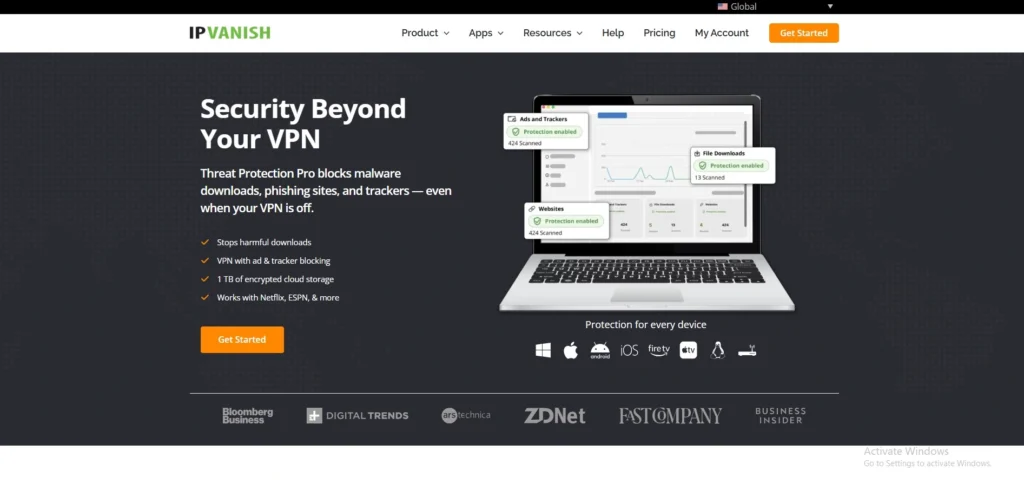
IPVanish is a premier choice for cord-cutters looking to secure live events, high-action hockey matches, or football broadcasts without abrupt framerate drops. By directly owning and managing a substantial portion of its physical server fleet rather than renting virtual space, the provider retains immense control over performance optimization, making it an excellent VPN for android TV.
The Android TV app is built cleanly around wide-screen layout parameters, delivering real-time connection stats and immediate masking. Using optimized WireGuard deployments, it ensures that your base connection stays consistently robust enough to outpace dynamic ISP throttling attempts during peak evening broadcasting windows.
Speed and Performance
Delivers incredibly swift connection startup speeds and exceptional throughput stability on local domestic regional infrastructure networks, making it a dependable gaming vpn for low-latency connections.
Key Features
- Complete top-to-bottom infrastructure ownership across a significant chunk of its physical server network.
- Unlimited simultaneous hardware connections permitted across your entire home equipment stack.
- Streamlined Android TV user interface scaled explicitly for 10-foot media center viewports.
- Verified zero-logs operational standard backed by a transparent external corporate audit record.
Pros
- Flawless performance consistency when streaming high-fps live sports channels.
- Provides completely unmetered concurrent connection capabilities for multiple televisions at once.
- Instantaneous server switching with no lingering app hang time between location adjustments.
Cons
- Bypassing highly aggressive anti-proxy blocks on smaller international platforms can require manual server testing.
- The interface layout lacks an interactive map visualization feature for casual location picking.
Pricing
| 1 Month | 1 Year | 2 Years |
| $12.99 / mo | $3.33 / mo | $2.19 / mo |
8. PureVPN – Best for Long-Term Value & Transparent Privacy
Website: https://purevpn.com
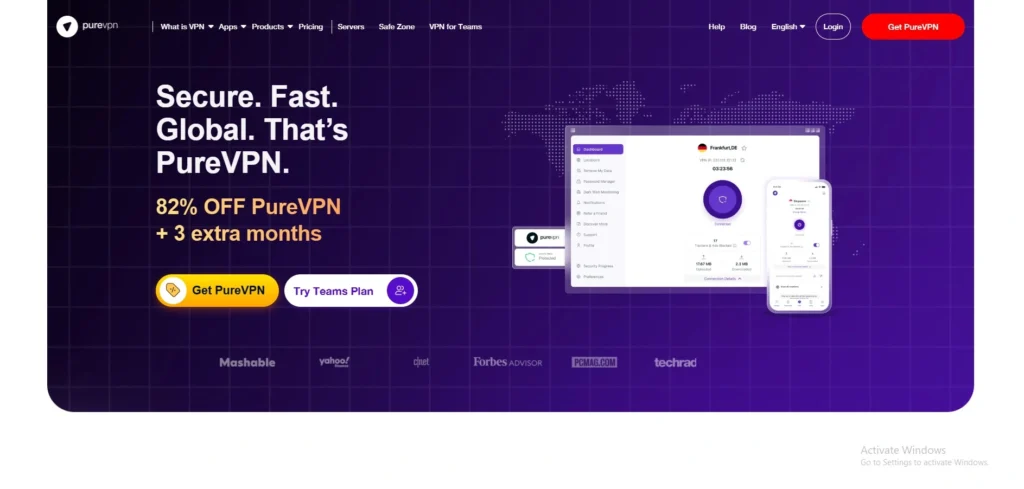
PureVPN stands out as a pioneering option in data transparency, operating under a unique “always-on” audit framework that allows security firms to test its network integrity without notice. Its official Android TV software deploys WireGuard perfectly tailored for television processors, keeping system resource utilization at an absolute minimum.
With an expansive server distribution map reaching dozens of distinct countries, it provides a stable and secure home base for travelers who want to retain access to their home-market regional media subscriptions while moving abroad.
Speed and Performance
WireGuard code paths are highly optimized, comfortably eliminating artificial network bottlenecks that cause frustrating mid-movie quality drops.
Key Features
- Unique “always-on” independent audit standard ensuring absolute adherence to no-logs claims.
- Native Google Play Store application built completely around rapid smartphone QR code logins.
- Up to 10 concurrent hardware connections supported comfortably under a single premium package.
- Built-in malicious site filtering operating silently at the server-side architecture layer.
Pros
- Highly affordable entry options for smart TV owners seeking long-term coverage.
- Extremely lightweight client design that never slows down older smart TV hardware.
- Highly transparent corporate structure based out of the privacy-conscious British Virgin Islands.
Cons
- Resolving highly specific advanced network issues can sometimes require navigating slower support loops.
- A handful of premium secondary add-ons require additional fees outside the foundational plan.
Pricing
| 1 Month | 1 Year | 2 Years |
| $12.95 / mo | $2.55 / mo | $2.15 / mo |
9. PrivateVPN – Best for Reliable Anti-Censorship & Strict Unblocking
Website: https://privatevpn.com
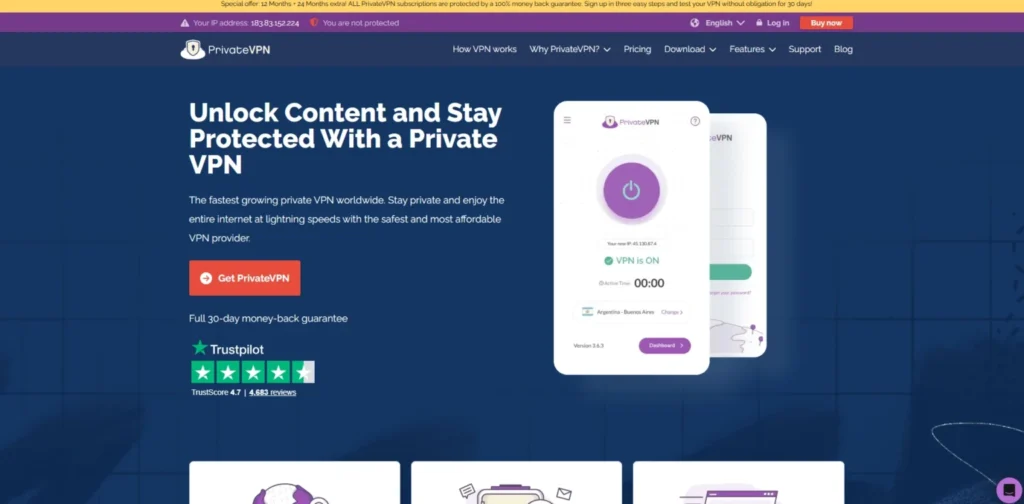
PrivateVPN punches way above its weight class by heavily prioritizing high-yield server nodes over massive marketing fluff or inflated, empty fleet counts. Meticulously configuring every single node in its ecosystem, the provider ensures its IP pools bypass the toughest anti-VPN proxy blocks used by prominent international networks.
The native Android TV application makes it a practical VPN for android TV, skipping confusing visual elements or bloated tools and giving users a direct, clean gateway to shift their virtual locations. Working under strict Swedish data protection frameworks, it provides an outstanding budget solution to unlock global content catalogs flawlessly.
Speed and Performance
Maintains solid, consistent data throughput with highly balanced download metrics that protect against heavy video compression.
Key Features
- Meticulously optimized server engineering designed to bypass difficult streaming platform firewalls.
- Minimalist, low-overhead native client completely stripped of problematic system background scripts.
- High-grade military encryption standards implemented directly at the application layer.
- Free remote installation help available if you need assistance configuring complex home layouts.
Pros
- Outstanding unblocking success rates on difficult global platforms like BBC iPlayer.
- Tiny application footprint that preserves your television setup’s core memory bank.
- Highly competitive pricing tiers for users who want clean function over complex extras.
Cons
- The overall server distribution index is noticeably smaller than giant corporate competitors.
- Lacks built-in ad or tracker-blocking toggles directly inside the primary television interface.
Pricing
| 1 Month | 3 Months | 36 Months |
| $9.90 / mo | $6.00 / mo | $2.00 / mo |
10. Windscribe – Best for Integrated Tracker & Ad Filtering

Website: https://windscribe.com
Windscribe provides a highly innovative, open-source approach to smart TV network customization via its native application available on the Google Play Store. The definitive standout feature is its powerful server-side customizable firewall system, nicknamed R.O.B.E.R.T.
This specialized mechanism intercepts and drops unwanted tracking scripts, intrusive analytical calls, and streaming ads at the network layer before they ever reach your television screen. Running seamlessly over WireGuard, it offers unlimited concurrent connections, making it an exceptional utility to protect and refine your home theater ecosystem.
Speed and Performance
Delivers highly competitive, unthrottled transmission rates across local and mid-distance geographical regions.
Key Features
- R.O.B.E.R.T. server-side filtering suite constructed to eliminate background data tracking.
- Completely unlimited concurrent device connection thresholds supported per user account.
- Open-source application codebases ensure clear public review and transparent operation.
- Flexible configurations with comprehensive custom layout features built into the TV client, plus an easy-to-use vpn for firefox extension.
Pros
- Significantly reduces background smart TV telemetry tracking and intrusive analytical pings.
- Uncapped simultaneous connections cover all media streaming hardware in large households.
- Deeply customizable network routing parameters for tech-savvy home developers.
Cons
- The vast array of complex technical toggles can occasionally feel cluttered on a large screen.
- Customer care options rely heavily on an automated self-help AI bot before reaching humans.
Pricing
| 1 Month | 1 Year |
| $9.00 / mo | $5.75 / mo |
11. VyprVPN – Best for Eliminating ISP Throttling
Website: https://vyprvpn.com
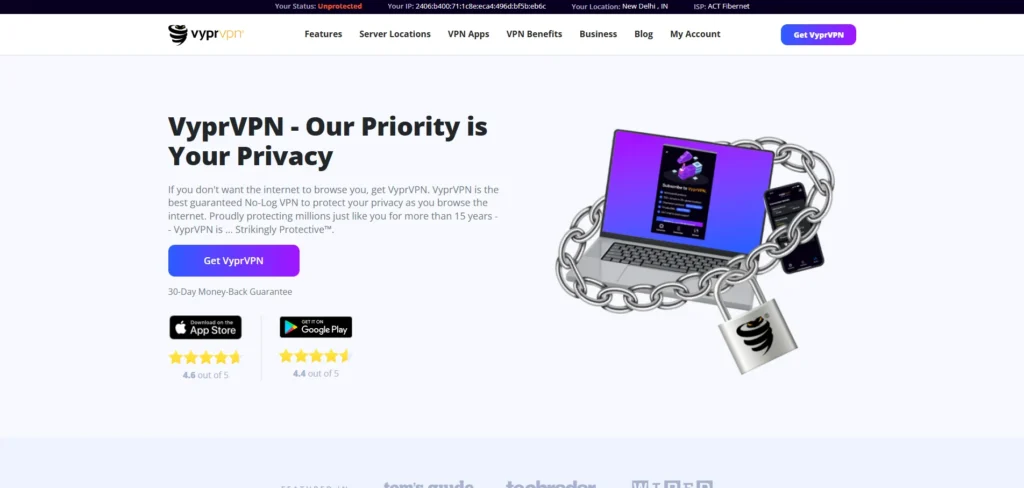
VyprVPN is a highly sophisticated option built explicitly to defeat aggressive network censorship and strict VPN blocking filters on smart TVs. The provider completely owns and operates its entire global server infrastructure down to the hardware level, entirely removing third-party data handlers from the equation.
Its native Android TV application operates seamlessly, making it a dependable VPN for android TV, offering rapid connection switches and robust stability across long distances. By avoiding rented server clusters, VyprVPN ensures that its bandwidth remains entirely unthrottled, making it an incredibly reliable option for streaming live television and high-definition media packages without facing sudden network disconnects.
Speed and Performance
Proprietary hardware engineering yields exceptional uptime and prevents the dramatic evening speed drops common among rented virtual servers.
Key Features
- 100% self-owned server infrastructure removing external third-party entities from data paths.
- Chameleon protocol framework designed specifically to mask VPN traffic as regular web data.
- Fully optimized native Android TV application scaled for large-screen viewports and D-pads.
- Swiss-based jurisdiction guaranteeing a thoroughly audited, zero-logs privacy architecture.
Pros
- Elite structural security due to complete, top-to-bottom network hardware ownership.
- Highly stable streaming throughput with zero artificial speed limits applied during peak hours.
- Incredibly responsive customer service available directly through the web dashboard.
Cons
- The global country distribution list is somewhat smaller than major value competitors.
- Long-term subscription tiers require a higher financial commitment upfront.
Pricing
| 1 Month | 1 Year | 2 Years |
| $10.00 / mo | $5.00 / mo | $3.00 / mo |
12. Hide.me – Best for Independent Privacy Jurisdictions
Website: https://hide.me
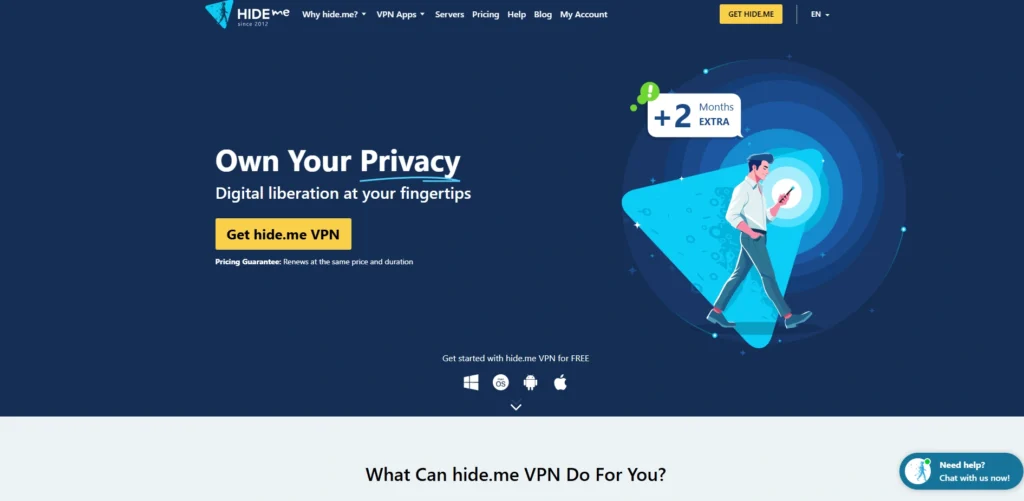
Hide.me brings an exceptionally well-engineered, independent routing framework to the living room with a dedicated Android TV client application. Operating under a strict Malaysian jurisdiction outside standard global mass surveillance alliances, it ensures that your home theater traffic remains completely private.
The provider supports multiple core protocols directly inside its architecture, though its WireGuard implementation is specifically optimized to maximize raw hardware throughput for smooth, uninterrupted 4K streaming. It also includes dense streaming-optimized server profiles to guarantee hassle-free matching with prominent global entertainment networks.
Speed and Performance
Maintains outstanding processing speeds that comfortably prevent video compression drop-offs and low-resolution playback loops.
Key Features
- High-performance WireGuard implementation specifically optimized for modern smart TVs.
- Complete freedom from regional data tracking under an independent Malaysian jurisdiction.
- Dense allocation of streaming-specific proxy servers across key international nodes.
- Support for ten concurrent equipment connections under a standard premium tier.
Pros
- Genuinely independent operational base outside traditional Western data sharing agreements.
- Exceptional customer support available through live technical staff round-the-clock.
- Highly reliable at maintaining long-distance connections without dropping the line mid-stream.
Cons
- The global country index is somewhat smaller than standard market leaders.
- The automatic quick-connect feature can occasionally pick higher latency nodes by default.
Pricing
| 1 Month | 12 Months | 27 Months |
| $11.99 / mo | $4.58 / mo | $2.59 / mo |
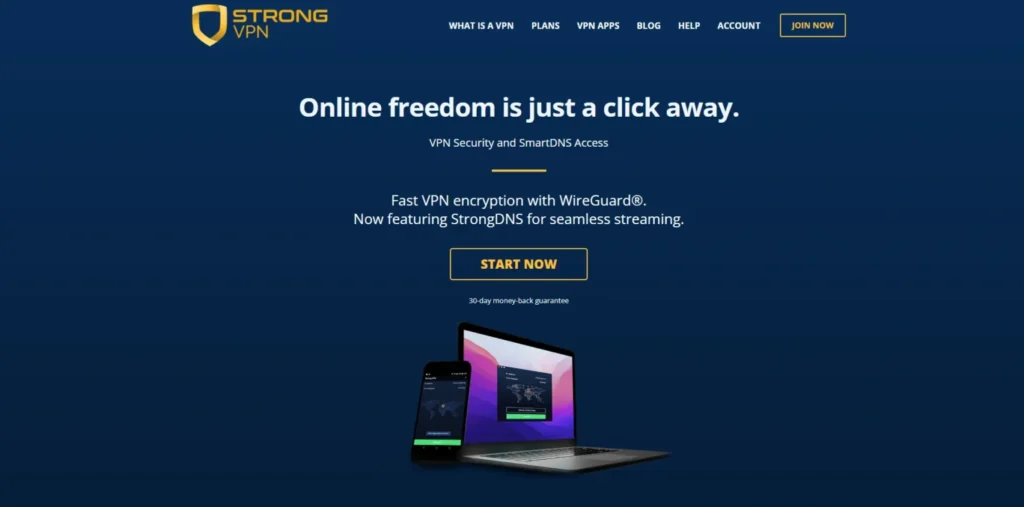
13. StrongVPN – Best for Low-Resource Smart TVs
Website: https://strongvpn.com
StrongVPN offers a highly streamlined, no-nonsense approach to securing your television ecosystem, backed by a robust underlying server framework. The native Android TV app focuses entirely on minimizing background operational load, making it a lightweight VPN for android TV and ensuring that the client runs exceptionally fast without hogging system resources on older or budget television hardware.
It utilizes the industry-favored WireGuard protocol to deliver highly consistent download rates that easily clear the hurdle required for high-definition streaming. While it skips the complex decorative bells and whistles found in competing software, it provides an exceptionally sturdy, straightforward tool for users who simply want immediate location masking.
Speed and Performance
Ultra-lightweight code execution guarantees rapid connection handshakes and zero noticeable navigation lag on Android TV interfaces.
Key Features
- High-performance WireGuard capabilities offering ultra-low latency playback paths.
- Completely unmetered connection allowances supporting up to 12 active devices simultaneously.
- Highly lightweight, zero-bloat native App Store client footprint that preserves processor power.
- Robust zero-logs infrastructure guaranteeing complete data isolation from network operators.
Pros
- Incredibly simple layout that takes seconds to configure with a basic remote control.
- Excellent data throughput consistency across domestic North American streaming networks.
- The minimal hardware footprint entirely prevents app crashes on low-spec media boxes.
Cons
- The user interface completely lacks sophisticated platform filtering or map visualizations.
- Bypassing aggressive filters on niche foreign platforms can require manual server testing.
Pricing
| Monthly Plan | Annual Plan |
| $11.99 / mo | $3.97 / mo |
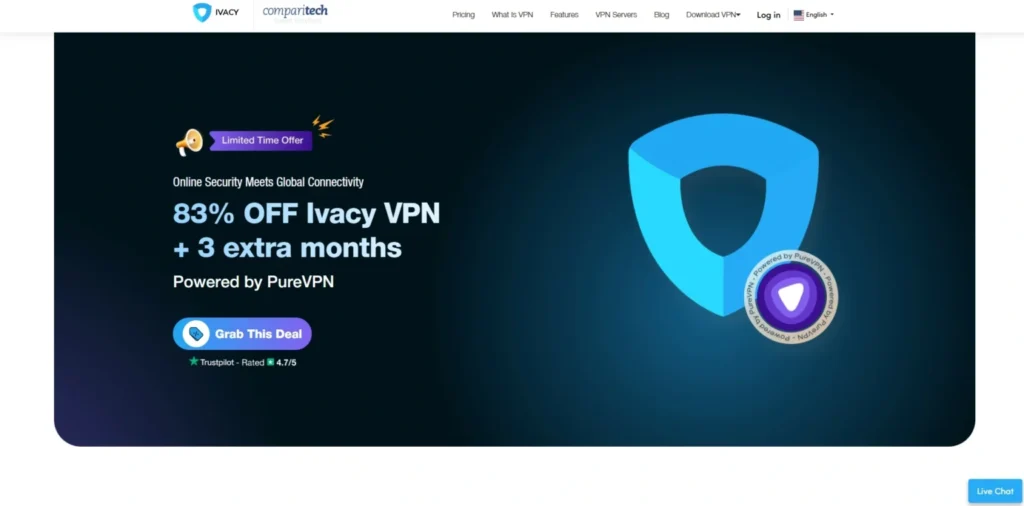
14. Ivacy VPN – Best for Budget-Conscious 4K Streaming
Website: https://ivacy.com
Ivacy VPN brings a highly established, multi-decade presence to smart TV setups, featuring a native application that focuses heavily on bypassing geo-restrictions without breaking the bank. Armed with a network of over 5,500 servers globally, it uses advanced internal routing algorithms to mask your digital footprint seamlessly.
The Android TV application relies on clean, accessible visual cues, allowing you to connect to optimized streaming regions with minimal effort. By implementing military-grade encryption standards directly at the app layer, it actively stops your internet service provider from dynamically throttling your connection when detecting heavy video bandwidth usage.
Speed and Performance
Solid local speeds with purpose-built internal pathways designed to minimize packet loss across long distances.
Key Features
- Extensive infrastructure consisting of 5,500+ servers worldwide optimized for media delivery.
- Advanced protection parameters preventing active ISP bandwidth throttling loops during high-data tasks.
- Native Google Play Store integration featuring quick login tools via smartphone scanning.
- Audited infrastructure upholding a transparent, zero-operational-logs history.
Pros
- Highly cost-effective long-term rates compared to premium enterprise brands.
- Exceptional coverage depth across multiple European and Asian connection hubs.
- Very stable performance during extended multi-hour streaming marathons.
Cons
- The app interface can occasionally lag slightly during rapid country switching.
- Does not offer as many advanced secondary tools like custom split-tunneling on TV.
Pricing
| 1 Month | 2 Years | 5 Years |
| $12.95 / mo | $2.14 / mo | $1.69 / mo |
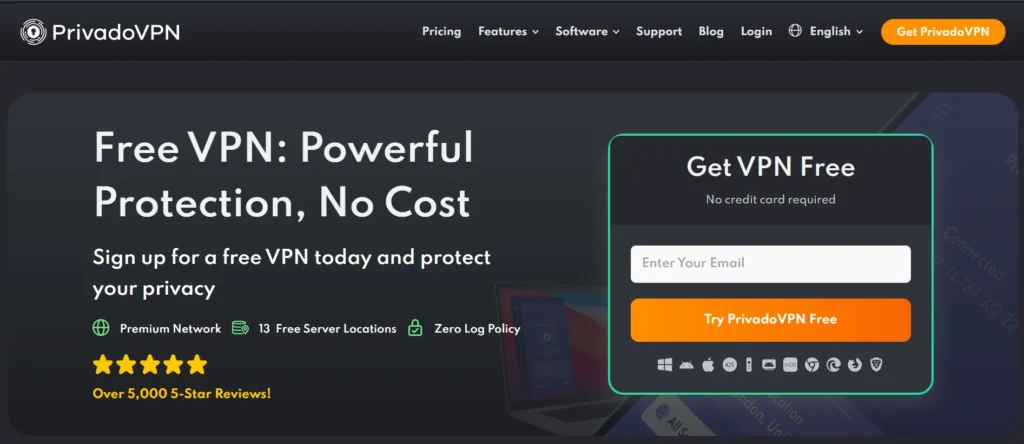
15. PrivadoVPN – Best for Real-Time Latency Sorting
Website: https://privadovpn.com
PrivadoVPN is a highly reliable provider that features a fully optimized, native Android TV application built specifically to streamline your home streaming experience. A major standout of its big-screen integration is the ability to sort server locations directly by real-time latency, helping users instantly identify the fastest node to eliminate video buffering before clicking connect.
Running efficiently on the WireGuard protocol, it maintains excellent stability under heavy network stress, making it an effective VPN for android TV. With a robust zero-logs architecture and strong capability to bypass localized proxy blocks, it stands as an exceptional premium choice for securing your television network.
Speed and Performance
Excellent, unthrottled 4K video playback performance backed by lightning-fast connection execution that initiates almost instantly.
Key Features
- Native Android TV application featuring real-time server latency sorting metrics.
- Fully optimized WireGuard implementation ensuring stable, unthrottled data transmission.
- Access to premium servers spread across 50 distinct international countries.
- Multi-device security parameters supporting up to 10 concurrent connections.
Pros
- Simplifies server selection by showing actual network response times on-screen.
- Incredibly responsive app connection speeds that execute almost instantly.
- Highly affordable promotional entry points for long-term subscribers.
Cons
- The global server country index is noticeably smaller than major enterprise brands.
- Lacks a direct search bar tool for typing specific city names via the TV keyboard.
Pricing
| 1 Month | 12 Months | 24 Months |
| $10.99 / mo | $1.33 / mo | $1.11 / mo |
Quick Comparison Of VPN for Android TV
Choosing the perfect streaming companion requires looking closely at background infrastructure rather than basic marketing slogans. This comprehensive matrix breaks down the technical frameworks, unblocking features, and operational limits of all 15 services side-by-side to help you identify the perfect match for your home theater setup.
| VPN Name | Core Streaming Protocol | Country Coverage | Concurrent Connections | Unique Interface Feature |
| Surfshark | WireGuard | 100 Countries | Unlimited | Built-in CleanWeb malware filtering |
| Private Internet Access | WireGuard / OpenVPN | 91 Countries | Unlimited | All 50 individual US states covered |
| NordVPN | NordLynx (WireGuard) | 111 Countries | 10 Devices | Interactive map location-picker |
| Proton VPN | WireGuard | 110+ Countries | 10 Devices | Real-time “VPN Accelerator” metrics |
| ExpressVPN | Lightway | 105 Countries | 14 Devices | One-click instant connect layout |
| CyberGhost | WireGuard | 100 Countries | 7 Devices | Platform-labeled streaming profiles |
| IPVanish | WireGuard / IKEv2 | 90+ Countries | Unlimited | Real-time diagnostic statistics display |
| PureVPN | WireGuard | 70+ Countries | 10 Devices | Smartphone QR code authentication |
| PrivateVPN | OpenVPN | 63 Countries | 10 Devices | Zero-bloat system memory client |
| Windscribe | WireGuard | 69 Countries | Unlimited | R.O.B.E.R.T. server-side ad blocking |
| VyprVPN | WireGuard / OpenVPN | 70+ Countries | 10 Devices | Proprietary Chameleon masking tech |
| Hide.me | WireGuard | 85 Countries | 10 Devices | Dedicated proxy streaming profiles |
| StrongVPN | WireGuard | 40+ Countries | 12 Devices | Minimalist, zero-lag background execution |
| Ivacy VPN | WireGuard / IKEv2 | 100+ Countries | 10 Devices | Advanced ISP anti-throttling filters |
| PrivadoVPN | WireGuard | 50 Countries | 10 Devices | Real-time server latency sorting |
How To Install a VPN On Android TV (Step-by-Step)
Setting up a VPN directly on your smart TV is an incredibly fast process if the provider offers an official application. By using the built-in marketplace, you can secure your internet traffic and expand your content options in just a few clicks.
- Open the Google Play Store: Use your Android TV remote control to navigate to the apps tab and open the official Google Play Store dashboard.
- Search for Your VPN: Click on the magnifying glass icon or search bar, type in the name of your chosen provider (such as NordVPN or Surfshark), and select the official application.
- Install the App: Click the “Install” button to download and automatically add the specialized television software to your device’s interface.
- Log In and Authenticate: Launch the application and sign in, either by entering your account credentials or scanning the on-screen QR code with your smartphone for an instant login.
- Choose a Server and Connect: Use the D-pad on your remote to browse the global location index, click on the country catalog you want to access, and accept the standard Android network connection prompt.
How To Install a VPN on Android TV Without The Play Store (APK Sideloading)
If you are using a specialized streaming device that lacks standard store access, or if your preferred privacy provider does not host an app on the TV marketplace, you can manually sideload the application using an APK file. This bypasses the default store framework entirely but requires careful adjustment of your system’s developer permissions.
- Enable Unknown Sources: Open the Android TV settings menu, navigate to “Apps” or “Security & Restrictions,” and toggle on the option to allow installation from unknown sources.
- Install a File Downloader Utility: Go to your available app store and install a recognized tool like “Downloader” by AFTVnews, which includes a built-in web browser for fetching external files.
- Download the Official VPN APK: Launch the utility tool and enter the direct, official URL provided by your VPN service to safely download the Android configuration package (APK) file.
- Execute the Installation: Once the download script finishes running, select the file from the local storage folder inside the downloader app and click “Install” when the system prompt appears.
- Open via a Sideload Launcher: Because manually added APKs may not naturally show up on your primary home screen grid, download a utility like “Sideload Launcher” from the store to view, launch, and configure your new VPN app.
Free VPN vs Paid VPN for Android TV – Which Should You Choose?
While using a zero-cost option to protect your smart TV sounds highly appealing, high-resolution video streaming puts an immense strain on network infrastructure. To help you evaluate the trade-offs, this side-by-side comparison highlights the sharp performance gaps between free tiers and paid premium services.
| Feature / Metric | Free VPNs for Android TV | Paid Premium VPNs for Android TV |
| Data Allowances | Restrictive monthly caps (often limited to 2 GB to 10 GB total) | Completely unlimited data with zero caps or artificial limits |
| Connection Speeds | Throttled or heavily congested servers causing frequent buffering | Unthrottled, high-speed servers utilizing WireGuard or Lightway |
| Streaming Support | Rarely bypasses anti-proxy blocks on platforms like Netflix or Hulu | Frequently refreshed IP pools designed to evade streaming blocks |
| App Availability | Often limited to mobile clients; rare native Android TV apps | Dedicated apps fully optimized for TV remotes on the Play Store |
| Server Selection | Severely restricted access, usually limited to 3 to 5 countries | Access to massive global fleets spanning 50 to 110+ countries |
| Privacy Standards | May track and sell your viewing data to third-party advertisers | Audited no-logs frameworks running on volatile RAM-only servers |
Is It Legal to Use a VPN on Android TV?
The use of a Virtual Private Network (VPN) on an Android TV is completely legal in the vast majority of countries around the world, including the United States, Canada, the United Kingdom, and most of Europe. From a legal standpoint, encrypting your television’s network data is considered basic digital privacy hygiene, similar to locking your front door. Governments and law enforcement agencies globally actually encourage the use of encryption tools together with antivirus software to safeguard smart home devices from unauthorized network intrusions and cyber threats.
However, a sharp legal distinction must be made between securing your network and the activities you engage in while connected. Bypassing regional content blocks to access international streaming catalogs generally does not break criminal laws, but it does violate the specific Terms of Service (ToS) of platforms like Netflix, Hulu, or Amazon Prime. While these platforms actively deploy advanced firewalls to detect and blacklist known VPN server addresses, they restrict the connection rather than terminate your personal account. Conversely, utilizing a VPN to access heavily censored or legally prohibited content in restricted jurisdictions remains fully illegal and punishable under local laws.
VPN Protocols Explained for Android TV Users
The underlying protocol your VPN uses determines how efficiently it encrypts and routes data across your home theater network. Choosing the right protocol makes the difference between flawless 4K Ultra HD video playback and constant, frustrating mid-movie buffering loops.
- WireGuard: The gold standard for modern smart TVs. It relies on a streamlined, ultra-lightweight codebase that delivers incredible data throughput speeds while putting minimal processing strain on older or budget Android TV hardware, making it equally effective for a vpn for chrome.
- Lightway: A proprietary protocol built from the ground up by ExpressVPN specifically for big-screen ecosystems. It executes connection handshakes almost instantly and uses incredibly low system resources, preventing your TV apps from crashing.
- NordLynx: NordVPN’s custom protocol architecture built directly on top of the foundational WireGuard framework. It combines blazing-fast streaming speeds with a double Network Address Translation (NAT) layer for enhanced privacy.
- OpenVPN (UDP/TCP): A highly secure, time-tested protocol option that acts as an excellent fallback. The UDP configuration offers better speeds for video rendering, while the TCP mode is ideal for bypassing highly aggressive network firewalls.
- Chameleon: A specialized obfuscation protocol developed by VyprVPN that actively scrambles your data packets. It masks your VPN traffic to look exactly like standard, unencrypted web browsing, making it perfect for defeating ISP throttling.
Conclusion
In conclusion, equipping your Android TV with a high-quality VPN has shifted from a niche privacy choice to a true living room necessity. What used to require complex networking knowledge can now be achieved in just a couple of minutes by downloading a dedicated app straight from the Google Play Store. By choosing a service specifically optimized for the big screen, you can completely stop internet providers from intentionally slowing down your connection, protect your home data from tracking, and instantly open up massive libraries of entertainment from all over the world.
As you pick the right service for your household, focus on providers that offer fast, modern protocols like WireGuard or Lightway to guarantee smooth, buffer-free 4K playback. Whether you need a massive network to unlock regional live sports, an affordable plan to cover every TV in your house, or an incredibly simple interface that works easily with your standard remote control, adding a premium VPN to your Android TV setup is one of the quickest and smartest ways to maximize your everyday streaming experience.