The 2D drafting software AutoCAD LT represents a prominent Autodesk product that enables users to create precise technical drawings as well as floor plans and schematics with ease. The subscription model and limited customization choices of the software cause customers to look for alternative solutions. The upcoming paragraphs will present a list of 15 AutoCAD LT alternatives to meet the requirements of architects along with engineers, designers and manufacturers who need CAD drawing tools at budget-friendly prices.
These alternatives are chosen through evaluations of DWG compatibility alongside usability as well as rate structure and system compatibility with Windows, macOS, and Linux platforms and particular features for automation and parametric modeling capabilities. The solutions provide businesses of all sizes as well as freelancers and enterprises, with flexible and cost-effective drafting capabilities that address diverse market requirements.
Criteria for Selecting the Best AutoCAD LT Alternatives
When choosing the top AutoCAD LT Alternatives, a few important factors were taken into consideration to make sure the tools will suit the demands of professionals working in different sectors.
- DWG Compatibility: As AutoCAD LT works with the DWG file format in most cases, the capacity to open, modify, and save DWG files without any inconvenience was a key requirement.
- Feature Set: The alternatives were compared against key 2D drafting functionality, automation features, parametric modeling, and customization features.
- Ease of Use: A simple user interface and low learning curve were necessary for novices and experts coming from AutoCAD LT.
- Pricing & Licensing: Most users prefer one-time purchases or freely available alternatives rather than AutoCAD LT’s subscription-based offering.
- Platform Support: Support on Windows, macOS, and Linux provides flexibility across various users.
- Industry Suitability: Software was chosen on the basis of its capability to benefit architects, engineers, designers, and manufacturers effectively.
- Scalability & Integration: Software with support for third-party plugins, APIs, and cloud collaboration was chosen for long-term use.
Also Read: Top Cloud Workload Protection Platforms
Comparison Between Different AutoCAD LT Alternatives
Here’s a detailed comparison table of the AutoCAD LT Alternatives, covering features, pricing, use cases, and official websites.
| Software | Key Features | Pricing | Best For | Website |
| DraftSight | DWG compatibility, 2D drafting, customization options | Free & Paid (from $299/year) | Professionals & enterprises | draftsight.com |
| BricsCAD Lite | High DWG compatibility, powerful drafting tools | Paid (from $314/year) | Engineers, architects | bricsys.com |
| NanoCAD | Familiar UI, DWG support, free & pro versions | Free & Paid (from $249/year) | Budget-conscious designers | nanocad.com |
| LibreCAD | Open-source, lightweight 2D drafting | Free | Beginners, hobbyists | librecad.org |
| QCAD | Open-source, basic 2D CAD tools | Free & Paid (from $45) | Students, small businesses | qcad.org |
| TurboCAD | 2D & 3D drafting, customizable UI, solid modeling | Paid (from $69.99) | Professionals, small firms | turbocad.com |
| Vectorworks Fundamentals | Advanced 2D/3D design, BIM support | Paid (from $198/month) | Architects, designers | vectorworks.net |
| CorelCAD | DWG support, precise 2D/3D drafting tools | Paid (from INR 42000 one-time) | Engineers, technical designers | coreldraw.com |
| ZWCAD | AutoCAD-like UI, high compatibility | Paid (from ₹43200 one-time) | Architects, engineers | zwsoft.com |
| ProgeCAD | Perpetual licensing, DWG-native compatibility | Paid (from Rs.15,000/- one-time) | Firms avoiding subscription fees | progesoft.com |
| ARES Commander | Multi-platform (Windows, Mac, Linux), DWG support | Paid (From ₹24,000.00/year) | Teams needing cross-platform CAD | graebert.com |
| FreeCAD | Open-source, parametric modeling, 2D tools | Free | Engineers, educators | freecad.org |
| Solid Edge 2D Drafting | Free 2D CAD from Siemens, easy-to-use UI | Free | Engineers, students | solidedge.siemens.com |
| ActCAD | Lifetime licensing, DWG/DXF support, automation | Paid (from $249 one-time) | Small firms, professionals | actcad.com |
| Medusa4 Personal | Free for non-commercial use, 2D/3D capabilities | Free (paid for business use) | Personal projects, education | medusa4.com |
List of 15 AutoCAD LT Alternatives
1. DraftSight

DraftSight is a DWG-compatible commercial-level 2D CAD software that is widely recognized due to its DWG support. With a clean interface, it becomes very convenient for engineers, architects, and designers to draw and modify technical drawings. Both a free version and a commercial version exist, and it accommodates basic drafting and design capabilities like layer handling, dimensioning, and annotation capability. DraftSight works very nicely alongside the other Dassault Systèmes products and is thus the perfect solution for companies in need of an affordable AutoCAD LT alternative without ever compromising its functionality and accuracy.
Key Features:
- Supports DWG and DXF file formats
- Advanced drafting and annotation tools
- Customizable UI and scripting support
- Integration with Dassault Systèmes software
Pros:
- Affordable compared to AutoCAD LT
- Familiar interface for AutoCAD users
Cons:
- No 3D modeling capabilities
- Requires a paid license for advanced features
Pricing:
Starts at $299/year
Who Should Use It?
Engineers, architects, and professionals needing a budget-friendly AutoCAD alternative.
2. BricsCAD Lite
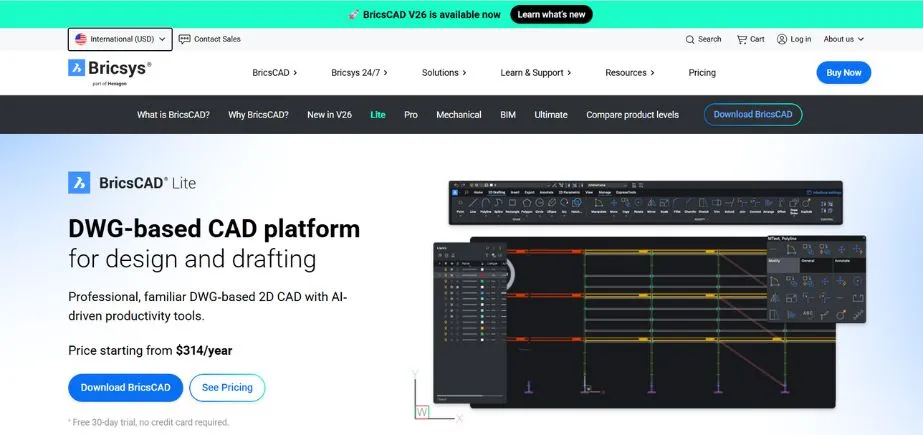
BricsCAD Lite is a cost-effective and robust AutoCAD LT Alternatives, with high DWG file compatibility. It has a familiar environment, so the migration is seamless for AutoCAD users. BricsCAD Lite is centered on 2D drafting but has intelligent capabilities such as AI-based automation and customizable workflows. The application has LISP programming support for automation and productivity. With easy-to-use flexible licensing options, such as perpetual licenses, BricsCAD Lite is a great option for professionals and businesses requiring a cost-effective yet comprehensive CAD solution
Key Features:
- Native DWG file support
- LISP and automation capabilities
- Customizable command line interface
- High-performance drafting tools
Pros:
- Perpetual licensing available
- Works faster on lower-end hardware
Cons:
- Limited 3D capabilities
- Smaller user community compared to AutoCAD
Pricing:
Starts at $314 for a perpetual license
Who Should Use It?
Small businesses and engineers looking for an AutoCAD-compatible, cost-effective CAD tool.
Must Reads:
3. NanoCAD

NanoCAD is a full-featured 2D CAD program with a free version as well as professional versions that also provide additional features for purchase. It has an AutoCAD-like environment through native DWG support, making it simple for users to start using it. NanoCAD provides the basic drafting tools, scriptable palettes, and scripting for automation. It is intended for designers, architects, and engineers who need a professional but economical CAD solution. The basic version provides free simple drafting requirements, while the commercial versions provide 3D modeling, parametric modeling, and advanced automation.
Key Features:
- DWG file compatibility
- Parametric design support
- Customizable command interface
- Low learning curve for AutoCAD users
Pros:
- Free version available with essential tools
- Affordable pricing for advanced features
Cons:
- Limited support for complex projects
- Some advanced tools only in paid versions
Pricing:
Free basic version, paid plans start at $249/year
Who Should Use It?
Freelancers, students, and small businesses needing an affordable 2D CAD tool.
4. LibreCAD
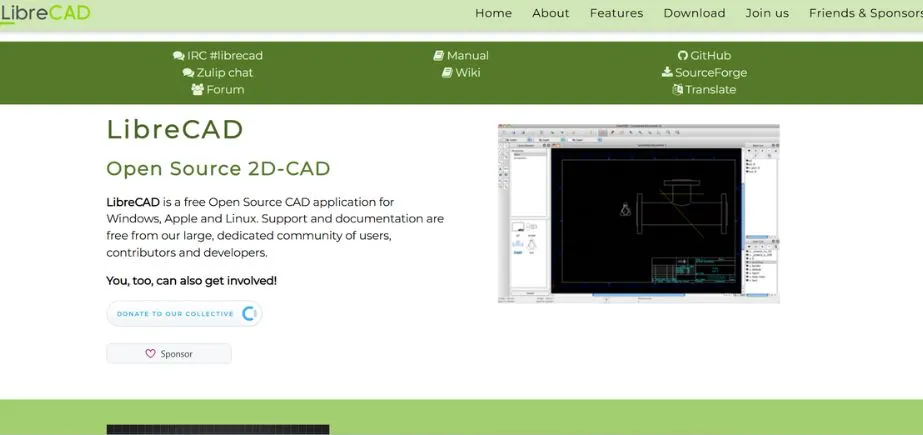
LibreCAD is a free and open-source 2D drafting tool that offers a free and lightweight version of AutoCAD LT. LibreCAD is DXF file format supported and comes with basic drawing tools like layers, snap, and dimensioning. LibreCAD is best suited for small organizations, hobbyists, and students. LibreCAD supports Windows, macOS, and Linux. Although it does not have sophisticated automation and 3D modeling features, simplicity and affordability make it an ideal solution for those who require basic CAD functions without a subscription.
Key Features:
- Free and open-source
- Lightweight and runs on all platforms
- Supports DXF file format
- Customizable interface
Pros:
- Completely free to use
- Simple and lightweight
Cons:
- No DWG support without conversion
- Lacks advanced CAD functionalities
Pricing:
Free
Who Should Use It?
Hobbyists, students, and users needing a basic, free 2D CAD tool.
5. QCAD
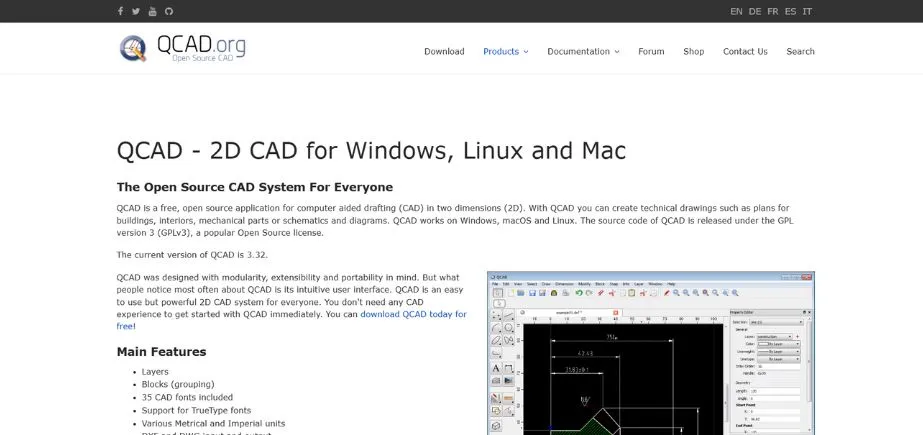
QCAD is a light and user-friendly 2D CAD software for technical drafting. It uses the DXF and DWG file formats and therefore can be utilized as an adequate substitute for AutoCAD LT. QCAD has typical features like layers, dimensioning, and block management. Easy to use, it is an excellent utility for beginners, hobbyists, and small enterprises. Although it does not support 3D modeling, QCAD is very effective in designing architectural plans, mechanical designs, and schematics. There is a free community edition and a paid edition that offers more features.
Key Features:
- Open-source with a free community edition
- DXF-based file support
- Simple UI for beginners
- Layer-based drafting system
Pros:
- Easy to learn for new users
- Works on Windows, Mac, and Linux
Cons:
- Limited to 2D drafting
- Lacks automation and advanced tools
Pricing:
Free (Community Edition), Professional version at $39
Who Should Use It?
Beginners, educators, and those needing a simple 2D drafting solution.
Also Read: VPN for Gaming
6. TurboCAD
TurboCAD is a powerful 2D and 3D CAD software with an extensive array of drafting and modeling capabilities. It offers customizable toolsets, DWG support, and extensive file support. TurboCAD offers parametric constraints, rendering, and architectural design tools and is thus best suited for engineers, architects, builders, and manufacturing technicians. It is available in a range of versions to cater to different users, from hobbyists to professionals. Its cost and feature set make it a worthy AutoCAD LT Alternatives.
Key Features:
- Supports DWG, DXF, and other formats
- Advanced drafting and annotation tools
- Customizable UI and scripting options
- Architectural and mechanical toolsets
Pros:
- Affordable compared to AutoCAD LT
- Supports both 2D and 3D design
Cons:
- Steeper learning curve
- Some advanced features require higher-tier licenses
Pricing:
Starts at $69.99 for the basic version
Who Should Use It?
Engineers, designers, and small businesses needing a cost-effective CAD solution.
7. Vectorworks Fundamentals
Vectorworks Fundamentals is a multi-purpose CAD program used by designers, architects, and engineers. It is built with powerful 2D and 3D modeling, smart object creation, and convertible import/export. While predominantly used in landscape and architecture design, it can be applied to general drafting as well. Vectorworks Fundamentals is easy to use, has parametric modeling, and is BIM-capable. Although it is more expensive, its higher-end capabilities and use across industries make it a legitimate player for professionals seeking an end-to-end CAD solution.
Key Features:
- 2D and 3D drafting capabilities
- Industry-specific toolsets
- Supports BIM workflows
- Advanced rendering and visualization tools
Pros:
- Great for design professionals
- Integrated BIM support
Cons:
- Expensive compared to alternatives
- Requires powerful hardware
Pricing:
Starts at $198 per month
Who Should Use It?
Architects, designers, and engineers needing advanced design and BIM tools.
8. CorelCAD
CorelCAD is a low-cost CAD software that supports DWG file formats and is supported by 2D drafting and 3D modeling. It comes with precise drawing tools, customizable tools, and improved annotation tools. CorelCAD is suitable for architects, engineers, and designers who need a robust and low-cost CAD solution. The software comes with voice notes, Smart Dimensioning, and STL support for 3D printing. Its permanent license solution provides lasting value to customers who need a cost-effective AutoCAD LT Alternatives.
Key Features:
- Supports DWG, DXF, and PDF formats
- 2D and 3D drafting tools
- Voice Notes for annotation
- Compatible with CorelDRAW for enhanced workflows
Pros:
- Affordable one-time purchase
- Works well with Corel products
Cons:
- Lacks some advanced automation features
- Not as widely used in the industry
Pricing:
Starts at one time payment INR 42000
Who Should Use It?
Designers and engineers looking for a cost-effective CAD alternative.9. ZWCAD
ZWCAD is a high-performance CAD program with an AutoCAD-like interface, so it is easy to switch for users. It also natively reads DWG files and offers common drafting and annotation capabilities. ZWCAD further features advanced features like smart voice annotations, dynamic input, and a customizable interface. It has wide application in the fields of architecture, engineering, and construction. It’s well-known for being so fast, reliable, and cost-effective compared to AutoCAD LT, and the first choice of companies looking for a reliable CAD solution.
Key Features:
- DWG compatibility
- Smart Voice annotation
- Customizable command line
- Supports LISP and VBA scripting
Pros:
- Perpetual license available
- Familiar interface for AutoCAD users
Cons:
- Limited 3D modeling capabilities
- Smaller community support compared to AutoCAD
Pricing:
Starts at ₹43200 for a perpetual license
Who Should Use It?
Engineers, architects, and businesses seeking a one-time purchase alternative to AutoCAD.
10. ProgeCAD
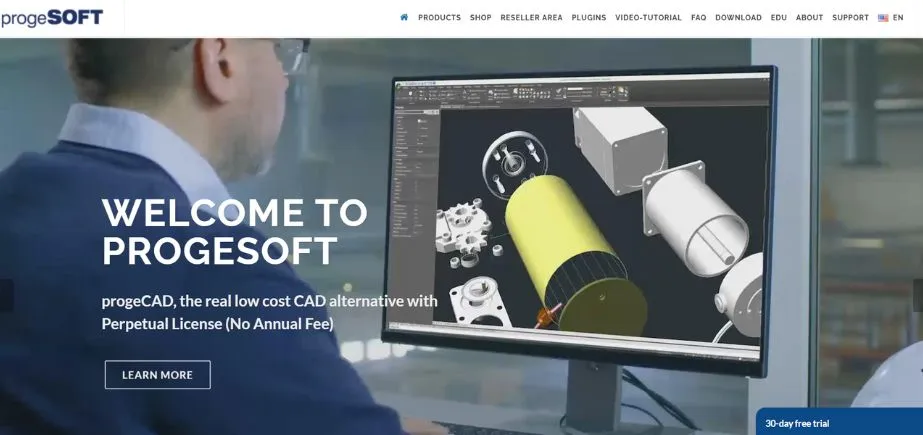
ProgeCAD is a DWG-compatible CAD software offering perpetual licensing, and therefore it’s an ideal substitute for subscription-based software like AutoCAD LT. ProgeCAD offers a similar interface, professional drafting tools, and AutoCAD command support. It features 2D and 3D modeling, raster-to-vector imaging, and dynamic blocks. It is used extensively by designers, architects, and engineers who need professional CAD software without the necessity of paying subscription fees time and again. Its feature-based landscape and pricing render it an outstanding investment solution for freelancers and businesses alike.
Key Features:
- AutoCAD-like interface
- Supports dynamic blocks
- 3D modeling capabilities
- LISP and VBA automation support
Pros:
- Perpetual licensing option
- Affordable compared to AutoCAD LT
Cons:
- Interface slightly outdated
- Limited community resources
Pricing:
Starts at Rs.15,000/- for a lifetime license
Who Should Use It?
Engineers, architects, and CAD professionals needing an AutoCAD-compatible tool with a one-time payment.
11. ARES Commander
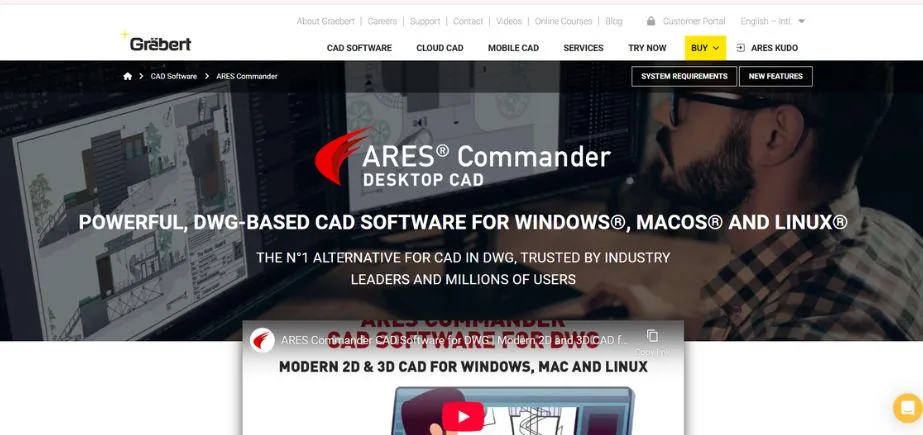
ARES Commander functions as a platform-agnostic CAD application that supports 2D drafting and 3D modeling processes. The application supports DWG files and provides users with cloud-based tools to collaborate. The ARES Commander application includes automated drawing capabilities along with its modular workflow system and user-friendly design layout. Users and enterprises benefit from ARES Commander’s data compatibility with Windows macOS and Linux operating systems. Users can achieve remote access and editing of their drawings through this application’s connection with cloud storage services. The application presents a significant challenge to AutoCAD LT as it offers its price point combined with operating system independence.
Key Features:
- Supports DWG, DXF, and DGN formats
- Available on Windows, Mac, and Linux
- Cloud collaboration tools
- LISP and API customization
Pros:
- Affordable compared to AutoCAD
- Strong multi-platform support
Cons:
- Slight learning curve for AutoCAD users
- Some advanced features require add-ons
Pricing:
Starts at From ₹24,000.00/year
Who Should Use It?
Professionals and businesses needing an AutoCAD alternative with cloud collaboration features.
12. FreeCAD
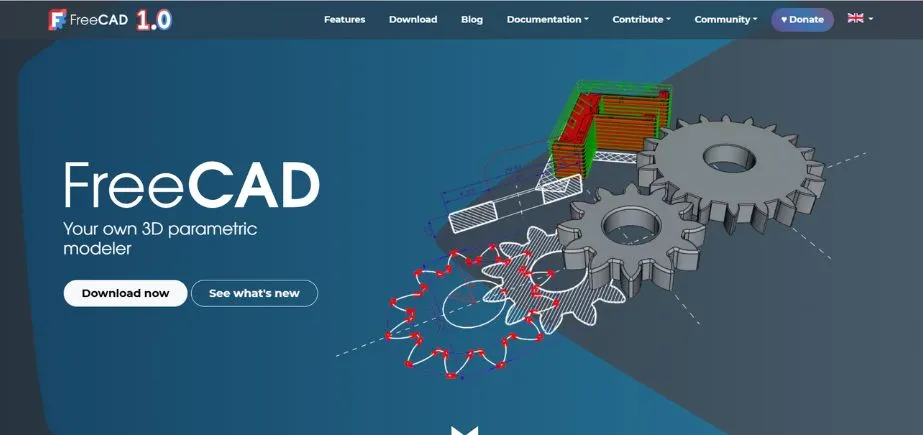
FreeCAD is a 3D CAD software that supports parametric operation with inbuilt 2D drafting functionality, which while aimed at 3D modeling supports an in-built drafting environment through which technical drawings can be produced. FreeCAD supports a modular design to accommodate customization for use in various fields of design. FreeCAD can be used for engineers, and product designers, as well as for hobbyists interested in a cost-free alternative to proprietary CAD systems. Although its learning curve is slightly more vertical, FreeCAD’s parametric power makes it a worthy choice for power users.
Key Features:
- Free and open-source
- Parametric design for easy modifications
- Supports multiple CAD file formats
- Extensible with Python scripting
Pros:
- Completely free to use
- Strong 3D modeling capabilities
Cons:
- Not as intuitive for beginners
- Lacks advanced 2D drafting features
Pricing:
Free
Who Should Use It?
Engineers, hobbyists, and open-source enthusiasts needing parametric CAD design.
13. Solid Edge 2D Drafting

Solid Edge 2D Drafting, developed by Siemens, is a free CAD 2D drafting tool with professional drafting functionality. It has support for the DWG and DXF formats and includes layer, dimensioning, and intelligent annotation tools. The software is designed for use by engineers, architects, and manufacturers who need a reliable drafting tool without having to pay for a full CAD package. While it does not contain 3D modeling, Solid Edge 2D Drafting has robust capabilities for creating detailed engineering schematics and drawings.
Key Features:
- DWG file support
- Intelligent dimensioning
- Layer-based drafting
- Annotation and detailing tools
Pros:
- Free for commercial use
- Professional-grade drafting features
Cons:
- No 3D modeling capabilities
- Requires registration to download
Pricing:
Free
Who Should Use It?
Engineers, students, and businesses needing a free, feature-rich 2D drafting tool.
14. ActCAD

Professionals use ActCAD software to create drawings either in 2D or 3D models while it supports DWG and DXF file types. ActCAD works with DWG and DXF file formats that come with a interface design matching the AutoCAD user experience. The software includes multiple advanced tools including batch file conversion tools as well as PDF to DWG conversion and versatile customization features. Businesses can acquire this excellent professional-grade CAD solution with a permanent license at an affordable price point.
Key Features:
- DWG and DXF support
- Perpetual licensing model
- Customizable interface
- Built-in PDF to DXF converter
Pros:
- One-time purchase available
- Compatible with AutoCAD commands
Cons:
- Less known in the CAD community
- Slightly less polished UI
Pricing:
Starts at $249 for a perpetual license
Who Should Use It?
Engineers, architects, and businesses looking for a cost-effective CAD tool with lifetime licensing.
15. Medusa4 Personal
Users can access Medusa4 Personal free of charge for non-business purposes while they benefit from powerful 2D drafting and fundamental 3D model creation features. Medusa4 Personal suits students, amateurs as well as small project needs. Users of this software can access intelligent drawing tools together with parametric design options and an interface that is easy to use. The free version of Medusa4 Personal allows users to acquire CAD skills while completing personal design work despite its restricted features.
Key Features:
- Advanced 2D drafting tools
- Parametric design capabilities
- DXF export support
- Free for personal use
Pros:
- Free for non-commercial projects
- Powerful drafting tools
Cons:
- Cannot be used for commercial projects
- Limited file format support in the free version
Pricing:
Free for personal use; paid version for commercial use
Who Should Use It?
Hobbyists, students, and professionals who need a free CAD tool for non-commercial projects.
Also Read: Guide to Chatbot Builders
Conclusion
Your selection of AutoCAD LT alternatives must align with your operational requirements alongside financial limitations and professional sector. DraftSight as well as BricsCAD Lite work best when professionals require DWG file compatibility alongside superior drafting functionalities. Areas of expertise and budget needs guide people between the free AutoCAD LT Alternatives choices LibreCAD and QCAD. To obtain the program with a permanent license you can choose either ProgeCAD or ActCAD.
Users who need 2D and 3D design capability should choose between TurboCAD or CorelCAD while architects should opt for Vectorworks Fundamentals. The two software packages ARES Commander and ZWCAD enable cross-platform operation which suits teams using different operating systems. For open-source enthusiasts, FreeCAD and Solid Edge 2D Drafting offer powerful tools at no cost. Your search for the perfect software will succeed by assessing both its price and user experience and specialized manufacturing features.
FAQs
1. What are the best free AutoCAD LT alternatives?
LibreCAD and QCAD are excellent free alternatives for 2D drafting. FreeCAD is another option if you require some 3D capability in addition to 2D design.
2. Which AutoCAD LT alternatives have DWG file support?
Most of these alternatives, including DraftSight, BricsCAD Lite, NanoCAD, ProgeCAD, and ZWCAD, support the full range of DWG compatibility for seamless import/export of files.
3. Is there a one-time purchase option instead of a subscription?
Yes, ProgeCAD, ActCAD, CorelCAD, and ZWCAD offer perpetual licenses, which are cheaper to use in the long run.
4. What AutoCAD LT alternative is the best for architects and engineers?
Vectorworks Fundamentals, TurboCAD, and BricsCAD Lite have sophisticated tools specific to architectural and engineering design.
5. What are the best cross-platform AutoCAD LT alternatives?
ARES Commander and FreeCAD are great AutoCAD LT alternatives since they are compatible with Windows, macOS, and Linux, providing flexibility in terms of operating systems.