You might have felt frustrated with Pendo for various reasons – possibly it’s expensive, difficult to customise, or simply doesn’t provide you with the user insights you truly require – but you’re not alone, and the good news is that there are many smarter and more flexible alternatives to choose from. From cost-saving startup solutions to advanced analytics for product teams to improved in-app onboarding and feedback for marketers, this blog has you covered. Having researched and compared the best Pendo alternatives, including pricing, essential features, and actual use cases, you can now see which option will work with your business—and your budget.
No jargon, no confusing charts, just straightforward and honest advice about which solution is right for you, and which tools you’re wasting time on. Follow along, and you’ll leave with a better understanding of which option might really improve your user experience, accelerate customer onboarding, and provide you with the information you need to make better product decisions today.
Why Look For A Pendo Alternative In 2026?
Pendo is a great product analytics and in-app guidance solution, but some alternatives are taking over as teams start to run into issues with pricing, real-time data, and ease of use. Here are the following reason:
- Enterprise pricing that is up in the sky – Pendo’s enterprise pricing exceeds $100k/year, and you have to schedule a demo to get a price. You’re not getting much value if you take advantage of only a few features.
- No published price list – No transparent pricing. Planning the budget becomes a headache since the cost is not predictable and the contracts are fixed.
- Not real-time analytics – Pendo updates hourly, and you can’t act on data in real time. Nearly impossible real-time decisions.
- Too technical to set up – Guides are typically created with CSS/engineering assistance. Any no-code automation tool can create onboarding flows, but not as easily as this.
- Expenses of overlapping tools – If you’re using Amplitude or Mixpanel, or another analytics platform, then you’re spending twice for the same features when you include Pendo.
- Limited tracking across channels – Pendo tracks in-app activity, but has challenges tracking a user across the website and mobile app.
- Lower plans have limited data retention – Teams working on long-term analytics projects are defeated by lower plans because of their limited data retention.
What To Consider In A Pendo Alternative
Suppose you love Pendo for product analytics and in-app guides, but need something that offers a more affordable price point, streamlined workflow, or features you’re missing. If you’re looking for a Pendo alternative, here are the following things to keep in mind:
- Clear and fair pricing: Be sure it is easy to understand and that there are no additional charges and should be affordable for your team in the long term.
- Benefits that you don’t necessarily require.:See if it includes the features you most often use, such as product analytics, feedback boards, tooltips, modals, or session replay, and doesn’t charge you for additional features you’re not using.
- Simple to set up and easy to use with low code. You want something that’s easy to deploy without having to get a developer on board for the smallest change.
- Flexibility in induction practices: Advanced onboarding capabilities, such as custom tooltips or multi-step guides, are only available under high-cost plans in some tools. Be sure the alternative provides you with flexibility.
- Good support and training is provided.:Seek out customer service, onboarding assistance and resources that will help your team not have to wing it.
- Multi-product or portfolio support.:If you have multiple products, see if the tool has multiple product tracking and analyzing capabilities.
- Data privacy and security:As you deal with user behaviour data, ensure that the tool adheres to robust security protocols and respects data privacy regulations.
Here are some of the factors to consider for choosing a Pendo alternative that seamlessly integrates into your team and products.
Quick Comparison Table (Top Picks at a Glance)
| Tool | Best for | Starting pricing | Free plan | Mobile support | Notable limitation |
| Amplitude | Product analytics teams | Free, Plus $49/mo annually, Growth custom, Enterprise custom | Yes | Yes, strong mobile support | No built-in in-app guides or feedback tools |
| PostHog | Technical teams and startups | Free, Boost $250/mo, Scale $750/mo, Enterprise custom | Yes | Not emphasised in the table snippet | Can feel overwhelming for beginners |
| Mixpanel | Real-time product analytics | Free forever, Growth 1M monthly events free, then $0.28/1K events, Enterprise custom | Yes | Yes, web and mobile apps | Pricing can scale high |
| Userpilot | No-code onboarding + analytics | Starter from $299/mo annually, Growth custom, Enterprise custom | Not | Mobile engagement is add-on only | Advanced analytics locked to higher plans |
| Appcues | SaaS onboarding and activation | Start $300/mo, Growth $750/mo, Enterprise custom | Not | Yes, mobile app add-on available | Expensive upfront cost |
| UserGuiding | Affordable no-code onboarding | Support Essentials free forever, Starter $174/mo billed yearly, Growth $349/mo billed yearly, Enterprise custom | Yes | No mobile app support | Basic analytics depth |
| Chameleon | Personalized onboarding | Startup from $279/mo, Growth from $15K/year, Enterprise custom | Limited free tier | Not highlighted in snippet | Pricing can be high |
| Whatfix | Enterprise digital adoption | Custom pricing | No | Yes, web, desktop, and mobile | Requires sales conversation |
| WalkMe | Large enterprise adoption | Custom pricing | No free tier | Yes, web and public-facing apps | Steep pricing |
| Heap | Behavioral analytics | Growth free, Pro custom, Premier custom | Yes | Yes, web and mobile | Can be costly at scale |
| FullStory | Session replay and DXI | Custom pricing | Yes | Yes, behavioral capture across digital experiences | Expensive plans |
| Smartlook | Session replay on a budget | Starts at EUR 55/mo | 30-day free trial | Yes, web and mobile | Weaker for hybrid apps |
| Glassbox | Regulated industries | Custom pricing | No free version | Yes, mobile app analytics | Enterprise-only pricing |
| Gainsight PX | Product adoption and retention | Custom pricing | No | Not highlighted in snippet | Expensive for small businesses |
| Userflow | No-code onboarding for PLG teams | Startup $240/mo annually, Pro $680/mo annually, Enterprise custom | No | No mobile SDK support | Limited advanced styling |
| Intro.js | Developers on a budget | Free, $9.99 one-time | Yes | Not applicable / not highlighted | No-code features not available |
List Of Top 15 Pendo Alternatives
1. Amplitude
Website: https://amplitude.com
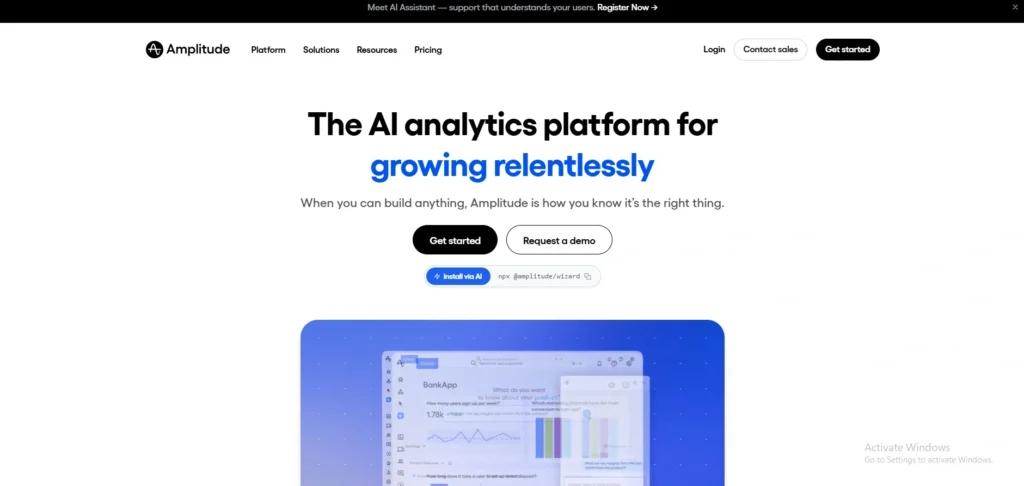
Amplitude is an AI-powered product analytics solution and one of the best pendo alternatives for users looking for amplitude alternatives to understand user behavior, track funnels, analyse retention, and perform experiments without the need to count pageviews. It is very good at mobile-based products and provides web and desktop event tracking, and AI agents that watch data in real-time, revealing growth opportunities.
Amplitude is all about analytics and has no in-app guidance or feedback functionality, but it can be integrated with products such as Appcues to provide a full suite. It’s used by major brands like Walmart, Atlassian, and PayPal, provides clear pricing, and has a very generous free tier for early-stage teams.
Key Features
- Funnel & conversion tracking
- Retention analysis
- User journey maps
- A/B testing & experiments
- Session replay + AI insights
Pros
- Industry-leading analytics depth
- Generous free tier (10K MTUs)
- Transparent usage-based pricing
- Great mobile product support.
Cons
- No in-app guides built into the app.
- There are no feedback collection features.
- These are all tools that need to be used separately to onboard.
- AI features are only accessible with the Plus plan.
Pricing
- Starter: Free
- Plus: $49/mo annually
- Growth: custom pricing
- Enterprise: Custom pricing
2. PostHog
Website: https://posthog.com
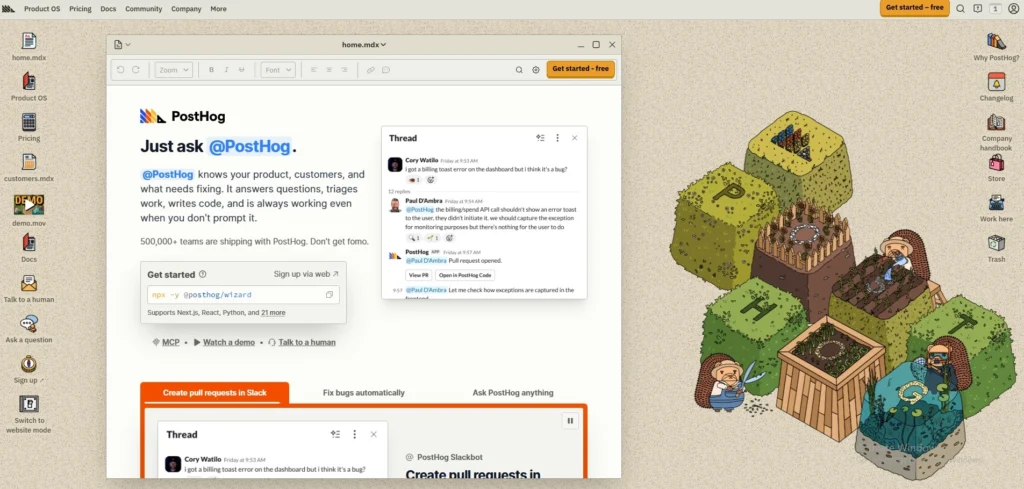
PostHog is a full-featured developer analytics platform with features such as product analytics, session replay, feature flags, experiments, surveys, error tracking, and AI agent tools. It integrates analytics and product development capabilities into one open-source platform, ideal for technical teams and startups. It is used by companies to learn what users do, manage feature releases, perform A/B testing, gather feedback and debug problems without installing too many tools.
Its pricing model, based on usage, and the free tier, is appealing to growing companies, and the choices of self-hosting give organisations complete control of their data and privacy.
Key Features
- All-in-one analytics, feature flags, and session replay.
- Genuine free feature (90% of users remain free)
- Open source, self-hosting available.
- No sales calls, usage-based pricing.
- Get AI agent assistance through MCP & Wizard.
Pros
- This is a unified platform in place of multiple tools.
- Open source & transparent
- A fair, free plan for small businesses.
- A well-developed API and developer documentation.
Cons
- Overwhelming for beginners
- Self-hosting requires infrastructure skills
- The dashboard UI is not as refined as BI tools.
- As the scale grows, costs increase rapidly.
Pricing
- starter: free
- Boost:$250/mo
- Scale:$750/mo
- Enterprise: custom pricing
3. Mixpanel
Website: https://mixpanel.com/
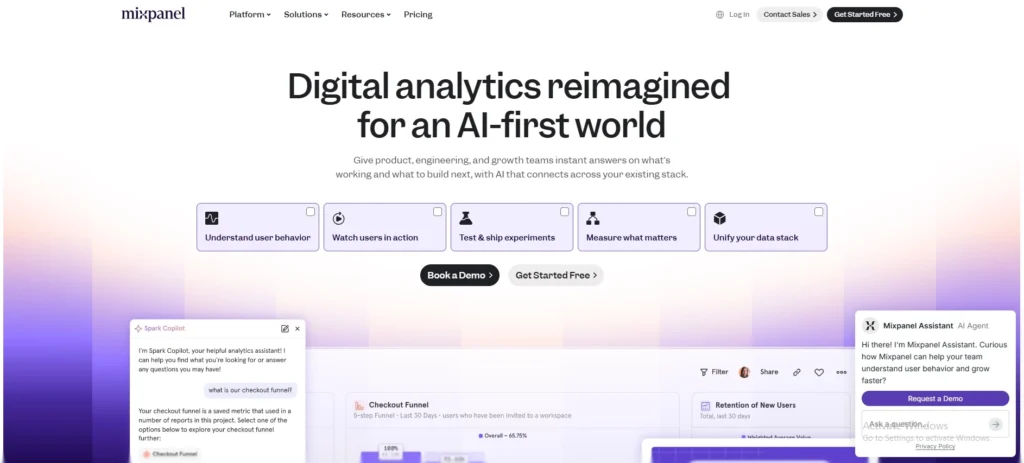
Mixpanel is an online analytics service that enables teams to monitor user engagement in web and mobile apps, and transform that data into actionable insights to help continuously enhance their products, making it one of the top pendo alternatives. It allows producers, growth marketers, and data analysts to access analytics, identify trends across conversion, retention, and engagement, and gain insights in real-time on powerful, easy-to-use reports.
With tools such as Session Replay, Heatmaps, Autocapture, Experiments, and Feature Flags, the platform allows anyone on a team to make more informed, data-driven decisions and discover exactly what’s driving the user to make them better products.
Key Features
- Event tracking
- Real-time data
- Funnels & cohorts
- Session replay
- A/B testing
Pros
- Easy to use
- Real-time insights
- Unlimited users (free)
- Strong integrations
Cons
- The prices can scale high
- Complex for beginners
- Limited Historical Data (free)
- Does not offer phone support (free)
Pricing:
- Free: free forever
- Growth: 1M monthly events are free, and $0.28 per 1K events after
- Enterprise: custom pricing
4. Userpilot
Website: https://userpilot.com
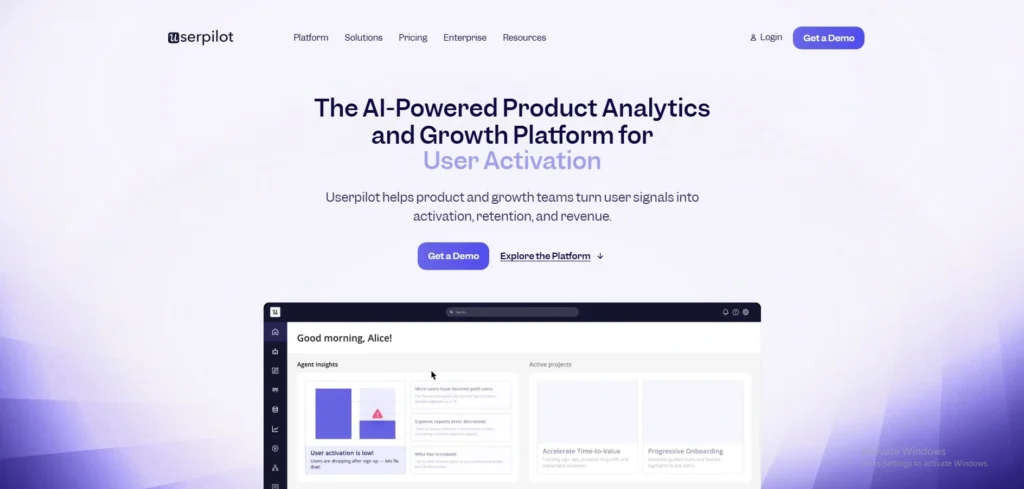
Userpilot is a product growth platform that enables product and growth teams to implement user insights into activation, retention, and revenue, without code. It allows non-technical teams to design personalised in-app onboarding experiences, encourage feature uptake, increase customer engagement, and collect customer feedback via NPS surveys and in-app experiences.
The engine’s product analytics, session replay, user engagement feature, and AI-driven insights bring together user behaviour data and actionable in-app intervention for 1200+ companies across the globe.
Key Features
- Onboarding flows that are displayed in-app and created without code.
- Event autocapture & product analytics
- Suspend the link with annoyance.
- NPS & in-app surveys
- AI-powered insights & content creation.
Pros:
- No coding required
- Easy-to-use interface
- Quality at a good price!
- Enterprise-grade security (SOC 2, GDPR, HIPAA)
Cons:
- Mobile engagement is an add-on only,
- Some advanced analytics only available in Growth/Enterprise
- The price of the products begins at $299/mo (annually).
- Limited customisation in the Starter plan
Pricing
- Starter: From $299/mo (paid annually)
- Growth: custom
- Enterprise: Contact Sales
5. Appcues
Website: https://www.appcues.com
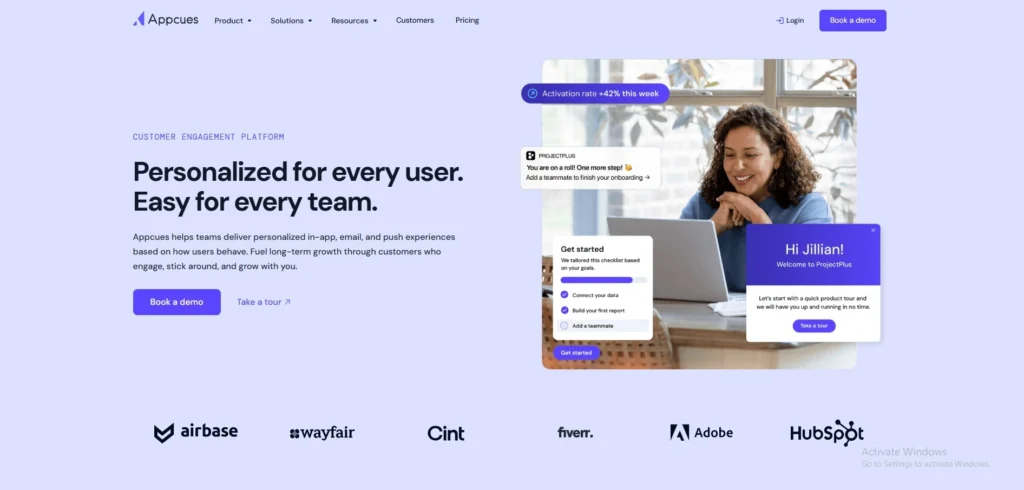
Appcues is a top-tier no-code product-led engagement platform and one of the leading pendo alternatives, designed to support SaaS & go-to-market teams in the user onboarding, feature adoption, and retention journey without engineering barriers. Product managers and marketers build personalised in-app experiences, such as product tours, modals, tooltips, checklists, and surveys directly on live pages, using a visual Chrome extension builder.
It has a segmentation engine that identifies users by properties, events, and CRM data, and analytics monitor flow completion and impact on conversion. Appcues integrates in-app, email, and mobile messages, allowing for end-to-end multi-channel experiences that help teams expand adoption and account growth fast, similar to many voice of customer software.
Key Features
- Visual flow builder no-code:
- Onboarding checklists
- In-app surveys (NPS/CSAT)
- User segmentation engine
- Analytics & funnel tracking
Pros
- No engineering required
- Fast experimentation cycles
- Multi-channel support
- Strong segmentation
Cons
- Expensive up-front cost
- The steeper the price is, the higher the MAU-based pricing will be.
- An add-on for mobile apps is an additional fee.
- Limited design flexibility
Pricing:
- Start: $300/month
- Growth: $750/month
- Enterprise: Custom pricing
6. UserGuiding
Website: https://www.userguiding.com
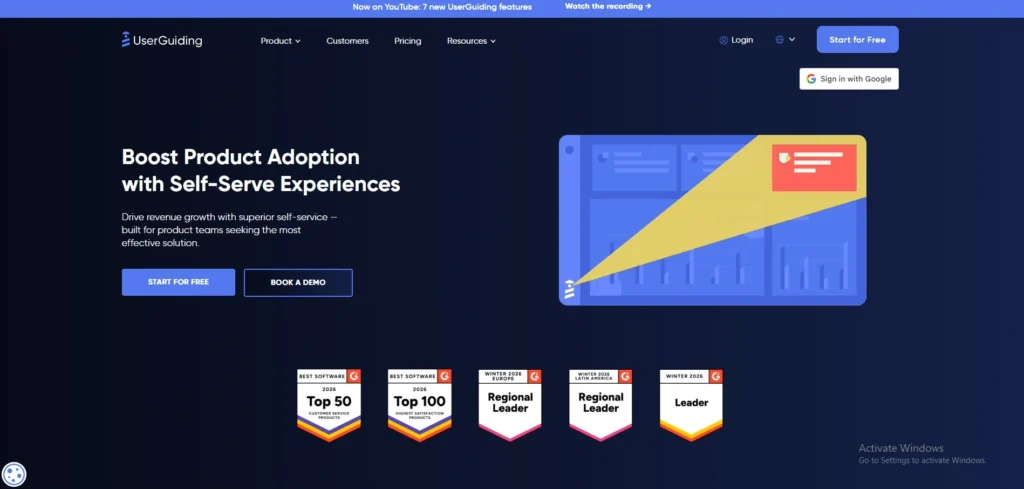
The no-code product walkthrough and user onboarding platform, UserGuiding, was founded in 2017 to help teams build interactive product tours, onboarding guides, and walkthroughs in minutes, without coding. Based in Pleasanton, California, it supports more than 1,000 businesses in increasing user adoption, feature use and self-service support, and decreasing support tickets.
Product tours, resource centres, analytics, in-app surveys, hotspots, checklists, segments, and customization are all part of the platform to personalise onboarding experiences and boost overall user engagement.
Key Features
- No coding required
- Interactive product tours
- In-app surveys & NPS
- Onboarding checklists
- Analytics dashboard
Pros
- Easy no-code setup
- Fast implementation
- Affordable pricing
- Great customisation
Cons
- Limited advance targeting
- This app does not include mobile app support.
- Basic analytics depth
- Fewer integrations
Pricing:
- Support Essentials: free forever
- Starter: $174/Mo, BILLED YEARLY
- Growth:$349/Mo, BILLED YEARLY
- Enterprise: custom
7. Chameleon
website: https://chameleon.io
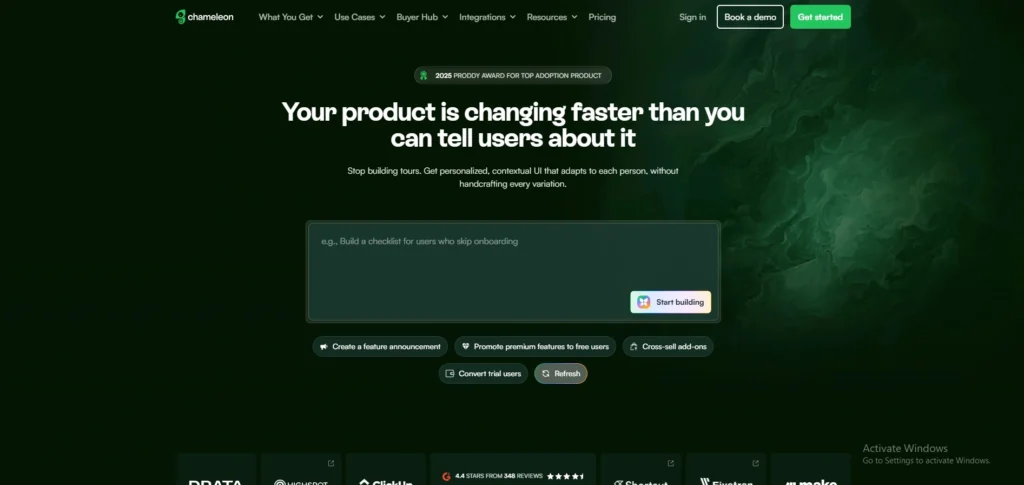
Chameleon is a no-code product onboarding and user experience platform and one of the popular pendo alternatives for SaaS teams to build in-product guides, tours, checklists, and feedback tools without coding. It helps to provide personalized user onboarding and feature adoption campaigns, and involves users in the feedback process with the help of an intuitive editor.
Chameleon can be integrated with all major analytics and CRM applications, allows user segmentation, and provides custom styling to suit your app’s design. Teams leverage it to increase user engagement, decrease churn and collect actionable product insights.
Key Features
- No-code onboarding editor
- User segmentation
- Custom styling support
- Trigger-based personalization
- Product tour analytics
Pros
- No coding required
- Strong integrations
- Customizable design
- Real-time analytics
Cons
- Pricing can be high
- Limited free tier
- Complex for beginners
- MTU-based billing
Pricing
- Startup:from$279 /month
- Growth:from$15K /year
- Enterprise: Custom Pricing
8. Whatfix
Website: https://whatfix.com
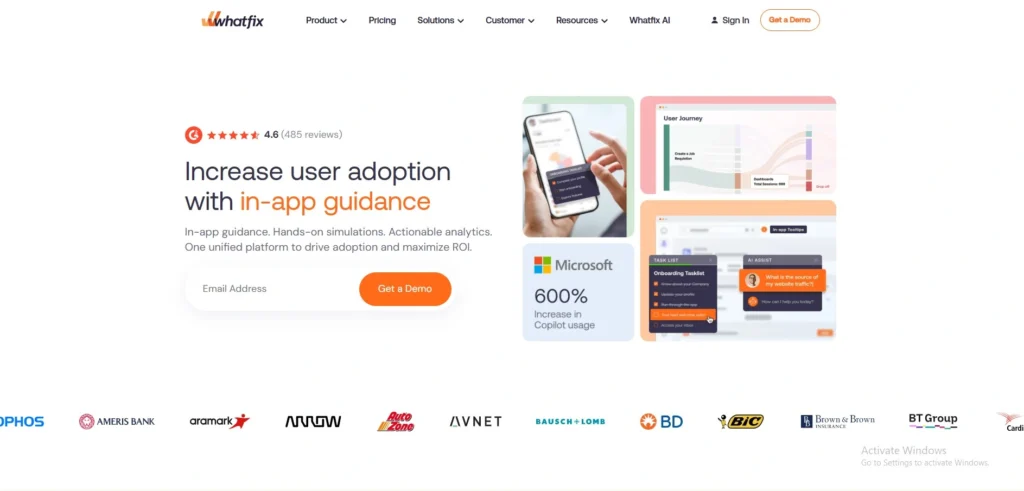
Whatfix is a top AI-powered digital adoption platform (DAP) designed to enhance web & software adoption, simplify training, and increase user productivity on the web, desktop, and mobile devices, making it one of the leading whatfix alternatives for enterprise teams.
It overlays interactive and contextual guidance directly on top of software interfaces, giving step-by-step guidance, in-app help, and self-support tools based on each user’s role and behavior. Whatfix’s Automation and Analytics capabilities streamline ticket handling, speed up onboarding, and decrease manual mistakes while also allowing organizations to automatically generate videos, PDFs, and slideshows from their training content.
Key Features
- Interactive in-app walkthroughs
- AI-powered self-help support
- Auto-generate training content
- User behavior analytics
- Multi-platform integration
Pros
- Lowers support tickets substantially
- Shortens user onboarding time
- Takes advantage of both web and desktop applications and mobile technologies
- AI rapidly tailors assistance to the individual.
Cons
- This product does not have a public price.
- Requires a sales conversation
- Best suited for enterprises
- This option is more expensive for smaller groups.
Pricing:
- Custom pricing
9. WalkMe

Website: https://www.walkme.com/
WalkMe is one of the enterprise-focused pendo alternatives. For one decade in 2011, WalkMe has become the industry leader and pioneer in Digital Adoption Platforms (DAP), making it a popular choice for teams comparing walkme alternatives to achieve the highest possible engagement, productivity, and ROI from their tech stack. It functions like a GPS for digital tools, appearing on top of any app, offering step-by-step walkthroughs, tooltips, a pop-up and real-time prompts that guide users through, especially intricate software, such as CRM or HR systems.
The platform has two primary use cases: employee onboarding and customer guidance, both for in-app and public-facing web applications—built without coding, via a visual no-code editor. In 2024, WalkMe was acquired by SAP for $1.5B and is now part of the SAP offering.
Key Features
- Visual no-code editor
- Step-by-step walkthroughs
- User segmentation targeting
- Built-in analytics dashboard
- Enterprise-grade security
Pros:
- GPS-like user guidance
- No coding required
- The analytics built in are strong.
- GDPR/CCPA compliant
Cons
- Steep pricing ($50K+)
- No free tier available
- Not SMB-friendly
- Custom quotes only
Pricing
- Custom pricing
10. Heap
website: https://www.heap.io
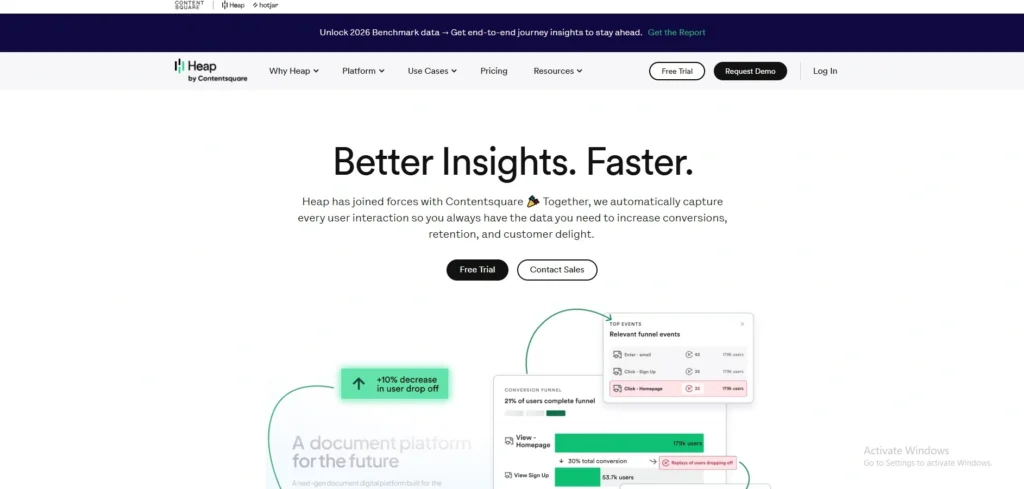
The only digital insights platform that automatically records all user interactions on your website or app without you needing to tag code by yourself is Heap by Contentsquare. It shows all user activity, uncovering “unknown unknowns” that can’t be seen using other analytics tools.
The platform allows users to perform retroactive analysis, allowing teams to define meaningful events without writing any code by clicking on UI elements within Heap’s interface. Its AI insight engine, Illuminate, leverages proactive behavioral data to identify statistically unusual behaviors, such as sudden drop-offs or actions that signal activation. Out-of-the-box, Heap enables complex web and mobile apps to be optimised with real-time reports and journey maps that show every trail users take through a product.
Key Features
- Events without code
- Retroactive analysis
- AI knowledge base
- Journey Maps visualization
- CoPilot plain-language queries
Pros
- Zero tagging maintenance
- 100% real-time reports
- Retroactive event definition
- No-code event creation
Cons
- High-cost support needed
- Chaotic data storage
- PII exposure risk
- Not cost-effective for large teams.
Pricing
- Growth: free
- Pro: custom
- Premier: custom
11. FullStory
Website: https://www.fullstory.com
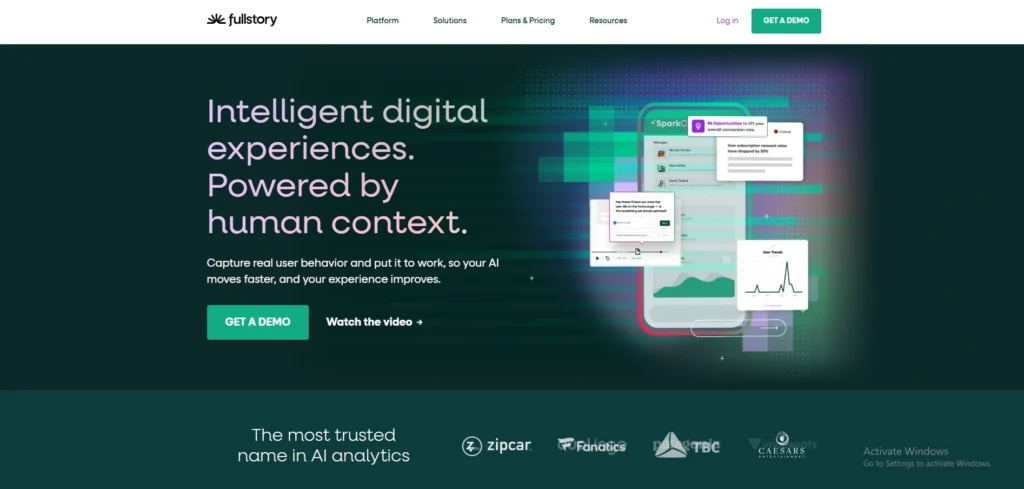
FullStory is an intelligent Digital Experience Intelligence (DXI) platform and one of the advanced pendo alternatives designed to record all user behavioural context and provide the team with the “why” behind user actions. It merges high-fidelity session replays with behavioural analytics, turning digital visits into actionable insights without teams having to define events beforehand.
The platform provides technology leaders with patented technology for unlocking quality behavioural data at scale, for better and more informed decision-making. FullStory helps enterprise businesses get closer to their customers by identifying frustration signals, doing retroactive event analysis, and generating AI-generated session summaries for quick review.
Key Features
- Pixel-perfect session replay
- Tagless autocapture
- Frustration signal detection
- Natural language search
- AI session summaries
Pros
- Comprehensive session data
- High-fidelity replay quality
- Responsive customer support
- Retroactive event indexing
Cons
- Expensive pricing plans
- This is due to the limited data retention policy.
- Can be slow/laggy
- Steep learning curve
Pricing:
- custom pricing
12. Smartlook
website: https://www.smartlook.com.
Smartlook is a digital experience analytics service that integrates session replay, heat maps, funnel analysis, and customer segmentation to provide insights into how a website or mobile application is used by customers. It provides a tag-less auto-capture of all user interactions, saving the product, marketing, and UX teams the time of manually configuring events to help them identify friction points faster, improve conversions and enhance the user experience.
With automatic data masking and GDPR support, Smartlook is easy to implement for companies that require actionable behavioral insights without the hassle of compliance concerns.
Key Features
- Real user session replaying
- Auto-generated heatmaps (click/move/scroll)
- No code funnel & event tracking.
- Custom user segmentation
- Privacy-first data masking
Pros
- Easy no-code setup
- Transparent pricing
- 30-day free trial
- Web + mobile support
Cons
- There isn’t a lot of help for hybrid apps.
- Basic advanced analytics
- Smaller integrations library
- Less enterprise features
Pricing:
- Smartlook starts at EUR 55/month
13. Glassbox

Website: https://www.glassbox.com
Glassbox is a digital customer experience analytics platform and one of the trusted pendo alternatives that receives and analyzes 100% of user interactions on sites/mobile apps. It was established in Israel (2010) and is now based in London, with specialisations in regulated sectors such as finance and healthcare, offering real-time session replay, AI-powered insights and analytics.
By providing businesses with a clearer view of their digital journeys, the tool enables them to optimise their digital experience, increase conversions, identify fraud, and enhance customer loyalty.
Key Features
- 100% session capturing
- Real-time session replay
- AI-driven insights
- Real-time alerts
- Mobile app analytics
Pros:
- This is the easiest to use (G2-rated)
- Highest satisfaction score
- Complete interaction visibility
- Strong fraud detection
Cons:
- There is no free version available.
- Enterprise-only pricing
- Six-figure annual contracts
- Requires sales engagement
Pricing
- Custom pricing
14. Gainsight PX
Website: https://www.gainsight.com
Gainsight PX is a cloud-based product experience platform for businesses to understand the experience of their users and improve product adoption. It discovers applications intelligently to remove manual efforts and lets teams know more about the users than just the surface numbers, using world-class product analytics.
The platform allows for analysis of adoption rate by feature, insights on user retention, cohort analysis, and sentiment analysis to grasp the “why” of users’ behaviours. Gainsight PX supports prioritizing roadmap decisions with customizable funnels, out-of-the-box widgets in the dashboards, and powerful filtering.
Key Features
- Automated product mapping
- Adoption analytics by feature
- Retention & cohort analysis
- Sentiment analysis integration
- Custom funnel creation
Pros
- Easy in App engagement setup.
- Out-of-the-box analysis tools
- Deep segmentation targeting
- Smooth Gainsight integration
Cons
- Expensive entry fees (~$500/user/mo)
- Limited coding flexibility
- The cost for small businesses is a challenge.
- Custom quoted pricing only”
Pricing
- Custom pricing
15. Userflow
website: https://userflow.com
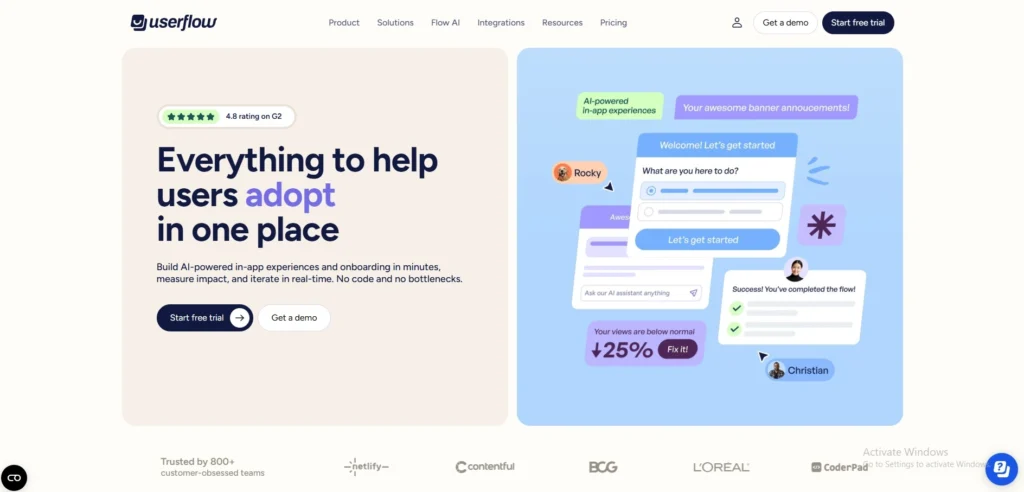
Userflow is a no-code product adoption platform and one of the user-friendly pendo alternatives, designed to build in-app onboarding tours, checklists, surveys and announcements without the engineering resources. It also includes a graphical Chrome extension builder to build flows on the live app and audience targeting using user attributes and behaviour, along with in-depth analytics on flow performance.
It’s built specifically for product-led growth teams who want to boost activation rates, shorten time to value and drive feature adoption with in-app messaging based on context.
Key Features
- No-code visual builder
- In-app product tours
- Audience targeting
- Checklists & surveys
- Flow analytics
Pros
- Easy no-code setup
- Unlimited team seats
- Strong audience targeting
- Great analytics
Cons
- As the cost of MAUs increases.
- No Mobile SDK support
- Limited advanced styling
- There are some times in the year when a visual builder conflict occurs.
Pricing
- Startup:$240/month paid annually
- Pro:$680/month paid annually
- Enterprise:Custom
Pendo vs Top Alternatives – Feature Comparison Table
Known for opaque sales-gated pricing that begins at $15k/year, Pendo is a powerful product experience platform with extensive analytics and onboarding capabilities. If you’re looking for a transparent pricing model, value, and modern no-code onboarding tools in 2026, here are 5 alternatives to look into: Kompassify (best value with full features at $129/mo), Userpilot (best analytics depth), Appcues (only option with native mobile support), UserGuiding (best for onboarding + knowledge base), and Intro.js (best for developers on a budget).
Here are some salient features of all platforms for comparison to make an informed choice:
| Feature | Pendo | Kompassify | Userpilot | Appcues | UserGuiding | Intro.js |
| G2 Score | 4.4 | 4.8 | 4.6 | 4.6 | 4.7 | 23.1K (GitHub) |
| Starting Price | $15k+/year (custom) | Free · $129/mo (Pro) | $299/mo | $750/mo | $249/mo | Free · $9.99 one-time |
| Transparent Pricing | No | Yes | Yes | Yes | Yes | Yes |
| Product Tours | Yes, all paid plans | Yes, Pro: 20, Business: Unlimited | Yes, Flows, guides, modals | Yes, Flows, modals, tooltips | Yes, Guides, tooltips, hotspots | Yes, code-based only |
| Onboarding Checklists | Yes, all paid plans | Yes, Pro: 1, Business: Multiple | Growth plan only | Yes, Essentials & Growth | Yes, Starter & Growth | Not available |
| NPS & Surveys | Branded on Base; unbranded needs Core+ | Yes, all plans included | NPS add-on on Starter; 30+ templates on Growth | Yes, all plans included | Yes, Starter & Growth | Not available |
| Product Analytics | Core+ for full depth | Yes, Business plan | Yes, Funnels, paths, cohorts (all plans) | Basic (no funnels/paths) | Basic (no funnels/paths) | Not available |
| Session Replay | Core plan+ | Not available | Add-on (Growth+) | Not available | Not available | Not available |
| User Segmentation | Yes, all paid plans | Yes, Pro & Business | Yes, all plans | Yes, all plans | Yes, Starter & Growth | Not available |
| No-Code Builder | Steep learning curve | Yes, Visual editor | Yes, No-code | Yes, No-code | Yes, No-code | Code only |
| Mobile App Support | Yes, iOS & Android | Web only | Add-on (Growth+) | Yes, Native iOS & Android | Web only | Not available |
| Free Plan | Yes, Up to 500 MAU | Yes, Up to 100 MAU | No free plan | No free plan | No product tours | Yes, Non-commercial |
| A/B Testing | Not available | Not available | Yes, Growth plan | Yes, Growth plan | Yes, Growth plan | Not available |
| Knowledge Base | Not available | Not available | Not available | Not available | Yes, Included | Not available |
| AI Assistant | Not available | Not available | Not available | Not available | Yes, Built-in | Not available |
| Multi-Language Support | Higher tiers only | Yes, Pro & Business | Yes, Growth plan | Not mentioned | Yes, Growth plan | Not available |
Conclusion
The bottom line of this article is that Pendo is a great tool, but not the only great tool, and many teams may have a better option from the available Pendo alternatives that is more user-friendly, cost-effective, and is more relevant to their actual needs. The right one will vary depending on what’s important to your team, including the price, ease of setup, analytics, web and mobile app support, onboarding and feedback features, and support. Therefore, it is better to thoroughly understand your options and choose the tool that offers the best value, ease of use, and functionality for your business especially if you are paying for more than you’ll ever need and/or the configuration is too complex.